Post pobrano z: Designer Trek
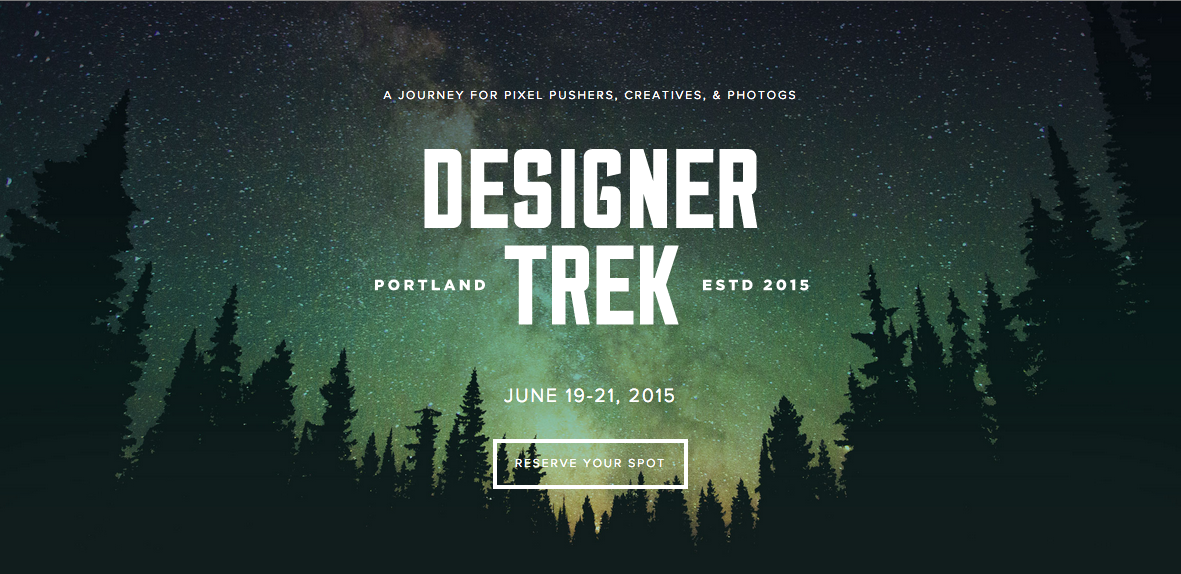
Post pobrano z: Designer Trek
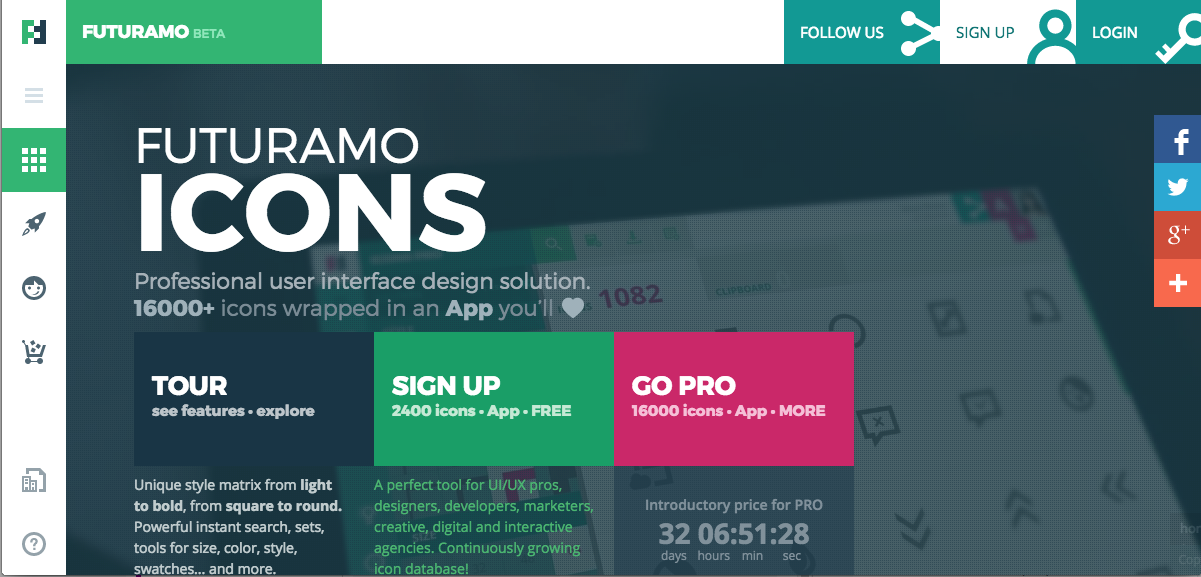
Post pobrano z: Futuramo Icons
Post pobrano z: The Imagination Machine
S7 Airlines’ The Imagination Machine used EEG-tech to turn brains into game controllers and allowed Russian travelers to fly a virtual plane to their dream destination using only the power of their imagination.
Post pobrano z: Alessia Corallo
Post pobrano z: White Night
Post pobrano z: ProtectWise
Post pobrano z: The Services And Tools That Should Code Your Designs
Our listing includes a number of excellent PSD to HTML conversion websites. Some provide a variety of different services, while others have core competencies in one or two areas of specialty.
Any one of them is in a position to make your development project a bit easier for you; quite a bit easier in many cases. Most offer conversions to Responsive code, a service that is rapidly growing in importance, especially for those who own or maintain a commercial website that needs to cater more heavily to the mobile crowd.
In any event, what you will find here generally covers the bases as far as converting design to code is concerned. It is our hope that you will find something of benefit to you, but in the off-chance you do not be sure to visit us again. We upgrade our list periodically in an effort to always bring the latest and greatest to your attention.

The need for Responsive HTML code is becoming a must in the world of Ecommerce, as the search engines are beginning to divert more attention on the needs of mobile device users. One of PSD to Manythings core competencies is the ability to quickly and precisely convert your Photoshop design into Responsive HTML. This software development company is just a little over 3 years old, yet it has already established itself as one of the premier companies of its kind in the industry.
PSD to Manythings is a full-service software development house that can provide support during any phase of your design and development project. Companies often grow in direct response to customer satisfaction, and this company has one of the highest ratios of repeat customers in the industry. Their core competencies extend to PSD to WordPress and Responsive WordPress conversions, and if you are need of PSD to E-Mail Newsletter, WooCommerce, or Joomla conversions, they will provide you with pixel perfect W3C compliant, squeaky clean code in those areas as well.

Chop-chop.org is another software development company that has only been on the scene for a few short years, yet they have established a sterling reputation for their performance in the area of PSD to HTML conversion. When they chop-chop your design, they don’t obliterate it. It’s merely their expression for slicing, which they do to near perfection. When their slicing and conversion activities are complete, normally within a reasonably short turnaround time, you can expect hand-coded, SEO-compliant, W3C valid markup, whether you request standard HTML or Responsive HTML code as the output.
Chop-Chop.org also excels in WordPress development support. They can in fact offer assistance during any phase of your website development project. When they are working with the material you submit it is always kept under strict NDA control. They offer 30 to 90 days of free support, and a 100% money-back guarantee if you are not satisfied.

If the green gator appears to look just a little self-satisfied, it is only because the staff at PSDGator enjoy their work, and they are justifiably proud of what they can accomplish. When you do business with this company, it’s not a matter of “you upload, and they convert and download.” They take the time to look over your project and your input.
They will tell you if you have forgotten something, or maybe offer a bit of friendly advice, so your project can move along smoothly. This extra effort can be a definite money-saver at times. The turnaround time is normally 48 hours or less, no matter if your PSD is being converted to standard or Responsive HTML. PSD to Responsive coding is becoming more and more necessary to satisfy the search engines, and it is one of PSDGator’s core competencies. They will be happy to make your entire website mobile-friendly if you ask them to.

You can submit your design in just about any standard image format, and Css4Me.com will deliver hand coded, pixel-perfect, SEO semantic, cross-browser compatible HTML/CSS or HTML5/CSS 3 markup. They can also integrate your code into open source CMS themes, skins, or templates, Shopping Cart solutions, or WordPress, Joomla, or Magento platforms. Describe your project to Css4Me and receive a free quote.

Direct Basing is yet another company on this list that will offer to slice and convert nearly any standard type of design file you send them. They will convert your design into either standard or Responsive HTML within a fairly quick turnaround time. They are even experts at providing responsive code for designs that do not include any responsive features or elements. Direct Basing claims to have the expertise to provide virtually any type of conversion you are looking for. Since they have successfully completed over 10,000 projects, their claim is no doubt a valid one.

Pixel2HTML is a highly experienced Front-End Development company, they are especially solid on the area of Responsive conversions. Their team can also help you creating Email Templates that work with Campaign Monitor and MailChimp. If you are looking for self managed sites, they can integrate your site with CMS such as WordPress, Shopify, Jekyll or Tumblr, just request a quote for them! Other than that, placing an order and following a project to completion with them is a straightforward, hassle-free process. A really nice company worth trying if you are looking for a good outcome.

A company having thousands of completed projects to its credit, and one that serves a large, global clientele, can definitely be trusted to convert your PhotoShop designs into markup that more than meets the industry standard for excellence. XTHMLized provides both front-end and back-end development support. In addition to converting PSD to HTML/CSS/JavaScript code, they provide Responsive and retina ready code if asked to do so. If you believe now is the time to upgrade your entire website to address the mobile crowd, they can help you there as well.

Reliable PSD is the latest undertaking of creative agency, Unexpected Ways. Their website states that they started Reliable PSD because they felt the current PSD-to-HTML / WordPress conversion services were severely lacking, in both quality and service. Based on their research, more than a few designers share their feelings. That’s why Reliable PSD features high-quality code written by a select, carefully-chosen group of coders. And they place great emphasis on service, stating, “Ask 10 questions, and you’ll get 10 satisfying answers. Write us on Monday, you’ll hear back from us on Monday… we want you to know that we care.”

CSSChopper converts PSD into pixel perfect HTML. So do most of the other software companies on this list. Where this company stands out however lies in their specialty; converting PSD into Responsive HTML. More and more website owners are finding the move toward Responsive HTML critical to their business, or their clients’ businesses. They will convert your website or your Email templates to Responsive if you ask for their assistance in doing so. Just tell them what you would like to have done.

One of the nicer services this PSD to HTML company provides is free consultation. SLICECROWD invites you to discuss your project with them in detail to arrive at right price for the quality you want, rather than relying on a per-page price, and hoping all goes well. You can also visit their website for an overview of their workflow process. It’s not hidden in a black box.

Xhtmlchop.com offers a full range of PSD to HTML services including PSD to Responsive HTML, PSD to Email and Responsive Email, PSD to Mobile. They also convert HTML code to Responsive code, PSD to WordPress and Responsive WordPress. Magento development is also among their premier services. Xhtmlchop.com has more than 50,000 projects under its belt and has served over 8,000 clients.

HTMLcut has over 10 years of experience in the industry. Consequently, they will most definitely understand your PSD to HTML conversion needs. Their services include PSD to HTML5/CSS3, Responsive web design, Social Widget implementation, and much more. They are also expert at JavaScript/AJAX coding and perform WordPress/CMS theme installations, and they will be happy to assist you with your back-end or mobile programming needs. HTMLcut adheres to W3C standards and they support a global clientele.

w3markup provides the standard HTML/CSS, Website, and Email conversions. The company has been in business for more than 7 years, and during that time has completed over 5,500 PSD to HTML, Ecommerce, CMS, and Email projects. Their code is always cross-browser compatible. The w3<markup> order forms feature drop down menus that assist you in customizing your order, and making it easier for you to know the exact price before shipping it off.

HTMLPanda is a well-known company that can easily satisfy your PSD to standard HTML conversion needs, but like several other companies on this list, their specialty is PSD to Responsive HTML, and PSD to Mobile Website. Changes in search engine algorithms to better satisfy the mobile crowd make HTMLPanda offer improved services. They are in fact, well positioned to assist you during any part of your software development process.

CSS3Ps is a free PhotoShop plugin and a cloud-based service that converts PhotoShop layers to CSS3, SCSS, and SASS in a matter of seconds. PhotoShop itself can be a highly useful tool for creating a website, but converting drop shadows, glow, textures, and other effects to code can be a challenge. The plugin is fairly simple to work, and their website will take you through a step by step process before you download.
If your design conversion needs are pretty basic, there are plenty of good choice in this listing, plus most of the companies specialize in other types of support as well. The CSS3Ps plugin will undoubtedly be of value to some, and we always attempt to include one such “tool” in our listings. Leave a comment with us if you have discovered something to your liking, or for that matter, if you have not.Advertisements:
ioDeck, a self-hosted and awesome PHP form generator.
Professional XHTML Admin Template ($15 Discount With The Code: WRD.)
SSLmatic – Cheap SSL Certificates (from $19.99/year)
Post pobrano z: Best Tutorials on SVG & CSS3 Animation
Once you understand the basics of CSS it’s natural to move onto more detailed subjects. Animation is one such area which has been quite complicated until recently. CSS3 allows frontend developers to animate subjects without any JavaScript whatsoever. SVG images can be used with CSS3 to create stretchy and vectorized animations. The following tutorials should get you on the right track towards mastering SVG animation with CSS.


Advertisements:
ioDeck, a self-hosted and awesome PHP form generator.
Professional XHTML Admin Template ($15 Discount With The Code: WRD.)
SSLmatic – Cheap SSL Certificates (from $19.99/year)
Post pobrano z: Free Open Source Icon Web Fonts for Designers
Most modern web browsers support the latest CSS3 properties and have seen a growing adoption by audiences around the world. Web fonts are quite popular and only getting easier to include in a typical HTML5 website. But one of the best solutions with this newer technology would be icon web fonts.
Web designers can include fonts made with icons to embed scalable icons into any layout. This gallery below includes 15 free open source icon web fonts you can download and use in any project(s). New icon fonts are released every year and it has become a very popular means of achieving clean user interface design.


Advertisements:
ioDeck, a self-hosted and awesome PHP form generator.
Professional XHTML Admin Template ($15 Discount With The Code: WRD.)
SSLmatic – Cheap SSL Certificates (from $19.99/year)
Post pobrano z: Learn How To Use Pre-Made Layouts To Deliver Great WP Websites Faster
Teams are no longer popular and it has been found that working in one can be unproductive sometimes. When you need to stay in contact with an individual for one process, as well as with another individual for a different one, it can be difficult to have a fast process of delivering the product to your client.
It is for this reason why web designers who are based in solution orientated processes are now focusing on a role that involves being a one-man operation. This can be achieved via themes that revolve around multipurpose techniques and these involve layouts that are pre-made and which make everything better and faster.

How a multipurpose WordPress theme can help you with your productivity
In the modern day and age there are many good web designers, so competition is fierce. This means that designers are often fighting for the same set of clients, as well as the same type of attention and technology.
They are also focused on delivering the same level of results so it is important that you focus on an individual strategy that will make you stand out. This means that you need to have the mentality of a soldier in terms of discipline.
This article will give an outline of the habits that a high quality web designer should have if they are to be successful in this niche.
Creativity should be thought of like a muscle that needs to be trained. The designer needs to train this muscle on a regular basis and should focus on practicing their skills every day. This can be achieved via several different ways and may involve staying up-to-date with design trends, as well as reading a lot of design articles, tips and tricks, tutorials and guides.
It is also important to think about high quality WordPress themes that you can use and are highly intuitive, if you wish to create great websites that have great user interface and usability.
With Be theme, you are offered a wide selection of layouts that are pre-made and that you can adapt easily to the expectations of your client.

It is extremely simple and easy to create a pre-made layout
Once you have clicked on the demo data for the Be theme, you will have access to a drag and drop menu that you can use to select a demo of your choice.

You can then edit these pages like any other pages, once they have been imported.

Here are several reasons to why you should choose Be:
– A special visual editor known as the Muffin Builder comes with Be and allows you to edit and update logos, colors, favicons and many more with ease.
-Included are six grid layouts which will help you save money and time when you are building a high quality responsive website.
-This can be especially useful for those designers who don’t have much coding experience an want to create a website.
-You will be able to build wonderful WordPress websites that are beautiful because it is simple to use and the WP theme does half the work for you.
Websites created with Be Theme


It can be a good idea to take a look at examples of different websites that have been created with Be Theme so that you can understand what you can create for your clients.
No matter what business your client is involved in, they should have a stunning website. Whether it is a startup or a whiskey distillery, the website needs to showcase the company and its products with a beautiful interface.
Here are some of the other great features that Be Theme has
-Pre-made layouts that are fully customizable (over 90 are available)
-High quality editing tools such like Visual Composer and Muffin Builder

-Access to over 200 shortcodes that users can use easily
-10 different layout styles and 6 different versions of grids to enjoy
-SEO compatible,to help you rank well in search engines
-Installation that is easy and one click away
Everything is smoother and faster when you use Be. It is a WordPress theme that is flexible and will help you create websites that look great. It will avoid you getting into problems such as the worry that you may not have enough experience to design a website within a specific industry, as well as the worry that you are working on too many projects at once.
Be is designed to help you create a one-man web designing experience for your clients.
 Advertisements:
ioDeck, a self-hosted and awesome PHP form generator.
Professional XHTML Admin Template ($15 Discount With The Code: WRD.)
SSLmatic – Cheap SSL Certificates (from $19.99/year)