Kids and their toys. The joy and worst nightmare for a parent. You never know where that small soldier or that action figure can end up. Nose, ear, mouth. For whatever your little explorer tries to do, you better be prepared. Red Cross Romania offers First Aid Training Courses specifically designed to address common situations with toddlers. Because if their heroes disappear, another hero needs to step in.
Be the hero when their heroes hide away. Red Cross, First Aid Courses for Parents.
Kids and their toys. The joy and worst nightmare for a parent. You never know where that small soldier or that action figure can end up. Nose, ear, mouth. For whatever your little explorer tries to do, you better be prepared. Red Cross Romania offers First Aid Training Courses specifically designed to address common situations with toddlers. Because if their heroes disappear, another hero needs to step in.
Be the hero when their heroes hide away. Red Cross, First Aid Courses for Parents.
IKEA ME & WE IKEA tackles the battles at home Sharing is the universal truth that unifies all homes. Who has never had their family wait in line outside the bathroom door because a sibling is taking too long getting ready. Who has never felt that stab of panic when the living room’s a mess and the guests are knocking on the door. Who have never fought with their partner over carpets or colors when moving in. The list goes on. We’ve all been there. For the global launch of this year’s catalogue, IKEA shines a light on the phenomenon with a film that’s a full-blown opera. The plot of the film consists of relatable everyday situations where a variety of people balance me- and we-time. Thanks to its opera-style, it strikes a humorous tone, yet sparks a relevant discussion in an age where spaces are getting smaller and digital solutions erase the boundaries between work and relaxation – how much of my time do I dedicate to myself, how much do I dedicate to being together and how do I find balance. “Balancing me-time and we-time is something that has always been around, but which is getting increasingly important. We constantly work with creating home solutions that allow for a balance between the two. Because no matter how much in love we may be, or how much of a social animal we are, we need both privacy and togetherness.” – Says Morten Kjaer, Creative Director at IKEA Creative Hub. We must all balance me-time and we-time as we see fit. But we can count on IKEA to help us get there, with home solutions that allow for both.
IKEA ME & WE IKEA tackles the battles at home Sharing is the universal truth that unifies all homes. Who has never had their family wait in line outside the bathroom door because a sibling is taking too long getting ready. Who has never felt that stab of panic when the living room’s a mess and the guests are knocking on the door. Who have never fought with their partner over carpets or colors when moving in. The list goes on. We’ve all been there. For the global launch of this year’s catalogue, IKEA shines a light on the phenomenon with a film that’s a full-blown opera. The plot of the film consists of relatable everyday situations where a variety of people balance me- and we-time. Thanks to its opera-style, it strikes a humorous tone, yet sparks a relevant discussion in an age where spaces are getting smaller and digital solutions erase the boundaries between work and relaxation – how much of my time do I dedicate to myself, how much do I dedicate to being together and how do I find balance. “Balancing me-time and we-time is something that has always been around, but which is getting increasingly important. We constantly work with creating home solutions that allow for a balance between the two. Because no matter how much in love we may be, or how much of a social animal we are, we need both privacy and togetherness.” – Says Morten Kjaer, Creative Director at IKEA Creative Hub. We must all balance me-time and we-time as we see fit. But we can count on IKEA to help us get there, with home solutions that allow for both.
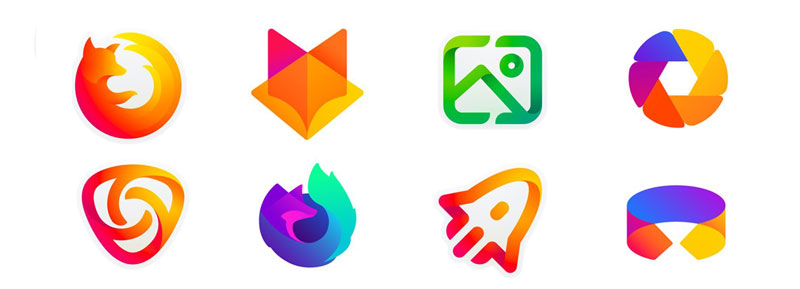
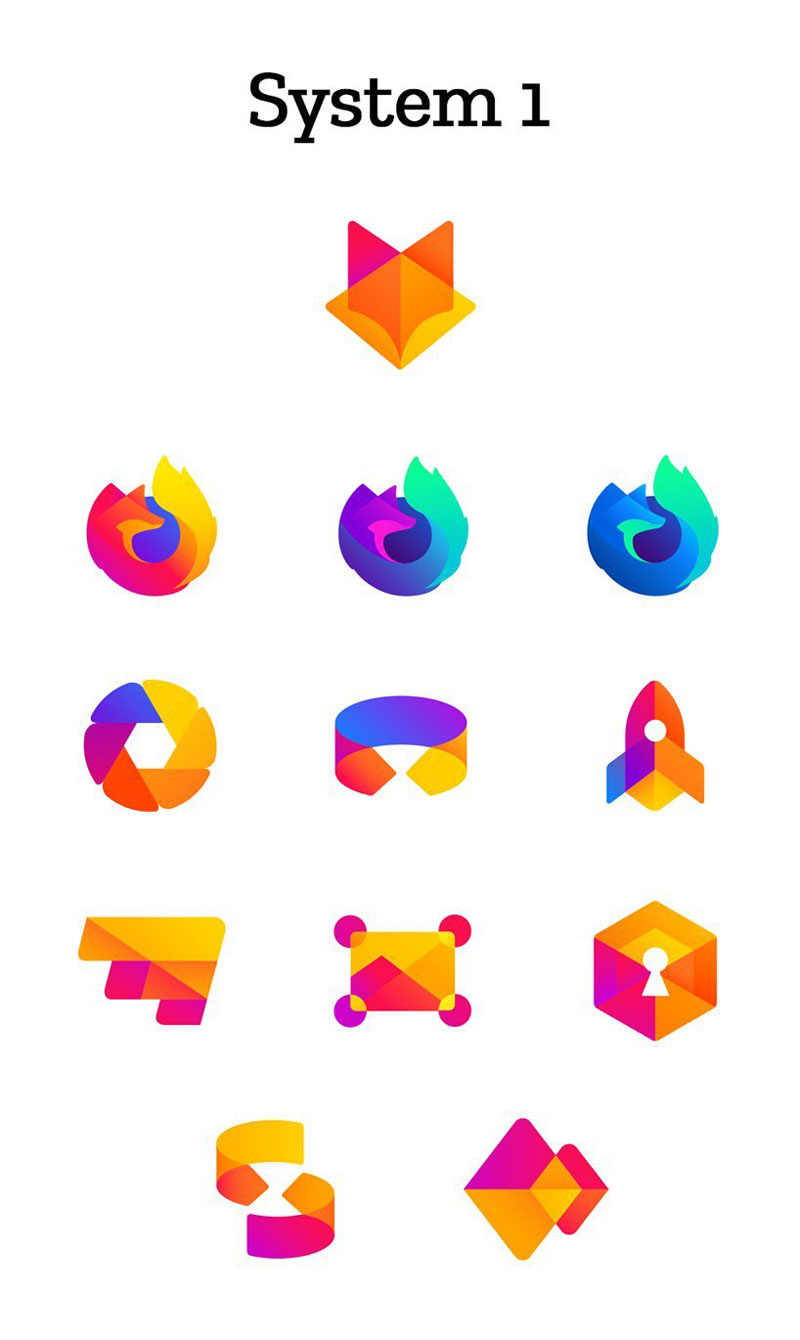
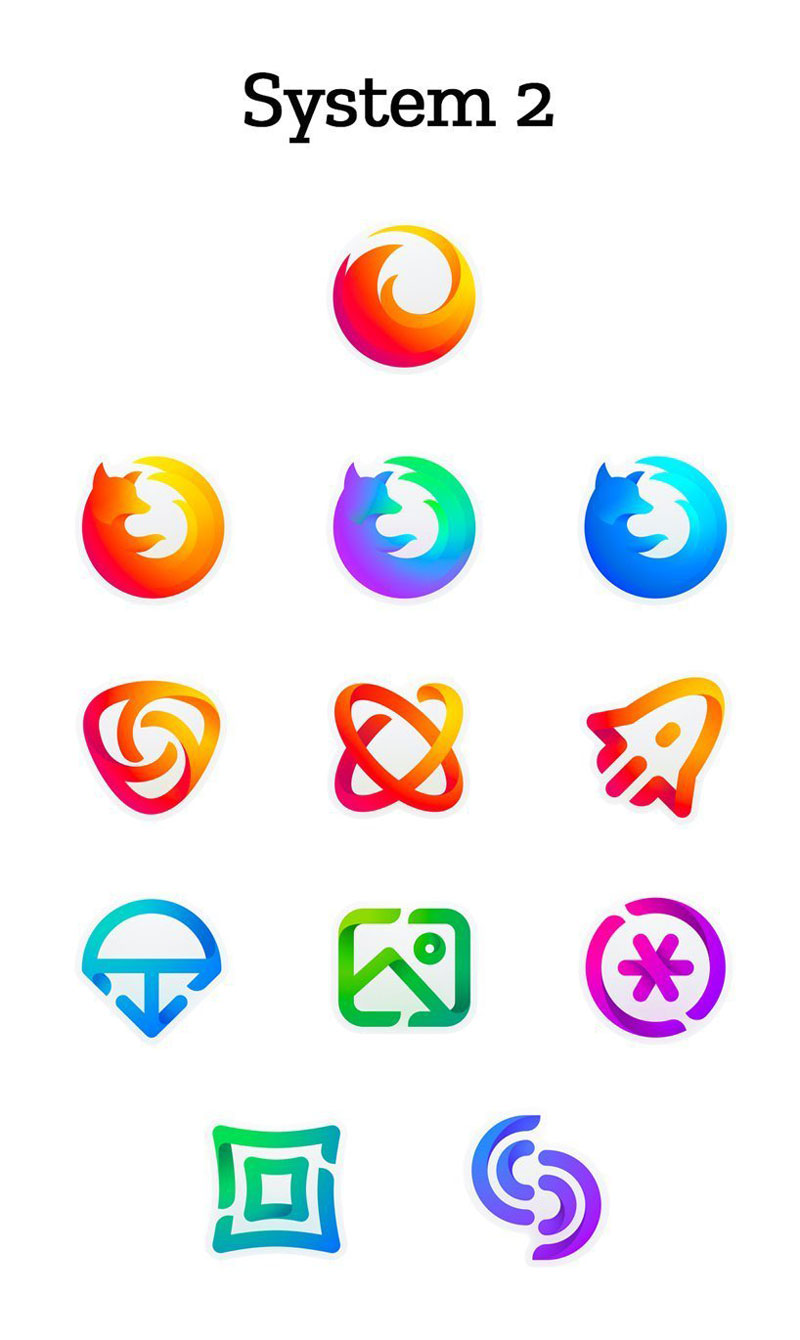
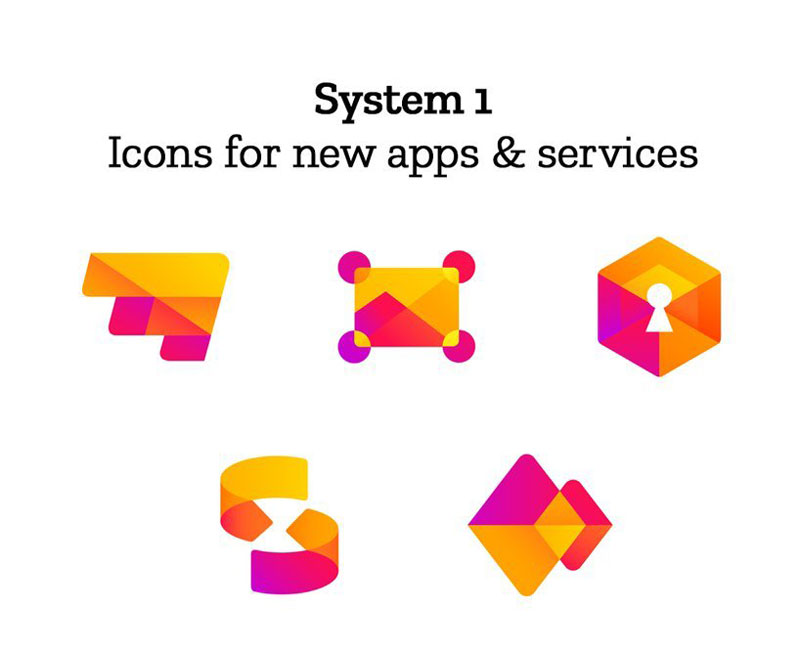
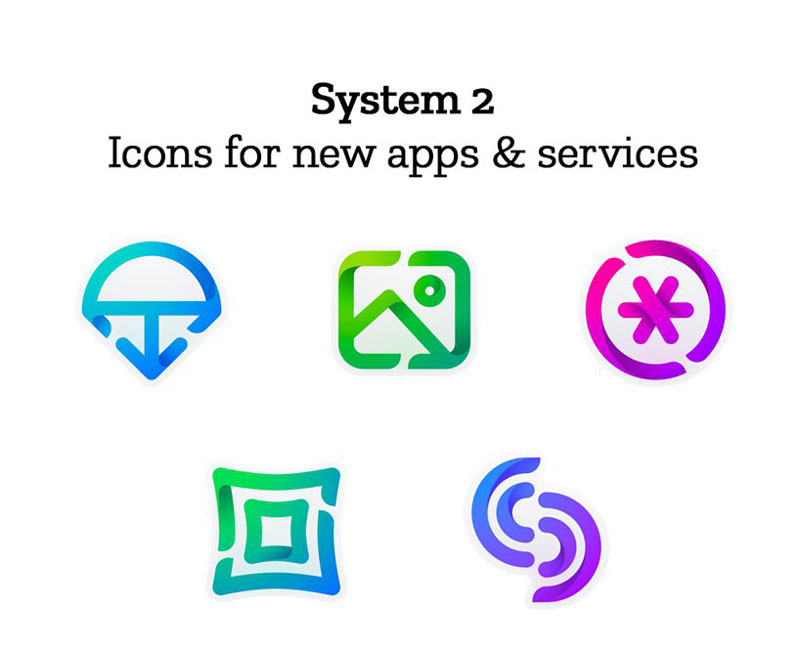
Mozilla didn’t change the Firefox logo for a very long time. Actually, the free and open-source browser uses the same logo since its launch in 2002. Things are about to change, the company is working on a new logo, a new design system to be more accurate.
As it works on concepts, Mozilla wants to involve the users. You can make your views known by commenting this blog post by Tim Murray, the creative director at Mozilla.
Mozilla didn’t change the Firefox logo for a very long time. Actually, the free and open-source browser uses the same logo since its launch in 2002. Things are about to change, the company is working on a new logo, a new design system to be more accurate.
As it works on concepts, Mozilla wants to involve the users. You can make your views known by commenting this blog post by Tim Murray, the creative director at Mozilla.
Mozilla didn’t change the Firefox logo for a very long time. Actually, the free and open-source browser uses the same logo since its launch in 2002. Things are about to change, the company is working on a new logo, a new design system to be more accurate.
As it works on concepts, Mozilla wants to involve the users. You can make your views known by commenting this blog post by Tim Murray, the creative director at Mozilla.
Time to improve your workflow a bit with a collection of wonderful design tools.
1. Layrs Control 2
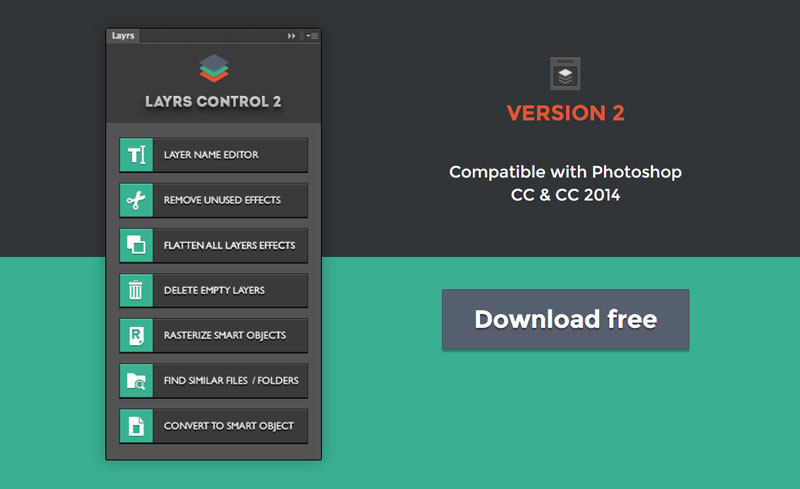
Layrs Control 2 is a free collection of Photoshop scripts that will make your image editing work easier, for example by allowing you to delete all empty layers with just a click. Layer management in Photoshop can become quite tedious when working on more complex projects, this scripts package is a welcome tool in that regard.
2. Size Marks
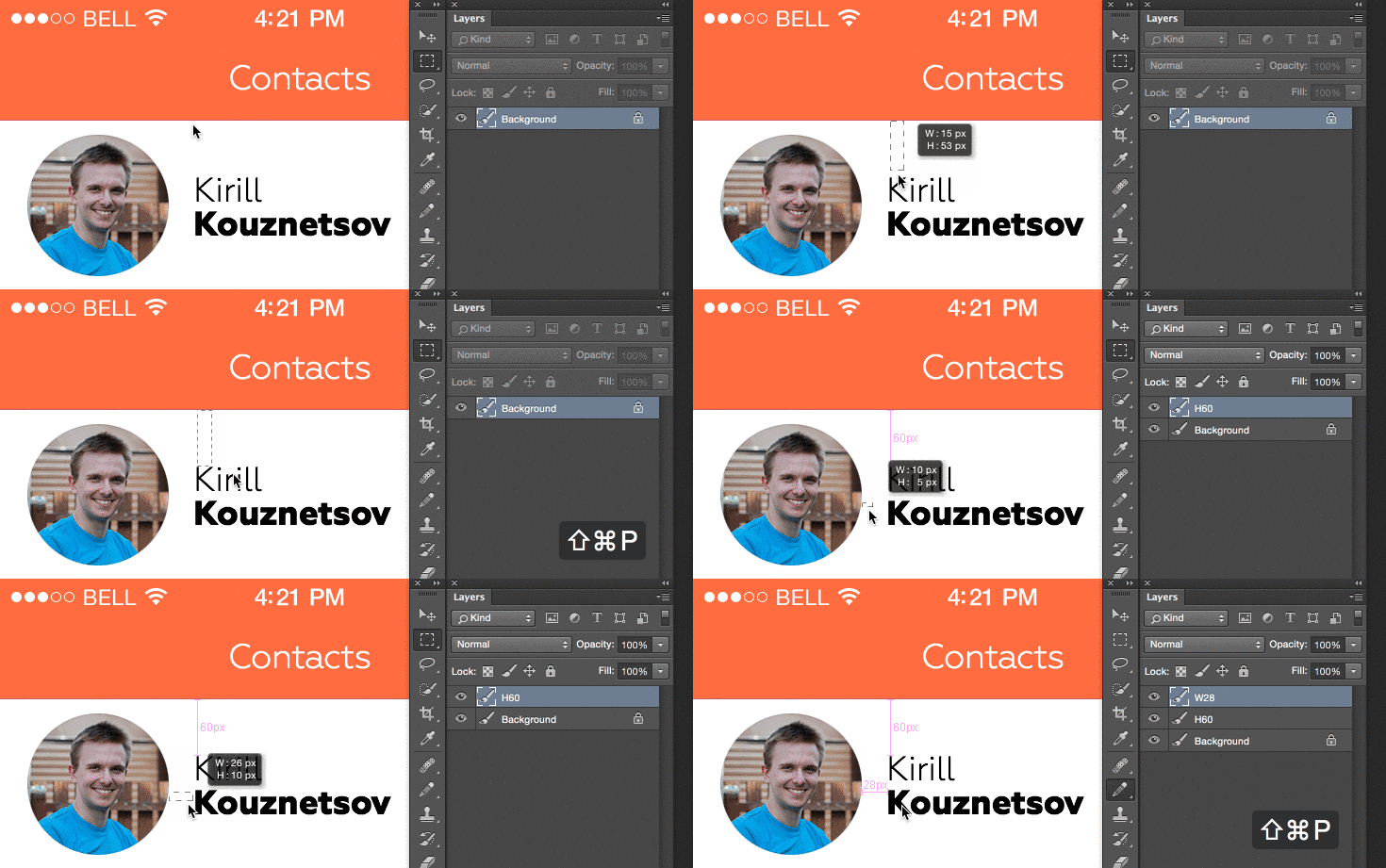
If you use Photoshop for creating website mockups, check Size Marks, a cool Photoshop script that converts rectangular marquee selection into a measurement mark.
3. Font Awesome PS
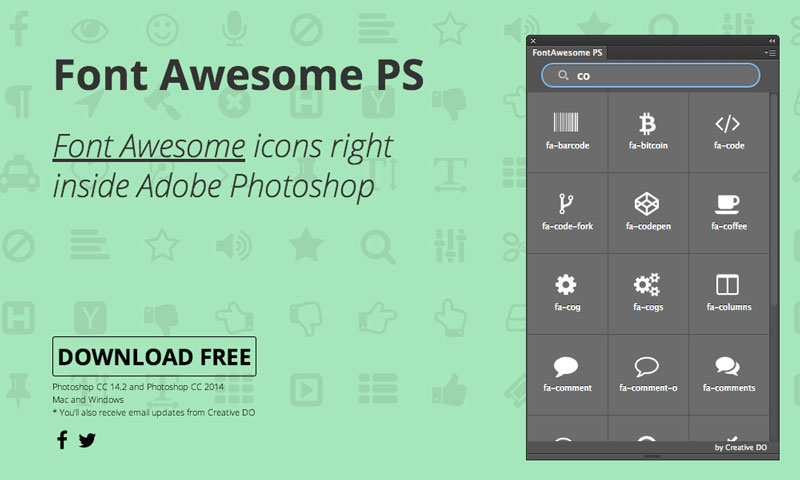
Font Awesome is already insanely useful for web designers to quickly embed icons into a web design. It gets even better with this Photoshop extension that allows you to use Font Awesome directly into Photoshop.
4. Social Kit Pro
Not free, but insanely cheap for the time it will save you, SocialKit Pro is a set of social media images templates. It comes as a kit of Photoshop templates, and even allows you to quickly create social media ads.
5. PSDDD.co
PSDDD.co is a resource site specialized in everything Photoshop and Sketch: templates, fonts, icons, mobile UI kits, photos, plugins,…
6. Velositey
Design website prototypes in seconds inside Photoshop, thanks to the set of tools provided by Velositey.
7. No More Banding
A set of Photoshop technique bundled into a single action to say good bye to banding in your Photoshop compositions. Make sure to read the explanations before you use it.
8. Gridzzly
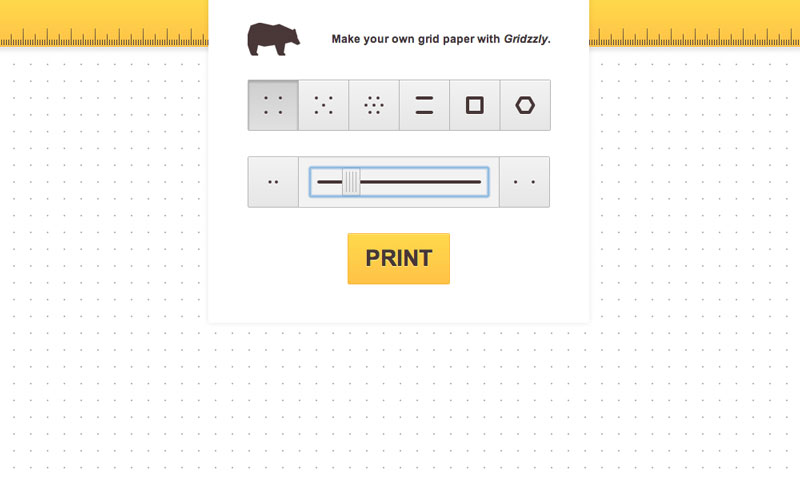
The kind of resource that I wouldn’t have thought of googling. A developer had the excellent idea of creating this cool tool that lets you design your own grid paper to print.
9. Cut&Slice me
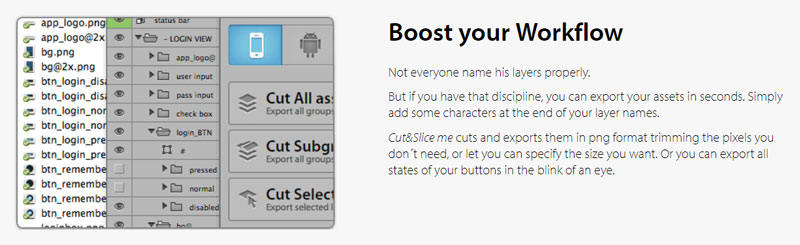
Export all your assets to various devices and save tons of time. Cut&Slice me allows you to improve your workflow by just naming your layers.
10. Make App Icon
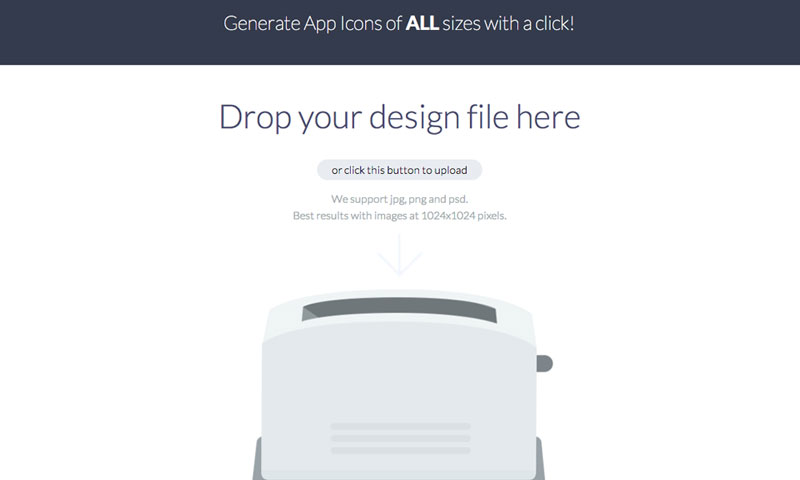
If you ever had to resize an icon for all Android and iOS formats, you know how time-consuming it can get. This app saves the day by prividing you with a simple tool that exports your icon in all formats at once.
Time to improve your workflow a bit with a collection of wonderful design tools.
1. Layrs Control 2
Layrs Control 2 is a free collection of Photoshop scripts that will make your image editing work easier, for example by allowing you to delete all empty layers with just a click. Layer management in Photoshop can become quite tedious when working on more complex projects, this scripts package is a welcome tool in that regard.
2. Size Marks
If you use Photoshop for creating website mockups, check Size Marks, a cool Photoshop script that converts rectangular marquee selection into a measurement mark.
3. Font Awesome PS
Font Awesome is already insanely useful for web designers to quickly embed icons into a web design. It gets even better with this Photoshop extension that allows you to use Font Awesome directly into Photoshop.
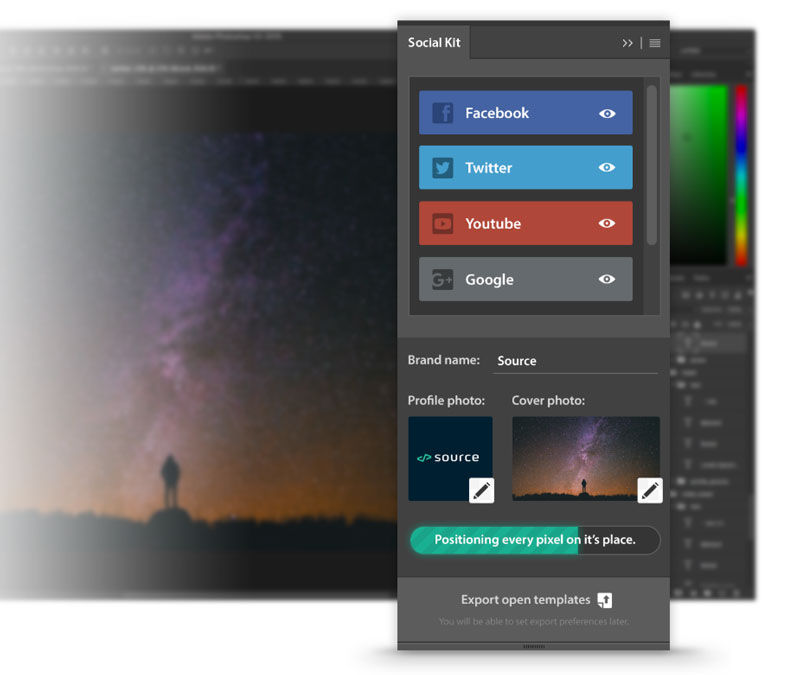
4. Social Kit Pro
Not free, but insanely cheap for the time it will save you, SocialKit Pro is a set of social media images templates. It comes as a kit of Photoshop templates, and even allows you to quickly create social media ads.
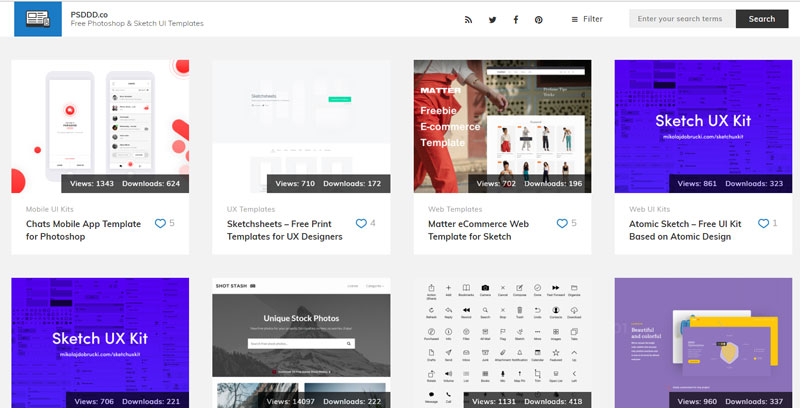
5. PSDDD.co
PSDDD.co is a resource site specialized in everything Photoshop and Sketch: templates, fonts, icons, mobile UI kits, photos, plugins,…
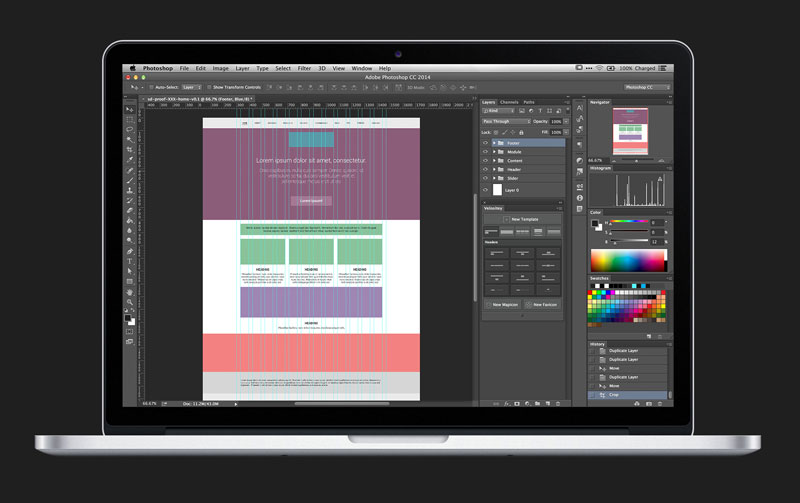
6. Velositey
Design website prototypes in seconds inside Photoshop, thanks to the set of tools provided by Velositey.
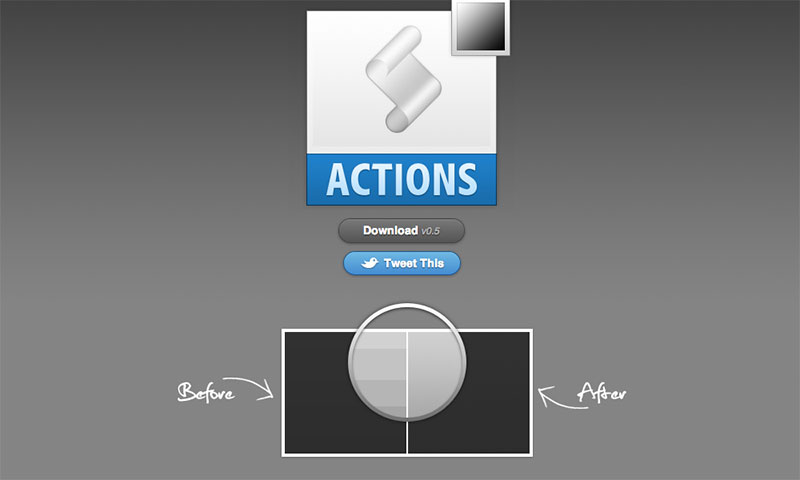
7. No More Banding
A set of Photoshop technique bundled into a single action to say good bye to banding in your Photoshop compositions. Make sure to read the explanations before you use it.
8. Gridzzly
The kind of resource that I wouldn’t have thought of googling. A developer had the excellent idea of creating this cool tool that lets you design your own grid paper to print.
9. Cut&Slice me
Export all your assets to various devices and save tons of time. Cut&Slice me allows you to improve your workflow by just naming your layers.
10. Make App Icon
If you ever had to resize an icon for all Android and iOS formats, you know how time-consuming it can get. This app saves the day by prividing you with a simple tool that exports your icon in all formats at once.
Time to improve your workflow a bit with a collection of wonderful design tools.
1. Layrs Control 2
Layrs Control 2 is a free collection of Photoshop scripts that will make your image editing work easier, for example by allowing you to delete all empty layers with just a click. Layer management in Photoshop can become quite tedious when working on more complex projects, this scripts package is a welcome tool in that regard.
2. Size Marks
If you use Photoshop for creating website mockups, check Size Marks, a cool Photoshop script that converts rectangular marquee selection into a measurement mark.
3. Font Awesome PS
Font Awesome is already insanely useful for web designers to quickly embed icons into a web design. It gets even better with this Photoshop extension that allows you to use Font Awesome directly into Photoshop.
4. Social Kit Pro
Not free, but insanely cheap for the time it will save you, SocialKit Pro is a set of social media images templates. It comes as a kit of Photoshop templates, and even allows you to quickly create social media ads.
5. PSDDD.co
PSDDD.co is a resource site specialized in everything Photoshop and Sketch: templates, fonts, icons, mobile UI kits, photos, plugins,…
6. Velositey
Design website prototypes in seconds inside Photoshop, thanks to the set of tools provided by Velositey.
7. No More Banding
A set of Photoshop technique bundled into a single action to say good bye to banding in your Photoshop compositions. Make sure to read the explanations before you use it.
8. Gridzzly
The kind of resource that I wouldn’t have thought of googling. A developer had the excellent idea of creating this cool tool that lets you design your own grid paper to print.
9. Cut&Slice me
Export all your assets to various devices and save tons of time. Cut&Slice me allows you to improve your workflow by just naming your layers.
10. Make App Icon
If you ever had to resize an icon for all Android and iOS formats, you know how time-consuming it can get. This app saves the day by prividing you with a simple tool that exports your icon in all formats at once.
Agregator najlepszych postów o designie, webdesignie, cssie i Internecie