Poignant and visually arresting, the Teddys depict the unbearable itch and pain that is felt by children with CLD, while still serving as adorable bears that you want to care for. The campaign successfully highlights the ineffectiveness of symptom management and addresses the impact that these treatment failures can have on patients like the Teddys.
During Finland’s restaurant lockdown McDonald’s wanted to remind people that their favorite meals are still available through Take away, Drive-in and McDelivery. Because home is the safest place to enjoy McDonald’s, Nord DDB Helsinki created a set of ads where mail slots took the shape of your favorite McDonald’s items. Whether or not these mail slots will be adapted to real life remains to be seen.
Advertising Agency:NORD DDB HEL, Helsinki, Finland
Hershey Salutes the Artistic Spirit of Women in Latest 'Her/She’ Work A music video, new packaging and more. Building on its „Her/She” campaign from last year, where iconic women appeared on Hershey’s chocolate bar packaging for International Women’s Day, BETC Havas São Paulo released „She Dreams” and „Her Dream.” This time, the packaging exhibits eight woman artists. The work includes a music video for musician Yzalú—who appeared in last year’s campaign—singing „Qual Teu Sonho?” („What’s Your Dream?”). It features women in various states of creation, and is diverse in a multiplicity of satisfying ways. The artists who appear in the work are breakdancer Aline Constantino, who considers dance an art of social transformation; Filipa Aurélio, who photographs the Brazilian independent music circuit; Luz Ribeiro, an author, slam poet and member of the theater group Collective Self-Defense; illustrator Amanda Lobos; Afrofuturist graffiti artist Regina Elias Ziza; poet and cultural producer Carolina Peixoto; singer/songwriter Indy Naíse; and embroiderer Mitti Mendonça, whose Black Hand seal continues an embroidery tradition that has circulated her family for nearly 100 years.
Shot indoors in an atmosphere that evokes the feelings of quarantine life, “The Wait” is a film made for Sidaction (the renowned French charity fighting against AIDS); created by WNP, directed by Ben Lacour (BIRTH), and narrated by French actress Mélanie Doutey. Due to a recent drop in HIV testing caused by COVID-19, the film stresses that for the first time in a long time, the world faces a heightened risk of the epidemic’s resurgence – a grim and unsettling reality that urgently calls for new donations. Because after a year of being on hold, the fight against AIDS can’t wait another twelve months, or even another day.
When writing a document or creating any content, you have to make it appealing to your audience. Doing so helps draw attention to the finer details of your content and deliver the required message.
People in different industries, such as marketers, realtors, and fund managers, always send the document to prospects to try and connect with them. Sending the documents isn’t a problem as there are mail, email, and newsletters that enable them to reach many prospects.
The main challenge always arises in getting the prospects to read your document or pick it out from the pile of email messages sent to them. Making your document standout has significantly been solved by faxing and mail as it avoids the spamming and crowding that emails bring. But even if you send fax online or through other forms, you still need to make it stand out for the target to read.
Here are some creative ways to make your document appealing and engaging to any reader:
1. Use Headings And Subheadings
Headings or topics are what summarizes what the content of the document is about. Your topic should be engaging so the reader will be curious about the article’s contents, enticing them to read it. On the other hand, subheadings will help section your document, helping you avoid a long format content, which will look boring. With subheadings, a reader who wants to skim through the document can quickly identify the points, which will make them read if they’re good.
In cases where you’re sending a fax through an email or just a direct email, always ensure to clearly state the subject of the document in the subject line. This helps the target to identify the document and its importance. An email without a subject line can be passed as spam or assumed as it doesn’t state what it’s about.
2. Use Typography Elements
Typography elements include fonts, colors, and styles used in texts. For example, if you want to bring attention to a quote, you can bold it, italicize, or highlight it. This will make readers concentrate on the section around the highlighted text. Also, you can use different font texts on your topics and heading from the ones used on the main body of the document. The headings should also be bolded to stand out.
Apart from font sizes and types, other important typography tips include font colors too. Colors are a great option to bring attention to a particular part of a document. You can then make comments about what the different colors indicate so that readers can understand.
3. Use Visual Objects
Visual objects represent information that can’t be explained in words or need further clarification through graphs, charts, pictures, and infographics. These visuals are easy to understand as, most of the time, they’re made distinct through colors. Hence, readers can easily pick up data points from them. Other than making different points distinct, the colors also improve the appeal, making the charts look beautiful, attracting attention.
So, instead of very long paragraphs that can be hard to follow through, it’s advisable to use visual cues to break down information that could be difficult to understand.
4. Use Short Paragraphs And Listings
Most readers will agree that it’s hard to follow through with long paragraphs and the essence of the document. Therefore, you need a structure that makes your content easy to follow and understand for readers. You can achieve this by breaking long paragraphs into shorter ones. You can also use shorter sentences that are straight to the point.
In addition, you can use numbering and bulletins to highlight points, especially those that should be on a list. Readers can easily concentrate on those points without having a problem finding the main talk points of the document. In long-form format, you should include a table of contents that indicates what part and page a particular section are in. This becomes easy for readers to find information.
5. Test The Quality
After you’ve created an online document, even after you feel it’s visually appealing and will stand out, you need to test if it meets the required standard. The first step is to make sure you’ve answered the main objective of the document. Why were you creating the document, and for whom? If the documents meet these, you can pass them through an editorial procedure to remove errors and ensure consistency in style. After passing these steps, you can send it.
Conclusion
Every day, different people always upload or send their documents online. One person can receive more than 30 documents in their inbox, and yours has to stand out among the rest. Therefore, you need to be creative in how you’ve presented your document so once it’s opened, the reader won’t bounce off quickly.
These creative ways can help you create appealing and engaging content. However, be keen to ensure that you don’t overdo it to a point where your document loses relevance.
Whether you are building a bridge, a house, or a website, it doesn’t matter how good your plans are if you don’t have the best design tools for the job. The task could take longer, the results could be substandard, or the project could fail completely.
We have assembled this collection of 15 top tools, services, and resources for designers for 2021. The primary reason is to help you build a successful online presence for your business and build upon an existing one. Or simply improve upon an existing business-related process.
We believe that you will find one or more of the following products and services useful. They will be not only beneficial but possibly a game changer for your business or the quality of the product you are creating.
BeTheme is limitless in terms of its website-building capabilities and the quality and performance characteristics it embeds in the software products it is used to create.
The reason lies in its 40+ core features, including its library of 600+ professionally-crafted, responsive, and customizable pre-built websites.
These pre-built websites cover 30+ industry sectors and are complemented by other key core features such as the Admin Panel, Shortcode and Layout Generators, and the popular Muffin Builder.
The Muffin Builder is gone. The good news is that it has been replaced by Muffin Builder 3.
Muffin Builder 3 offers users an enhanced, more intuitive UI
It features an array of pre-built sections, 200+ shortcodes, and a variety of styling options
Layout revisions can be stored and restored, making it easy to customize content without losing information
Blocks or sections of content can be exported or imported
Be’s Theme Options 3 is also new. With this feature’s 600+ settings you can globally set the styles of your blog, portfolio, and shop pages.
Total is another WordPress theme that, because of its multiple style options and flexible page builder, does not place limits on the page layouts you create.
You can build a page from scratch if you prefer, but Total’s users typically take advantage of its selection of Theme Demos to get started. These easy to import Theme Demos address the following product types:
Business websites
Portfolio websites
One-page websites
Personal and Creative websites
eCommerce and Shop sites
Blog sites, and others.
Other Total Features:
Pre-designed Cards for styling posts and archives and displaying post entries
Live Customizer for changing site colors, section and column widths, and typography
WPBakery for front end and back end drag and drop page building
Dynamic Templates for customizing post type layouts
Click on the banner to find out more about why Total’s user base is 47,000 and growing.
Mobirise is an offline website builder that is perfect for creating small to medium size websites. It is a particularly good choice for non-technical types who would normally prefer to do their website-building visually.
Mobirise is offline, so you are not tied to a specific platform, and you can host your site anywhere you wish
4000+ website blocks together with 300+ home page templates are included. They have been created with the most recent web design trends in mind.
Mobirise’s many page-building features include everything from sliders, galleries, images, and videos, to Google maps, forms, and icons.
Google AMP/Bootstrap4 assures your website will be super-fast and 100% mobile
Mobirise is free for personal and commercial use
Mobirise users have created more than 1.5million sites to date.
Click on the banner to learn more about this #1 offline website builder.
The Trafft booking software app is still in an early stage of release. You can select to join as an early adopter if you would like to have the opportunity of contributing to this apps’ game-changing approach to what businesses’ booking and appointment managing tasks should look like.
Highlights include:
SMS and email notifications for appointments
Customizable booking forms
Employee assignment tracking and management
Start by signing up for the Early Bird plan for $5/month.
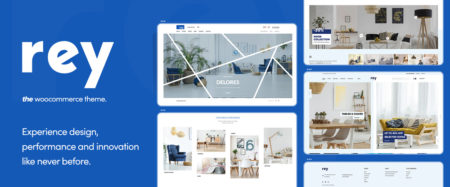
Rey’s integration with Elementor, WooCommerce, and the WordPress engine was most likely a main contributor to this highly modular WooCommerce theme’s gaining a reputation of being the best theme of its type in 2020.
Rey features an impressive array of customizing options
Rey’s authors placed a strong emphasis on performance
Rey’s design is modern, classy, and SEO friendly
Rey’s eCommerce custom features and tools are designed to do the job right
GOODIE provides web development services for businesses and individual web designers who need to get a website reliably coded and quickly up and running or have other reasons to connect with professional developers to complete a task.
GOODIE specializes in personal and small business and eCommerce website development and custom website design.
Other GOODIE specialties include website maintenance, responsive email development, and front-end development
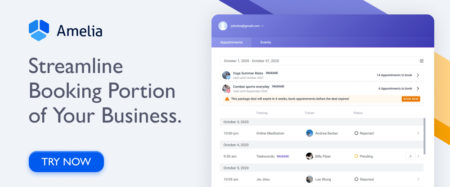
Amelia automates and manages appointments and events. In doing so, this application plugin saves businesses and their clients significant amounts of time.
Clients can make, change, or cancel appointments online 24/7
Amelia can manage bookings at multiple business locations and unlimited number of events
Amelia tracks and manages employee assignments and work availability schedules
Amelia can integrate with Zoom and Google meet for consultation or training purposes
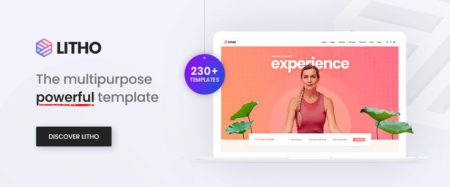
The Litho Multipurpose HTML5 template showcases its modern design and its Bootstrap4 features make it a perfect website-building tool for any type of business, agency, or startup.
Key features include:
All the design elements needed to build beautiful websites: Hero sliders, contact forms, interactive banners, buttons, tables, tabs, and more
You can start using Siter at no cost: affordable monthly/annual subscriptions are available. This website builder is a great choice for design teams or projects where collaboration is necessary.
While Siter does not require coding, you can insert your own custom code
Siter has a royalty-free photo search capability and access to thousands of free icons
You can embed YouTube videos
Siter offers a free site domain or, you can use your own
With the Heroic Inbox app your business can manage its shared inboxes directly inside your website. This is especially useful when communicating with customers and there is a need to refer back to previous email communications.
Heroic Inbox uses tags to organize emails for future reference
Heroic Inbox enables staff members to work together to provide appropriate responses
An Inbox Zero status can be attained promptly and easily maintained
WHATFONTIS allows designers to find a font in a matter of seconds by identifying it from an uploaded image.
This app’s impressive search capabilities are based on a database of over 700K fonts and a set of powerful AI font-finding algorithms
Submitted fonts are positively identified 90% of the time
Premium support is on hand should the AI engine produce a strange result
Cursive fonts can also be identified although the letters must be separated
*****
You decide to build a website, but you don’t have much in the way of skills or experience to do so. Or you find “techie” talk a bit scary. Then one or more of the designer tools and services described in this article should serve you well.
Once you have a website up and running, you can sit back and relax – but only for a little while. Even the best websites have a habit of requiring periodic updates and maintenance. This is especially true of product-oriented websites, or any website containing time-sensitive information.
With right design tools keeping your site up to date can be a relatively an easy task.
The intent here is to give you what we believe to be the best software solutions for the tasks at hand. Once you put one or more of them to the test, we are certain you will believe that as well.
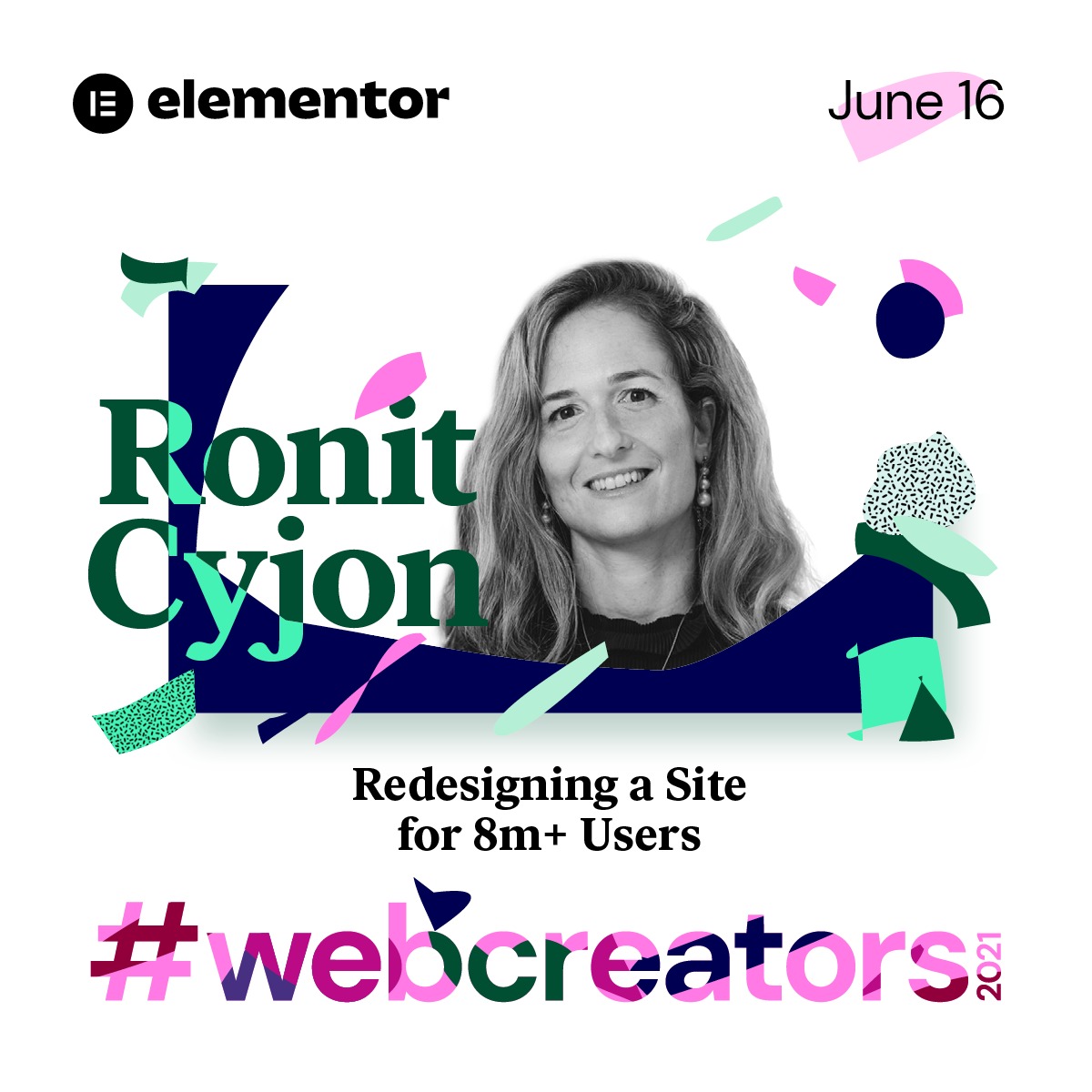
Elementor will celebrate 5 years of revolutionizing web creation at #webcreator2021, which will include keynote speakers and audience questions
This week marks five years since the inception of Elementor, the leading open source website builder platform, and the company is marking this milestone by bringing its community #webcreators2021, a live virtual conference for the entire web creation community, exploring the future of the internet and web creation. Creators, designers, marketers, and digital thinkers alike will converge virtually to learn and discuss some of the hottest topics out there in the web building sphere.
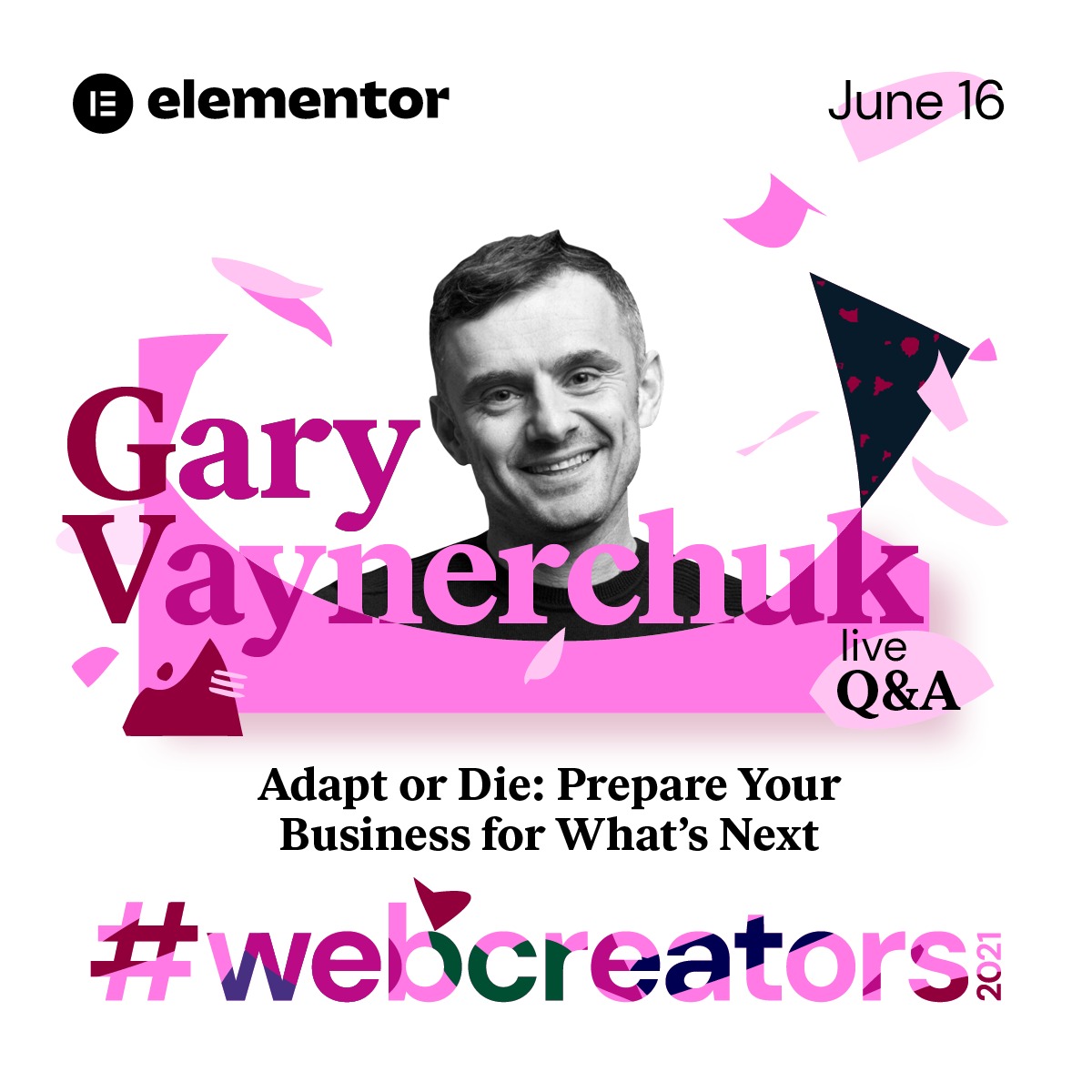
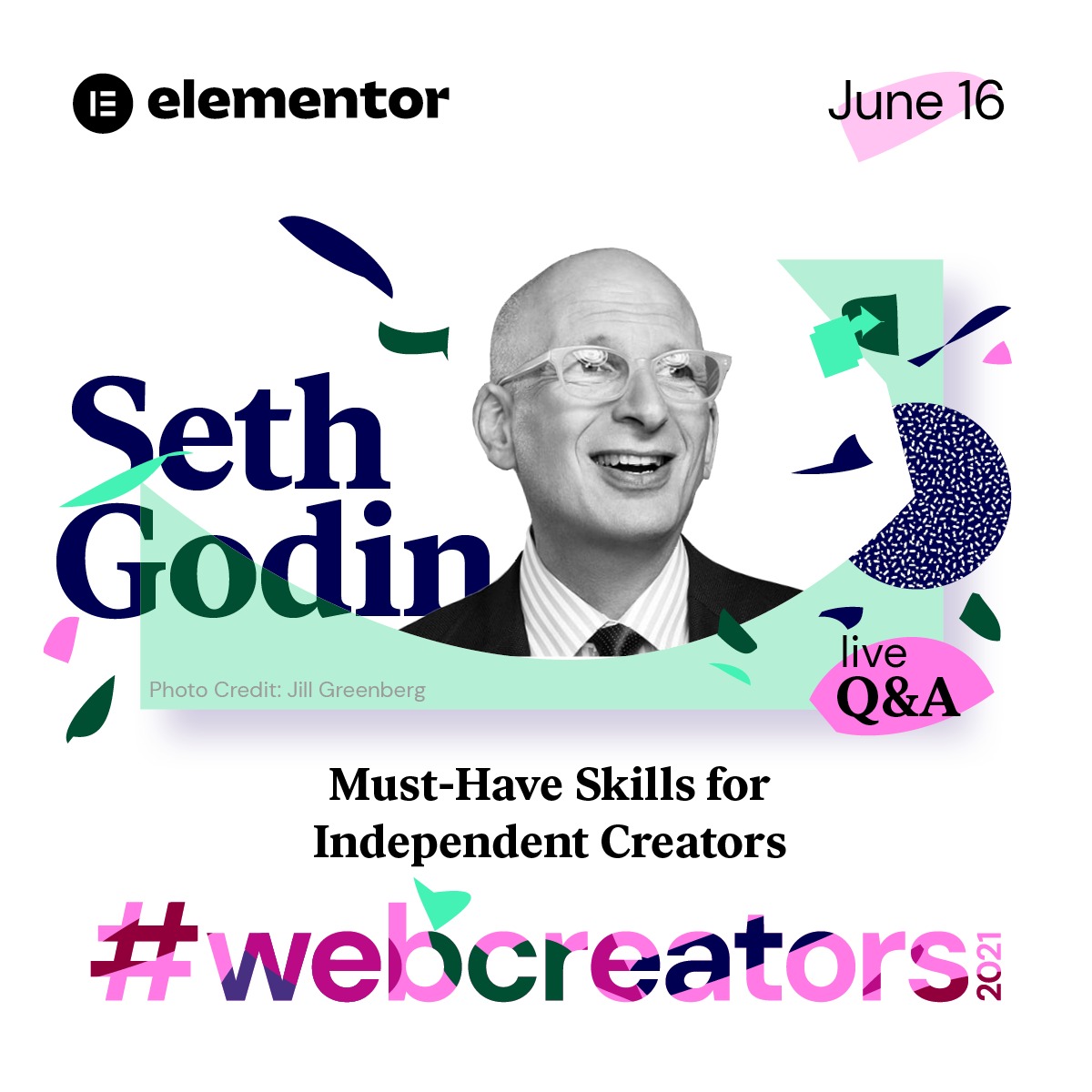
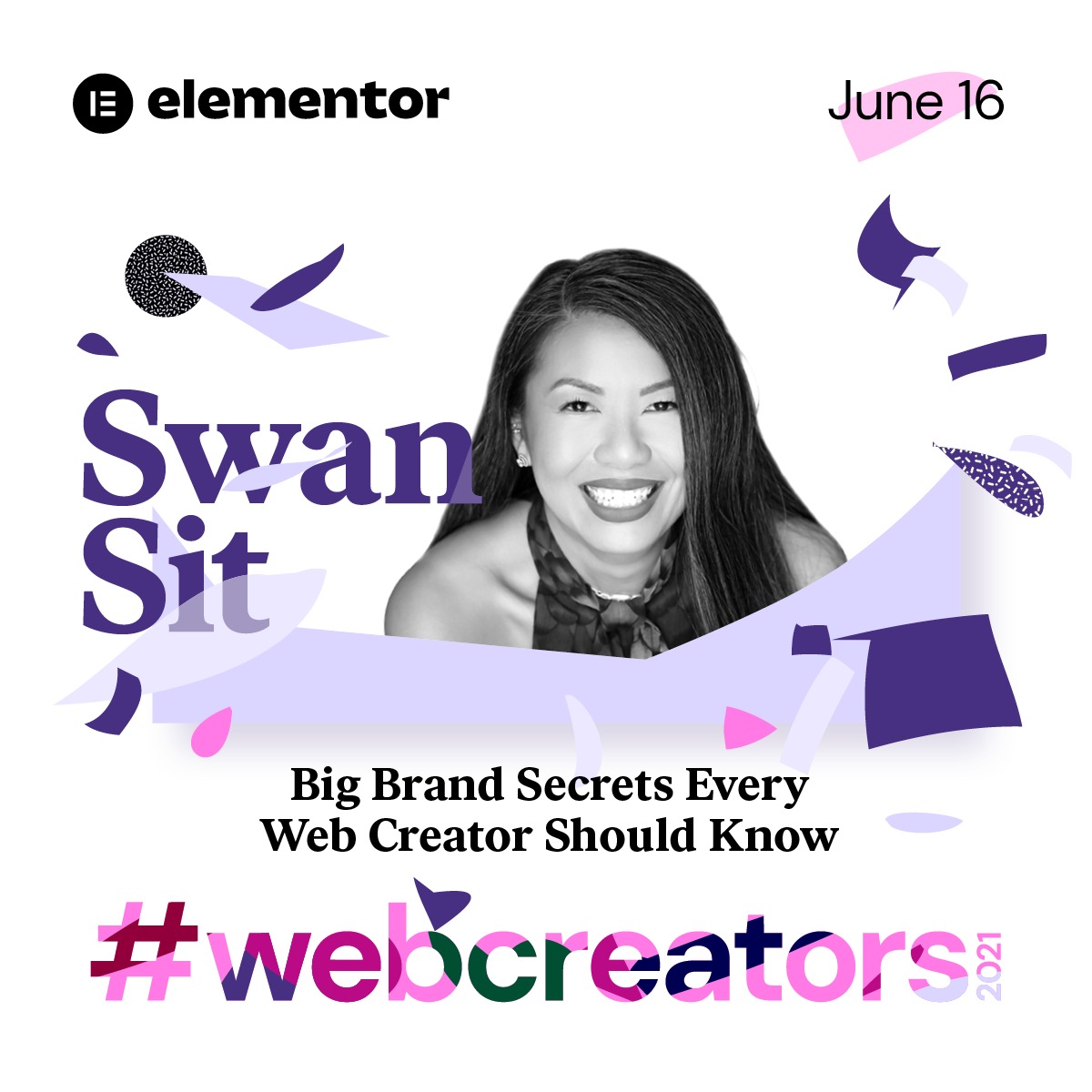
#webcreators2021 is set to take place on June 16, 2021 at 11 am EST and it will feature respected industry leaders Gary Vaynerchuk, Swan Sit, and Seth Godin. According to Vaynerchuk, “When big changes happen in society, big changes in consumer behavior stick. Covid brought many people different ways to consume information and buy products, and that doesn’t change when we go back to life post-covid — I am excited to talk more about this during the conference.”
Vaynerchuk, along with Seth Godin, will be speaking about how to prepare your business for what comes next, as well as skills for independent web creators. Seth Godin elaborates, “This conference is not about directing professional web creators to build advanced features, it’s about enabling them the freedom to dream, to make a difference. Building the future of the internet requires an inclusive culture where individuality and collaboration meet to create possibility.” Swan Sit’s presentation will cover brand secrets that are worth knowing for every web creator.
The headlining speakers will follow their talks with live Q&A sessions in which audience members will be welcome to ask questions.
Elementor CEO Yoni Luksenberg elaborates on the platform’s approach to web creation. “We are enabling web creators to realize their full potential,” he says. “Elementor unleashes the infinite creative power of web creators by giving them the tools they need to build professional websites, innovate and stretch their creative limits. Our passionate global community of web creators are highly talented, engaged, and supportive of each other, and this event is for them.”
Founded in 2016 by Luksenberg and Ariel Klikstein, Elementor empowers users to create powerful, beautiful websites on its open-source platform through WordPress. With over 8 million active websites and users in 157 countries, the Elementor community continues to flourish. Developers, designers, web creators, and marketers have made Elementor their platform of choice, and almost 5% of all websites are now built using Elementor.
This week’s conference is not to be missed for those who love all things internet.
Elementor is the leading website builder platform on WordPress. Serving over 8 million websites, Elementor’s code-free, open source platform empowers web professionals including web developers, designers, and marketers in 157 countries. Elementor enables web professionals and agencies to unleash their creative and business potential. For more information visit www.elementor.com.
Media Contact Shahni Ben-Haim NYGC Shahni@now-you.co.il
Finding a qualified UI/UX designer is not an easy task. An entire month might pass in just looking for potential candidates with a high level of expertise. The interview process may take even longer. After all, you need to assess the skill level and expertise before hiring the right designer.
But what if you come from a non-design background? How do you interview a user experience designer and ensure that they are the right fit for your organization?
Here is a complete interview guide with helpful tips on finding and hiring quality UI/UX experts for your project.
Evaluate Their Technical Skills
First and foremost, your UI/UX designer needs to come from an expert technical background. They need to have the right level of skills to complete your project quickly and efficiently. It is also essential for them to have a good amount of experience in the field – bonus points if they have experience in the domain that you are working.
According to Forrester, a better UI could increase your website conversion rate by about 200%, while a better UX design could deliver up to 400% conversation rates.
It explains why you should evaluate candidates’ skills accurately when hiring a UX/UI designer, as this person will influence your project success directly. So, how do you check the technical skills of potential candidates for your project? Here are some UI/UX designer interview questions you should ask.
Could You Please Send Across Your Portfolio?
A portfolio is an excellent way to judge past work, experience as well as the interests of your candidate. You will also be able to tell if their level of quality meets your expectations or not. Moreover, this work is about creativity, so you should ensure that your vision is similar.
What is UI/UX?
Sometimes, throwing a curveball in the form of a simple question like this can throw your candidate off their game. However, if they can easily answer this question, you know that they have a good grasp of the basics and have crafted a solid foundation for themselves.
The rest of the questions are designed to assess the UI/UX designer’s skills and the design process they implement. Your candidates need to explain their tools, techniques, and thinking clearly during the interview.
What are the main design principles for UI/UX?
Describe your website UI design process for us.
How do you analyze the target audience, and how does it help in design?
How do you test your web design?
What are the biggest trends in UI/UX design now?
What KPI do you use in your working process?
Evaluate Their Soft Skills
Hiring someone with an excellent technical background and good design skills is undoubtedly important – but none of this is going to matter if your designer’s soft skills do not match up to the standards. Your designer needs to communicate with other team members, especially if they work in a remote environment.
But how do you evaluate a candidate’s soft skills? After all, if you pose the question, “How do your soft skills measure up?” most candidates are likely to tell you that the soft skills are excellent.
There are several other questions that you can ask to gauge your candidate’s verbal communication skills, creativity, innovative thinking, and connection with the changing trends in their field. Some of these questions include:
Why is UI/UX design attractive for you?
How do you collaborate with other remote team members?
How do you manage your time when working from home?
What channels do you use for inspiration?
How do you react when a client tells you that they don’t like your design?
All these questions will help you understand how the candidate works in a team, solve arguments, and what they do to stay motivated and inspired.
Where To Hire A UI/UX Designer?
There are several channels to find remote UI/UX designers and freelancers for hire for your development project. But it can be an extremely time-consuming and complicated process to find an excellent fit for your team amongst this pool of specialists.
Of course, you will have certain expectations regarding the quality of the work along with a specific price in mind. As such, an immense amount of time goes in just looking for the right candidate. YouTeam suggests that you browse already verified profiles of UI/UX designers before hiring, and the process of finding the right candidate can take only 48 hours.
Summary
The hiring process need not be as much of a pain as you might expect. There is a speedy and efficient way to simplify the entire process while ensuring that you find the best candidates for your project. Simply follow the steps we have given in our guide and ensure that you look in the right places for the best UI/UX designers.
The name zero-width space is antithetical, but it’s not without uses. In text, maybe you’d use it around slashes because you want to be sure the words are treated individually but not have any physical space around the slash:
That’s an image. WordPress was being weird about it and not escaping it even when in a code block.
That’s pretty theoretical though—I’ve never once needed to do that. It might be useful in a long word to suggest that it can be broken there… but that’s also rare as we have the soft-hyphen (­) which is designed for that and leaves a typically appropriate hyphen at the break.
What I have needed to do is exactly the opposite: trick a system into thinking a single word is two words. Like on Twitter, if I @username or #hashtag in the text of a tweet, those will be linked up respectively. But I don’t always want that. On CSS Twitter, I might want to refer to a @media query or show an #id-selector. Toss a zero-width space between the symbols and the text and I’m all set.
Get a zero-width space on your clipboard
Here’s a Pen I created ages ago that will help you do that:
CodePen Embed Fallback
There is also a quick trick for doing it from the browser console:
copy('u{200B}')
via:
Twitter tip: To prevent usernames and URLs from being converted to links, interrupt them with a zero-width space.
And for yet another way that may appeal to you, a bookmarklet!
CodePen Embed Fallback
Copy & Paste concern
The danger with the zero-width space is, well, you can’t see it. If someone were to, for example, copy your @media query using the zero-width space trick from a tweet, it won’t work in their code editor (because it will invalidate the rule) and it might be extremely confusing. For that reason, it’s probably good to avoid using it in anything that might be copied as a code example, but probably fine when explicitly trying to not autolink something.
Like it or not, meetings are essential to a good working environment and communication. Therefore, it’s crucial that we work on making them as productive as possible. Today we’ll explore myriad ways to keep meetings coordinated, well documented, and talk about how to recognize and steer away from anti-patterns.
I’m timid to write this because I have not always hosted good meetings. I have, however, hosted thousands of them, so I’ve learned both from some mistakes and successes. In all likelihood, if you do any kind of management or lead work for a while, you’ll also see your own spectrum of meetings: meetings with different types of agendas and purposes, meetings with varying levels of awkwardness, meetings that didn’t have a formal outcome. We’ll dive into all of these in this article, as well as some tips for each.
The truth is, a meeting by its nature can almost never be perfect because it is by definition a group of people. That group of people will consist of different people: with different tastes, different opinions, different priorities, and different values. There’s a high chance that not everyone will agree on what a great meeting is. So half of the journey is aligning on that.
The Good, The Bad
One thing’s for sure: we can agree on what a bad meeting is. So let’s start by using that as a ballast:
There’s no clear purpose or direction
It feels chaotic
The wrong people are there
People are generally disrespectful of one another
Everyone feels it’s a waste of time
From those assertions, we can then derive what a good meeting is:
The purpose of the meeting is clear
There’s an agenda (we’ll dive in to the complexity of this in a moment)
There are the right people in the room. Not too many where communication is overly complicated, not too few where the people you need to move forward aren’t there.
There’s some order. People aren’t dropping in and out, talking over each other, or being generally inconsiderate
There’s a clear decision, outcome, and next steps at the end
Purpose of the Meeting and Direction
The first point and the last are connected: to have a good meeting, there is a core. You’ve all come for a unique purpose, and the end of the meeting should encapsulate what you’ve learned about that purpose and what the next steps are. Thus, the beginning and end of the meeting might sound a little similar:
We’re all here today to discuss how we’re going to support the next version of framework X. I have some new data to show you that frames the direction, Hassan and Jenna are here to talk about some of the details of the implementation, and Angela, we’d love to coordinate with you on a rollout process because it affects your team.
And at the end:
OK, so we decided we’re going in Y direction. Angela, your team seems comfortable doing Z, is that correct? And the rollout timeline we’ve agreed on is 5 weeks. The next steps are to explore the impacts of A, B, and C and reconvene in a week on our findings and process.
This is just an example—it’s not important to model this precisely. But you should be aligning at the beginning and end of the meeting to make sure that nothing major is missing and everyone is on the same page. If you haven’t come to a decision by the end of the meeting, then your next steps may be either to figure out who will make the decision and inform everyone or roll over to a new meeting.
Ideally these sentences are encapsulating information everyone needs:
The shared purpose
What you’re doing about getting to that outcome
Who is owning what
How
When, what are the timelines
If there are people there who do not need to know this information, they probably shouldn’t have been at the meeting in the first place.
The Agenda
Beyond deciding that a meeting should have an agenda, there are so many ways and means an agenda can be used. Strangely enough, an agenda can also be a way to not have a good meeting, so let’s explore that, too.
An agenda should ideally always state the purpose of the meeting. I personally love to then include some bullets as talking points, as well as space to take notes right in the document during the meeting.
Sometimes people use an agenda to write thoughts down before the meeting, and I would strongly suggest you steer clear of this—there’s nothing wrong with a person keeping notes for themselves for the meeting but if you come to a meeting where an agenda is locked top to bottom with material, it can sometimes shut down the collaborative aspect of the meeting—which means it shouldn’t be a meeting at all, it should just be a shared doc, to be consumed async. Part of the purpose of the meeting is the discussion itself. Again, louder:
Part of the purpose of the meeting is the discussion itself.
Not all meetings are the same
There are also different kinds of meetings. Let’s go over what type of agenda you might use for each:
Brainstorming session: perhaps you don’t want a full agenda, just the purpose and a notes section, or even a Miro board or other whiteboarding tool to use for capturing people’s thoughts, with small areas stubbed out.
Weekly discussion or daily standup: I typically have folks add whatever they like to ours, prefacing their contribution with their name and a small category, for instance, RD for rapid decision, D for discussion, and P for process. Here’s an example:
- [Sarah, RD] should we block off 4 hours to triage our iceboxed issues?
Our team uses a kanban board during the standup and people take turns talking about what they’re doing for that time period. It’s nice how it helps solidify the tasks and priorities for the week, and allows for some course correction if there’s accidental misalignment before the work is done.
We also talk about what was done or shipped in the previous week so we can celebrate a little. Especially on tasks we know took the person a long time or took a lot of effort.
We found through trial and error that twice a week check-ins suited us: once on Monday to kick the week off, and again on Wednesday to keep us aligned and the momentum going.
Cross-Functional meetings: This is one where a more formal agenda with some preparation can be really helpful, so that all parties have enough information about the purpose and what’s being discussed. If you have a lot of information, though, I would suggest creating a one-sheeter and sharing that ahead of time instead of adding everything to an agenda. Sometimes if I know everyone is too busy to read everything async, I will give the first 5 minutes to the group to read through the one-sheeter on the call so we’re all on the same page. People usually appreciate this. YMMV.
All this said, agendas are very useful, but I’ve seen strange culture arise from making strict rules around them. The point of the agenda and meeting is to collaborate on something. That point is nullified if folks are putting process ahead of that impetus.
The best cultures I’ve worked at use both meetings and agendas as tools for working together effectively- tools that everyone equally feels responsible for making useful.
All Kinds of Awkward
OK, you led a meeting! You gave people purpose, you set direction and timelines. But why was it so awkward?!
Not all forms of awkward are bad, really. There are different kinds of awkward, and some are quite natural, some are more harmful. Let’s analyze this for a moment, starting from most innocuous to something more insidious.
You all didn’t know each other well
The team I got to work with at Netlify was some of the silliest, most collaborative, and trustworthy groups I’ve ever had the pleasure of working with. We actively cultivated this culture and it was great fun. Every meeting started with goofing off and chatter. Then, when we got to business.
The meeting would flow effortlessly because we were all comfortable together. One time a friend in the People department asked “what do you do to break the ice with your team”, and I jokingly responded “ice? Our team? No… we don’t need that… maybe we should be frozen?”
Not all conversations are going to be like this. We knew each other fairly well and actively worked to have vulnerability together. If your meetings with other groups you don’t know well have awkward moments, that’s actually pretty natural, and nothing to be too concerned with. You can try to make conversation and that can help, but trying to force it too much can also feel a bit stilted, so just ease up on the guilt for this one. There’s nothing wrong with you, I promise.
There were too many people
During the pandemic, my husband and I would sometimes try to replace in-person dinner parties with zoom versions of the same. What we learned was they didn’t quite work at scale. When you have an in-person party with 12 or more people, everyone doesn’t really stay in one huddle together, they break off to smaller conversations. When we started hosting the zoom parties with smaller groups, the calls became more fluid, relaxed and comfortable.
There’s a certain scale at which conversation begins to feel performative because there are so many eyes on a person when they’re speaking. Meetings are very much the same. Try not to invite too many people to a meeting. If you are worried folks might not feel included unless you invite them, you can either mark them as optional or let them know you’ll be sure to tell them the outcome.
If you’re inviting too many people because there’s a company culture that everyone should be involved in every decision, that might be a sign of a wider issue that needs some solving. Companies at a certain scale start to have issues functioning if there is no clear understanding of ownership. If you’re inviting everyone out of fear of hurt feelings often, it’s likely not a problem with your meetings, and more a sign that you need some clarity. See the DRI section at the end of this chapter for more information on how to mitigate this.
There’s something people aren’t saying
This kind of awkward is probably the most harmful. If the meeting is awkward because people don’t feel comfortable telling the truth, or there’s an elephant in the room, or there’s a smell that needs to be dealt with. Elephant smells? Ok, moving on.
We should watch out for this and try to do something about it. Personally, I’m a “walk towards the fire to put it out” kind of person, and will actually just acknowledge that it’s awkward because it doesn’t feel like we’re being transparent with one another. I’ll state what I know from my perspective and then ask if other folks are feeling the same.
If you do this, you’ll usually have to wait a beat or two. People will likely be a bit shocked that you came right out and said it. It will take them a couple of seconds to adjust and consider what will happen if they tell the truth, too. It’s crucial that you not speak to fill the silence in these moments. It will feel very uncomfortable, but I promise, you have to let the silence hang for a bit before someone speaks up. Typically from there, people will all start speaking, and you can actually dig into the problems.
Conflicts
There’s an entire chapter devoted to conflicts because the topic is big and nuanced enough to warrant its own time and space, but let’s apply some of the principles here, because there is an intersection of good meetings and dealing with conflicts directly.
The most important piece here is that conflicts are not something to be avoided. It’s not bad that people feel passionate about their work, it’s great. Not all conflicts are negative- the point of the meeting may be to bring to light where folks aren’t aligned. There probably is some base premise or problem they are all trying to solve, but they see the solution differently. It can help to find the alignment there so the ideas can be fleshed out without being attached to a particular person’s identity.
The identity thing can be a pitfall, because if you have two people discussing their idea instead of an idea, it can feel to them like someone is rejecting them rather than a concept.
We want to try to guide towards an approach where it doesn’t feel like anyone is attacking one another, and also manage actively against people being disrespectful to one another. It’s the job of a manager to disambiguate healthy conflict from attack so that respectful discourse is encouraged. If folks are putting out ad hominem attacks, it’s on you to reel that in and move the conversation towards the work instead. Otherwise, it really is hard for the conversation to stay productive.
Typically I’d say it’s good to hear people out, and then reign things back in by discussing what you think you’re hearing and tying it back to a shared purpose. Then we find where we have common ground. Here’s an example:
“What I’m hearing is that Rashida feels that team X is migrating a system that affects her team while they are trying to release a big feature. Is that correct? And that Jerome feels that it’s crucial that team X be able to migrate the system soon for stability purposes. Is that correct?
“OK, well, it sounds like we have a shared goal of making sure the company can ship features with some stability. Perhaps we can talk through what timelines are immovable and which are not so that we can stay coordinated?
“I’m sure we all want to be able to ship said feature without any hiccups and also get the new system up and going”
Here, we stated what we thought we were hearing, which allows for the person to either feel heard or correct us if we’re mistaken and there’s a miscommunication. (Sometimes there is!)
Then we stated the shared goal from both parties, as well as risks and constraints that may play a part in some of the conflicts that need to be ironed out.
You’ll note in the last sentence, we try to tie a knot for a vision of stability that addresses both of their understandable needs.
A couple of things to note: I’m giving an example here and you absolutely don’t have to do it like me. The most important thing is that folks feel heard and that you all agree on what the conflict is. And that you remain open to that discussion, while finding the base premise of why you’re even talking about it.
It’s also way easier said than done. If you have a conversation that goes off the rails, I’d suggest spending a bit of time after you’re off the call to write down what you think happened.
I tend to give myself a section to just talk through the facts of what happened, and then another to talk through my feelings of what went poorly and what could have been better. It helps to check in with the facts separately because our human brains can sometimes try to protect us and see a particular version of an event. Hard to do, but checking in with just the facts helps ground that a bit.
There can be times where a strong conflict happens during a meeting and you’re at an impasse, and you need to give folks time to regroup. I’d suggest calling another meeting in a week as a follow up, and try to hear people out individually in the meantime. Sometimes people need a little distance from a matter, or they’re having a hard day, and that’s totally ok.
The DRI
The DRI stands for “Directly Responsible Individual” and is one of the most important pieces that we haven’t covered yet. A good meeting must have a DRI, and it is not necessarily the person who called the meeting. It might not be you. But you must designate who owns the project and ultimately makes decisions when there’s one to be made.
Why do you need a DRI? Well, as much as you do want to hear input from everyone, eventually you have to make a decision, and there are plenty of things in software development that don’t necessarily have one true answer.
Note that the phrasing is not PWMD (Person Who Makes Decisions) though that acronym looks pretty hardcore. Instead, we use Directly Responsible Individual because that’s also core to deciding who this person is. They are the person who is going to own the outcome.
That’s part of why not everyone can get equal say- if it’s your project and you are on the line for the outcome of whatever decisions are made, you can see how you would also need to own decision making. And likewise, if people who have no skin in the game decide things, they might not understand all the moving parts or invest as much in the gravity of the matter.
The appointment of the DRI not only unlocks the groups to make final decisions and move forward, but also places the responsibility on the party that will carry the weight.
There are several systems of ownership you can explore, such as DACI, which separates out Driver, Approver, Contributors, and Informed so that everyone knows their roles, and several others such as RACI and RAPID. Use whichever system makes the most sense for your organization.
I find it best to identify this person early on in a project and make sure it is restated at the start of a meeting (it can be included on the agenda as well), as it helps greatly if you find yourself at a crossroads. This person can unblock you and help the group move forward.
Moving Forward
It may at times feel like meetings are a drag on a software engineering process, but it doesn’t always have to feel this way. There’s something special about collaborating with a group of people who are respectful and working towards a common purpose. Good meetings can provide clarity and save people hours and days of work when they’re headed in the wrong direction. Having clear ownership, documentation, and only the right people in the room can keep many teams in lockstep, even when problems are complex.
Buy the Book
This is just a sample of the kind of content from my latest book coming out soon…