Post pobrano z: How to Use the Free Marketplace on Visual Composer Hub
There’s no question that a drag-and-drop editor
makes building websites easy, but its only as good as the design elements it can
access. The Visual Composer Website Builder, working in combination with the
Visual Composer Hub and its massive library of content elements, templates,
blocks, and stock images, makes building a website as fast and easy as can be.
With the Hub, you don’t have to settle for what’s
there, since each of the content elements, blocks, and templates is easily
personalized, so you’ll always get precisely what you want and need.
There’s more to the Visual Composer Hub than
first meets the eye.
That said, let’s take a look at how it works
and what’s inside.
What is the Visual Composer Hub and What’s Inside?
The Visual Composer
Hub is a cloud-based marketplace of web design elements and features. It
connects to your Visual Composer account and alleviates the problem web
designers often have of having to rely on plugins or custom code to achieve the
results they want.
Your Visual Composer Hub access allows you to search for ready-to-use content, and once found, download it directly to your Visual Composer Website Builder account.
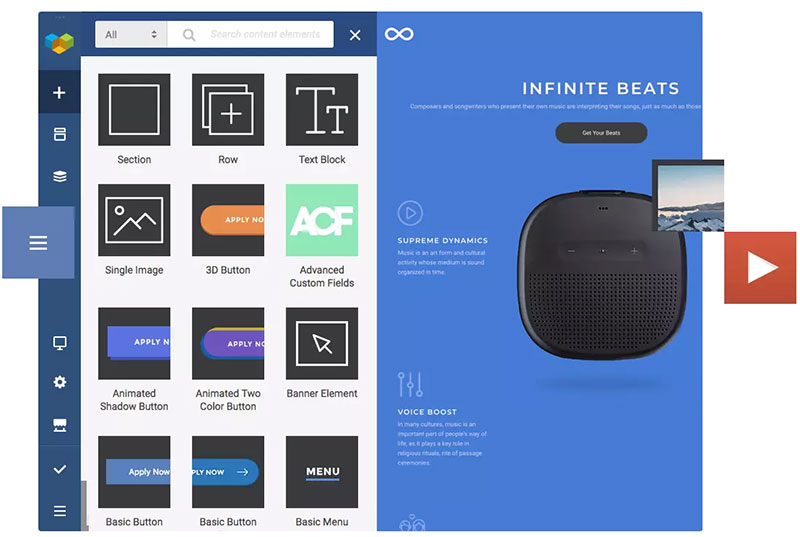
Once downloaded, the selected element will be
in your account and ready to drag, drop, and put to use.
The Visual Composer Hub Library
The Visual Composer Hub’s library of content is
massive and diverse. The content can be used with any theme, including themes
you already have or are using. You can always view all the content in the
forever-free Visual Composer Hub although you need to unlock Visual Composer
Premium for full access and unlimited downloads.
What’s Inside the Visual Composer Hub?
There’s really no other solution like it for access to virtually
unlimited website content and easy content downloads; whether you need –
- Content Elements
- Page Templates
- Block Templates
- Stock Images
Or, all the above.
Let’s examine each in
detail.
1. Content Elements
Simpler and slicker than ever best describes searching and downloading the Hub’s first-class content elements from its huge library. With Visual Composer Premium you can have an unlimited number of downloads.
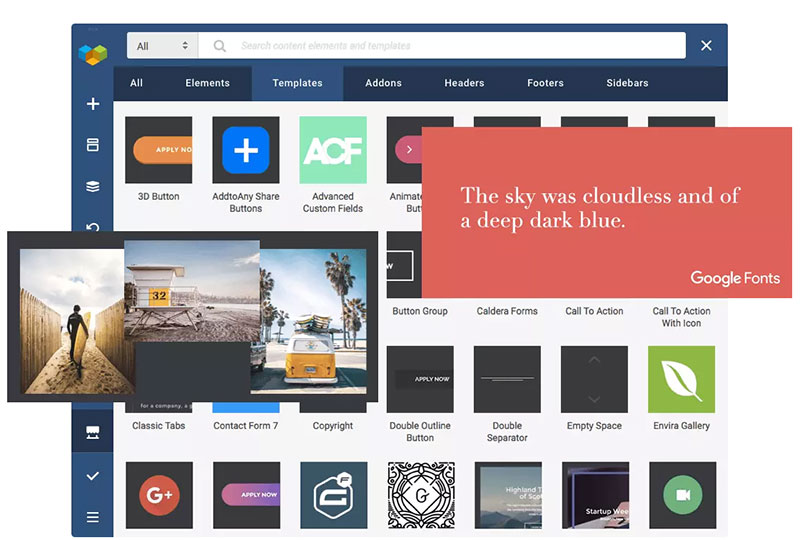
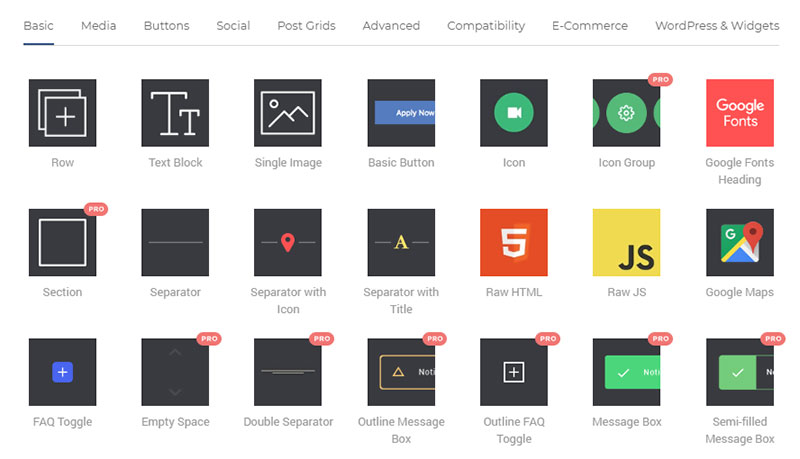
These Hub Content Elements,
which are constantly being updated consist of:
- Media
- Social
- Post Grids
- Buttons
- Compatibility elements that
can be integrated with MailChimp, Ninja Forms, Envira Gallery and more. - Advanced Elements that include
hover boxes, logo sliders, tabs and more. - and, an E-Commerce Plug
With these easily accessed elements you can
forget about any need for coding while building your site.
Furthermore –
You can edit any element. Multiple edit options are available for each
element. The edit feature even includes Element CSS Animations you can use
right out of the box to create beautiful and amazing transitions.
You can easily replace elements and also switch between them. The Smart
Replace options enables you to change the look of your content easily and in an
instant.
There are several advanced features you can use; some of which are only
available to Visual Composer Premium users. You can create content types that
allow you to organize elements and create element hierarchies. Turbo-powered
editing flexibility is another feature as is the ability to leave notes to team
members.
If you’re really interested in gaining access to all the designer content elements, take a look at what having a Visual Composer Hub Premium account will do for you.
2. WordPress Templates
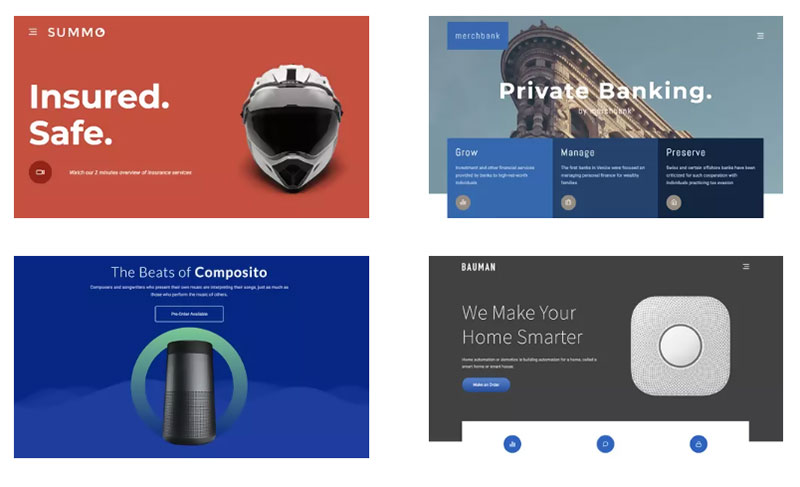
Page templates make up an important part of the Visual Composer Hub Library. Here, you’ll find templates for any theme; and those you find will be fully editable. It’s simply a matter of searching for a template that fits your website look and feel. Having found what you want, simply click download to add it to your account. Adjust it to satisfy your needs and you’ll have a beautiful page in no time at all.
Any template you use or modify can be automatically
stored in the library. You can also store any page you create to be used in the
future as a template, export and import templates, add global templates, and
even add and store template widgets.
Given what’s already in the library, and having
the ability to store pages, other templates, or templates you’ve customized
means you don’t have to be a web designer to create awesome pages; you have
drag and drop and a cloud base solution consisting og a unique library of
designer templates to work with.
3. Block Templates
With a huge arsenal of content elements and
templates at the ready, you’re set to turn out one stunning website after
another; each one faster and easier than the others.
Yet, something is missing. Something that
combines the flexibility an array of content elements provides with the speed
and simplicity templates offer. Something making up the middle ground, the
designer’s “sweet spot”.
Block Templates represent the Goldilocks standard for the combination of custom design and easy drag-and-drop functionality. Simply put, they can make your work as a designer oh-so-much easier.
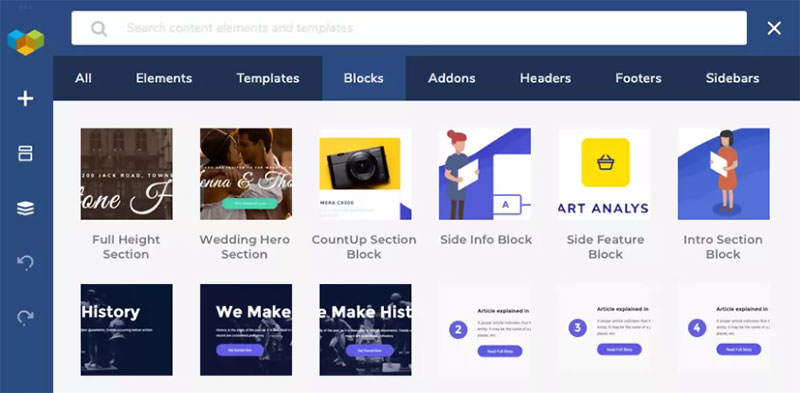
A Visual Composer Premium subscription allows
you to unlock Block Templates; giving you the ability to build pages in
sections. It doesn’t get much better.
4. Stock Images
You’re good to go, except for one thing. If
you’re going to build stunning websites, you’re going to need some good
imagery. The Visual Composer Hub solution to that problem lies in its seamless
integration with Unsplash stock photography.
Find a high-quality stock photo to your liking? Simply download it from your Visual Composer Website Builder’s Frontend editor and it’s ready to use. It just doesn’t get any easier.
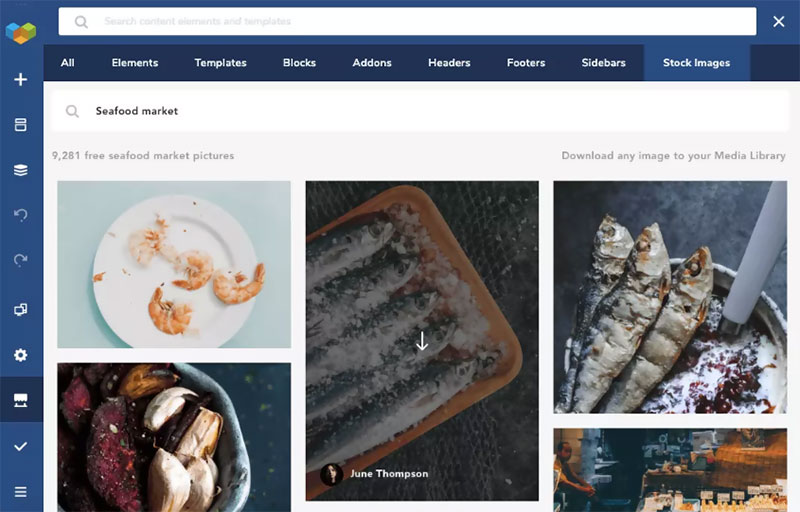
If you find an especially appealing image, and
you’d like to see or use more of the same, simply hover over an image, click on
the name of the author, and you’ll be able to download other works by that
author to give your website a more unified look and feel.
Conclusion
It’s indeed true that a drag-and-drop visual website editor
isn’t enough to get the job done. It takes a library of content elements,
templates and stock photography to make web design possible, and truly simple
at the same time.
You now know the basics of what you’ll find in the Visual
Composer Hub. When we said the library is massive, we meant it. What we
didn’t mention were
add-ons and other premium hub elements you can also check out.
Why not log in now to the free version of the Visual Composer Hub? You’ve nothing to lose, and everything to gain.
Thanks for being a subscriber, here is your FREE house vector icons set.