FLAC (Federation of Leagues Against Corridas) in France is raising awareness about the cruelty of bullfighting with a commercial featuring a velociraptor. FLAC and its fourteen partner associations ask the question, “Do you think this practice belongs to another age?”, and call on viewers to sign a petition to get bullfighting banned. The film begins with the taunting and killing of a velociraptor, suggesting that bull fighting belongs in the dinosaur era. The second half features archival footage from the corrida (bullfighting) culture of southern France and Spain. The answer to the film’s question is “No it doesn’t. It still exists”.
The film’s release in French, Spanish, Basque and English, was timed to coincide with the French Presidential election and the run-up to the legislative elections. A recent poll, conducted by FIFG / AAFC in March 2017, shows that 7 out of 10 French people are in favor of banning bullfighting. A French civil code law, passed in February 2015, recognises the animal as a sensitive being that can suffer. Section 521-1 of the Criminal Code severely punishes serious and cruelty to animals, though paragraph 7 permits bullfighting performances with killing when “uninterrupted local tradition” can be invoked.
Bullfighting From Another Age Credits
The Bullfighting campaign was developed at BETC Paris by executive creative director Stephane Xiberras, creative directors Benjamin Le Breton and Arnaud Assouline, head of activation strategy Julien Leveque, working with Thierry Hely at FLAC Anticorrida.
Entrepreneur, animator, musician. Eliza Jappinen does it all with inspiring ferocity. In this issue of Spectrum, we learn how the Helsinki-based artist forged her own path and what it’s like being a mommy with blue hair.
Creating and launching a website is a great deal. However, if you think that once you launch a website, you’re done, you’re likely to miss quite a lot. A website requires constant care and regular updates. Why is updating a website important? There are several quite important factors why you should consider regular investments to […]
Until now, I refrained from purchasing a 3D printer primarily for one reason: all you could print was plastic. Of course, I’m talking about consumer 3D printers, it’s been possible to print on metal or ceramics for a while already, but purchasing one of these printers was out of budget.
ClayXYZ is the first 3D printer for clay and ceramics that you can purchase at an affordable price. There is still a Kickstarter campaign running for it, but it has been largely financed already.
The device is as simple as any printer should be. Get your 3D model ready, load some clay, and print. It’s natural material, so you can add some extra finishes and touch it up by hand, but that’s not mandatory. For designers, this is a whole new field that opens up, and no need to use ugly plastic for 3D printers anymore.
A round-up of recent useful freebies for graphic and web designers.
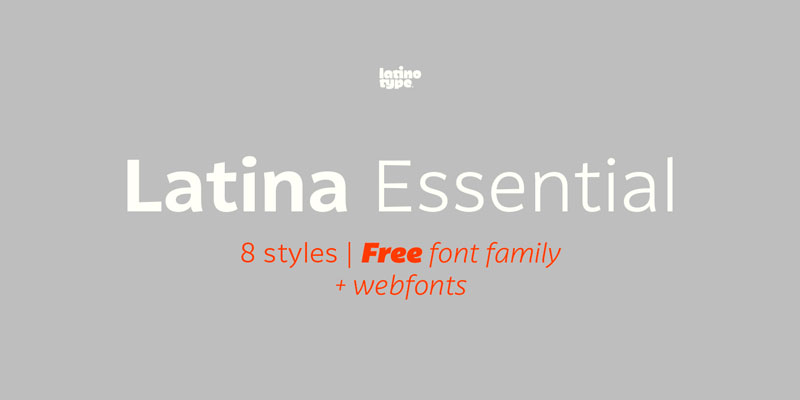
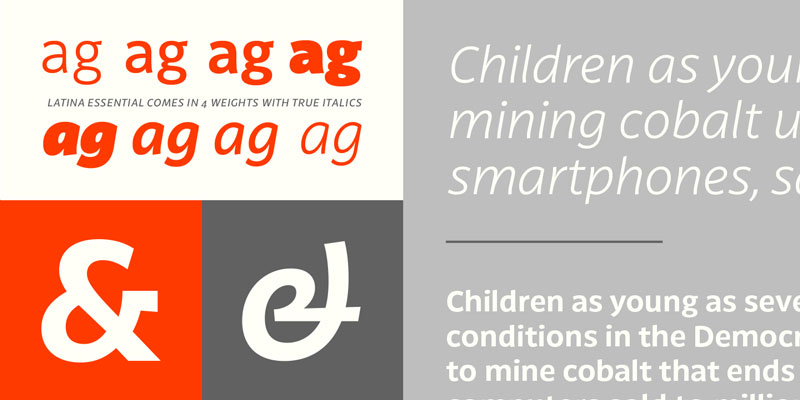
1. Latina Essential, Free font family by Latinotype
This font is based on calligraphy, but calligraphic features have been changed in order to make Latina a more neutral font. This prevents readers from losing their focus when reading a continuous text. On the other hand, these same features get highlighted when using the font for headlines or display text. Latina is the perfect choice for publishing design (books and magazines), branding and advertising.
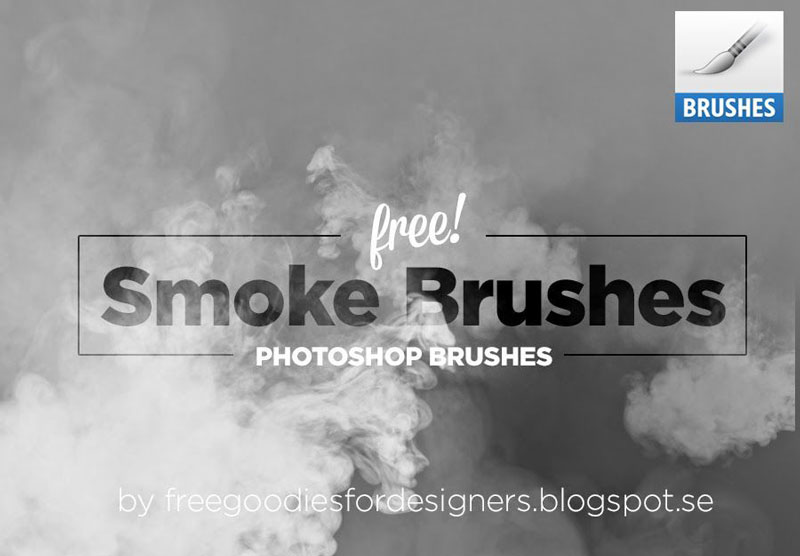
2. Free Smoke Brushes for Photoshop
For many things that you may need to include in a Photoshop composition, all you need is often to take a quick photo. For smoke, you’d have a hard time to do it quickly, so these free smoke brushes for Photoshop come in very handy.
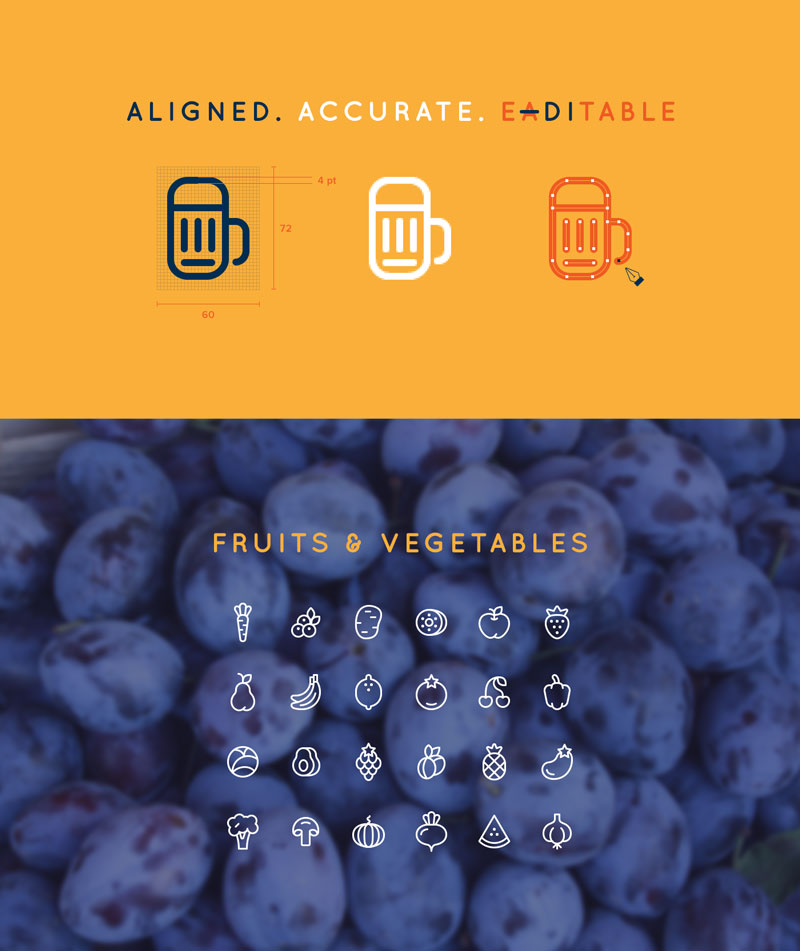
3. 96 Cooking Icons
A large set of gorgeous line icons created by Ekaterina Sosedova. Deserts, fruits, first and second courses, you’ll find all icons to be aligned, accurate and editable.
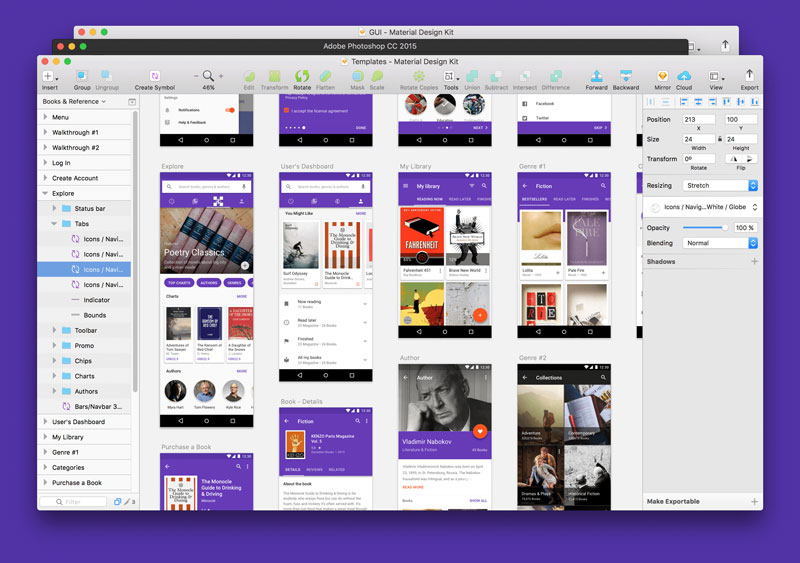
4. Material Design UI Kit
Material Design Kit is the ultimate library of UI elements, app templates, and style guides combined into high-quality source files for Sketch & Photoshop. Everything you need for a faster workflow and better results when design for Android.
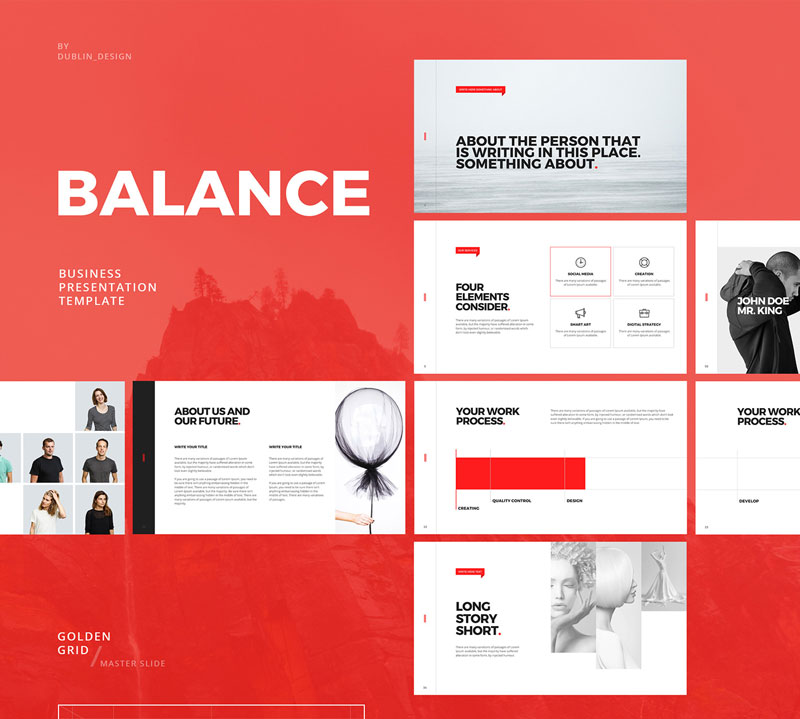
5. Minimal Powerpoint & Keynote Template
If you are like me and try to attend events that are not directly design related, you surely have seen plenty of horrible Power Point presentations. This free Power Point and Keynote template was presented by Dublin Design to help you create beautiful presentation quickly.
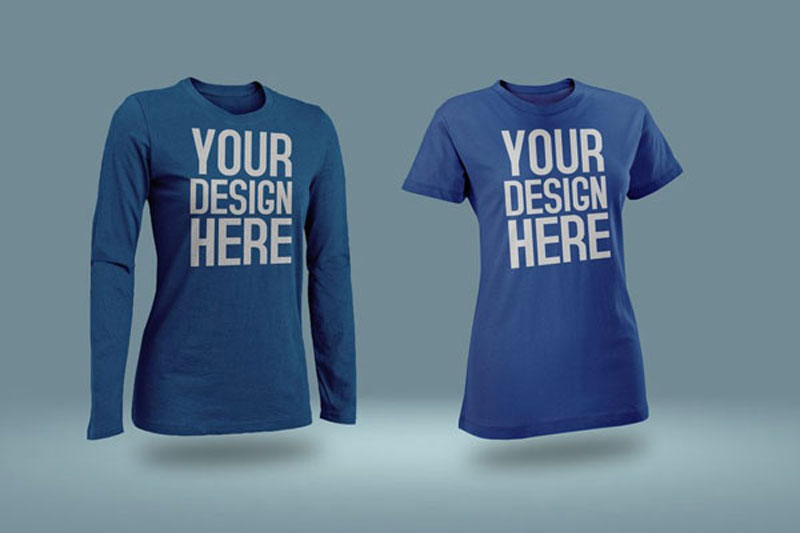
6. Photoshop T-Shirt mockups
A collection of all kind of T-shirt mockups collected by Design Freebies. You’ll find various style and designs of shirts to present your designs.
7. Material Components
Beautiful and customizable components to create material designs for iOS, Android, or the Web.
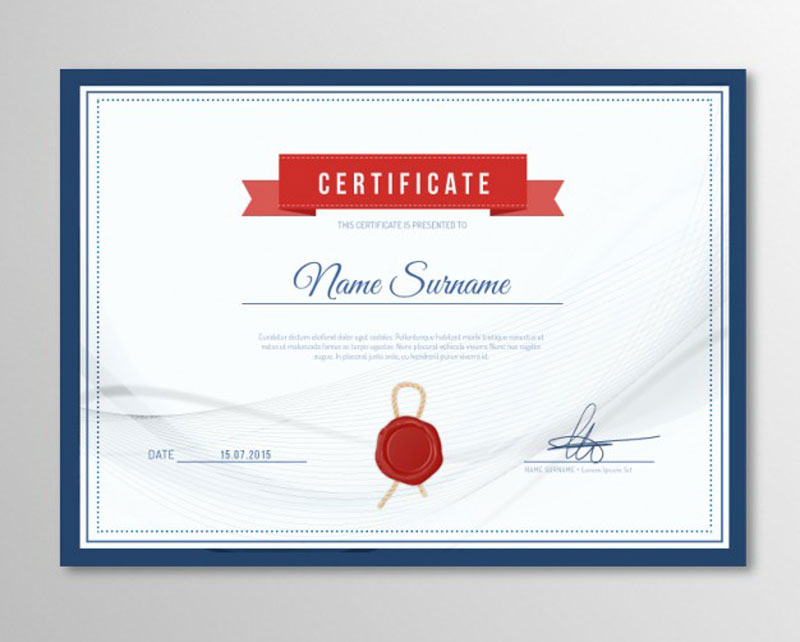
8. Elegant certificate template
An elegant template, in case you deliver certificates or diploma and want to make it look good.
Webpack is so hot right now! Webpack is great when it comes to module bundling and working with frameworks like Vue or React, but it is a bit more awkward when handling static assets (like CSS). You might be more used to handling your static assets with something like Gulp, and there are some pretty good reasons for that.
Still, the amount of JavaScript in our static projects is growing, so to compensate, let’s make use of Webpack, while remaining in Gulp. In this article, specifically, Gulp 4. We’ll use modern techniques to build an easily maintainable workflow, including the powerful and useful Hot Module Reloading (HMR).
You May Want To Start Here
This article isn’t quite for beginners. If you are new to Webpack or Gulp, perhaps start with these tutorials.
As of Node v7.9.0, ES6modules are not supported, that is why we install Babel to make use of import statements and other cutting edge JS features in our tasks.
If you don’t need HMR, feel free to leave Hot Middleware out of the packages listed above. The Dev Middleware does not depend on it.
Starting Points
Let’s get started! Create a tasks folder in your project root with three files: index.js, webpack.js and server.js. We have less clutter in our project root since the index file acts like gulpfile.js and the webpack file as webpack.config.js .
The babel-register command processes the import statements and the --gulpfile flag defines the path to gulpfile.js or, in our case, index.js . We only need to reference the tasks folder because like in HTML the file named index marks the entry point.
Set up a basic Webpack config
In `webpack.js`:
import path from 'path'
import webpack from 'webpack'

let config = {
    entry: './main.js',
    output: {
        filename: './bundle.js',
        path: path.resolve(__dirname, '../site')
    },
    context: path.resolve(__dirname, '../site')
}

function scripts() {

    return new Promise(resolve => webpack(config, (err, stats) => {

        if (err) console.log('Webpack', err)

        console.log(stats.toString({ /* stats options */ }))

        resolve()
    }))
}

module.exports = { config, scripts }
Notice how we don’t export the object directly like many tutorials show but put it into a variable first. This is necessary so we can use the configuration in the Gulp task scripts below as well as in the server middleware in the next step.
Context
The config.context setup is necessary to set all paths relative to our site folder. Otherwise they would start from the tasks folder which could lead to confusion down the road.
Separate config and task
If you have a very long Webpack config, you can also split it and the task into two files.
// webpack.js
export let config = { /* ... */ }
// scripts.js
import { config } from './webpack'
export function scripts() { /* ... */ }
Hot Module Reloading
Here’s how to make HMR work. Change the entry and plugins:
Make sure to disable the extra entries and the HMR plugin for production. The package Webpack Merge helps setting up different environments for development and production.
BrowserSync
Now a BrowserSync task setup:
import gulp from 'gulp'
import Browser from 'browser-sync'
import webpack from 'webpack'
import webpackDevMiddleware from 'webpack-dev-middleware'
import webpackHotMiddleware from 'webpack-hot-middleware'

import { config as webpackConfig } from './webpack'

const browser = Browser.create()
const bundler = webpack(webpackConfig)

export function server() {

    let config = {
        server: 'site',
        middleware: [
            webpackDevMiddleware(bundler, { /* options */ }),
            webpackHotMiddleware(bundler)
        ],
    }

    browser.init(config)

    gulp.watch('site/*.js').on('change', () => browser.reload())
}
The Dev Middleware enables BrowserSync to process what was defined as entry in webpack.js. To give it this information we import the config module. Hot Middlware on the other hand checks for changes in app components like `.vue` files for Vue.js to inject.
Since we cannot hot reload files like main.js, we watch them and reload the window on change. Again, if you don’t need HMR, remove webpackHotMiddleware.
Import all Tasks
The `index.js` file includes all tasks:
import gulp from 'gulp'

import { scripts } from './webpack'
import { server }  from './server'

export const dev   = gulp.series( server )
export const build = gulp.series( scripts )

export default dev
The exported variables define what tasks to run under which command. The default export runs with gulp.
If you separate development and production environments for Webpack, you might want to run a gulp build task which makes use of production options. For that, we import the scripts tasks on its own since we don’t need to start the server here.
During development, Webpack is run by BrowserSync so putting the scripts task in the dev command is not necessary.
Running Tasks
To start developing you cannot just run gulp or gulp build since it will look for a gulpfile.js in the project root. We have to run the npm commands npm run dev and npm run build to make use of the defined flags.
Expanding
Now you can imagine how easy it is to expand and write more tasks. Export a task in one file and import it in `index.js`. Clean and easy to maintain!
To give you an idea of how to set up your project folder, here is my personal setup:
Gulp can handle static assets better than Webpack. The Copy Webpack Plugin can also copy files from your source to your build folder but when it comes to watching file deletion or changes like overriding an image, gulp.watch is a safer bet.
Server Environment
Webpack also comes with a local server environment via Webpack Dev Server but using BrowserSync has some features you might not want to miss:
CSS/HTML/image injection for non-app projects
multiple device testing out of the box
includes an admin panel for more control
bandwidth throttling for speed and loading tests
Compilation Time
As seen in this post on GitHub Sass gets processed by node-sass much quicker than by Webpack’s combination of sass-loader, css-loader and extract-text-webpack-plugin.
Convenience
In Webpack, you have to import your CSS and SVG files for instance into JavaScript to process them which can be quite tricky and confusing sometimes. With Gulp, you don’t need to adjust your workflow.