Archiwum kategorii: Design

Awesome prototyping & design handoff tools that will help you

Post pobrano z: Awesome prototyping & design handoff tools that will help you

Prototyping tools have been with us for years, and there are
plenty of good ones on the market. They are used to simulate a software
application’s flow. Also to test and evaluate its expected performance and user
experience. For the designer, it’s matter of finding and selecting a tool
that’s a good match for the task. It is better than looking for a “best” tool that
will get the job done under any scenario.

Experienced web designers generally know what to look for.
Also do those who have previously followed prototyping approaches.

With handoff tools it’s a different story as they are a rather recent addition to a typical UI/UX toolkit. These tools are put to use when it’s time to hand a finished design over to the developers.

In either case, there’s no “best” tool and there’s no “right or wrong” even though you could conceivably make a poor choice. Tools are selected according to the task at hand and with the intention of making a project’s workflow that much smoother.

1. Overflow
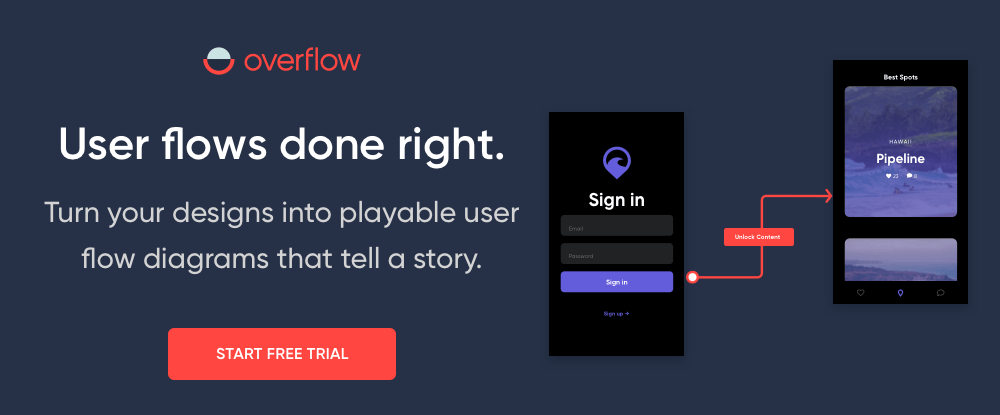
Overflow re-invented the way user flow diagramming should be
done and offers a comprehensive solution to designers and product teams. This
powerful tool integrates seamlessly with today’s most popular design tools to
enable designers to convert their designs into playable, interactive user flow
diagrams.

Typically, a designer had to export static PNGs of their
screenshots and attempt to import them into flowchart software that was not
designed to work with visuals, and then draw lines and connectors between the
screens, all in an attempt to produce a flow diagram that made sense.

Working with Overflow essentially involves syncing designs
from Sketch, Adobe XD, or Figma, and adding device skins, connectors and
annotations, all with the simple click of a button. Beautiful user flows that
tell a story can be created in minutes and viewers can either get the big
picture of the whole diagram to evaluate complexity and logic, or zoom to
individual screens to focus on design details.

Overflow is available for a 30-day free trial on MacOS – a Windows version is expected in the future.

2. Webflow
Design/build/launch is, in a nutshell, what Webflow enables you to do —
all without writing a single line of code. You can start by creating prototypes
of your design, easily incorporating real dynamic content and functional forms,
and collaborating with others in the process.

Once your design’s complete, you can actually skip the handoff to dev,
pushing your site straight to production with a click.

You can create a custom, client-friendly CMS for every site, add immersive interactions and animations, and enjoy world-class, crazy-fast hosting — without any of the usual setup hassles.

Start a design from scratch, work from a template, or build with one of a host of community-created UI kits to build any type of website, including online stores.

3. UXPin
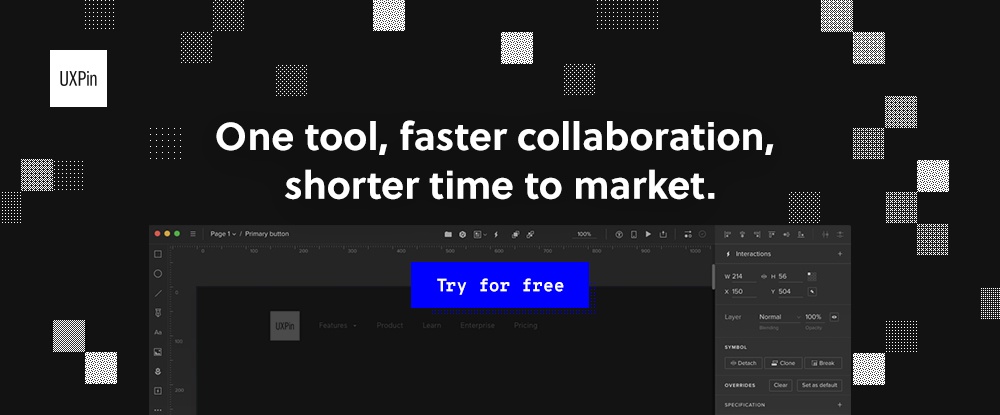
Gone
are the days of linking static designs together! UXPin is the prototyping tool
your whole product team dreams about. You can design, prototype, and
collaborate in one place.

Starting with proof-of-concept wireframes, you can collect feedback in real time, and work your way up through interactive prototypes to easy hand-off. It has everything from interactive states, conditional logic, variables, code components, JavaScript expressions, and more.

Team collaboration gets truly simplified with UXPin –as proven by their clients, big and small like PayPal, Microsoft, but design agencies and freelancers as well.

4. Avocode
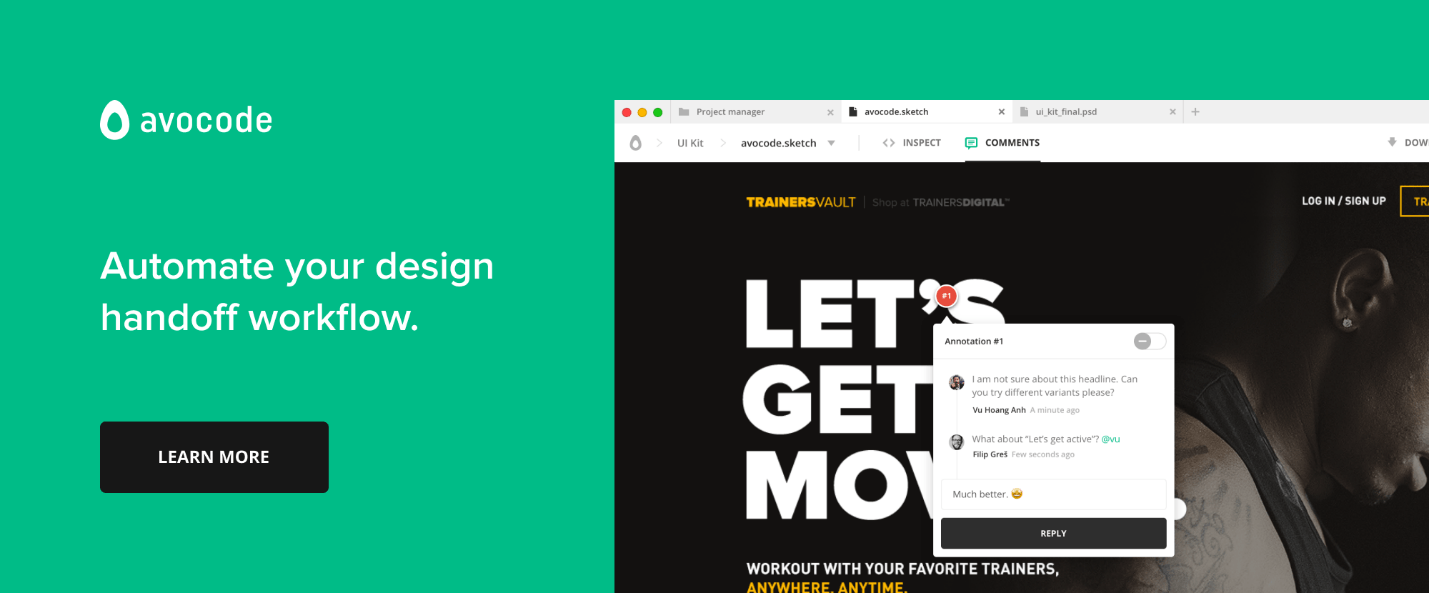
Avocode is a platform-independent tool that teams can use to sync Sketch, XD, PSD, AI, and Figma designs so team members, contractors, and clients can look at any design version you want to share with them. Avocode will help keep your design files organized and back them up on the cloud.

You don’t have to prepare your files in any way to let Avocode do its job. It recognizes all layers and enables exports for all assets.

5. Savah
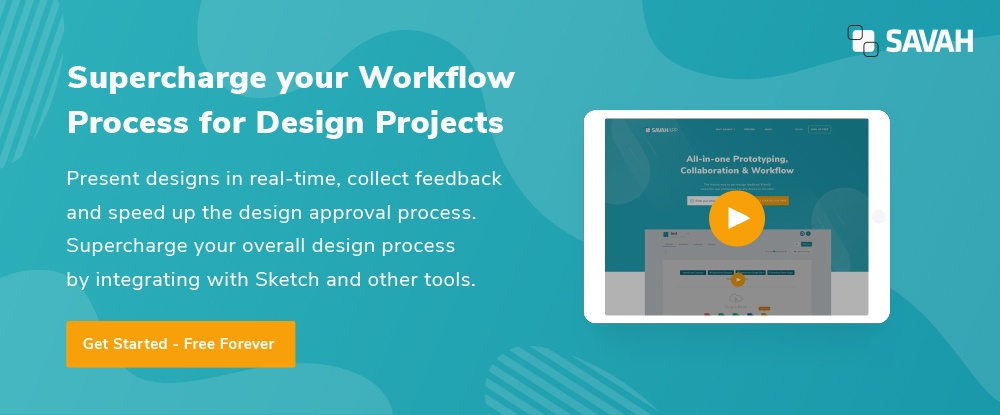
Savah is a digital design platform that allows you to create an end-to-end user journey for any web and mobile app project. Savah can be integrated with Sketch and auto-synced design with Dropbox and Google Drive. You can upload unlimited designs, present in real-time, collect feedback.

Savah is free to use for solo designers, and paid plans start from $40/m for a team of 5 designers.

What does the “best” prototyping and handoff tool look like?

With respect to prototyping, there are so many
tools and methods on the market that finding one that will work for you isn’t
always an easy task.

What would the “Best” one look like?

There is no such thing since your choice would depend on what you need at the moment for a particular project! Here are some questions you want answered when choosing a prototyping tool:

  • How effective is the tool for collaborating and sharing information with others involved in the project?
  • What’s the learning curve and how easy is the tool to use?
  • Do you need low-fi for testing ideas, Medium-fi for testing layouts and primary interactions, or high-fi for testing micro-interactions and visuals?
  • Does the price fit your budget?

When evaluating the pros and cons of a prototyping or handoff tool, you should take into account the following criteria

  • Fidelity: How powerful is the tool for visual and interactive design?
  • Consistency: Does the tool support design consistency?
  • Accuracy: Does it support your organization’s “source of truth”?
  • Collaboration: Can you collaborate or co-design with others?
  • Developer Handoff: Will the tool correctly and effectively generate specifications and assets for developers?

All of these are important, but don’t get tied
up in knots worrying about making a “best” choice. These tools are supposed to help
you shape your ideas, and not in themselves determine how your products are
going to look or behave.

Conclusion

Naturally, you want to keep up to date with the latest tools and technologies. Selecting proper prototyping and handoff tools requires a lot of thought. Some tools will be more effective than others. It depends on a variety of factors including the level of collaboration supported, team size, the task at hand, the platform it will run on, etc.

The overarching goal is that of creating or maintaining a seamless product design workflow.
Thanks for being a subscriber, here is your FREE house vector icons set.

7 Common Marketing Mistakes That Most Startups Make and How To Avoid Them

Post pobrano z: 7 Common Marketing Mistakes That Most Startups Make and How To Avoid Them

Marketing is the
lifeblood of any startup, and certain marketing mistakes have the potential to
bring your new business crushing down. In the preliminary stages of launching a
new business idea, entrepreneurs are prone to make marketing mistakes. This is
because nine times out of ten, the founder of the startup is not a marketing
expert.

Avoiding these
mistakes saves you months of trying to salvage the situation. Working with
marketing specialist helps you circumvent these mistakes. Are you an expert
article writer? Writezillas allows you to
write jobs that work for you.

1. Jumping too quickly into Big Marketing

Everyone who launches
a startup wants it to succeed. That is why most founders find themselves
jumping to big marketing too soon. But for you to take the industry by storm,
you have to follow a tried and tested procedure.

This is a common
marketing
mistake startup founders make
and they end up messing with your budget
before they get their idea off the ground. Spending too much too soon sets you
up for targets your small business is incapable of meeting.

Don’t gamble on
what you think might work; instead, take your time to learn the market and
which marketing channel is suited for your business.

2. Marketing Through the Wrong Channels

If you take your
time to understand which channels works best for your business, you won’t waste
time and energy marketing on the wrong platform.

The number of
channels you can use to connect with prospects are unlimited. However, not all
of them can work for you. Determine where your target audience is and how best
you can get their attention.

3. Hiring an In-Staff Marketing Team too soon

Every startup up
founder wants to work with the
best marketing team
. However, hiring an in-staff marketing team too soon is
a bad idea.

As a small
business, you cannot afford to invest in high-caliber marketing specialists.
Turn to the low-cost options to ensure you don’t exhaust the capital you set
aside to get the business off the ground.

4. Spending too Much Time Perfecting the Brand Image

As a startup,
the last thing you should do is rebrand. Since your business is not established
yet, brand image is the least of your worries.

Even though you
need to introduce your business to the market, there is such a thing as
excessive brand promotion. Making too much noise about your brand; especially
on social media only makes prospects want to tune out.

5. Accommodating Too Many Voices on Marketing Decisions

The more people
you listen to before making a marketing decision, the longer it takes to
finalize anything. Everyone will always have an opinion when it comes to
marketing a startup.

As a founder,
you need to learn how to exercise your power. After all, you can only implement
one marketing idea at a time.

6. Beginning to Chase Competitors too soon

One can only
compete with someone who’s on their level. Chasing rival businesses that were
in the market before you is a wrong move.

During the initial
stages of launching a startup, all you should focus on is identifying your
competitors in the market.

7. Forgetting to Track Your Progress

Tracking
everything you do ensures you don’t spend too much on strategies that don’t
give you reasonable return on investment. You need to learn how to measure
results for the onset as this is a practice you should maintain as a business
owner.

Conclusion

Learning about
mistakes startup founders make ensures you avoid them as you launch your
business. The initial stages of launching a startup play a crucial role in the
success of a venture.

Thanks for being a subscriber, here is your FREE house vector icons set.
7 Common Marketing Mistakes That Most Startups Make and How To Avoid Them

Post pobrano z: 7 Common Marketing Mistakes That Most Startups Make and How To Avoid Them

Marketing is the
lifeblood of any startup, and certain marketing mistakes have the potential to
bring your new business crushing down. In the preliminary stages of launching a
new business idea, entrepreneurs are prone to make marketing mistakes. This is
because nine times out of ten, the founder of the startup is not a marketing
expert.

Avoiding these
mistakes saves you months of trying to salvage the situation. Working with
marketing specialist helps you circumvent these mistakes. Are you an expert
article writer? Writezillas allows you to
write jobs that work for you.

1. Jumping too quickly into Big Marketing

Everyone who launches
a startup wants it to succeed. That is why most founders find themselves
jumping to big marketing too soon. But for you to take the industry by storm,
you have to follow a tried and tested procedure.

This is a common
marketing
mistake startup founders make
and they end up messing with your budget
before they get their idea off the ground. Spending too much too soon sets you
up for targets your small business is incapable of meeting.

Don’t gamble on
what you think might work; instead, take your time to learn the market and
which marketing channel is suited for your business.

2. Marketing Through the Wrong Channels

If you take your
time to understand which channels works best for your business, you won’t waste
time and energy marketing on the wrong platform.

The number of
channels you can use to connect with prospects are unlimited. However, not all
of them can work for you. Determine where your target audience is and how best
you can get their attention.

3. Hiring an In-Staff Marketing Team too soon

Every startup up
founder wants to work with the
best marketing team
. However, hiring an in-staff marketing team too soon is
a bad idea.

As a small
business, you cannot afford to invest in high-caliber marketing specialists.
Turn to the low-cost options to ensure you don’t exhaust the capital you set
aside to get the business off the ground.

4. Spending too Much Time Perfecting the Brand Image

As a startup,
the last thing you should do is rebrand. Since your business is not established
yet, brand image is the least of your worries.

Even though you
need to introduce your business to the market, there is such a thing as
excessive brand promotion. Making too much noise about your brand; especially
on social media only makes prospects want to tune out.

5. Accommodating Too Many Voices on Marketing Decisions

The more people
you listen to before making a marketing decision, the longer it takes to
finalize anything. Everyone will always have an opinion when it comes to
marketing a startup.

As a founder,
you need to learn how to exercise your power. After all, you can only implement
one marketing idea at a time.

6. Beginning to Chase Competitors too soon

One can only
compete with someone who’s on their level. Chasing rival businesses that were
in the market before you is a wrong move.

During the initial
stages of launching a startup, all you should focus on is identifying your
competitors in the market.

7. Forgetting to Track Your Progress

Tracking
everything you do ensures you don’t spend too much on strategies that don’t
give you reasonable return on investment. You need to learn how to measure
results for the onset as this is a practice you should maintain as a business
owner.

Conclusion

Learning about
mistakes startup founders make ensures you avoid them as you launch your
business. The initial stages of launching a startup play a crucial role in the
success of a venture.

Thanks for being a subscriber, here is your FREE house vector icons set.
Design Deals for the Week

Post pobrano z: Design Deals for the Week

Every week, we’ll give you an overview of the best deals for designers, make sure you don’t miss any by subscribing to our deals feed. You can also follow the recently launched website Type Deals if you are looking for free fonts or font deals.

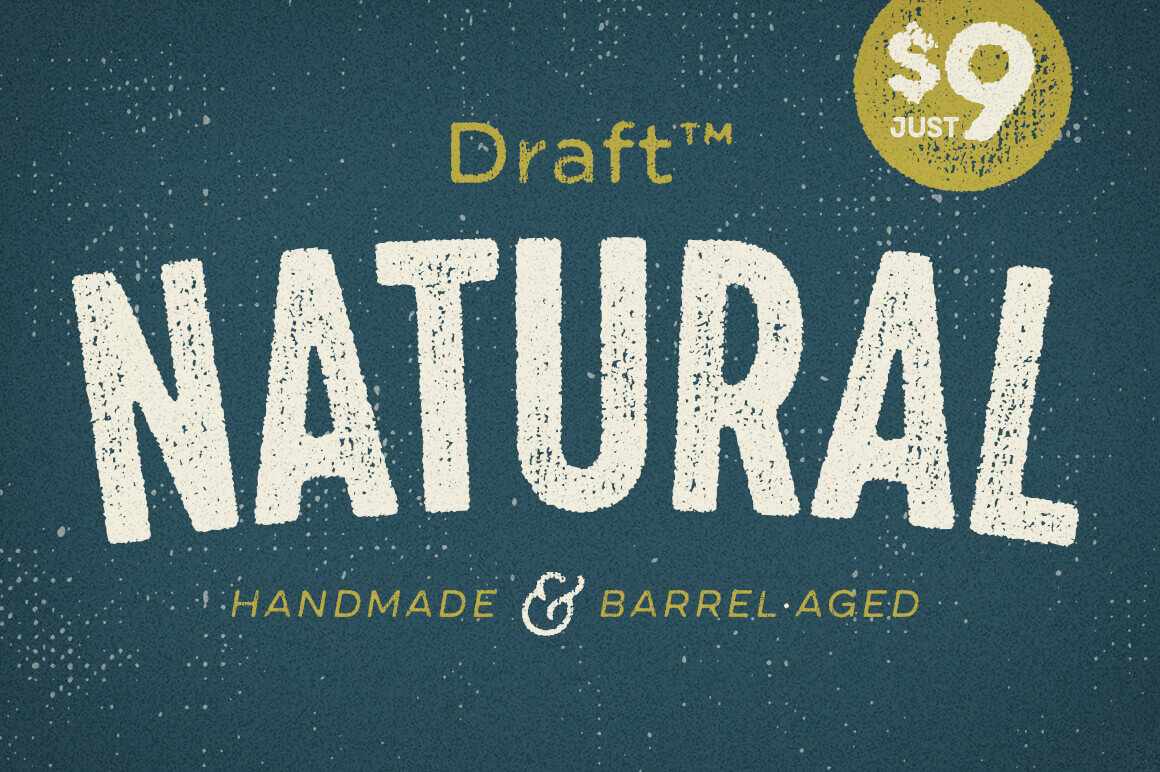
Draft Natural Complete 56-Font Family

Draft Natural Font Family features a subtle, organic texture with a highly realistic grain. Featuring a warm, authentic feel, this typeface’s base fonts include upper and lowercase letters in 4 widths, 4 weights and 3 distinct texture styles. It’s like getting 56 individual fonts in 1 discounted deal.

$9 instead of $49 – Get it now!

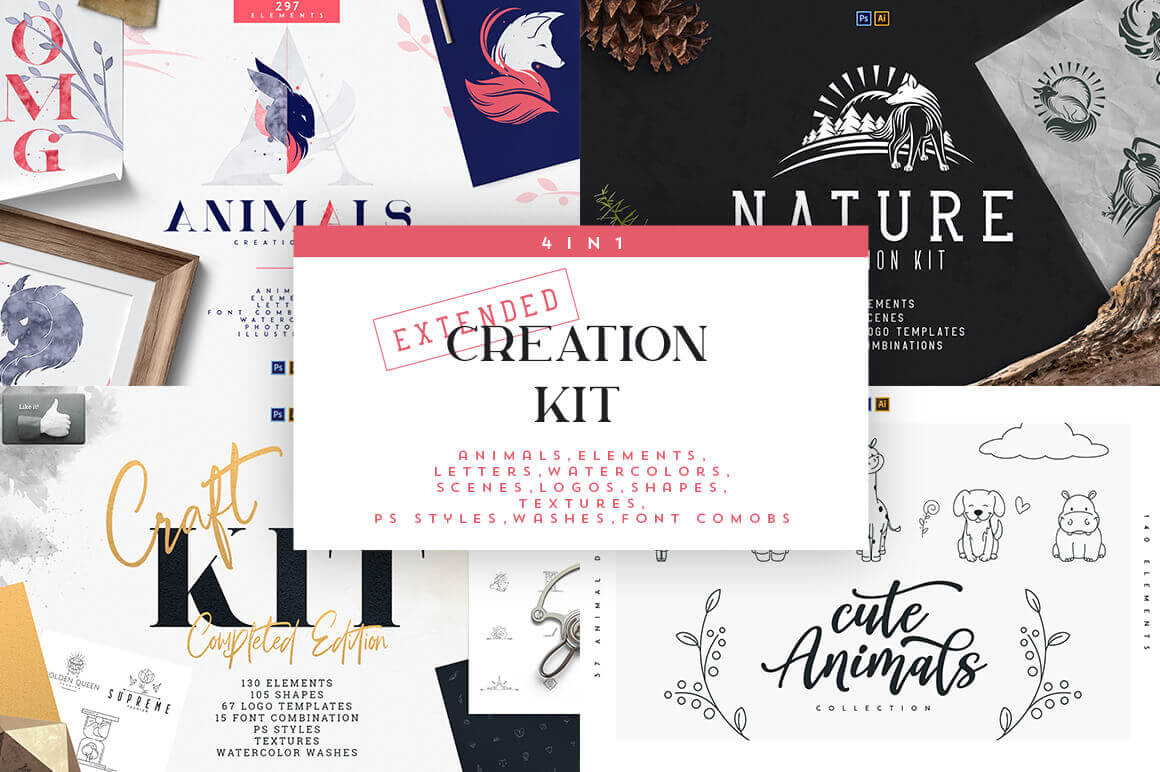
4-in-1 Extended Creation Kit with 700+ Elements 

The 4-in-1 Extended Creation Kit sports over 700 incredible design elements culled from a quartet of creation kits featuring animals, nature and crafts. With design elements, shapes, logo templates, scenes and more, you’ll have all you need to create masterful logos, packaging, apparel, prints and more.

$9 instead of $360 – Get it now!

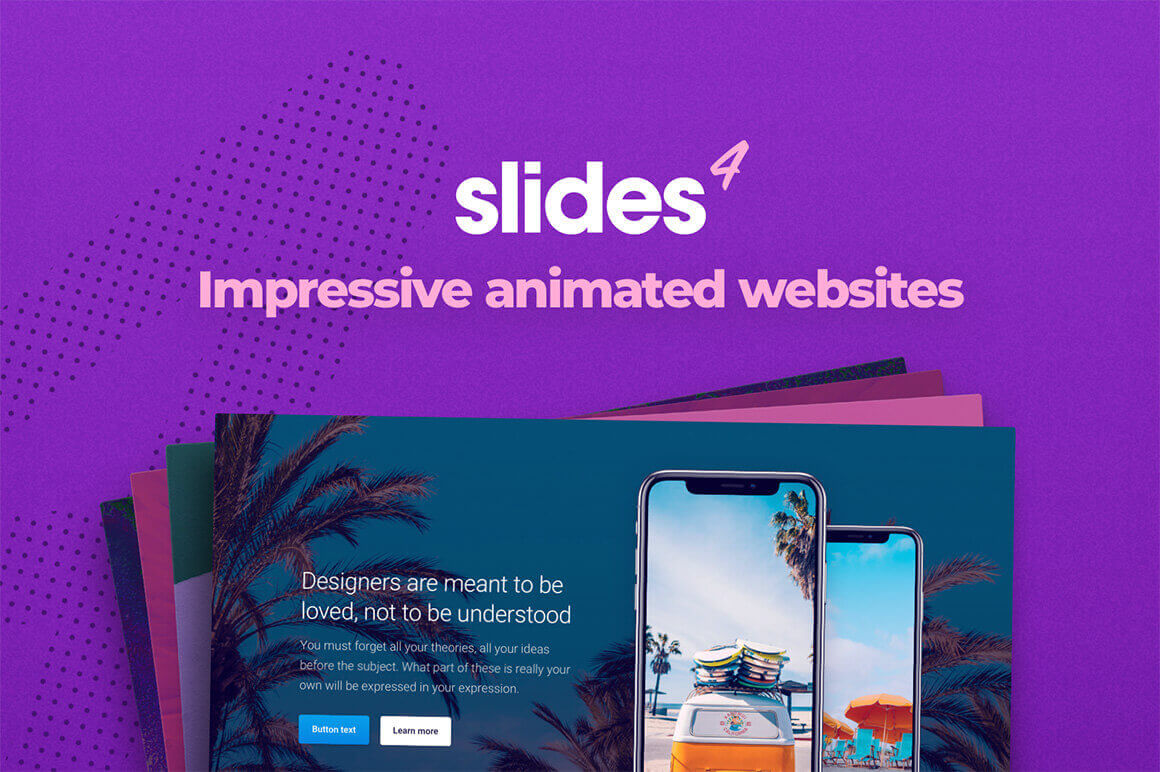
Slides: Static Website and Landing Page Builder 

With Slides, you can whip up some seriously impressive animated websites in minutes. Responsive and retina-ready, the slides framework allows you to customize over 200 high-quality slides, mixing and matching all sorts of modules from contact forms to social links. You can even start with any one of 16 pre-built templates if you want to hit the ground running.

$19 instead of $249 – Get it now!

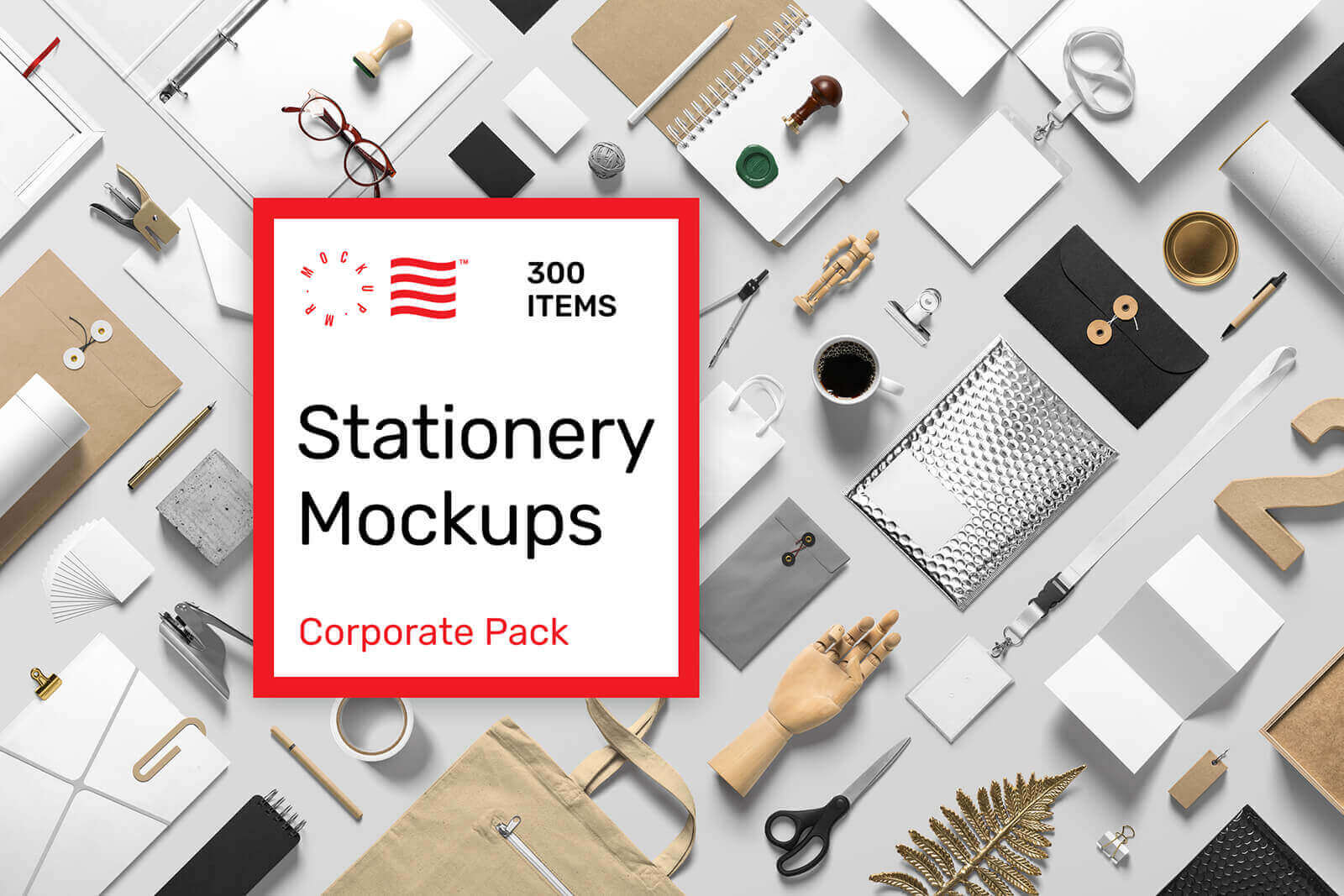
Corporate Stationery PSD Mockups

Make your presentation even more attractive with our Corporate Stationery PSD Mockups Pack! Create premium quality images by just dragging and dropping items in Photoshop. To give you a better start we have crafted some premade scenes and templates ready to use. Just replace the design in to the smart object layer, hit save and you are done. This pack also include 20 high quality textures that you can use as a background.

$19 instead of $39 – Get it now!

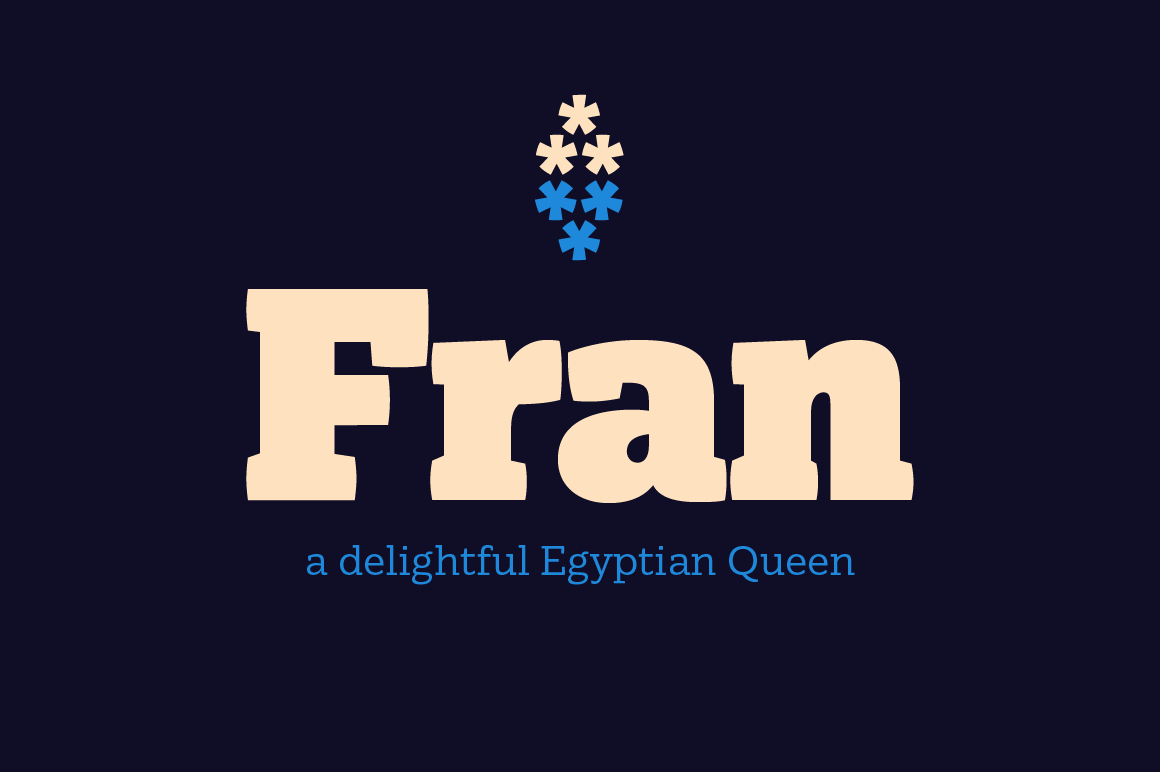
Fran, a Strong and Elegant Font Family

Fran is a strong yet elegant slab serif family available in six weights, from a gentle thin to a vigorous ultra. It has a subtle and quiet character which gradually grows louder as the weight increases. This makes the lighter styles perfectly suited for continuous texts and the heavier ideal for sizes that demand the reader’s attention. Plus, loads of OpenType features offer you even more flexibility with the family.

$9 instead of $50 – Get it now!

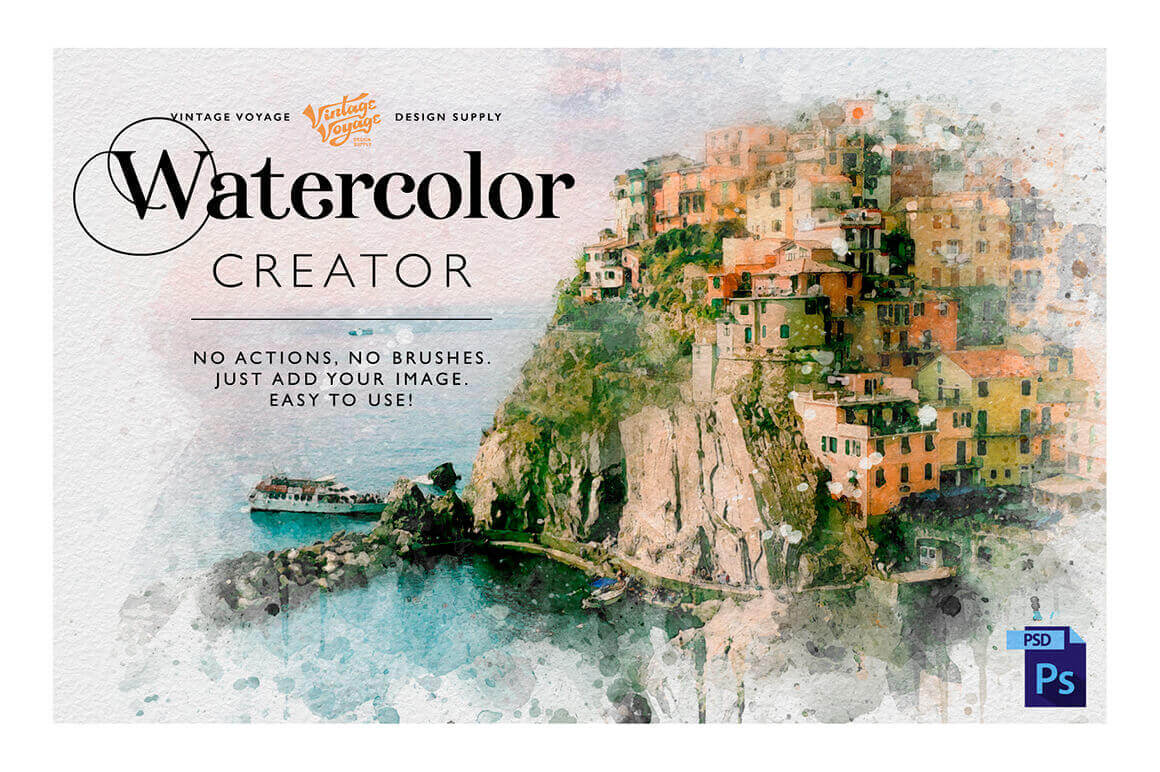
Get the Perfect Watercolor Illustrations with Watercolor Creator

You need watercolor illustrations but don’t have time to learn how to draw or how to use the next Photoshop action? The answer is Watercolor Creator! Don’t waste your time, just open this PSD file, add your image and get the watercolor illustration you need. Easier than you imagine – no actions, no brushes, just one PSD file. All elements are based on real watercolor elements. 100% realistic effect. Also you’ll get “How to use” instructions and a huge gradient collection as bonus.

$6 instead of $30 – Get it now!

Thanks for being a subscriber, here is your FREE house vector icons set.
Design Deals for the Week

Post pobrano z: Design Deals for the Week

Every week, we’ll give you an overview of the best deals for designers, make sure you don’t miss any by subscribing to our deals feed. You can also follow the recently launched website Type Deals if you are looking for free fonts or font deals.

Draft Natural Complete 56-Font Family

Draft Natural Font Family features a subtle, organic texture with a highly realistic grain. Featuring a warm, authentic feel, this typeface’s base fonts include upper and lowercase letters in 4 widths, 4 weights and 3 distinct texture styles. It’s like getting 56 individual fonts in 1 discounted deal.

$9 instead of $49 – Get it now!

4-in-1 Extended Creation Kit with 700+ Elements 

The 4-in-1 Extended Creation Kit sports over 700 incredible design elements culled from a quartet of creation kits featuring animals, nature and crafts. With design elements, shapes, logo templates, scenes and more, you’ll have all you need to create masterful logos, packaging, apparel, prints and more.

$9 instead of $360 – Get it now!

Slides: Static Website and Landing Page Builder 

With Slides, you can whip up some seriously impressive animated websites in minutes. Responsive and retina-ready, the slides framework allows you to customize over 200 high-quality slides, mixing and matching all sorts of modules from contact forms to social links. You can even start with any one of 16 pre-built templates if you want to hit the ground running.

$19 instead of $249 – Get it now!

Corporate Stationery PSD Mockups

Make your presentation even more attractive with our Corporate Stationery PSD Mockups Pack! Create premium quality images by just dragging and dropping items in Photoshop. To give you a better start we have crafted some premade scenes and templates ready to use. Just replace the design in to the smart object layer, hit save and you are done. This pack also include 20 high quality textures that you can use as a background.

$19 instead of $39 – Get it now!

Fran, a Strong and Elegant Font Family

Fran is a strong yet elegant slab serif family available in six weights, from a gentle thin to a vigorous ultra. It has a subtle and quiet character which gradually grows louder as the weight increases. This makes the lighter styles perfectly suited for continuous texts and the heavier ideal for sizes that demand the reader’s attention. Plus, loads of OpenType features offer you even more flexibility with the family.

$9 instead of $50 – Get it now!

Get the Perfect Watercolor Illustrations with Watercolor Creator

You need watercolor illustrations but don’t have time to learn how to draw or how to use the next Photoshop action? The answer is Watercolor Creator! Don’t waste your time, just open this PSD file, add your image and get the watercolor illustration you need. Easier than you imagine – no actions, no brushes, just one PSD file. All elements are based on real watercolor elements. 100% realistic effect. Also you’ll get “How to use” instructions and a huge gradient collection as bonus.

$6 instead of $30 – Get it now!

Thanks for being a subscriber, here is your FREE house vector icons set.
Design Deals for the Week

Post pobrano z: Design Deals for the Week

Every week, we’ll give you an overview of the best deals for designers, make sure you don’t miss any by subscribing to our deals feed. You can also follow the recently launched website Type Deals if you are looking for free fonts or font deals.

Draft Natural Complete 56-Font Family

Draft Natural Font Family features a subtle, organic texture with a highly realistic grain. Featuring a warm, authentic feel, this typeface’s base fonts include upper and lowercase letters in 4 widths, 4 weights and 3 distinct texture styles. It’s like getting 56 individual fonts in 1 discounted deal.

$9 instead of $49 – Get it now!

4-in-1 Extended Creation Kit with 700+ Elements 

The 4-in-1 Extended Creation Kit sports over 700 incredible design elements culled from a quartet of creation kits featuring animals, nature and crafts. With design elements, shapes, logo templates, scenes and more, you’ll have all you need to create masterful logos, packaging, apparel, prints and more.

$9 instead of $360 – Get it now!

Slides: Static Website and Landing Page Builder 

With Slides, you can whip up some seriously impressive animated websites in minutes. Responsive and retina-ready, the slides framework allows you to customize over 200 high-quality slides, mixing and matching all sorts of modules from contact forms to social links. You can even start with any one of 16 pre-built templates if you want to hit the ground running.

$19 instead of $249 – Get it now!

Corporate Stationery PSD Mockups

Make your presentation even more attractive with our Corporate Stationery PSD Mockups Pack! Create premium quality images by just dragging and dropping items in Photoshop. To give you a better start we have crafted some premade scenes and templates ready to use. Just replace the design in to the smart object layer, hit save and you are done. This pack also include 20 high quality textures that you can use as a background.

$19 instead of $39 – Get it now!

Fran, a Strong and Elegant Font Family

Fran is a strong yet elegant slab serif family available in six weights, from a gentle thin to a vigorous ultra. It has a subtle and quiet character which gradually grows louder as the weight increases. This makes the lighter styles perfectly suited for continuous texts and the heavier ideal for sizes that demand the reader’s attention. Plus, loads of OpenType features offer you even more flexibility with the family.

$9 instead of $50 – Get it now!

Get the Perfect Watercolor Illustrations with Watercolor Creator

You need watercolor illustrations but don’t have time to learn how to draw or how to use the next Photoshop action? The answer is Watercolor Creator! Don’t waste your time, just open this PSD file, add your image and get the watercolor illustration you need. Easier than you imagine – no actions, no brushes, just one PSD file. All elements are based on real watercolor elements. 100% realistic effect. Also you’ll get “How to use” instructions and a huge gradient collection as bonus.

$6 instead of $30 – Get it now!

Thanks for being a subscriber, here is your FREE house vector icons set.
Quality Link Building for SEO: The Beginner’s Guide

Post pobrano z: Quality Link Building for SEO: The Beginner’s Guide

Content, experience, user, links and others alike are some of the themes we get to discover when getting started with SEO. While the first three themes fall under human control, the last one is pretty challenging in the sense that these have negligible human interference. 

Links are one of the first ‘off the page’ ranking factors adopted by search engines and link building is the process of promoting your website on other sites in order to drive traffic, increase revenue, and promote trustworthiness amongst users. However, it must be noted that as per Google’s latest update, it is demoting sites which are relatively low on EAT (Expertise, Authoritativeness, Trustworthiness) which plays a major role in getting mentions and links on authoritative websites. 

So, remain extremely cautious and get set with the link building of your website keeping in mind the below-mentioned information. Also, all those looking to attract organic results via search engine optimisation in Frederick MD must also follow the tactics while results for your site’s link popularity can also be obtained via pay per click method. 

Know your audience

The first step for getting started with link building for search engine optimisation is having a sound knowledge of your audience, i.e. what does your ideal audience look like, what they are doing right now. Moreover, adapt your content as per the needs of your audience and make a list of websites in order to reach out to them. 

Invest in an outreach program

Link building is incomplete without outreach, which is connecting with different people in your niche and reaching out to them via email or even a phone call to introduce your content and get links in return if they like those. The more you connect with different webmasters the more benefits shall you reap for your website. But at the same time, make sure to always prefer quality over quantity for search engine optimisation Frederick MD or wherever you are based.

Apart from this, provide bloggers with high quality content such that anyone would naturally link to your site in case you’re featuring what they want and that is not available anywhere else.

Better the quality, the more the weight

Link building works on the principle of ‘better the quality, the more the weight’ which sheds light on the fact that while counting the total number of links pointing to a particular website, search engines give preference to the links which are considered to be of better quality; thereby, allowing your content to rank higher. Links from websites with high domain authority and those which are relevant are considered to be high-quality links. 

Link the anchor text

The words within a link, i.e. the link text or ‘anchor text’ as usually referred to are seen by the search engines as a way to describe one website with the help of another. It is always recommended to link the anchor text for best search engine and overall as well because links which point to content related to the topic of the source page are likely to send stronger relevance signals than links pointing to unrelated content.

Additionally, search engines pay attention to the different variations of anchor texts being used to link back to the original article and further use them as additional indicators to article is about and for which search queries it might be relevant. Thus, in order to ensure maximum link relevance, keep your anchor text as descriptive as possible and link it for effective search engine optimisation. 

So, follow the easily doable aforementioned tactics to increase your link popularity and improve your search engine optimisation.

Thanks for being a subscriber, here is your FREE house vector icons set.
Quality Link Building for SEO: The Beginner’s Guide

Post pobrano z: Quality Link Building for SEO: The Beginner’s Guide

Content, experience, user, links and others alike are some of the themes we get to discover when getting started with SEO. While the first three themes fall under human control, the last one is pretty challenging in the sense that these have negligible human interference. 

Links are one of the first ‘off the page’ ranking factors adopted by search engines and link building is the process of promoting your website on other sites in order to drive traffic, increase revenue, and promote trustworthiness amongst users. However, it must be noted that as per Google’s latest update, it is demoting sites which are relatively low on EAT (Expertise, Authoritativeness, Trustworthiness) which plays a major role in getting mentions and links on authoritative websites. 

So, remain extremely cautious and get set with the link building of your website keeping in mind the below-mentioned information. Also, all those looking to attract organic results via search engine optimisation in Frederick MD must also follow the tactics while results for your site’s link popularity can also be obtained via pay per click method. 

Know your audience

The first step for getting started with link building for search engine optimisation is having a sound knowledge of your audience, i.e. what does your ideal audience look like, what they are doing right now. Moreover, adapt your content as per the needs of your audience and make a list of websites in order to reach out to them. 

Invest in an outreach program

Link building is incomplete without outreach, which is connecting with different people in your niche and reaching out to them via email or even a phone call to introduce your content and get links in return if they like those. The more you connect with different webmasters the more benefits shall you reap for your website. But at the same time, make sure to always prefer quality over quantity for search engine optimisation Frederick MD or wherever you are based.

Apart from this, provide bloggers with high quality content such that anyone would naturally link to your site in case you’re featuring what they want and that is not available anywhere else.

Better the quality, the more the weight

Link building works on the principle of ‘better the quality, the more the weight’ which sheds light on the fact that while counting the total number of links pointing to a particular website, search engines give preference to the links which are considered to be of better quality; thereby, allowing your content to rank higher. Links from websites with high domain authority and those which are relevant are considered to be high-quality links. 

Link the anchor text

The words within a link, i.e. the link text or ‘anchor text’ as usually referred to are seen by the search engines as a way to describe one website with the help of another. It is always recommended to link the anchor text for best search engine and overall as well because links which point to content related to the topic of the source page are likely to send stronger relevance signals than links pointing to unrelated content.

Additionally, search engines pay attention to the different variations of anchor texts being used to link back to the original article and further use them as additional indicators to article is about and for which search queries it might be relevant. Thus, in order to ensure maximum link relevance, keep your anchor text as descriptive as possible and link it for effective search engine optimisation. 

So, follow the easily doable aforementioned tactics to increase your link popularity and improve your search engine optimisation.

Thanks for being a subscriber, here is your FREE house vector icons set.

Sitejet Review: The Perfect CMS for Web Design Agencies

Post pobrano z: Sitejet Review: The Perfect CMS for Web Design Agencies

Source: Sitejet

It may be an old cliché, but “time is money”
is a phrase that rings true in the world of web design. With so much
competition in the industry, completing projects on time and to a high standard
is a constant struggle.

Web design agencies know this better than
most. As well as design work, staff have to juggle communicating with clients,
co-workers and managing projects all at the same time. As a result, the
software they choose to carry out all these tasks can have a big influence on
their overall productivity.

In most agencies, staff will use a number of
different productivity, chat and design tools to complete their work. Having
all this data spread out across different platforms can result in both delays
and things being missed, something that a new CMS called Sitejet
is hoping to solve.

An
All-Round CMS Package

Sitejet was created by four German web
designers as a way of streamlining their working process. The four men had
become frustrated at just how much time they were wasting by speaking with
their clients face-to-face or over the phone when other forms of communication
could prove just as effective.

As a result, they designed Sitejet not only as
a web design tool but also a creative hub where they could easily communicate
with clients and manage their projects at the same time.   

After completing over 4,000 websites using the
software, the men finally decided it was time to release it to the general
public this month. Find out whether we thought it lived up to the hype, below:

An
Easy-to-Use Design Tool with Extra Trimmings

Source: Sitejet

Underpinning Sitejet’s raft of features is its
beginner-friendly web design tool. Automation is on hand here to help speed up
the design process. It can generate a site’s colour scheme purely from an
uploaded logo and create a site template using client briefing notes entered
into the system.

The software comes with dozens of ready-to-go
templates out of the box from a range of different industries. All these
templates, like all of the software’s in-built design tools, are fully
responsive to ensure that any site you make looks as good on mobile as it does
on a desktop.   

Whether you’re editing a generated template or
starting a site from scratch, Sitejet’s intuitive drag and drop blocks for
headers, forms and menus make design work a doddle. All the software’s features
are built-in, so you never have to spend time searching for relevant plugins.

Sitejet also allows users the chance to add
their own HTML, (S)CSS and JavaScript via the click of a button, so you can
tailor sites exactly to a client’s tastes. You can preview how any added code
affects a site’s skin using the interface’s “live site” preview tool. It’s here
where you can adjust your screen’s viewport to see exactly how a site will look
on every type of device. 

Manage
Every Project in One Place

Source: Sitejet

Nearly all CMS offer website design tools.
Sitejet, however, is the only CMS that offers both a project management and
client communication suite as part of its package.

The final result is an end-to-end CMS that
seamlessly integrates everything you need as a web designer.

Sitejet’s project management screen allows you
to see every site you and your co-workers are working on. From here, you can
assign tasks, complete to-do lists and track what your fellow team members are
doing. This integrated dashboard makes it easy to move around resources should
an urgent task arise.

The software’s customer portal lets you
contact and share files much in the same way as any other popular collaboration
software tool. It also features a client privileges toggle, which allows you to
pick which elements of a site your client can access and edit. 

One standout feature of the portal is the
client comment feature. This feature allows clients to leave written feedback
on top of the skin of the website, making it easier to decipher any requested
changes.

Conclusion

Sitejet is a CMS designed by web designers for
web designers, and it shows. The little touches, such as keyboard shortcuts and
automatic updates, all help to create a cohesive design system that has been
optimised for speed. 

Perhaps more importantly, it manages to achieve this
without sacrificing the thing that matters most – client interaction. For that
reason, as well as the many points mentioned above, Sitjet is a must-try CMS
for any sized web design agency.

Thanks for being a subscriber, here is your FREE house vector icons set.

Quality Link Building for SEO: The Beginner’s Guide

Post pobrano z: Quality Link Building for SEO: The Beginner’s Guide

Content, experience, user, links and others alike are some of the themes we get to discover when getting started with SEO. While the first three themes fall under human control, the last one is pretty challenging in the sense that these have negligible human interference. 

Links are one of the first ‘off the page’ ranking factors adopted by search engines and link building is the process of promoting your website on other sites in order to drive traffic, increase revenue, and promote trustworthiness amongst users. However, it must be noted that as per Google’s latest update, it is demoting sites which are relatively low on EAT (Expertise, Authoritativeness, Trustworthiness) which plays a major role in getting mentions and links on authoritative websites. 

So, remain extremely cautious and get set with the link building of your website keeping in mind the below-mentioned information. Also, all those looking to attract organic results via search engine optimisation in Frederick MD must also follow the tactics while results for your site’s link popularity can also be obtained via pay per click method. 

Know your audience

The first step for getting started with link building for search engine optimisation is having a sound knowledge of your audience, i.e. what does your ideal audience look like, what they are doing right now. Moreover, adapt your content as per the needs of your audience and make a list of websites in order to reach out to them. 

Invest in an outreach program

Link building is incomplete without outreach, which is connecting with different people in your niche and reaching out to them via email or even a phone call to introduce your content and get links in return if they like those. The more you connect with different webmasters the more benefits shall you reap for your website. But at the same time, make sure to always prefer quality over quantity for search engine optimisation Frederick MD or wherever you are based.

Apart from this, provide bloggers with high quality content such that anyone would naturally link to your site in case you’re featuring what they want and that is not available anywhere else.

Better the quality, the more the weight

Link building works on the principle of ‘better the quality, the more the weight’ which sheds light on the fact that while counting the total number of links pointing to a particular website, search engines give preference to the links which are considered to be of better quality; thereby, allowing your content to rank higher. Links from websites with high domain authority and those which are relevant are considered to be high-quality links. 

Link the anchor text

The words within a link, i.e. the link text or ‘anchor text’ as usually referred to are seen by the search engines as a way to describe one website with the help of another. It is always recommended to link the anchor text for best search engine and overall as well because links which point to content related to the topic of the source page are likely to send stronger relevance signals than links pointing to unrelated content.

Additionally, search engines pay attention to the different variations of anchor texts being used to link back to the original article and further use them as additional indicators to article is about and for which search queries it might be relevant. Thus, in order to ensure maximum link relevance, keep your anchor text as descriptive as possible and link it for effective search engine optimisation. 

So, follow the easily doable aforementioned tactics to increase your link popularity and improve your search engine optimisation.

Thanks for being a subscriber, here is your FREE house vector icons set.