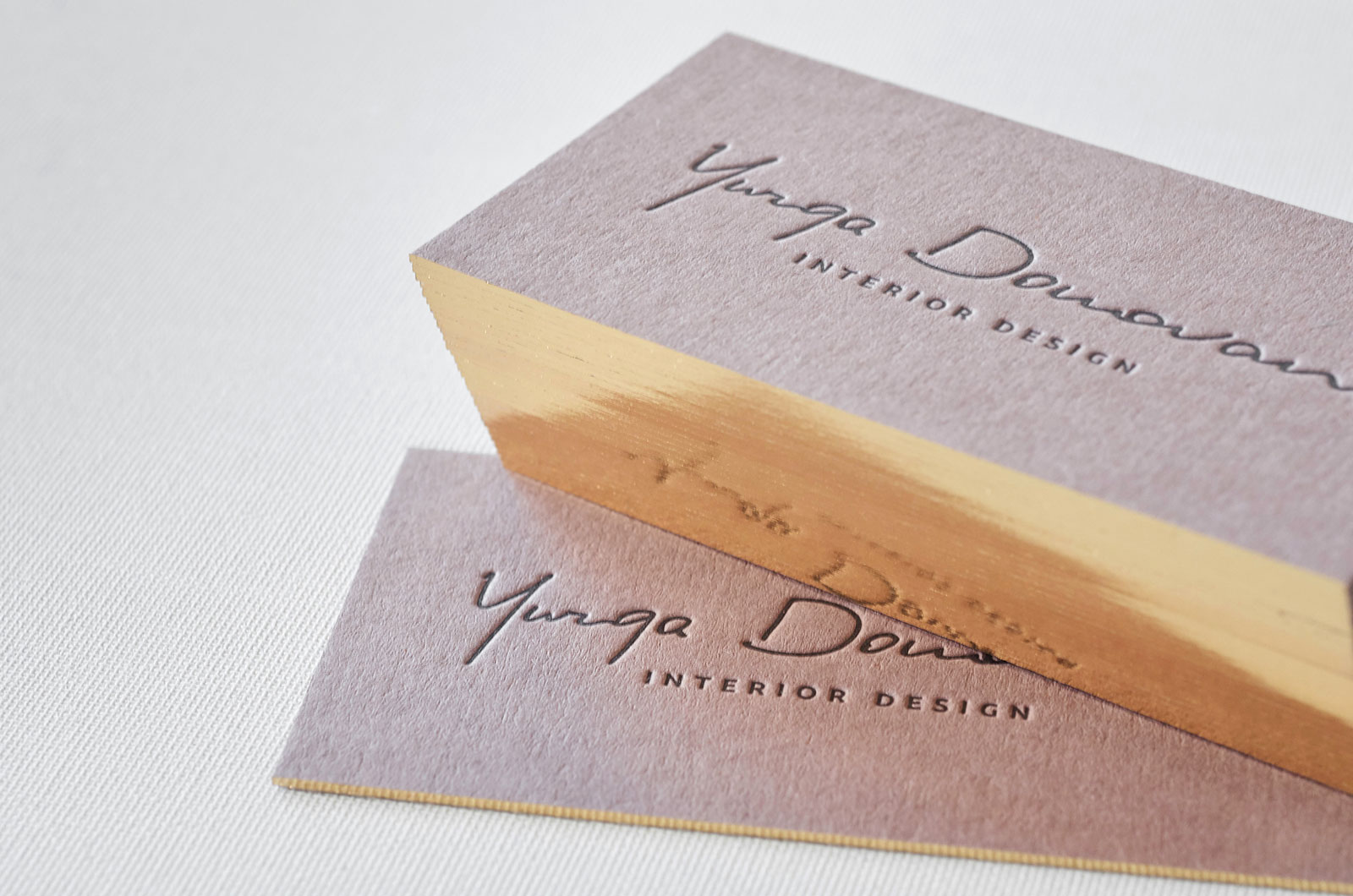
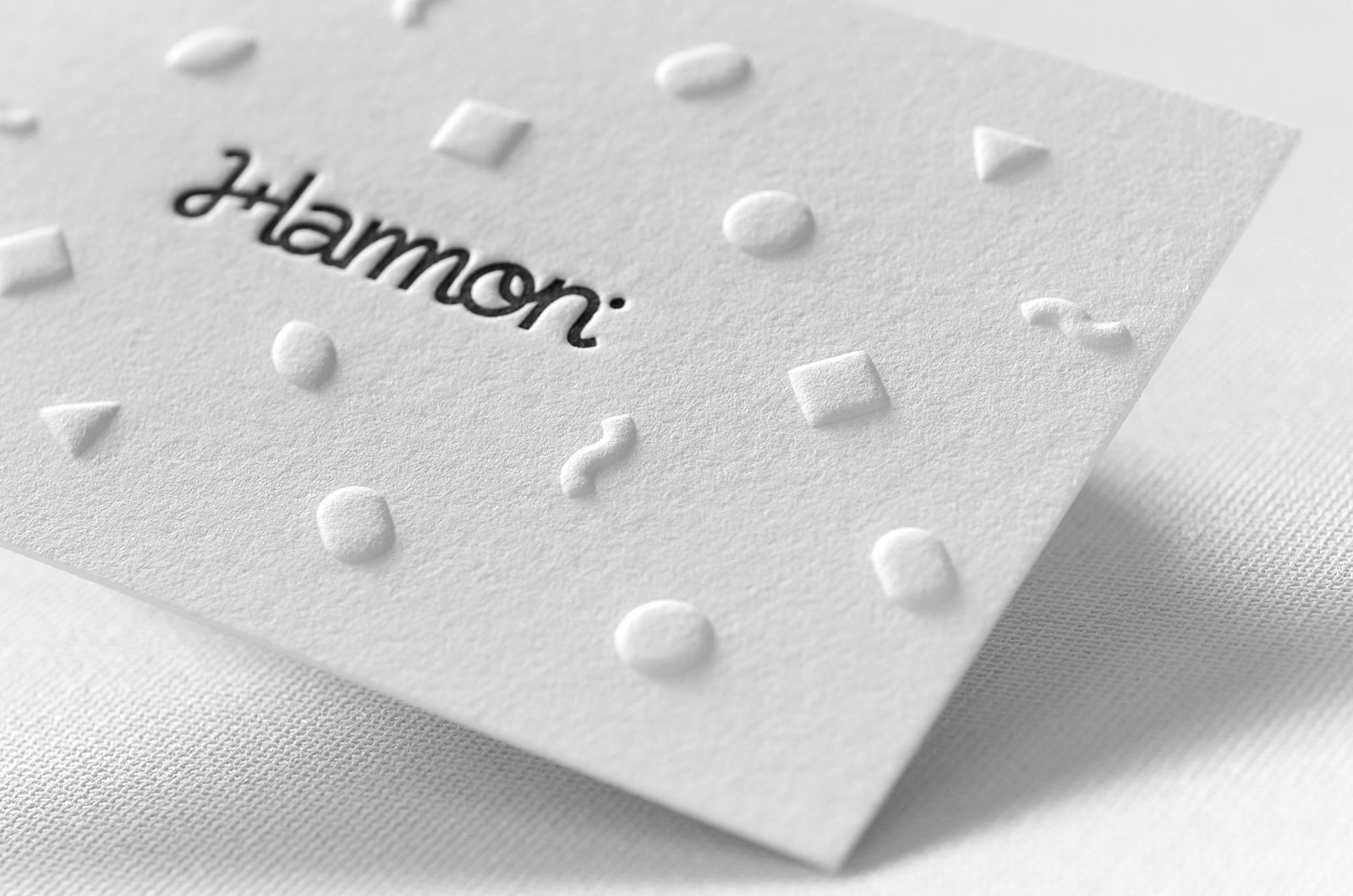
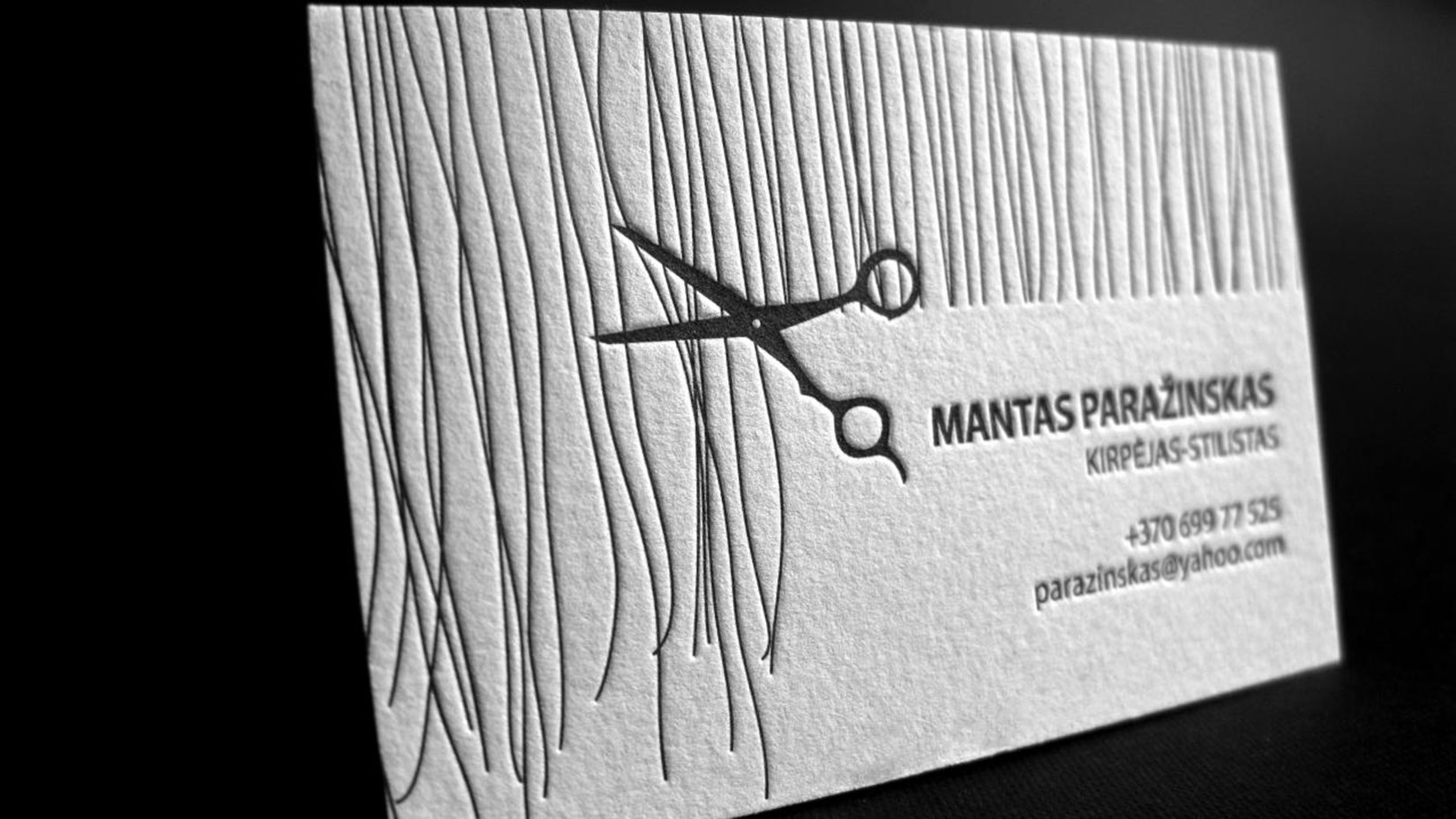
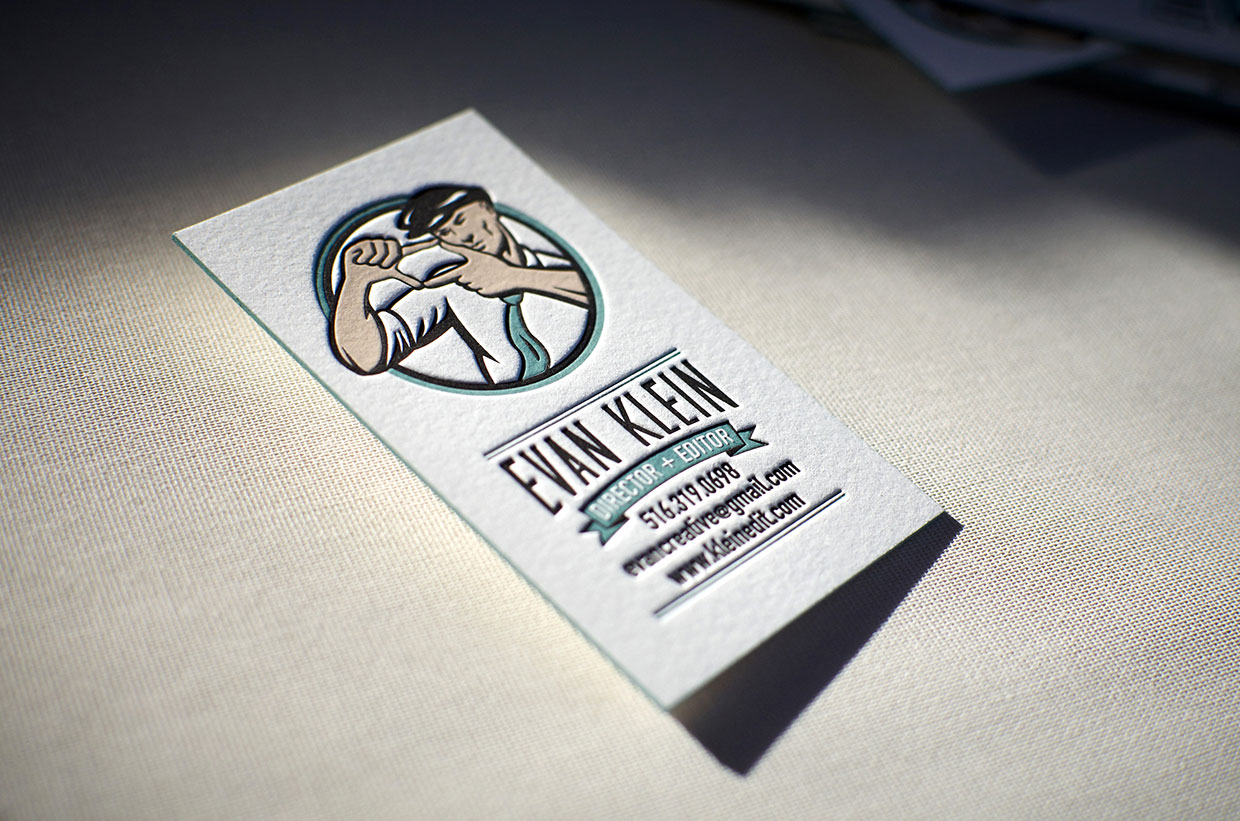
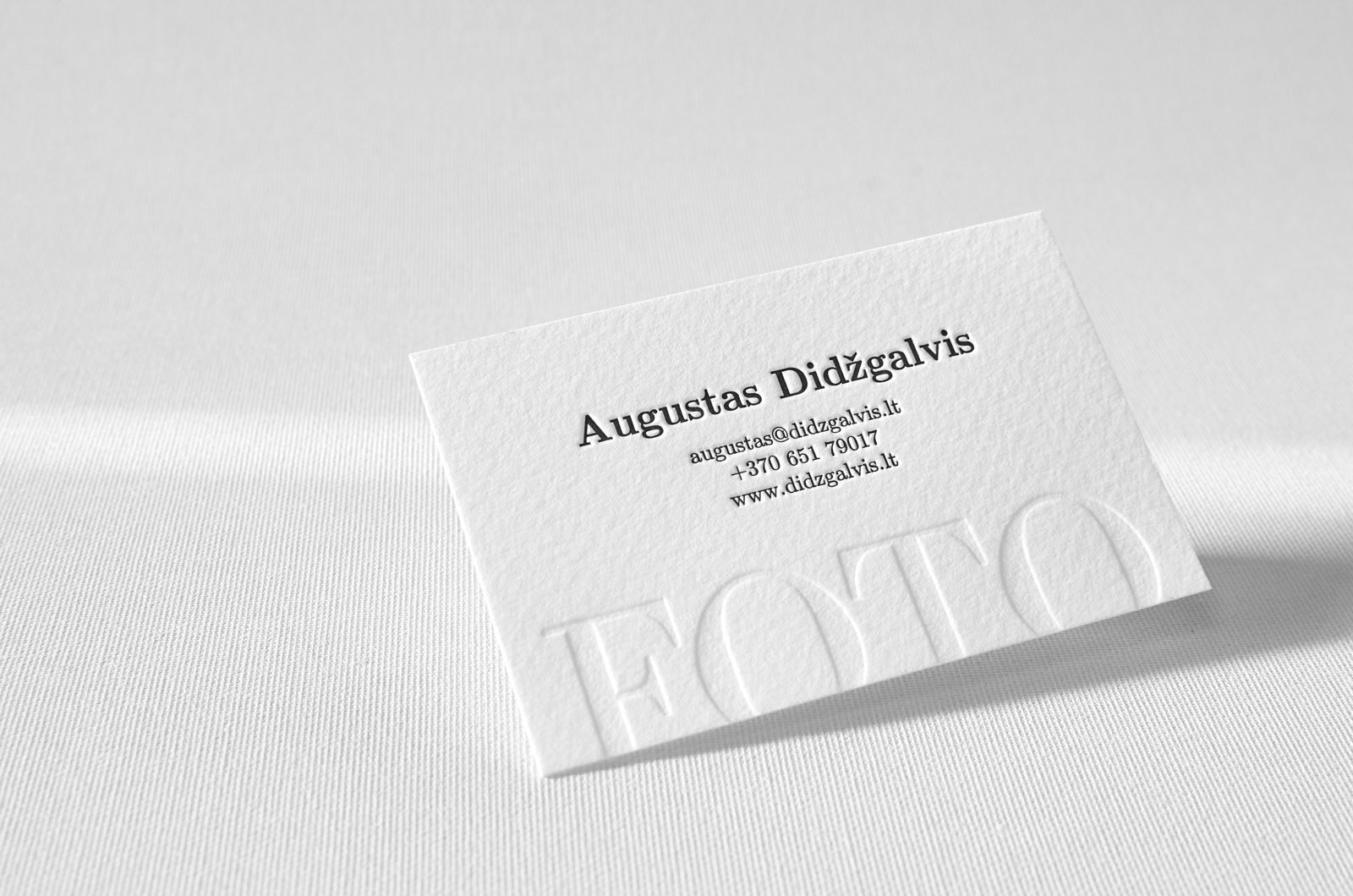
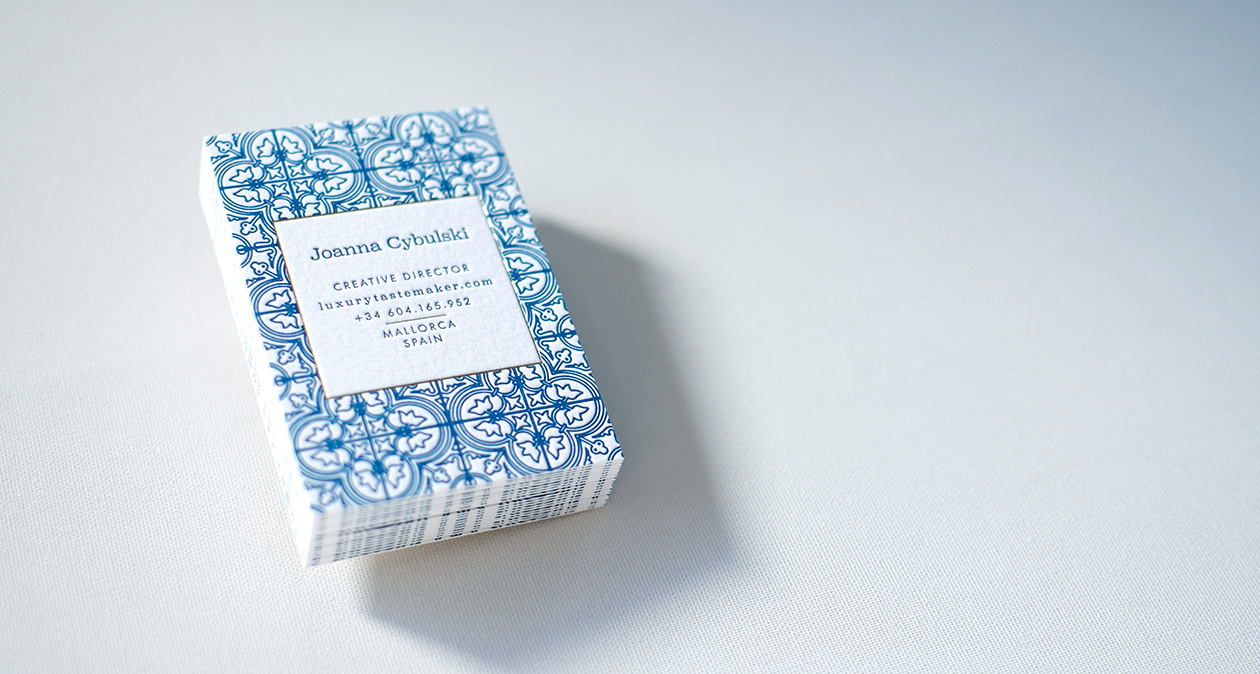
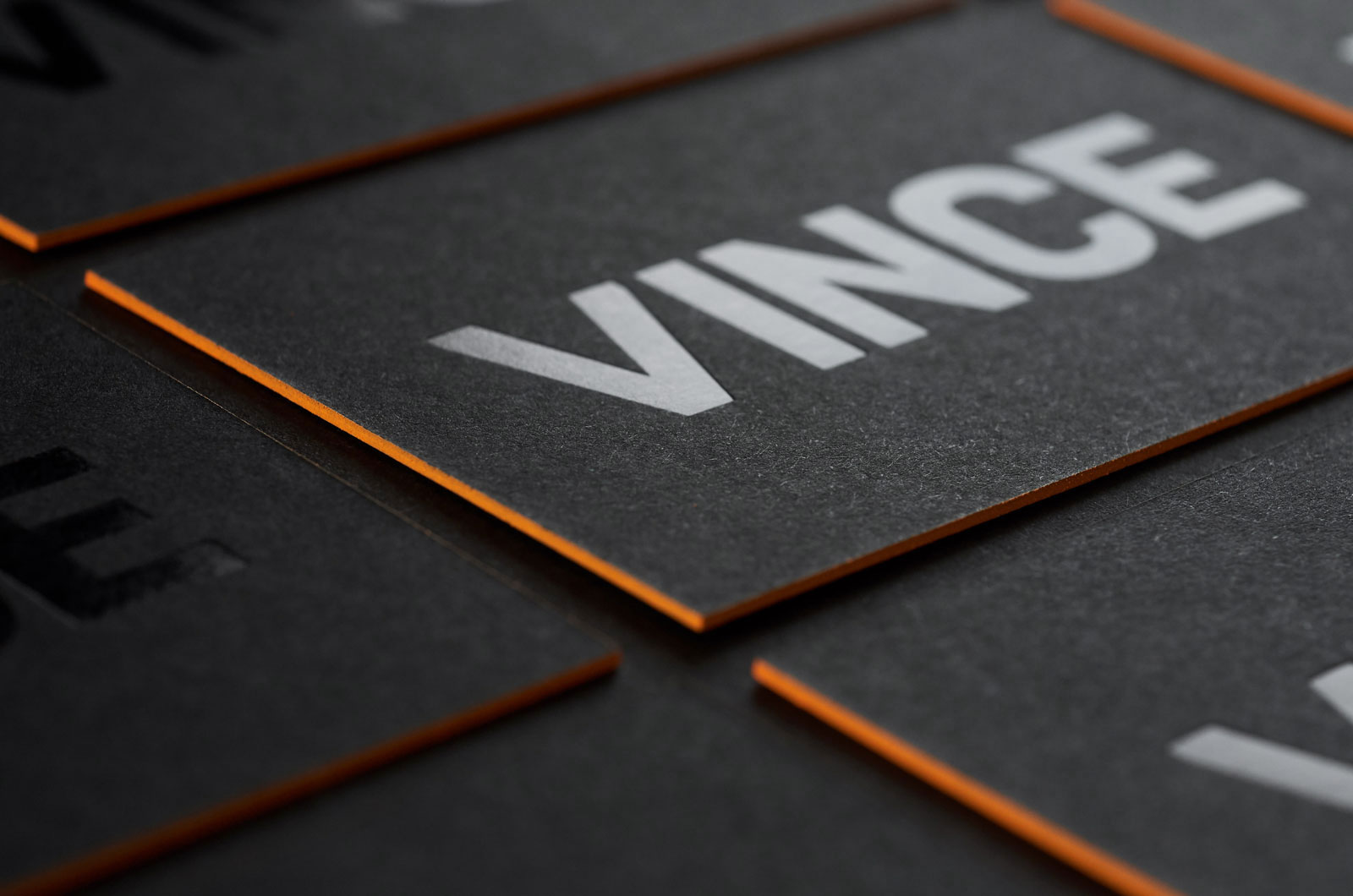
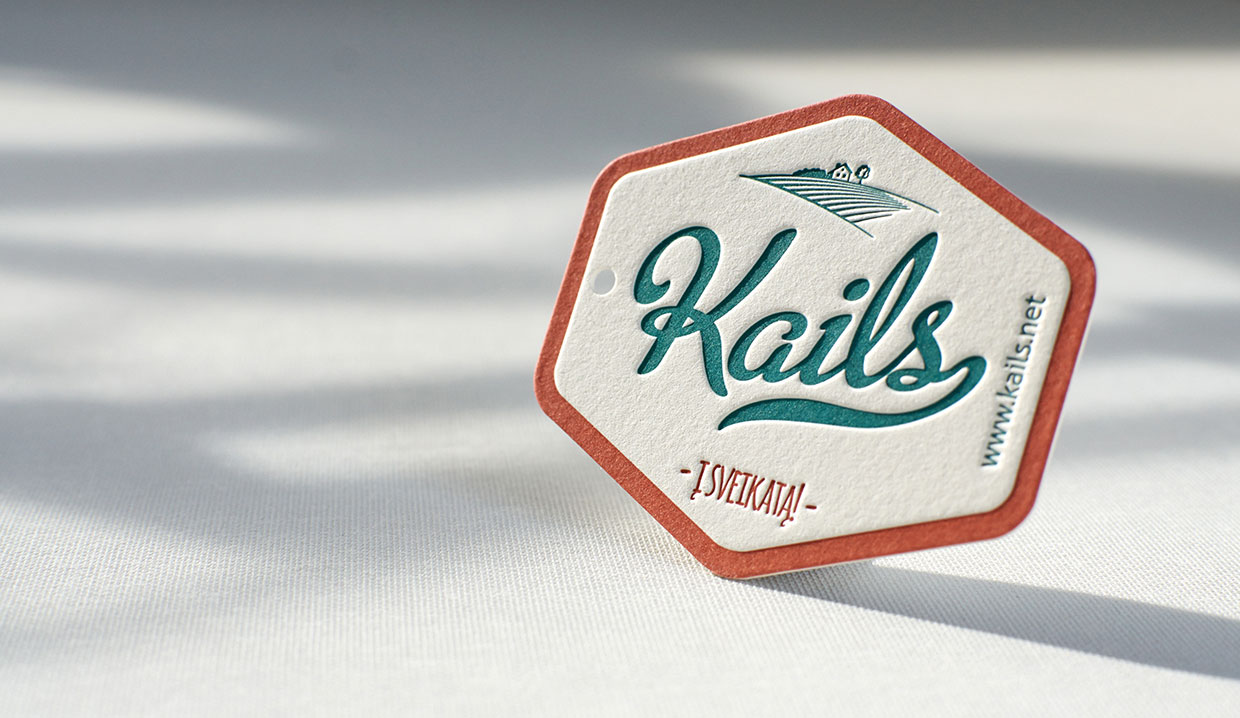
A great business card should convey the overall motto and images of your business. It is a not an easy task considering the fact that an average business card only measures 2 inches in width and 3.5 inches in length. It is inconsiderate to have the thought that your business card will portray the entirety of your business. However, what it can do is portray a professional image of your business which the other person will remember.
You need to consider a lot of factors before deciding on the design of your business card. These factors include colour, text and typography to name a few. And all of these factors should perfectly align in order to reflect a professional image of your business.
While designing your business card, it is important to use common sense. For example, if you are a business selling children products, the best bet will be to use bright colours and quirky designs. You can consider the typography to be written in child script for the design to stand out even more.
Another example to consider- suppose you are the proprietor of a financial advisory firm. When designing your business card, you should keep in mind that it should reflect the two most important aspects of your business, which are professionalism and integrity. Go for a simple black-gold or a white-beige business card design to successfully reflect the same.
While professional designers always suggest that an entrepreneur shouldn’t design their own business card, most small and cash-strapped business owners are left with few other choices. But don’t lose hope, keep the below-mentioned tips in mind, and you will be all set.
Keep your logo as the basis
Make your business logo the biggest element in your business card. By making it big, you will not attract the attention of your readers on to it, but also utilise the space which would otherwise remain empty.
KISS- Keep it Simple, Stupid!
Professionalism is best reflected when the design is simple yet unique and convenient. Keeping the entire layout of your business card simple, will ease the eyes of your readers and only attract their attention to the important details of your company. Don’t cramp too much information into your business card.
Include the essentials
The most important aspect of having a business card is to portray essential information about your company or organisation. Include your name, designation, company name, email address and phone number. Keep the font size bigger than the rest of the card and also make them bold to stand out even more. Although there is no standard arrangement on how to portray this information, it is best practice to put your name, designation, email address and then the phone number.
Make it readable
Being excessively creative with your design can take you to a whole different tangent. While in the flow, make sure to keep the entire font very readable. People don’t have the time to stretch their eyes and invest a lot of time into figuring out what you have written.
Stick to one or two colours
While some creative prefer keeping the colour scheme as a rainbow, it is usually not a good choice. First, it makes the card look unprofessional and moreover the cost of printing them will be very high. The more the number of colours the more will be the price of the overall card.
Try different papers and printing techniques
If you are in the creative industry, or a person who is very creative, you can surely out the various papers available in the market. Starting from pure cotton paper to recycled kraft or even corrugated cardboard, there are a lot of choices to choose from. Combining few different printing techniques like letterpress and hot foiling or engraving and silkscreen you can get really impressive results.
Break the norm
While traditional cards are surely more common, business cards in non-traditional shapes like oval, cuboidal or even round are super attention grabbers. Not only does the shape stand out and with the above-mentioned designs, they will look good to both you and the receiver. Designing a business card is fairly easy, and owning one will surely make you look more professional in the eyes of your business associates. Check out for more beautiful business cards samples on Elegante Press portfolio.
A great business card should convey the overall motto and images of your business. It is a not an easy task considering the fact that an average business card only measures 2 inches in width and 3.5 inches in length. It is inconsiderate to have the thought that your business card will portray the entirety of your business. However, what it can do is portray a professional image of your business which the other person will remember.
You need to consider a lot of factors before deciding on the design of your business card. These factors include colour, text and typography to name a few. And all of these factors should perfectly align in order to reflect a professional image of your business.
While designing your business card, it is important to use common sense. For example, if you are a business selling children products, the best bet will be to use bright colours and quirky designs. You can consider the typography to be written in child script for the design to stand out even more.
Another example to consider- suppose you are the proprietor of a financial advisory firm. When designing your business card, you should keep in mind that it should reflect the two most important aspects of your business, which are professionalism and integrity. Go for a simple black-gold or a white-beige business card design to successfully reflect the same.
While professional designers always suggest that an entrepreneur shouldn’t design their own business card, most small and cash-strapped business owners are left with few other choices. But don’t lose hope, keep the below-mentioned tips in mind, and you will be all set.
Keep your logo as the basis
Make your business logo the biggest element in your business card. By making it big, you will not attract the attention of your readers on to it, but also utilise the space which would otherwise remain empty.
KISS- Keep it Simple, Stupid!
Professionalism is best reflected when the design is simple yet unique and convenient. Keeping the entire layout of your business card simple, will ease the eyes of your readers and only attract their attention to the important details of your company. Don’t cramp too much information into your business card.
Include the essentials
The most important aspect of having a business card is to portray essential information about your company or organisation. Include your name, designation, company name, email address and phone number. Keep the font size bigger than the rest of the card and also make them bold to stand out even more. Although there is no standard arrangement on how to portray this information, it is best practice to put your name, designation, email address and then the phone number.
Make it readable
Being excessively creative with your design can take you to a whole different tangent. While in the flow, make sure to keep the entire font very readable. People don’t have the time to stretch their eyes and invest a lot of time into figuring out what you have written.
Stick to one or two colours
While some creative prefer keeping the colour scheme as a rainbow, it is usually not a good choice. First, it makes the card look unprofessional and moreover the cost of printing them will be very high. The more the number of colours the more will be the price of the overall card.
Try different papers and printing techniques
If you are in the creative industry, or a person who is very creative, you can surely out the various papers available in the market. Starting from pure cotton paper to recycled kraft or even corrugated cardboard, there are a lot of choices to choose from. Combining few different printing techniques like letterpress and hot foiling or engraving and silkscreen you can get really impressive results.
Break the norm
While traditional cards are surely more common, business cards in non-traditional shapes like oval, cuboidal or even round are super attention grabbers. Not only does the shape stand out and with the above-mentioned designs, they will look good to both you and the receiver. Designing a business card is fairly easy, and owning one will surely make you look more professional in the eyes of your business associates. Check out for more beautiful business cards samples on Elegante Press portfolio.
Many people actively use PowerPoint to create presentations. But very few of them know what requirements must be met in this case and what kinds of mistakes must be avoided. So, consider the main mistakes that the authors make when creating a presentation:
Mistake One: Too Much Information
Almost 90% of presentations suffer from this common mistake, so it’s almost impossible to understand anything in them. An overloaded presentation is easy to be recognized by long and unstructured texts. As well as by the abundance of graphic objects on one single slide. Most often, both of this issues can be found together. Sometimes, the overload of information occurs because of the limitations put on the maximum number of slides.
For example, an investor who asks for no more than a dozen slides. But much worse is the situation when the author limits the number of slides by his own initiative. Most people seem to understand that the content of the presentation must be laconic. But instead of limiting the content, many tend to reduce the number of slides. And also, very often confusing and overloaded presentation comes from the desire of the speaker to look like an expert. For example, in an academic environment, presentations with huge text arrays on slides are very common when presenting information.
How To Avoid
It’s necessary to carry out preparatory work first. To clearly formulate the purpose of the presentation, to write its script, and to compose the main themes for each slide. You can’t come up with a plan on the go and write everything that comes to mind. The brain can’t handle too much information changing in the fast sequence. And it’s almost impossible to correctly spread all the necessary information on the slides at the last moment. If the purpose of the presentation is to get someone to make a decision, then it should be made in a simple and understandable manner. And always remember the following formula: one slide equals one idea. In addition to the main thesis, use a maximum of five sub-paragraphs. Anything that doesn’t fit must be transferred to the next slide.
Mistake Two: Too Many Styles
A mess and disorder of styles is a sign of an inexperienced beginner. Who believes that the audience can be surprised by the cool design. And therefore thinks of how to apply his design skills in the best possible way in the first place. The task at hand is pushed into the background. And most people don’t even keep in mind following the same design principles. All the time is spent on choosing the elements of the layout, backgrounds, fonts, and types of animation. As a result, the design starts to change from slide to slide. The more experienced guys know that the main elements should look the same everywhere. But in their case, the details usually do not. And even such a small detail as a customized design of headings on each slide can sometimes cause confusion to the audience.
When creating a single style, one must build a visual hierarchy of each slide (the order of readable objects) and create a rhythm and repetition. In this case, the same design from slide to slide helps the audience to quickly get the meaning. Another type of such mistakes is found in presentations which are created on the basis of different materials. A piece of the report from the Internet, a piece of colleague’s presentation, a screenshot from somewhere. Such data pieces are really difficult to be brought to a single work.
How To Avoid
The absence of a single style leads to chaos in the visual hierarchy of objects. When the design jumps from slide to slide, the viewer’s mind can’t connect all the seen elements into a single system. The brain doesn’t adhere to already familiar things, as each time it has to interpret new ones. This definitely doesn’t help the information to be better absorbed. You need to learn to perceive one single style as a system. In this system, any design element contains a certain meaning and obeys the general logic. Start with the basic things: headings, texts, backgrounds, and colors. Identical elements will immediately increase the chance for a normal assimilation of information.
Mistake Three: Lack Of Focus
Lack of focus is noticeable when behind the presentation there’s a weak story. The one that was not built around one particular idea. The other common mistake happens when a good and logical story is already there but the author begins to think in a dangerous direction “what else to improve”. It happens that the author first goes on the right path but at the very end suddenly realizes that it has turned out to be poor and boring. Then he starts to play with the design. The white backgrounds turn blue. Headings and explanatory text change fonts and inscriptions. The slide layout is re-arranged. A series of such ambiguous decorating decisions can lead to a shift in emphasis. The result is the slides on which it’s impossible to get the key idea in a few seconds. Too many accents on the slide graphics lead to the fact that its logic is violated. And so you obtain the scattered blocks of information that the viewer reads in an arbitrary form.
How To Avoid
The main difficulty is that presentations that suffer from this mistake often look good. But the pleasant design doesn’t work. The viewer wants to quickly scroll further. There’s a feeling that he’s looking at a fuzzy picture in which colors and contrasts came out successfully, but it’s impossible to recognize the main subject. Clear signs of poor focus are differently designed large objects on the slide, the backgrounds that are distracting an attention from the main topic, and some unnecessary explanatory texts. To get the focus back the first step is to get rid of all this.
The attention of the viewer should be pinned to the content of the slides, not to their appearance. Be guided by the principle that the casual spectator must be able to fully understand what you wished to convey in a few seconds. If it takes more time, then the probability of losing the viewer’s attention is high. It’s especially sad when the focus is lost in the presentation and it becomes necessary to struggle for the attention of listeners. And with their constant desire to talk with a neighbor. The poor level of focus is easy to determine by the high number of headings that are present on the slides.
Mistake Four: Disorder
The slide looks as if its contents were gathered by pieces from different presentations. The arrangement of the elements is not logic, as if each of them is here by chance. The disorder of elements of the slides is often based on the author’s desire to approach the matter “creatively”. But the layout of the slides is a technical, not a creative process. While working on the slides you should forbid yourself to look for ideas. In addition, the author must perceive the presentation as a system. Each element must not exist in isolation.
How To Avoid
To achieve harmony you need to sort objects by importance to create a visual hierarchy on the slides. After that, you need to distribute elements along it, arrange them, and then align the objects шт a smart way. So the slides will be clean and neat and an understandable and readable composition will be formed.
Mistake Five: Wrong Decoration Of The Slides
Decorating the slides with any abstract elements is another sign of the beginner. It’s caused by the fear of white space. Many beginners are sure that to look like an expert and feel confident, the one needs to fill the slides to the edges. Therefore, they see nothing wrong with using the basic PowerPoint templates. Only to avoid the white color anywhere. Wrong decoration can be both semantic (explaining the unnecessary details), and visual (too many graphic elements that are “improving” visual perception). The last one is particularly common among beginning graphic designers.
How To Avoid
Any visual details require additional time to get their meaning. Therefore, excessive decorating always works against understanding the presentation by the audience. They usually don’t make any sense but they absorb a lot of attention. In the presentation, one should respect and appreciate free space. Thanks to it, the slide stays alive. All visual elements should be informative. Everything that doesn’t make sense is a white noise which is better to get rid of.
Conclusion
Each of us makes mistakes. This is normal. It’s important to learn from them, to gain the experience, and never repeat them again. So, I tried to describe the most common mistakes people make while creating presentations and I hope that this will help all of you avoid them in the future.
Many people actively use PowerPoint to create presentations. But very few of them know what requirements must be met in this case and what kinds of mistakes must be avoided. So, consider the main mistakes that the authors make when creating a presentation:
Mistake One: Too Much Information
Almost 90% of presentations suffer from this common mistake, so it’s almost impossible to understand anything in them. An overloaded presentation is easy to be recognized by long and unstructured texts. As well as by the abundance of graphic objects on one single slide. Most often, both of this issues can be found together. Sometimes, the overload of information occurs because of the limitations put on the maximum number of slides.
For example, an investor who asks for no more than a dozen slides. But much worse is the situation when the author limits the number of slides by his own initiative. Most people seem to understand that the content of the presentation must be laconic. But instead of limiting the content, many tend to reduce the number of slides. And also, very often confusing and overloaded presentation comes from the desire of the speaker to look like an expert. For example, in an academic environment, presentations with huge text arrays on slides are very common when presenting information.
How To Avoid
It’s necessary to carry out preparatory work first. To clearly formulate the purpose of the presentation, to write its script, and to compose the main themes for each slide. You can’t come up with a plan on the go and write everything that comes to mind. The brain can’t handle too much information changing in the fast sequence. And it’s almost impossible to correctly spread all the necessary information on the slides at the last moment. If the purpose of the presentation is to get someone to make a decision, then it should be made in a simple and understandable manner. And always remember the following formula: one slide equals one idea. In addition to the main thesis, use a maximum of five sub-paragraphs. Anything that doesn’t fit must be transferred to the next slide.
Mistake Two: Too Many Styles
A mess and disorder of styles is a sign of an inexperienced beginner. Who believes that the audience can be surprised by the cool design. And therefore thinks of how to apply his design skills in the best possible way in the first place. The task at hand is pushed into the background. And most people don’t even keep in mind following the same design principles. All the time is spent on choosing the elements of the layout, backgrounds, fonts, and types of animation. As a result, the design starts to change from slide to slide. The more experienced guys know that the main elements should look the same everywhere. But in their case, the details usually do not. And even such a small detail as a customized design of headings on each slide can sometimes cause confusion to the audience.
When creating a single style, one must build a visual hierarchy of each slide (the order of readable objects) and create a rhythm and repetition. In this case, the same design from slide to slide helps the audience to quickly get the meaning. Another type of such mistakes is found in presentations which are created on the basis of different materials. A piece of the report from the Internet, a piece of colleague’s presentation, a screenshot from somewhere. Such data pieces are really difficult to be brought to a single work.
How To Avoid
The absence of a single style leads to chaos in the visual hierarchy of objects. When the design jumps from slide to slide, the viewer’s mind can’t connect all the seen elements into a single system. The brain doesn’t adhere to already familiar things, as each time it has to interpret new ones. This definitely doesn’t help the information to be better absorbed. You need to learn to perceive one single style as a system. In this system, any design element contains a certain meaning and obeys the general logic. Start with the basic things: headings, texts, backgrounds, and colors. Identical elements will immediately increase the chance for a normal assimilation of information.
Mistake Three: Lack Of Focus
Lack of focus is noticeable when behind the presentation there’s a weak story. The one that was not built around one particular idea. The other common mistake happens when a good and logical story is already there but the author begins to think in a dangerous direction “what else to improve”. It happens that the author first goes on the right path but at the very end suddenly realizes that it has turned out to be poor and boring. Then he starts to play with the design. The white backgrounds turn blue. Headings and explanatory text change fonts and inscriptions. The slide layout is re-arranged. A series of such ambiguous decorating decisions can lead to a shift in emphasis. The result is the slides on which it’s impossible to get the key idea in a few seconds. Too many accents on the slide graphics lead to the fact that its logic is violated. And so you obtain the scattered blocks of information that the viewer reads in an arbitrary form.
How To Avoid
The main difficulty is that presentations that suffer from this mistake often look good. But the pleasant design doesn’t work. The viewer wants to quickly scroll further. There’s a feeling that he’s looking at a fuzzy picture in which colors and contrasts came out successfully, but it’s impossible to recognize the main subject. Clear signs of poor focus are differently designed large objects on the slide, the backgrounds that are distracting an attention from the main topic, and some unnecessary explanatory texts. To get the focus back the first step is to get rid of all this.
The attention of the viewer should be pinned to the content of the slides, not to their appearance. Be guided by the principle that the casual spectator must be able to fully understand what you wished to convey in a few seconds. If it takes more time, then the probability of losing the viewer’s attention is high. It’s especially sad when the focus is lost in the presentation and it becomes necessary to struggle for the attention of listeners. And with their constant desire to talk with a neighbor. The poor level of focus is easy to determine by the high number of headings that are present on the slides.
Mistake Four: Disorder
The slide looks as if its contents were gathered by pieces from different presentations. The arrangement of the elements is not logic, as if each of them is here by chance. The disorder of elements of the slides is often based on the author’s desire to approach the matter “creatively”. But the layout of the slides is a technical, not a creative process. While working on the slides you should forbid yourself to look for ideas. In addition, the author must perceive the presentation as a system. Each element must not exist in isolation.
How To Avoid
To achieve harmony you need to sort objects by importance to create a visual hierarchy on the slides. After that, you need to distribute elements along it, arrange them, and then align the objects шт a smart way. So the slides will be clean and neat and an understandable and readable composition will be formed.
Mistake Five: Wrong Decoration Of The Slides
Decorating the slides with any abstract elements is another sign of the beginner. It’s caused by the fear of white space. Many beginners are sure that to look like an expert and feel confident, the one needs to fill the slides to the edges. Therefore, they see nothing wrong with using the basic PowerPoint templates. Only to avoid the white color anywhere. Wrong decoration can be both semantic (explaining the unnecessary details), and visual (too many graphic elements that are “improving” visual perception). The last one is particularly common among beginning graphic designers.
How To Avoid
Any visual details require additional time to get their meaning. Therefore, excessive decorating always works against understanding the presentation by the audience. They usually don’t make any sense but they absorb a lot of attention. In the presentation, one should respect and appreciate free space. Thanks to it, the slide stays alive. All visual elements should be informative. Everything that doesn’t make sense is a white noise which is better to get rid of.
Conclusion
Each of us makes mistakes. This is normal. It’s important to learn from them, to gain the experience, and never repeat them again. So, I tried to describe the most common mistakes people make while creating presentations and I hope that this will help all of you avoid them in the future.
Many people actively use PowerPoint to create presentations. But very few of them know what requirements must be met in this case and what kinds of mistakes must be avoided. So, consider the main mistakes that the authors make when creating a presentation:
Mistake One: Too Much Information
Almost 90% of presentations suffer from this common mistake, so it’s almost impossible to understand anything in them. An overloaded presentation is easy to be recognized by long and unstructured texts. As well as by the abundance of graphic objects on one single slide. Most often, both of this issues can be found together. Sometimes, the overload of information occurs because of the limitations put on the maximum number of slides.
For example, an investor who asks for no more than a dozen slides. But much worse is the situation when the author limits the number of slides by his own initiative. Most people seem to understand that the content of the presentation must be laconic. But instead of limiting the content, many tend to reduce the number of slides. And also, very often confusing and overloaded presentation comes from the desire of the speaker to look like an expert. For example, in an academic environment, presentations with huge text arrays on slides are very common when presenting information.
How To Avoid
It’s necessary to carry out preparatory work first. To clearly formulate the purpose of the presentation, to write its script, and to compose the main themes for each slide. You can’t come up with a plan on the go and write everything that comes to mind. The brain can’t handle too much information changing in the fast sequence. And it’s almost impossible to correctly spread all the necessary information on the slides at the last moment. If the purpose of the presentation is to get someone to make a decision, then it should be made in a simple and understandable manner. And always remember the following formula: one slide equals one idea. In addition to the main thesis, use a maximum of five sub-paragraphs. Anything that doesn’t fit must be transferred to the next slide.
Mistake Two: Too Many Styles
A mess and disorder of styles is a sign of an inexperienced beginner. Who believes that the audience can be surprised by the cool design. And therefore thinks of how to apply his design skills in the best possible way in the first place. The task at hand is pushed into the background. And most people don’t even keep in mind following the same design principles. All the time is spent on choosing the elements of the layout, backgrounds, fonts, and types of animation. As a result, the design starts to change from slide to slide. The more experienced guys know that the main elements should look the same everywhere. But in their case, the details usually do not. And even such a small detail as a customized design of headings on each slide can sometimes cause confusion to the audience.
When creating a single style, one must build a visual hierarchy of each slide (the order of readable objects) and create a rhythm and repetition. In this case, the same design from slide to slide helps the audience to quickly get the meaning. Another type of such mistakes is found in presentations which are created on the basis of different materials. A piece of the report from the Internet, a piece of colleague’s presentation, a screenshot from somewhere. Such data pieces are really difficult to be brought to a single work.
How To Avoid
The absence of a single style leads to chaos in the visual hierarchy of objects. When the design jumps from slide to slide, the viewer’s mind can’t connect all the seen elements into a single system. The brain doesn’t adhere to already familiar things, as each time it has to interpret new ones. This definitely doesn’t help the information to be better absorbed. You need to learn to perceive one single style as a system. In this system, any design element contains a certain meaning and obeys the general logic. Start with the basic things: headings, texts, backgrounds, and colors. Identical elements will immediately increase the chance for a normal assimilation of information.
Mistake Three: Lack Of Focus
Lack of focus is noticeable when behind the presentation there’s a weak story. The one that was not built around one particular idea. The other common mistake happens when a good and logical story is already there but the author begins to think in a dangerous direction “what else to improve”. It happens that the author first goes on the right path but at the very end suddenly realizes that it has turned out to be poor and boring. Then he starts to play with the design. The white backgrounds turn blue. Headings and explanatory text change fonts and inscriptions. The slide layout is re-arranged. A series of such ambiguous decorating decisions can lead to a shift in emphasis. The result is the slides on which it’s impossible to get the key idea in a few seconds. Too many accents on the slide graphics lead to the fact that its logic is violated. And so you obtain the scattered blocks of information that the viewer reads in an arbitrary form.
How To Avoid
The main difficulty is that presentations that suffer from this mistake often look good. But the pleasant design doesn’t work. The viewer wants to quickly scroll further. There’s a feeling that he’s looking at a fuzzy picture in which colors and contrasts came out successfully, but it’s impossible to recognize the main subject. Clear signs of poor focus are differently designed large objects on the slide, the backgrounds that are distracting an attention from the main topic, and some unnecessary explanatory texts. To get the focus back the first step is to get rid of all this.
The attention of the viewer should be pinned to the content of the slides, not to their appearance. Be guided by the principle that the casual spectator must be able to fully understand what you wished to convey in a few seconds. If it takes more time, then the probability of losing the viewer’s attention is high. It’s especially sad when the focus is lost in the presentation and it becomes necessary to struggle for the attention of listeners. And with their constant desire to talk with a neighbor. The poor level of focus is easy to determine by the high number of headings that are present on the slides.
Mistake Four: Disorder
The slide looks as if its contents were gathered by pieces from different presentations. The arrangement of the elements is not logic, as if each of them is here by chance. The disorder of elements of the slides is often based on the author’s desire to approach the matter “creatively”. But the layout of the slides is a technical, not a creative process. While working on the slides you should forbid yourself to look for ideas. In addition, the author must perceive the presentation as a system. Each element must not exist in isolation.
How To Avoid
To achieve harmony you need to sort objects by importance to create a visual hierarchy on the slides. After that, you need to distribute elements along it, arrange them, and then align the objects шт a smart way. So the slides will be clean and neat and an understandable and readable composition will be formed.
Mistake Five: Wrong Decoration Of The Slides
Decorating the slides with any abstract elements is another sign of the beginner. It’s caused by the fear of white space. Many beginners are sure that to look like an expert and feel confident, the one needs to fill the slides to the edges. Therefore, they see nothing wrong with using the basic PowerPoint templates. Only to avoid the white color anywhere. Wrong decoration can be both semantic (explaining the unnecessary details), and visual (too many graphic elements that are “improving” visual perception). The last one is particularly common among beginning graphic designers.
How To Avoid
Any visual details require additional time to get their meaning. Therefore, excessive decorating always works against understanding the presentation by the audience. They usually don’t make any sense but they absorb a lot of attention. In the presentation, one should respect and appreciate free space. Thanks to it, the slide stays alive. All visual elements should be informative. Everything that doesn’t make sense is a white noise which is better to get rid of.
Conclusion
Each of us makes mistakes. This is normal. It’s important to learn from them, to gain the experience, and never repeat them again. So, I tried to describe the most common mistakes people make while creating presentations and I hope that this will help all of you avoid them in the future.
In the time online entrepreneurs change their range of products or reconsider the website content – the web design issues often overlooked. And we can not tell why for sure. Maybe, it is because of the fear to spend extra money and time on a project of the questionable necessity. So, today we would like to figure out is the website redesign could benefit bloggers and e-store owners.
When we say website redesign, we mean the total change of the manner you organize and display your content, the overall appearance of your website pages, and, of course, the implementation of a new users experience. Still, sometimes it is hard to understand if it is time to add some changes to your online presence. That is why we would like to highlight some essential reasons to refresh your website design:
1. Rebranding
It is the obvious reason to change the website look, however, we can not leave it unattended. As the rebranding is a part of every company’s life-cycle, it is important to make your audience aware of it from the first look on your web page. So, either you shift your target market, or change the services list, find a new look for your website, that will reveal the new company course.
2. Bad Bounce Rate
Thank heaven there is a Google Analytics and other platforms that allow evaluating the online performance qualitatively and soberly. One of the most important analytics metrics is the Bounce Rate, which shows the amount of time each visitor spends on your website. If the poor performance takes place – it is another motive to refresh the website design.
3. Your clients feel lost
It is very important to organize your content properly and make sure the search process takes no longer than a few minutes. If your clients can’t proceed single-handedly with such as subscription, personal account log-in, or making requests, you have to change the website navigation system for sure. Otherwise, you will lose potential customers and waste website traffic.
4. Your competitors are better than you
It is okay to compare yourself with other companies, especially with successful ones. If you see the top niche companies redesign their websites – do not hesitate and follow the example. We do not suggest you to copy-paste someone’s ideas and use it for business. Try to stay up-to-date. Explore the latest website trends and use it coupled with your creativity. In such an approach, the competitors’ websites would become a great inspiration source.
5. The mobile-unready website
Isn’t your website mobile-ready yet? But why? This feature is crucial for all the websites today, as the overwhelming majority of people use their mobile devices to explore the Internet and do online shopping. If it is impossible to navigate your website via mobile and the whole content looks poor, make sure to redesign your website and make it fully responsive.
6. Lack of dynamics
Sometimes, you do your best to make everything perfect but don’t really see the result. When it comes to business, a simple desire to sell a product is not enough. You need to experiment to see what works best in terms to catch visitors attention. It is a tricky part, as we all have a very subjective idea of what is interesting and what is not. However, once you achieve the web design that generates leads and sales – you succeed.
If you feel like it is time for you to refresh your e-store or blog then we have a solution for you. Check out the collection of best WordPress themes for blogs and top plugins, that will help you to redesign your website quickly and easily.
Best WordPress Blog Themes
WordPress Theme
Price
Template Category
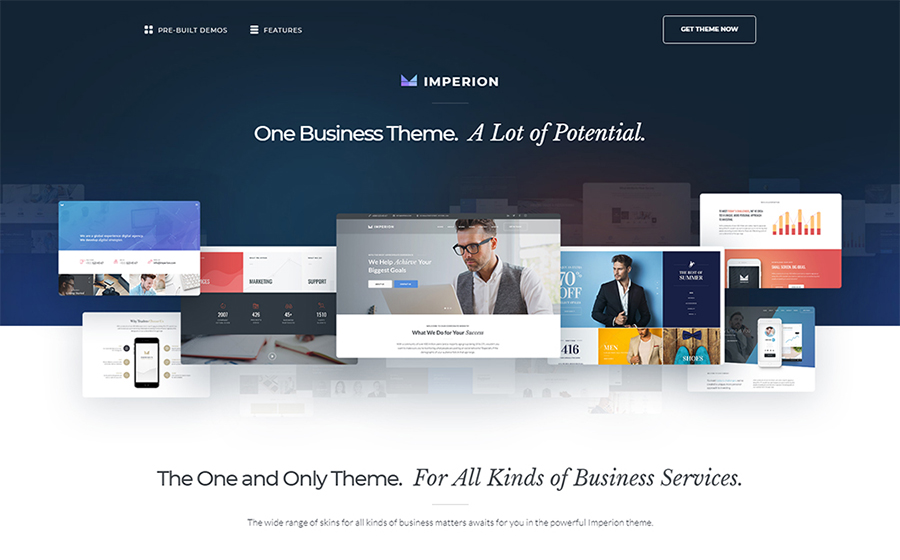
Imperion
$75
Business Consulting WordPress Themes
Cashmeree
$75
Fashion & Beauty WordPress Templates
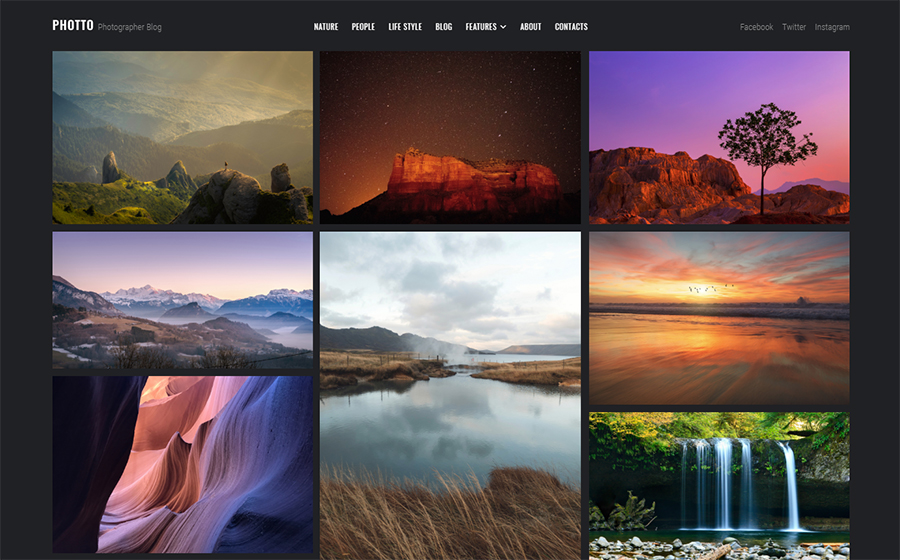
Photto
$75
Personal Page WordPress Themes
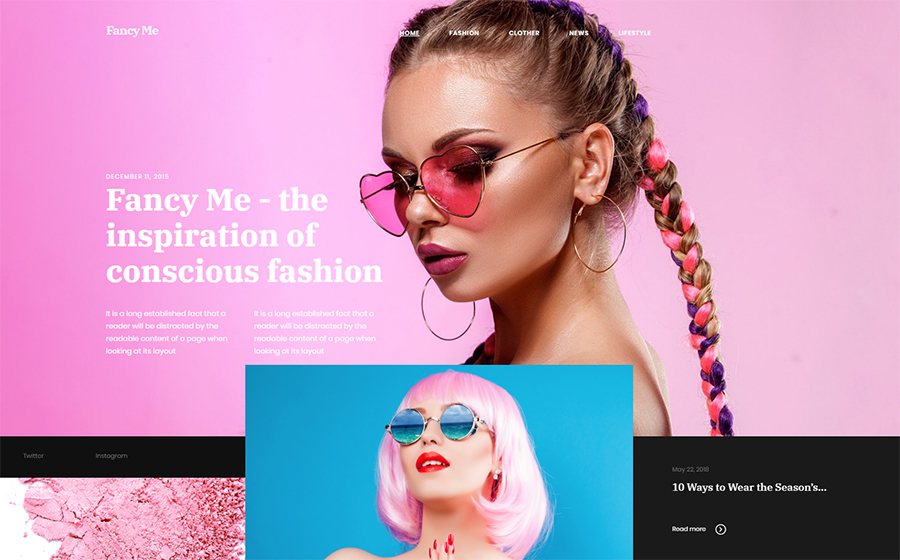
Fancy Me
$75
Fashion Blog WordPress Theme
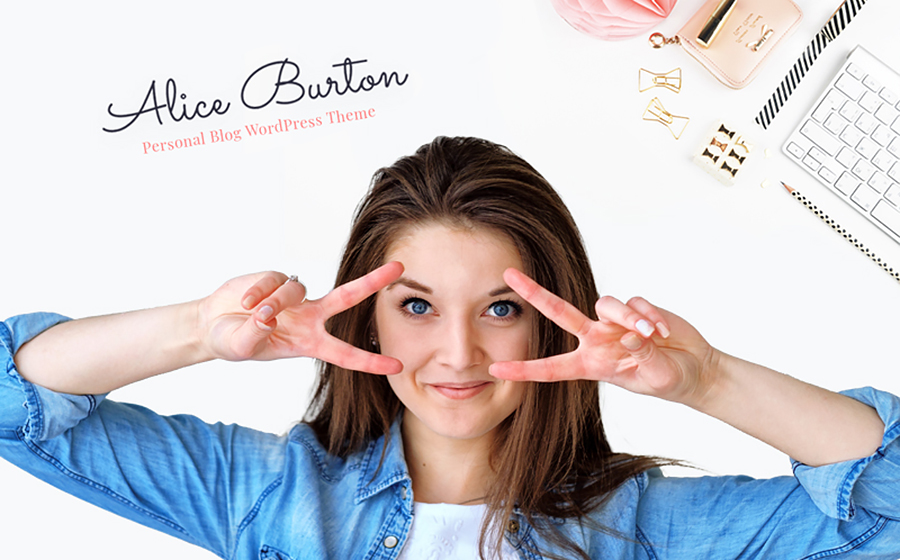
AliceBurton
$75
Personal Blog WordPress Theme
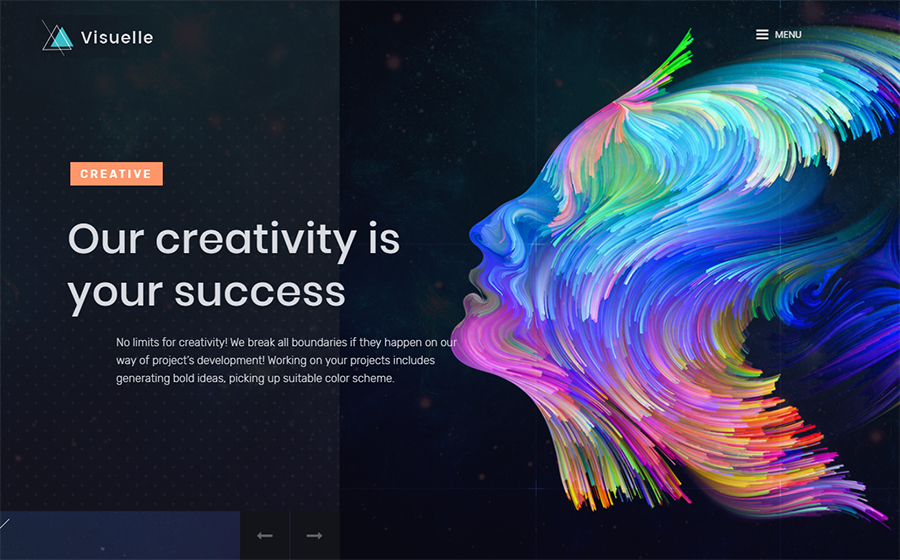
Visuelle
$75
Design & Photography WordPress Templates
Richard Gore
$75
Personal Page WordPress Themes
Journez
$75
Travel Guide WordPress Themes
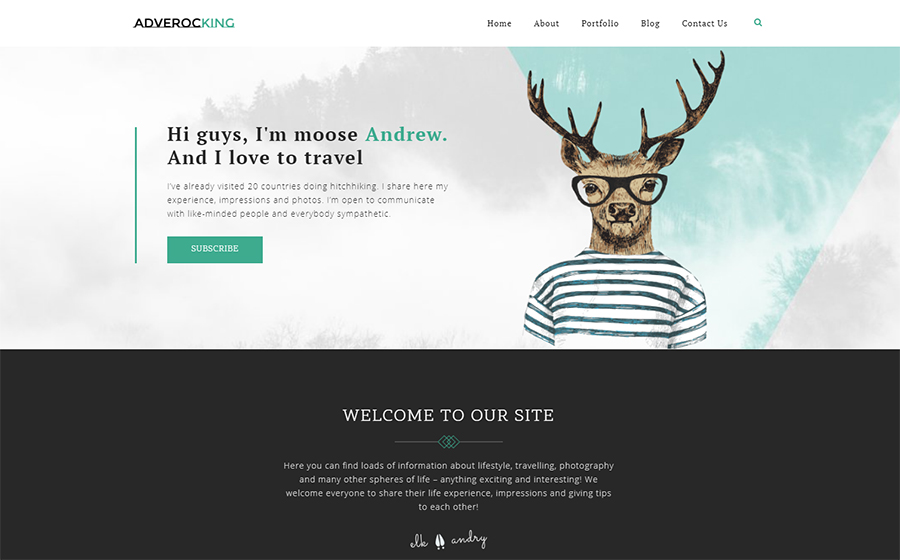
Adverocking
$75
Personal Page WordPress Themes
4News
$75
Best News and Magazine WordPress Themes
Elegacy
$75
Design Studio WordPress Templates
Exibitico
$75
Design & Photography WordPress Templates
CPM
$75
Photographer Portfolio WordPress Themes
Dezingo
$75
Design & Photography WordPress Templates
De Couture
$75
Fashion & Beauty WordPress Templates
Imperion – Multipurpose Corporate WordPress Theme
This theme has an advantageous functionality that will bring any business to a whole new level. With a bunch of beautiful ready-made skins you can make outstanding presentations, launch an e-store, build a website for a finance agency and share your business experience around the web.
With vivid skin of Cashmeree theme you can make an alluring fashion website. As this theme was made along the lines of the Mobile First philosophy, your website will look bright and exquisitely on large screens, as well as on tablets and other mobile devices.
Photto – Photographer Blog Elementor WordPress Theme
Dreaming about your own photographer blog but don’t really know where to start? Start with Photto theme. It is a gorgeous solution for photographers that allows an effortless creation of a state-of-art online gallery.
Inspired by latest fashion trends, Fancy Me theme is an excellent choice for your fashion blog. It comes with lots of eye-catching layouts, that are fully-customizable and equipped with amazing functionality provided by premium plugins.
AliceBurton – Personal Blog Elementor WordPress Theme
This theme has a fresh and simple layout that would not distract you visitors from the content you share. Such a theme suits perfectly those bloggers, who want to establish a friendly chilled atmosphere on the personal blog.
Visualize your wildest dreams and turn them real with Visuelle theme. The very modish and exclusive look of this theme will attract all the creative human being and encourage them to really want explore your website.
Richard Gore – Writer Portfolio Elementor WordPress Theme
Looking for a nice and classy website design? This customizable WordPress theme comes with amazing plugins, that give you more personalization options and make it possible to boost the efficiency of any website.
Use Journez theme, one of the travelling WordPress themes, to share your incredible travel experience. It has all the needed functionality that will help you to display your content in the most appealing way. Plus, it is great for a mobile use as well.
Wanna start a blog or create a lovely portfolio for your photographers work? Give Adverocking theme a go and you won’t regret. It requires no coding skills and has lots of pre-made option that will simplify website designing for you.
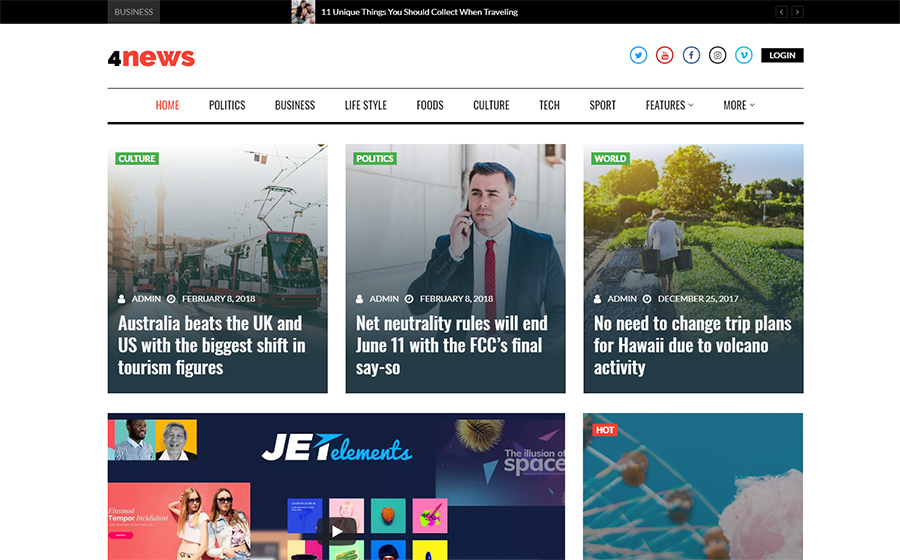
Show this World from the different perspective. With 4News theme you will make a bright and clever news platform. Use a pack of incredibly powerful plugins and stylish Grid style layout to make the content look catchy.
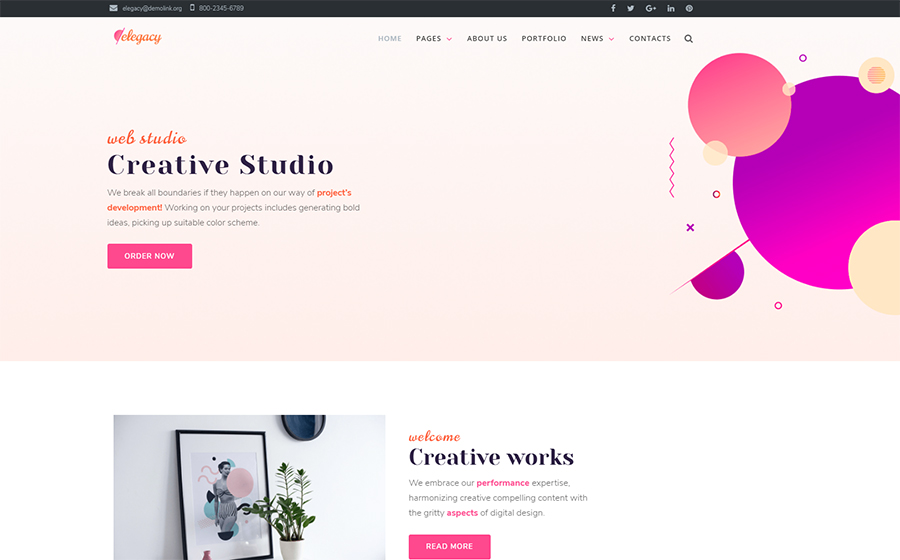
If you choose a theme for your business website, but don’t really know what is the latest web design fashion – pick Elegacy theme. Thus and so, you can be sure, your business has a decent representation and best performance.
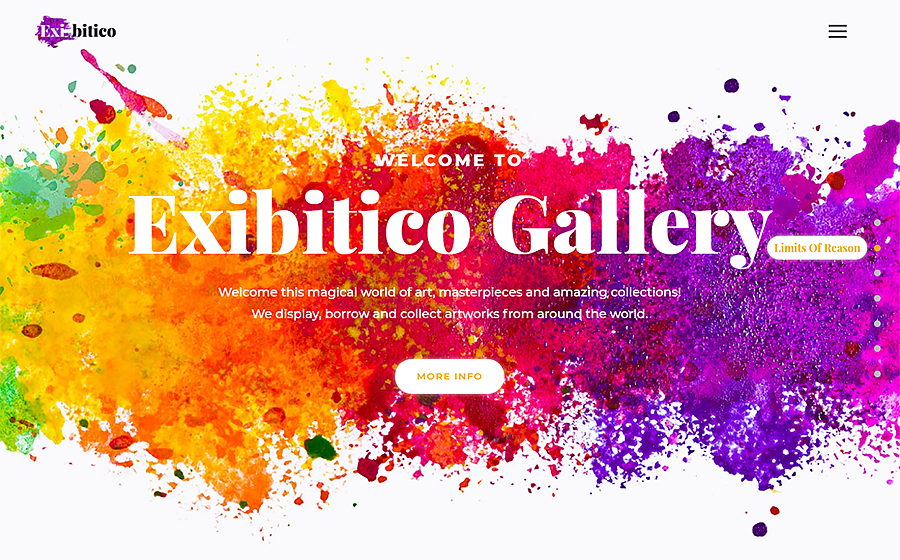
Show off your creativity with Exibitico. This theme it the one to build an outstanding gallery for artworks. This theme This theme has a colorful skin that requires minimum adjustment and stuffed with lots of advanced widgets.
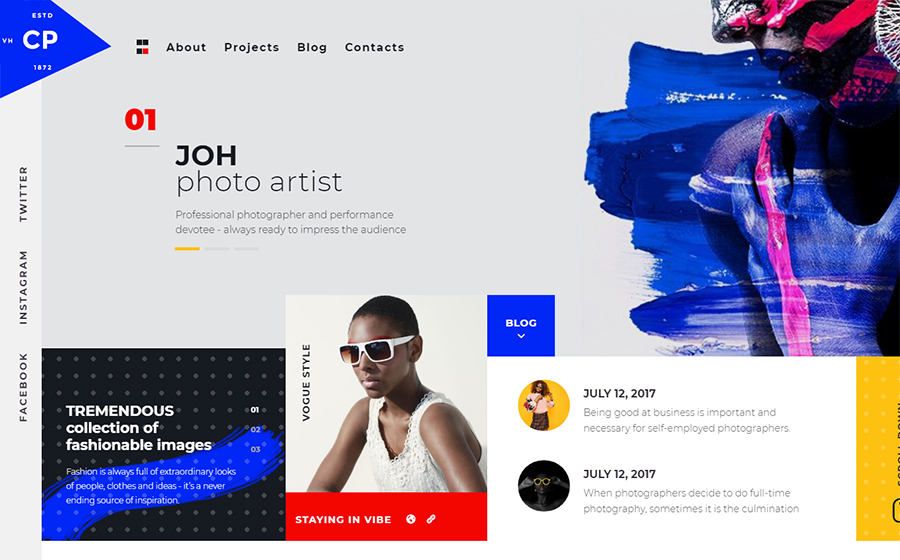
Here is another creative theme for those, who look for something extraordinary. Customize header, footer, and all the website areas using Elementor Live page builder. Drag content modules around the page and create something really special.
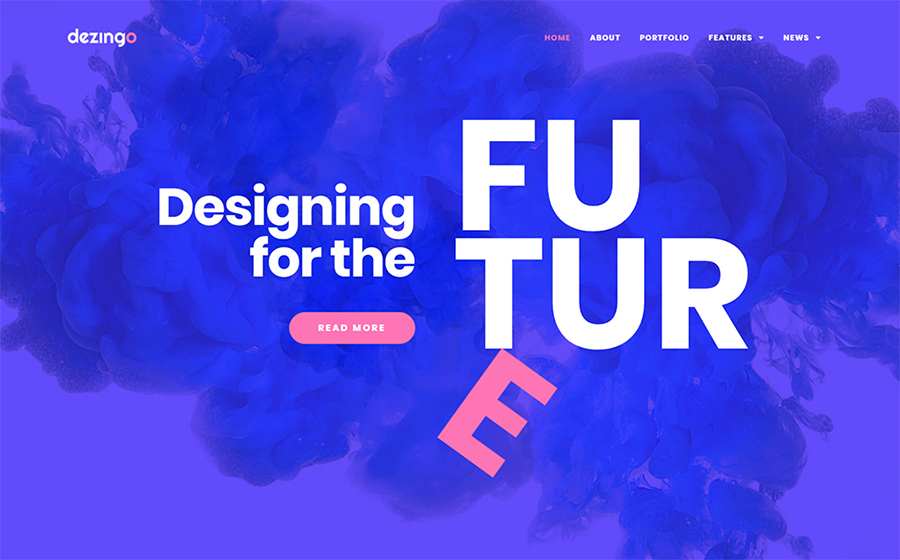
Blow up the Internet with your new creative project. Dezingo theme was made to help entrepreneurs show their startup from the most attractive position, to make audience and potential investors involved.
De Couture – Fancy Fashion & Beauty Blog WordPress Theme
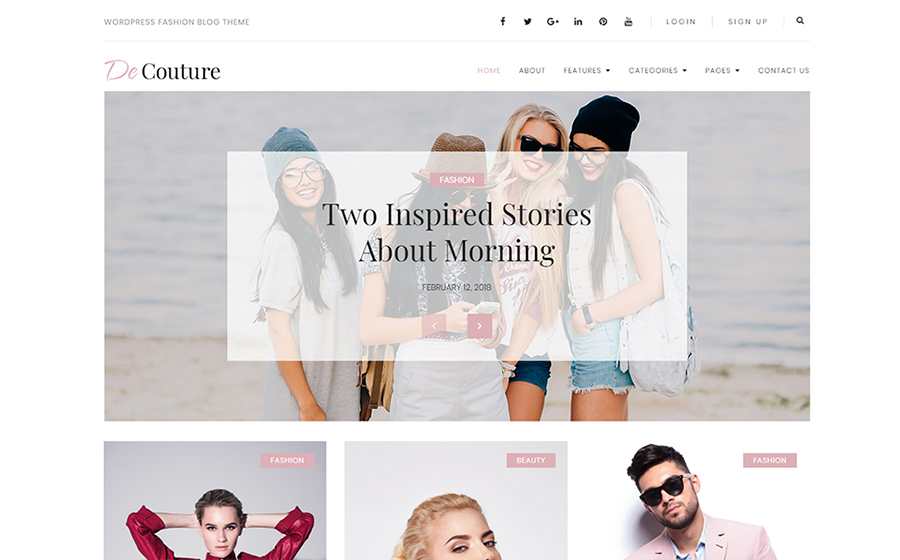
Launch an income-generation store online. With a One-Click installation feature it won’t take long to start your online activity. As the theme is Ecwid Ready and mobile-friendly, it is a great choice for all trendy e-store owners.
As you can see, there are lots of ready-made options for your website, that you can use to not only change its appearance but also increase the volume of visitors and sales. Learning more about plugins for Elementor you can see that anyone can expand the website optional capabilities over the rainbow for $15 only.
In the time online entrepreneurs change their range of products or reconsider the website content – the web design issues often overlooked. And we can not tell why for sure. Maybe, it is because of the fear to spend extra money and time on a project of the questionable necessity. So, today we would like to figure out is the website redesign could benefit bloggers and e-store owners.
When we say website redesign, we mean the total change of the manner you organize and display your content, the overall appearance of your website pages, and, of course, the implementation of a new users experience. Still, sometimes it is hard to understand if it is time to add some changes to your online presence. That is why we would like to highlight some essential reasons to refresh your website design:
1. Rebranding
It is the obvious reason to change the website look, however, we can not leave it unattended. As the rebranding is a part of every company’s life-cycle, it is important to make your audience aware of it from the first look on your web page. So, either you shift your target market, or change the services list, find a new look for your website, that will reveal the new company course.
2. Bad Bounce Rate
Thank heaven there is a Google Analytics and other platforms that allow evaluating the online performance qualitatively and soberly. One of the most important analytics metrics is the Bounce Rate, which shows the amount of time each visitor spends on your website. If the poor performance takes place – it is another motive to refresh the website design.
3. Your clients feel lost
It is very important to organize your content properly and make sure the search process takes no longer than a few minutes. If your clients can’t proceed single-handedly with such as subscription, personal account log-in, or making requests, you have to change the website navigation system for sure. Otherwise, you will lose potential customers and waste website traffic.
4. Your competitors are better than you
It is okay to compare yourself with other companies, especially with successful ones. If you see the top niche companies redesign their websites – do not hesitate and follow the example. We do not suggest you to copy-paste someone’s ideas and use it for business. Try to stay up-to-date. Explore the latest website trends and use it coupled with your creativity. In such an approach, the competitors’ websites would become a great inspiration source.
5. The mobile-unready website
Isn’t your website mobile-ready yet? But why? This feature is crucial for all the websites today, as the overwhelming majority of people use their mobile devices to explore the Internet and do online shopping. If it is impossible to navigate your website via mobile and the whole content looks poor, make sure to redesign your website and make it fully responsive.
6. Lack of dynamics
Sometimes, you do your best to make everything perfect but don’t really see the result. When it comes to business, a simple desire to sell a product is not enough. You need to experiment to see what works best in terms to catch visitors attention. It is a tricky part, as we all have a very subjective idea of what is interesting and what is not. However, once you achieve the web design that generates leads and sales – you succeed.
If you feel like it is time for you to refresh your e-store or blog then we have a solution for you. Check out the collection of best WordPress themes for blogs and top plugins, that will help you to redesign your website quickly and easily.
Best WordPress Blog Themes
WordPress Theme
Price
Template Category
Imperion
$75
Business Consulting WordPress Themes
Cashmeree
$75
Fashion & Beauty WordPress Templates
Photto
$75
Personal Page WordPress Themes
Fancy Me
$75
Fashion Blog WordPress Theme
AliceBurton
$75
Personal Blog WordPress Theme
Visuelle
$75
Design & Photography WordPress Templates
Richard Gore
$75
Personal Page WordPress Themes
Journez
$75
Travel Guide WordPress Themes
Adverocking
$75
Personal Page WordPress Themes
4News
$75
Best News and Magazine WordPress Themes
Elegacy
$75
Design Studio WordPress Templates
Exibitico
$75
Design & Photography WordPress Templates
CPM
$75
Photographer Portfolio WordPress Themes
Dezingo
$75
Design & Photography WordPress Templates
De Couture
$75
Fashion & Beauty WordPress Templates
Imperion – Multipurpose Corporate WordPress Theme
This theme has an advantageous functionality that will bring any business to a whole new level. With a bunch of beautiful ready-made skins you can make outstanding presentations, launch an e-store, build a website for a finance agency and share your business experience around the web.
With vivid skin of Cashmeree theme you can make an alluring fashion website. As this theme was made along the lines of the Mobile First philosophy, your website will look bright and exquisitely on large screens, as well as on tablets and other mobile devices.
Photto – Photographer Blog Elementor WordPress Theme
Dreaming about your own photographer blog but don’t really know where to start? Start with Photto theme. It is a gorgeous solution for photographers that allows an effortless creation of a state-of-art online gallery.
Inspired by latest fashion trends, Fancy Me theme is an excellent choice for your fashion blog. It comes with lots of eye-catching layouts, that are fully-customizable and equipped with amazing functionality provided by premium plugins.
AliceBurton – Personal Blog Elementor WordPress Theme
This theme has a fresh and simple layout that would not distract you visitors from the content you share. Such a theme suits perfectly those bloggers, who want to establish a friendly chilled atmosphere on the personal blog.
Visualize your wildest dreams and turn them real with Visuelle theme. The very modish and exclusive look of this theme will attract all the creative human being and encourage them to really want explore your website.
Richard Gore – Writer Portfolio Elementor WordPress Theme
Looking for a nice and classy website design? This customizable WordPress theme comes with amazing plugins, that give you more personalization options and make it possible to boost the efficiency of any website.
Use Journez theme, one of the travelling WordPress themes, to share your incredible travel experience. It has all the needed functionality that will help you to display your content in the most appealing way. Plus, it is great for a mobile use as well.
Wanna start a blog or create a lovely portfolio for your photographers work? Give Adverocking theme a go and you won’t regret. It requires no coding skills and has lots of pre-made option that will simplify website designing for you.
Show this World from the different perspective. With 4News theme you will make a bright and clever news platform. Use a pack of incredibly powerful plugins and stylish Grid style layout to make the content look catchy.
If you choose a theme for your business website, but don’t really know what is the latest web design fashion – pick Elegacy theme. Thus and so, you can be sure, your business has a decent representation and best performance.
Show off your creativity with Exibitico. This theme it the one to build an outstanding gallery for artworks. This theme This theme has a colorful skin that requires minimum adjustment and stuffed with lots of advanced widgets.
Here is another creative theme for those, who look for something extraordinary. Customize header, footer, and all the website areas using Elementor Live page builder. Drag content modules around the page and create something really special.
Blow up the Internet with your new creative project. Dezingo theme was made to help entrepreneurs show their startup from the most attractive position, to make audience and potential investors involved.
De Couture – Fancy Fashion & Beauty Blog WordPress Theme
Launch an income-generation store online. With a One-Click installation feature it won’t take long to start your online activity. As the theme is Ecwid Ready and mobile-friendly, it is a great choice for all trendy e-store owners.
As you can see, there are lots of ready-made options for your website, that you can use to not only change its appearance but also increase the volume of visitors and sales. Learning more about plugins for Elementor you can see that anyone can expand the website optional capabilities over the rainbow for $15 only.
In the time online entrepreneurs change their range of products or reconsider the website content – the web design issues often overlooked. And we can not tell why for sure. Maybe, it is because of the fear to spend extra money and time on a project of the questionable necessity. So, today we would like to figure out is the website redesign could benefit bloggers and e-store owners.
When we say website redesign, we mean the total change of the manner you organize and display your content, the overall appearance of your website pages, and, of course, the implementation of a new users experience. Still, sometimes it is hard to understand if it is time to add some changes to your online presence. That is why we would like to highlight some essential reasons to refresh your website design:
1. Rebranding
It is the obvious reason to change the website look, however, we can not leave it unattended. As the rebranding is a part of every company’s life-cycle, it is important to make your audience aware of it from the first look on your web page. So, either you shift your target market, or change the services list, find a new look for your website, that will reveal the new company course.
2. Bad Bounce Rate
Thank heaven there is a Google Analytics and other platforms that allow evaluating the online performance qualitatively and soberly. One of the most important analytics metrics is the Bounce Rate, which shows the amount of time each visitor spends on your website. If the poor performance takes place – it is another motive to refresh the website design.
3. Your clients feel lost
It is very important to organize your content properly and make sure the search process takes no longer than a few minutes. If your clients can’t proceed single-handedly with such as subscription, personal account log-in, or making requests, you have to change the website navigation system for sure. Otherwise, you will lose potential customers and waste website traffic.
4. Your competitors are better than you
It is okay to compare yourself with other companies, especially with successful ones. If you see the top niche companies redesign their websites – do not hesitate and follow the example. We do not suggest you to copy-paste someone’s ideas and use it for business. Try to stay up-to-date. Explore the latest website trends and use it coupled with your creativity. In such an approach, the competitors’ websites would become a great inspiration source.
5. The mobile-unready website
Isn’t your website mobile-ready yet? But why? This feature is crucial for all the websites today, as the overwhelming majority of people use their mobile devices to explore the Internet and do online shopping. If it is impossible to navigate your website via mobile and the whole content looks poor, make sure to redesign your website and make it fully responsive.
6. Lack of dynamics
Sometimes, you do your best to make everything perfect but don’t really see the result. When it comes to business, a simple desire to sell a product is not enough. You need to experiment to see what works best in terms to catch visitors attention. It is a tricky part, as we all have a very subjective idea of what is interesting and what is not. However, once you achieve the web design that generates leads and sales – you succeed.
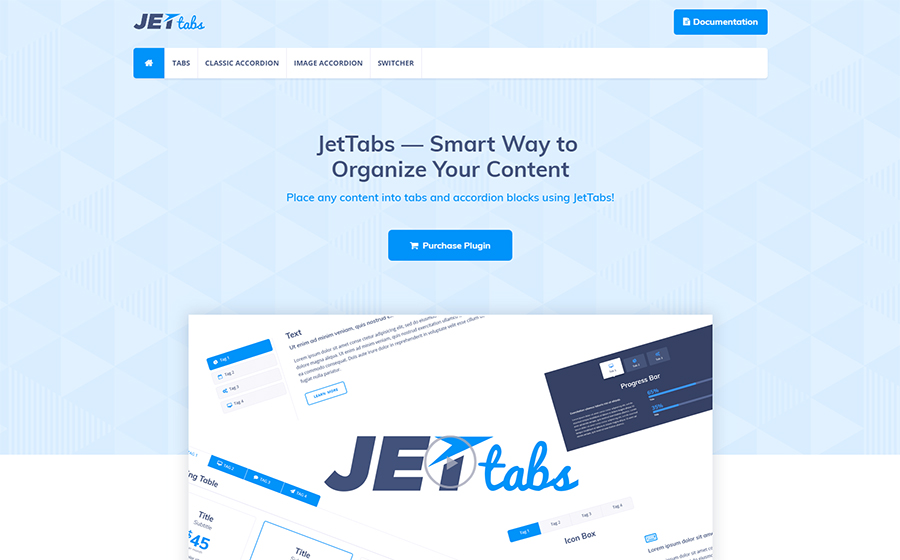
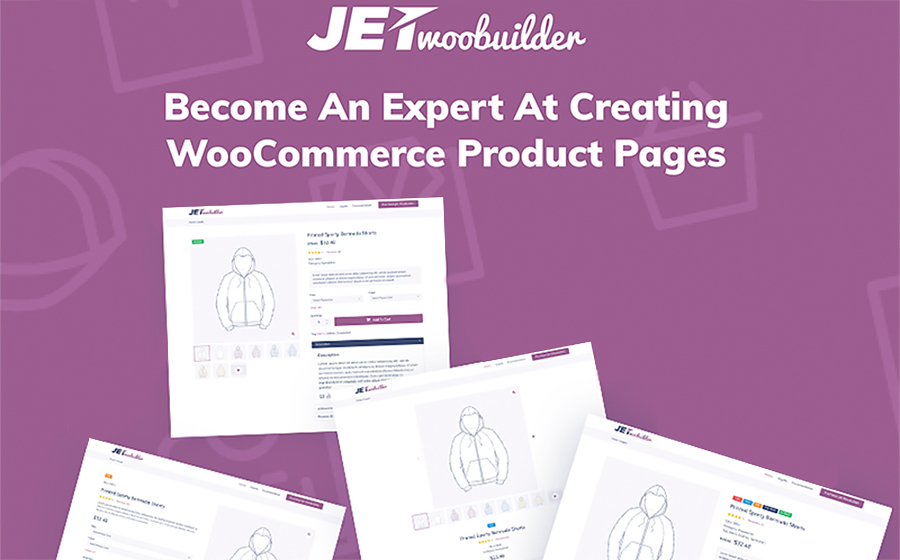
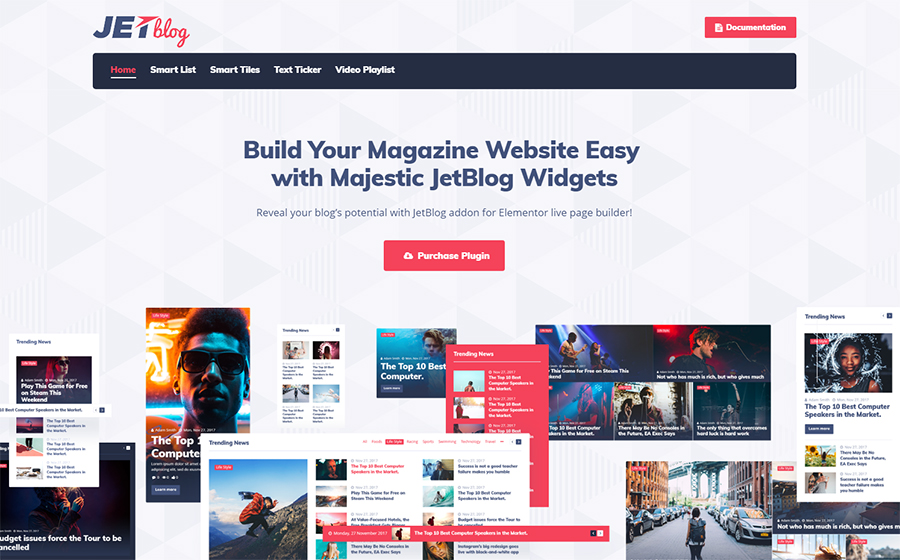
If you feel like it is time for you to refresh your e-store or blog then we have a solution for you. Check out the collection of best WordPress themes for blogs and top plugins, that will help you to redesign your website quickly and easily.
Best WordPress Blog Themes
WordPress Theme
Price
Template Category
Imperion
$75
Business Consulting WordPress Themes
Cashmeree
$75
Fashion & Beauty WordPress Templates
Photto
$75
Personal Page WordPress Themes
Fancy Me
$75
Fashion Blog WordPress Theme
AliceBurton
$75
Personal Blog WordPress Theme
Visuelle
$75
Design & Photography WordPress Templates
Richard Gore
$75
Personal Page WordPress Themes
Journez
$75
Travel Guide WordPress Themes
Adverocking
$75
Personal Page WordPress Themes
4News
$75
Best News and Magazine WordPress Themes
Elegacy
$75
Design Studio WordPress Templates
Exibitico
$75
Design & Photography WordPress Templates
CPM
$75
Photographer Portfolio WordPress Themes
Dezingo
$75
Design & Photography WordPress Templates
De Couture
$75
Fashion & Beauty WordPress Templates
Imperion – Multipurpose Corporate WordPress Theme
This theme has an advantageous functionality that will bring any business to a whole new level. With a bunch of beautiful ready-made skins you can make outstanding presentations, launch an e-store, build a website for a finance agency and share your business experience around the web.
With vivid skin of Cashmeree theme you can make an alluring fashion website. As this theme was made along the lines of the Mobile First philosophy, your website will look bright and exquisitely on large screens, as well as on tablets and other mobile devices.
Photto – Photographer Blog Elementor WordPress Theme
Dreaming about your own photographer blog but don’t really know where to start? Start with Photto theme. It is a gorgeous solution for photographers that allows an effortless creation of a state-of-art online gallery.
Inspired by latest fashion trends, Fancy Me theme is an excellent choice for your fashion blog. It comes with lots of eye-catching layouts, that are fully-customizable and equipped with amazing functionality provided by premium plugins.
AliceBurton – Personal Blog Elementor WordPress Theme
This theme has a fresh and simple layout that would not distract you visitors from the content you share. Such a theme suits perfectly those bloggers, who want to establish a friendly chilled atmosphere on the personal blog.
Visualize your wildest dreams and turn them real with Visuelle theme. The very modish and exclusive look of this theme will attract all the creative human being and encourage them to really want explore your website.
Richard Gore – Writer Portfolio Elementor WordPress Theme
Looking for a nice and classy website design? This customizable WordPress theme comes with amazing plugins, that give you more personalization options and make it possible to boost the efficiency of any website.
Use Journez theme, one of the travelling WordPress themes, to share your incredible travel experience. It has all the needed functionality that will help you to display your content in the most appealing way. Plus, it is great for a mobile use as well.
Wanna start a blog or create a lovely portfolio for your photographers work? Give Adverocking theme a go and you won’t regret. It requires no coding skills and has lots of pre-made option that will simplify website designing for you.
Show this World from the different perspective. With 4News theme you will make a bright and clever news platform. Use a pack of incredibly powerful plugins and stylish Grid style layout to make the content look catchy.
If you choose a theme for your business website, but don’t really know what is the latest web design fashion – pick Elegacy theme. Thus and so, you can be sure, your business has a decent representation and best performance.
Show off your creativity with Exibitico. This theme it the one to build an outstanding gallery for artworks. This theme This theme has a colorful skin that requires minimum adjustment and stuffed with lots of advanced widgets.
Here is another creative theme for those, who look for something extraordinary. Customize header, footer, and all the website areas using Elementor Live page builder. Drag content modules around the page and create something really special.
Blow up the Internet with your new creative project. Dezingo theme was made to help entrepreneurs show their startup from the most attractive position, to make audience and potential investors involved.
De Couture – Fancy Fashion & Beauty Blog WordPress Theme
Launch an income-generation store online. With a One-Click installation feature it won’t take long to start your online activity. As the theme is Ecwid Ready and mobile-friendly, it is a great choice for all trendy e-store owners.
As you can see, there are lots of ready-made options for your website, that you can use to not only change its appearance but also increase the volume of visitors and sales. Learning more about plugins for Elementor you can see that anyone can expand the website optional capabilities over the rainbow for $15 only.
In the time online entrepreneurs change their range of products or reconsider the website content – the web design issues often overlooked. And we can not tell why for sure. Maybe, it is because of the fear to spend extra money and time on a project of the questionable necessity. So, today we would like to figure out is the website redesign could benefit bloggers and e-store owners.
When we say website redesign, we mean the total change of the manner you organize and display your content, the overall appearance of your website pages, and, of course, the implementation of a new users experience. Still, sometimes it is hard to understand if it is time to add some changes to your online presence. That is why we would like to highlight some essential reasons to refresh your website design:
1. Rebranding
It is the obvious reason to change the website look, however, we can not leave it unattended. As the rebranding is a part of every company’s life-cycle, it is important to make your audience aware of it from the first look on your web page. So, either you shift your target market, or change the services list, find a new look for your website, that will reveal the new company course.
2. Bad Bounce Rate
Thank heaven there is a Google Analytics and other platforms that allow evaluating the online performance qualitatively and soberly. One of the most important analytics metrics is the Bounce Rate, which shows the amount of time each visitor spends on your website. If the poor performance takes place – it is another motive to refresh the website design.
3. Your clients feel lost
It is very important to organize your content properly and make sure the search process takes no longer than a few minutes. If your clients can’t proceed single-handedly with such as subscription, personal account log-in, or making requests, you have to change the website navigation system for sure. Otherwise, you will lose potential customers and waste website traffic.
4. Your competitors are better than you
It is okay to compare yourself with other companies, especially with successful ones. If you see the top niche companies redesign their websites – do not hesitate and follow the example. We do not suggest you to copy-paste someone’s ideas and use it for business. Try to stay up-to-date. Explore the latest website trends and use it coupled with your creativity. In such an approach, the competitors’ websites would become a great inspiration source.
5. The mobile-unready website
Isn’t your website mobile-ready yet? But why? This feature is crucial for all the websites today, as the overwhelming majority of people use their mobile devices to explore the Internet and do online shopping. If it is impossible to navigate your website via mobile and the whole content looks poor, make sure to redesign your website and make it fully responsive.
6. Lack of dynamics
Sometimes, you do your best to make everything perfect but don’t really see the result. When it comes to business, a simple desire to sell a product is not enough. You need to experiment to see what works best in terms to catch visitors attention. It is a tricky part, as we all have a very subjective idea of what is interesting and what is not. However, once you achieve the web design that generates leads and sales – you succeed.
If you feel like it is time for you to refresh your e-store or blog then we have a solution for you. Check out the collection of best WordPress themes for blogs and top plugins, that will help you to redesign your website quickly and easily.
Best WordPress Blog Themes
WordPress Theme
Price
Template Category
Imperion
$75
Business Consulting WordPress Themes
Cashmeree
$75
Fashion & Beauty WordPress Templates
Photto
$75
Personal Page WordPress Themes
Fancy Me
$75
Fashion Blog WordPress Theme
AliceBurton
$75
Personal Blog WordPress Theme
Visuelle
$75
Design & Photography WordPress Templates
Richard Gore
$75
Personal Page WordPress Themes
Journez
$75
Travel Guide WordPress Themes
Adverocking
$75
Personal Page WordPress Themes
4News
$75
Best News and Magazine WordPress Themes
Elegacy
$75
Design Studio WordPress Templates
Exibitico
$75
Design & Photography WordPress Templates
CPM
$75
Photographer Portfolio WordPress Themes
Dezingo
$75
Design & Photography WordPress Templates
De Couture
$75
Fashion & Beauty WordPress Templates
Imperion – Multipurpose Corporate WordPress Theme
This theme has an advantageous functionality that will bring any business to a whole new level. With a bunch of beautiful ready-made skins you can make outstanding presentations, launch an e-store, build a website for a finance agency and share your business experience around the web.
With vivid skin of Cashmeree theme you can make an alluring fashion website. As this theme was made along the lines of the Mobile First philosophy, your website will look bright and exquisitely on large screens, as well as on tablets and other mobile devices.
Photto – Photographer Blog Elementor WordPress Theme
Dreaming about your own photographer blog but don’t really know where to start? Start with Photto theme. It is a gorgeous solution for photographers that allows an effortless creation of a state-of-art online gallery.
Inspired by latest fashion trends, Fancy Me theme is an excellent choice for your fashion blog. It comes with lots of eye-catching layouts, that are fully-customizable and equipped with amazing functionality provided by premium plugins.
AliceBurton – Personal Blog Elementor WordPress Theme
This theme has a fresh and simple layout that would not distract you visitors from the content you share. Such a theme suits perfectly those bloggers, who want to establish a friendly chilled atmosphere on the personal blog.
Visualize your wildest dreams and turn them real with Visuelle theme. The very modish and exclusive look of this theme will attract all the creative human being and encourage them to really want explore your website.
Richard Gore – Writer Portfolio Elementor WordPress Theme
Looking for a nice and classy website design? This customizable WordPress theme comes with amazing plugins, that give you more personalization options and make it possible to boost the efficiency of any website.
Use Journez theme, one of the travelling WordPress themes, to share your incredible travel experience. It has all the needed functionality that will help you to display your content in the most appealing way. Plus, it is great for a mobile use as well.
Wanna start a blog or create a lovely portfolio for your photographers work? Give Adverocking theme a go and you won’t regret. It requires no coding skills and has lots of pre-made option that will simplify website designing for you.
Show this World from the different perspective. With 4News theme you will make a bright and clever news platform. Use a pack of incredibly powerful plugins and stylish Grid style layout to make the content look catchy.
If you choose a theme for your business website, but don’t really know what is the latest web design fashion – pick Elegacy theme. Thus and so, you can be sure, your business has a decent representation and best performance.
Show off your creativity with Exibitico. This theme it the one to build an outstanding gallery for artworks. This theme This theme has a colorful skin that requires minimum adjustment and stuffed with lots of advanced widgets.
Here is another creative theme for those, who look for something extraordinary. Customize header, footer, and all the website areas using Elementor Live page builder. Drag content modules around the page and create something really special.
Blow up the Internet with your new creative project. Dezingo theme was made to help entrepreneurs show their startup from the most attractive position, to make audience and potential investors involved.
De Couture – Fancy Fashion & Beauty Blog WordPress Theme
Launch an income-generation store online. With a One-Click installation feature it won’t take long to start your online activity. As the theme is Ecwid Ready and mobile-friendly, it is a great choice for all trendy e-store owners.
As you can see, there are lots of ready-made options for your website, that you can use to not only change its appearance but also increase the volume of visitors and sales. Learning more about plugins for Elementor you can see that anyone can expand the website optional capabilities over the rainbow for $15 only.
The
Google AdWords credential is a method through which Google validates marketers
as seasoned experts in the area of online advertising. There are two
certification exams that a candidate is expected to pass to earn this credential.
After passing these tests, the candidate’s profile will be published on the Google
Partners public page and he will be awarded the certification. Just like other
Google products and initiatives, the certificationprogram has changed over a
period of time. Prior to this time, the program was a stand-alone credential
with an attached cost to the exam. This has changed since the introduction of the
Google Partners program.
For
professionals who are coming across Google AdWords for the first time, it is
important to reassure you that the process of getting certified is not very
difficult. In this guide,we will take you through the process and tell you how
to get the Google AdWordscertification without stress.
Create
a Google Account
This
is the first step to accessing any of Google products. If you don’t have a
Google account yet, it is recommended that you create one. Creating an account
is very easy. Go through the Google account creation page and
follow the registration prompts. You can choose a Google accountor a Gmail
account.
Join
the Google Partners
After
creating a Google account, ensure you sign out from any other Gmail or Google
accounts on your device. This is necessary to avoid any confusion when signing
in to the Google Partners account. Having signed out of other Google account,
visit the Google Partners web page, click on the ‘Join Google Partners’, and
then ‘Join Now’ tab on the page. The terms of service will pop up and you just
have to click through, after which you will be officially added to the Google
Partners program.
Complete
your Personal Profile
It
is important to pay attention to the way you create your profile because, at
the end of your certification, it can be published on Google Partners
directory, especially if you choose the public option on the page. When you
click through the navigation menu, you need to fill up some fields on your
profile where the information is missing. After filling out your information,
take a little bit of time to go through it to be sure that the details you have
provided are all accurate.
Prepare for the Certification Exam
Before
you write your test, it is crucial to go through the contents of the exam.
Google offers information on the basic education and extensive content of the credential
exam through its Academy. It is recommended that you go through all of it in
preparation for your test, especially if you are new to the AdWords
certification. You need to develop the plan and spend some time to study the
resource materials for the exam. There are videos, audios, and written materials
from ExamSnap.com
that you should go through to prepare well. If you have been working on AdWords
campaign, or you have extensive knowledge about AdWords, there is the tendency to
assume that you do not really need to study. Well, it is important that you go
through the exam modules to be able to have a full understanding of what the test
is all about. You can also take time to go through sample questions to get
familiar with the exam pattern and style. Taking sample questions will prepare
you for the test and let you know your weak areas so that you can focus on them.
To
earn the AdWords certification, you need to pass the AdWords Fundamentals, exam
as well as an additional exam of your choice. You can choose from the list of
the extra advertising tests,which include Search, Video, Display, Mobile, and
Shopping. The Search and Display exams are two established additional tests.
However, Google is seriously pushing YouTube and Video Advertising above the Search
and Display exams. It is your choice; you can choose whatever additional test you
feel you are comfortable with. It is recommended that you choose the exam that
is in line with the particular field of advertising that you work in, as this
will give you an edge. You can also decide to take all the exams. Even though
it will not impact your credential, it will add more value to you in the long
run.
Passing
the test is very important as failing means you will not be able to earn the
certification until you pass. If you fail the exam, you will be required to
wait for a period of time before you can retake it. When preparing for the test,
it is crucial to focus on AdWords Fundamental contents because you must pass
this test to earn the certificate.
In case you pass this important exam and fail the addition one, you can write
the extra tests offered within the waiting period and still earn your
certification.
Conclusion
As
soon as you complete the process, you will be awarded the certification. You can
then go ahead to include it in your resume to boost your career potentials. It
is a known fact, that certifications are great additions to resume as they have
the potentials to stand you out of the crowd before the hiring manager. The
Google AdWordscertification requires study to be successful, but you can rest
assured that it is possible to write and pass the exam at your first attempt.
All you have to do is take out time to study the content and get ready to take
the test. It is important to mention that you will be required to renew your credential
when it expires. You can read more on how to renew the Google AdWords
certification to fully understand what is required of you.
Agregator najlepszych postów o designie, webdesignie, cssie i Internecie