During the year everyone has a list of things they grew sick and tired of. So before starting the new year we wanted to help you get rid of them. Even if just for a laugh. That’s why we created The Gruntminator – the machine in form of the huge pig that destroys anything negative that you would not want take with you to the new 2019!
We launched a page on our website with an editor, in which you could upload a photo of the annoying object. And then receive your own custom video with Gruntminator destroying your object in the only way he knows. After that, the video could be shared with friends on social networks.
During the year everyone has a list of things they grew sick and tired of. So before starting the new year we wanted to help you get rid of them. Even if just for a laugh. That’s why we created The Gruntminator – the machine in form of the huge pig that destroys anything negative that you would not want take with you to the new 2019!
We launched a page on our website with an editor, in which you could upload a photo of the annoying object. And then receive your own custom video with Gruntminator destroying your object in the only way he knows. After that, the video could be shared with friends on social networks.
During the year everyone has a list of things they grew sick and tired of. So before starting the new year we wanted to help you get rid of them. Even if just for a laugh. That’s why we created The Gruntminator – the machine in form of the huge pig that destroys anything negative that you would not want take with you to the new 2019!
We launched a page on our website with an editor, in which you could upload a photo of the annoying object. And then receive your own custom video with Gruntminator destroying your object in the only way he knows. After that, the video could be shared with friends on social networks.
In this week’s week roundup of browser news, a trick for loading images conditionally using the picture element, your chance to tell bowser vendors about the web you want, and the styles applied to inline SVG elements are, well, not scoped only to that SVG.
Let’s turn to the headlines…
Preventing image loads with the picture element
You can use the <picture> element to prevent an image from loading if a specific media query matches the user’s environment (e.g., if the viewport width is larger or smaller than a certain length value). [Try out the demo:
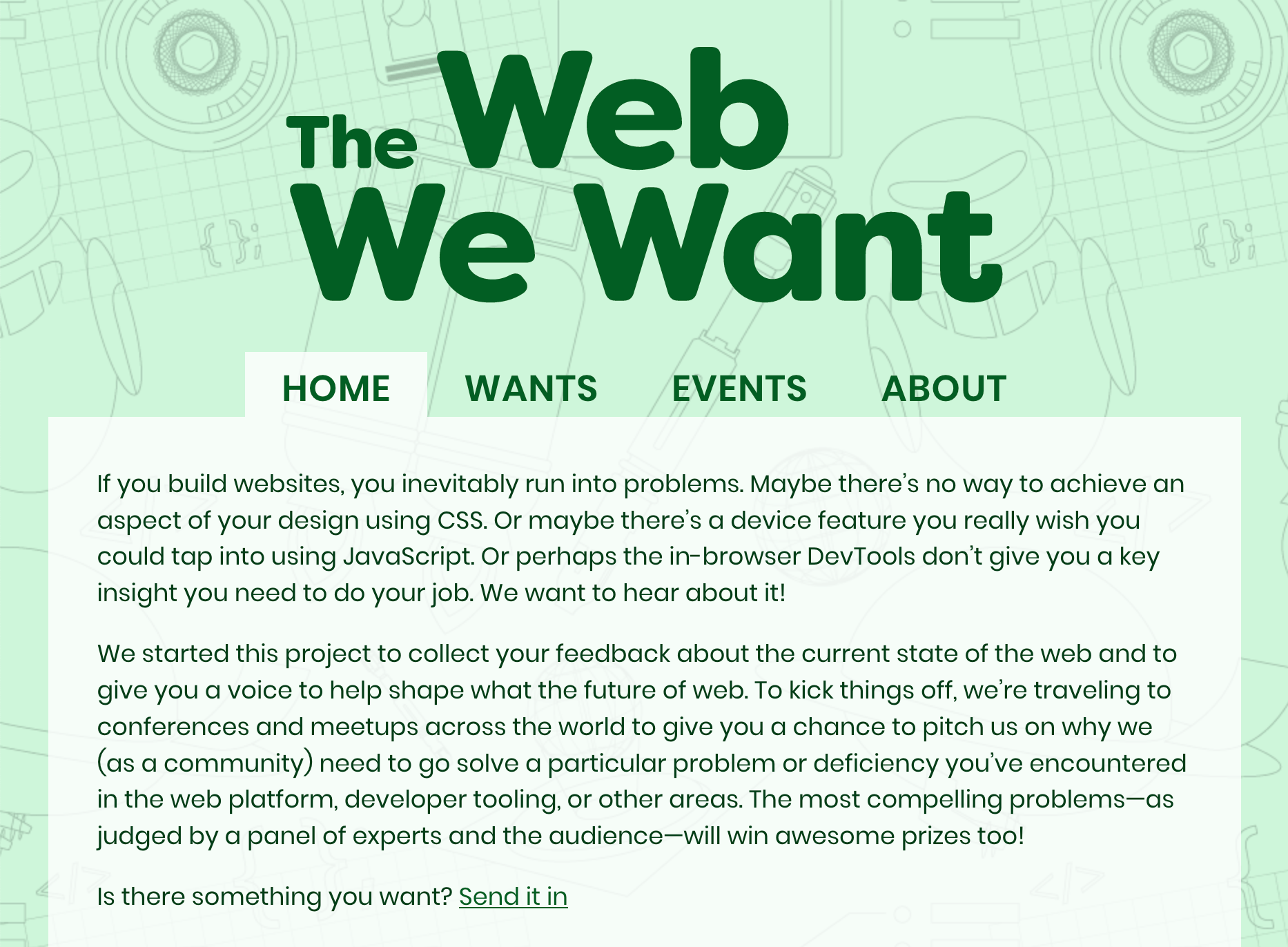
The Web We Want (webwewant.fyi) is a new collaboration between browser vendors that aims to collect feedback from web developers about the current state of the web. You can submit a feature request on the website („What do you want?””) and get a chance to present it at an event (An Event Apart, Smashing Conference, etc.).
Firefox supports a non-standard Boolean parameter for the location.reload method that can be used to hard-reload the page (bypassing the browser’s HTTP cache) [via Wilson Page]
If you use inline <svg> elements that itself have inline CSS code (in <style> elements), be aware that those styles are not scoped to the SVG element but global, so they affect other SVG elements as well [via Sara Soueidan]
XSS Auditor, a Chrome feature that detects cross-site scripting vulnerabilities, has been deemed ineffective and will be removed from Chrome in a future version. You may still want to set the HTTP X-Xss-Protection: 1; mode=block header for legacy browsers [via Scott Helme]
Read more news in my new, weekly Sunday issue. Visit webplatform.news for more information.