Need a
creative and cost-effective yet subtle way to advertise your business or spread
the word about your personal brand? If yes, explore the use of business cards
and how designing one to fit your specific needs can help boost your brand’s
recognizability and increase customer leads.
To make the
entire business card-making process easier, we have listed down the most
important elements that should be considered prior to using them to your
advantage. By considering each factor carefully, you are taking a small step
that will allow you to craft a business card that truly complements your brand.
Design Theme
Deciding on a
design theme for your business card is the first step in the card-making
process. This step should not be neglected because a business card theme will
act as the unifying element of the entire calling card.
To
illustrate, if you are a florist and you want to have a business card that will
match your business and occupation, it is best to choose a card design theme
that suits your flower shop business. In this case, following a flat minimalist
card design may work as your business card theme. On the other hand, having a
grunge neon color scheme and design theme may work against your personal brand
identity.
Your business
card theme or motif does not have to be fully formed from the get-go. Simply
deciding on a color palette or on one design element (like the use of a
specific font style) is enough. Give yourself (or your graphic artist) room to
further improve on your base theme choices as the card-making process goes on.
In fact, you may take design inspiration from various free graphic design and
editing sites like Canva.com and Template.net
all before you actually sit down and create an actual business card.
Paper Size and Type
The next step
to take before designing a business card is to find out your preferred paper
size and type. This is an important element that anyone looking for a business
card design should factor in order to create a more unified and impactful look
for their business cards.
Traditionally,
a business card measures 3.5 inches by 2 inches. But nowadays, more and more
people are considering other paper size options. For example, there are now square,
round, and even hexagonal business cards.
In relation
to the paper size, the type of paper to be used should also be considered. You
may choose from regular cardstock, glossy, matte, linen, kraft, and other
premium paper options.
Choose a
paper size and type that will best allow you to showcase your brand’s identity
without compromising your marketing budget.
Bleed
When printing
out any kind of graphic design project, designers need to designate a printing
bleed area on the document. The printing bleed refers to the printed area that
is intended to be cut off. This is the part of the printed business card is the
edge or corner of the card that may contain some design elements but will need
to be removed in order to make sure that all the cards will look exactly alike.
For those who
want to design their own business card, you should make sure that you have
created a bleed area on the card design template. Once the bleed area is placed
on your business card template, you are then free to add your other design
elements and print out the business card without having any issues with the
final business card design.
If you want
to make sure that the business card you are creating already contains a
built-in bleed area, you may use any free or premium business card templates
found at Template.net. This site is rich with printable graphic design project
templates that you can use.
Budget
Another step
that anyone looking to design their own business card should do and factor into
their pre-card-making process is to decide on and find out their marketing
budget. Remember that making business cards is often considered as an
advertising strategy. You will need money to fund the creation and printing of
these business cards.
For most
businesses, creating business cards can be a cost-effective alternative to
making other kinds of print advertising materials. However, freelancers and
individuals may find creating and printing business cards still a costly
endeavor.
Therefore, prior
to sitting down and designing what kind of business card you want, you still
need to create a budget plan that will match your funds and what you want your
completed business card to look like.
Printing Method and Techniques
Earlier, we
have discussed the importance of choosing the paper size and type for your
business card beforehand. This next step in the business card-making process is
related to that. Another crucial step that should be considered prior to
designing a business card is your preferred printing method.
The easiest
and perhaps most convenient method for printing business cards is by doing it
yourself and using your own home or office printer. However, the quality of the
business card printed this way will greatly vary due to the difference in the
printer, ink, and paper being used.
This is the
reason why a lot of people will prefer to use the services of a professional
printing shop. In these shops, people can choose from letterpress printing,
flexography, lithography, gravure printing, and a lot more. Choosing a printing
method also means that you get to decide if you want to have embossed,
debossed, varnished, foiled, laminated, die-cut, or lasered print finishes and
techniques.
Therefore,
prior to designing a business card, you need to know all these printing
techniques and methods and choose the one method that you like best. By doing
this, the rest of the entire card designing process will be easier and more
smooth-sailing.
Color Modes
The last step
to take before designing a business card is to know the difference between
different color modes. When creating any kind of printed media, the two main
color modes used are RGB and CMYK. RGB stands for Red, Green, Blue and it is
used in desktops, TVs, and cameras among others. CMYK stands for Cyan, Magenta,
Yellow, Key (black) and it is used by professional printers.
By knowing
what these two color modes are and how you can optimize your graphic design
project to match the CMYK color mode used in printing, you will have an easier
and quicker time in printing your business cards. Knowing how to convert RGB
into CMYK will also allow you to design your business cards that will translate
well from RGB to CMYK color schemes.
Get Ready to Design Your Business Cards!
You have now
reached the end of this short guide on the top steps to take before designing a
business card. Refer back to the guide as much as you need. And, hopefully, you
will master the art of business card design soon. For now, enjoy the
card-making process and have fun soaking your brain with all the design
lessons.
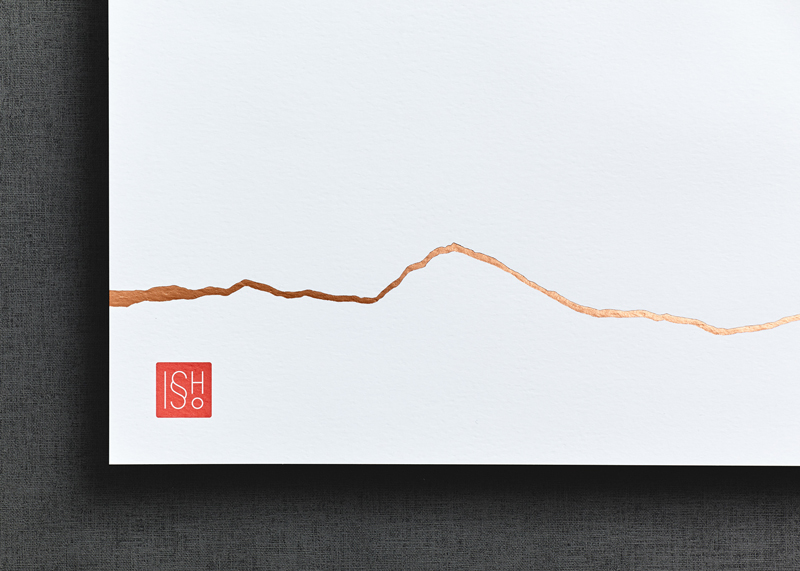
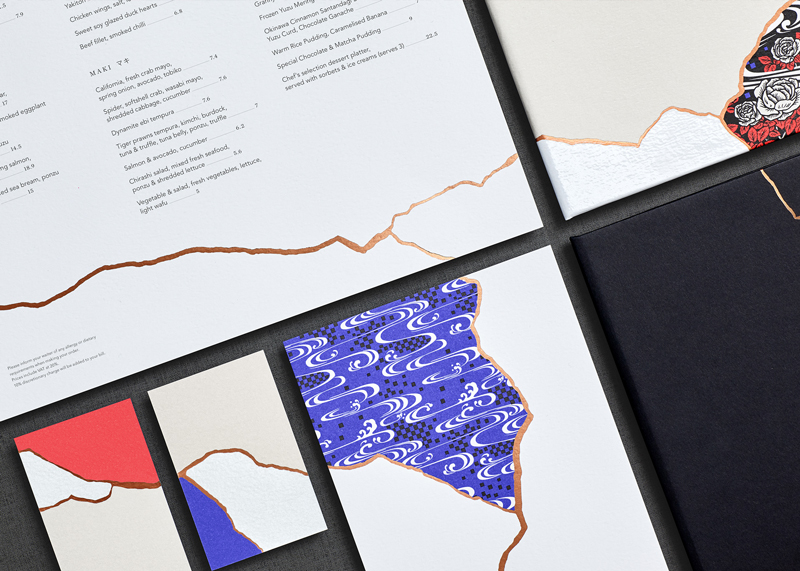
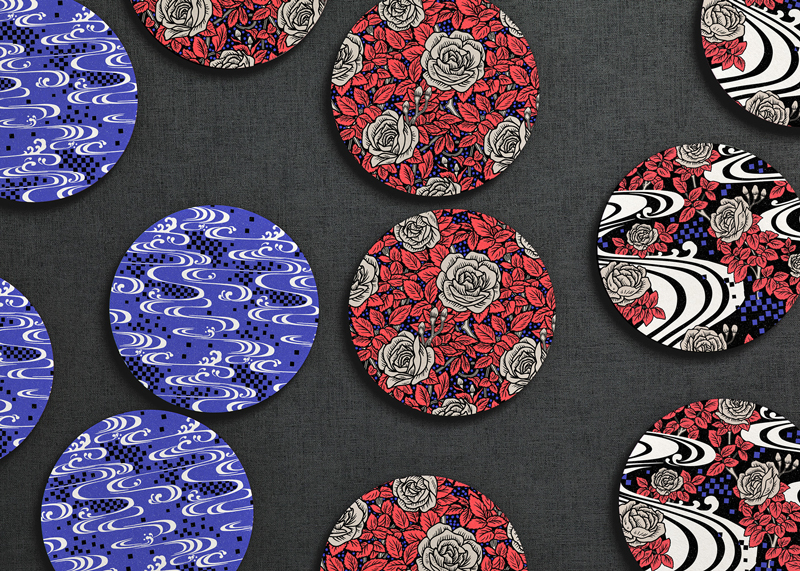
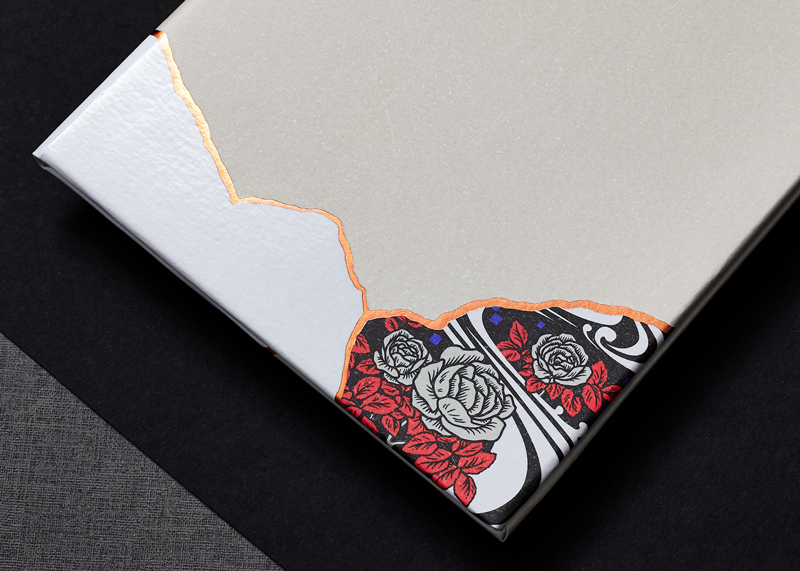
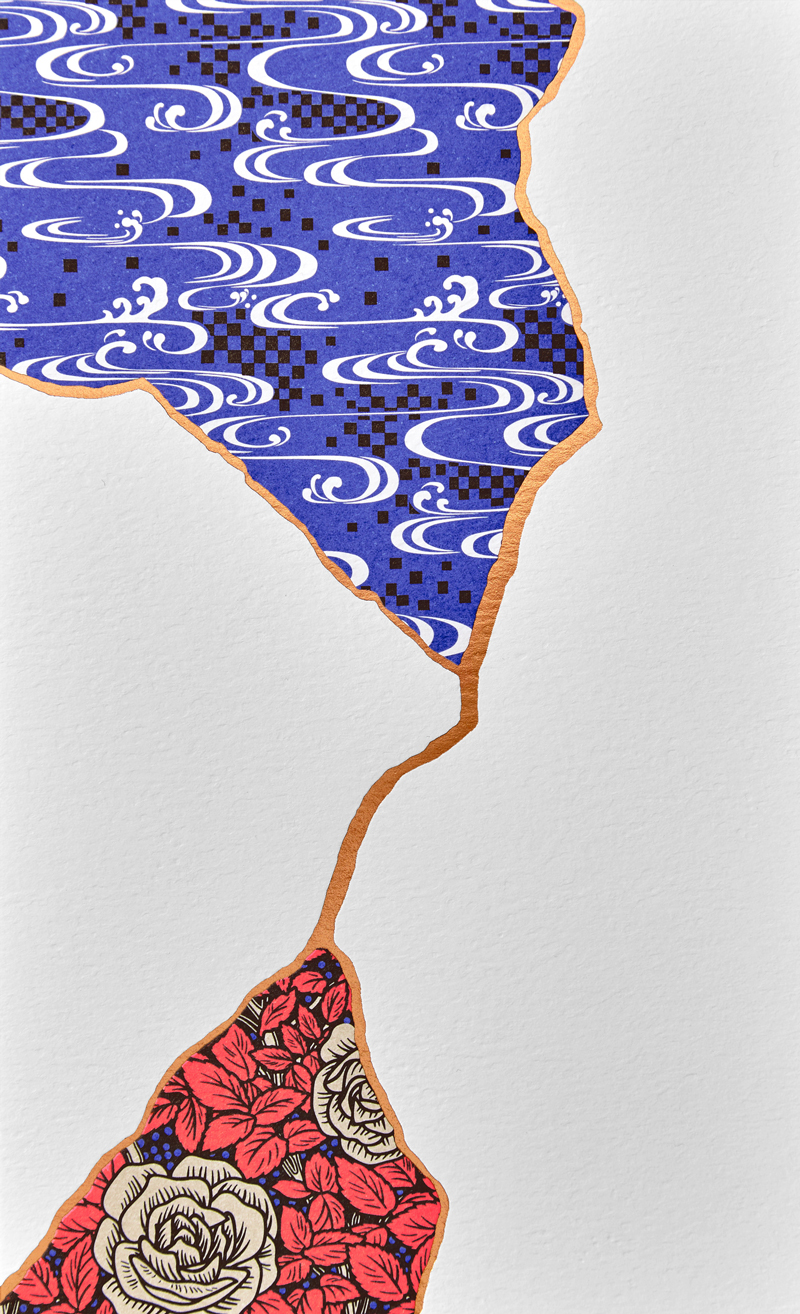
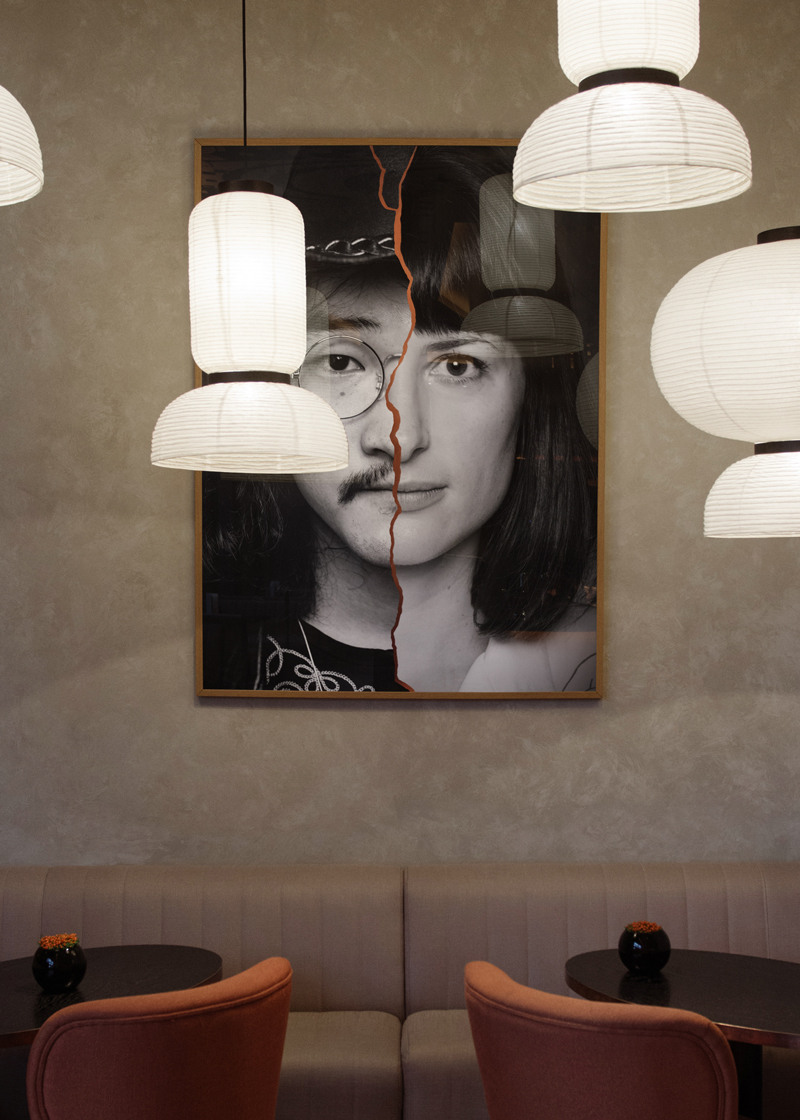
Issho is a Japanese restaurant based in England, in Leeds to be more accurate. In Japanese, the name of the place means “Togetherness”, a quite appropriate name for a place that bring people together.
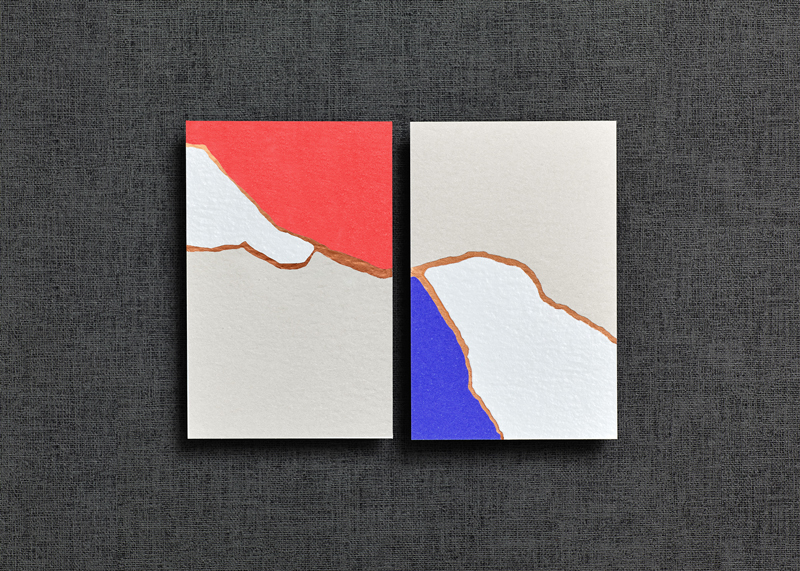
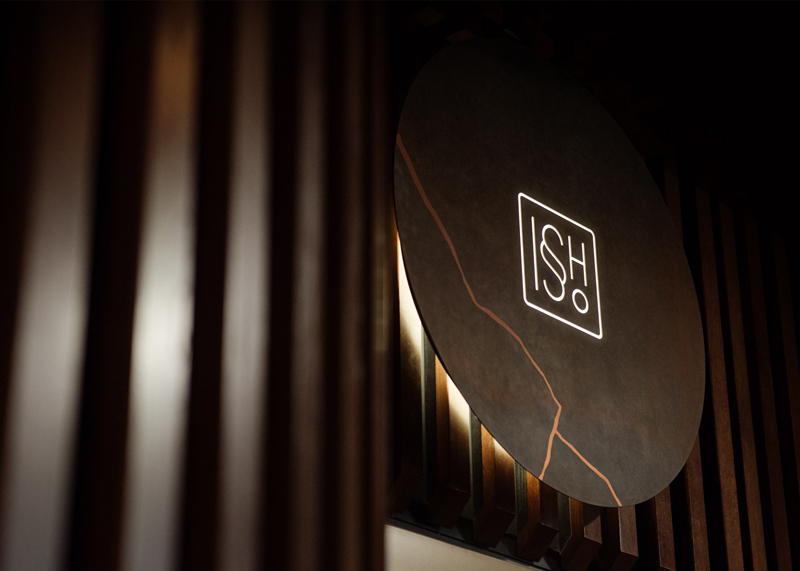
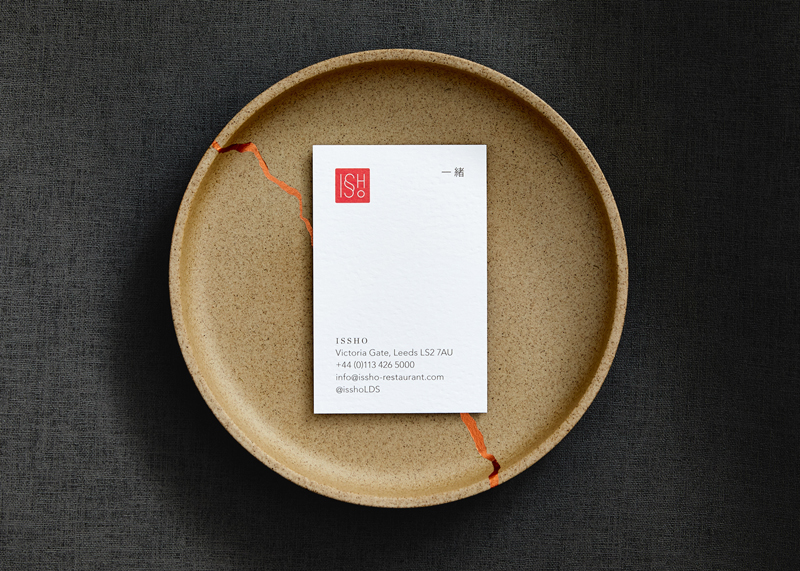
For their branding, the restaurant owners called Dutchscot, a London-based design consultancy. The designers opted for a concept based on the traditional Japanese art of Kintsugi, which is the art or repairing broken items with gold joints.
Issho is a Japanese restaurant based in England, in Leeds to be more accurate. In Japanese, the name of the place means “Togetherness”, a quite appropriate name for a place that bring people together.
For their branding, the restaurant owners called Dutchscot, a London-based design consultancy. The designers opted for a concept based on the traditional Japanese art of Kintsugi, which is the art or repairing broken items with gold joints.
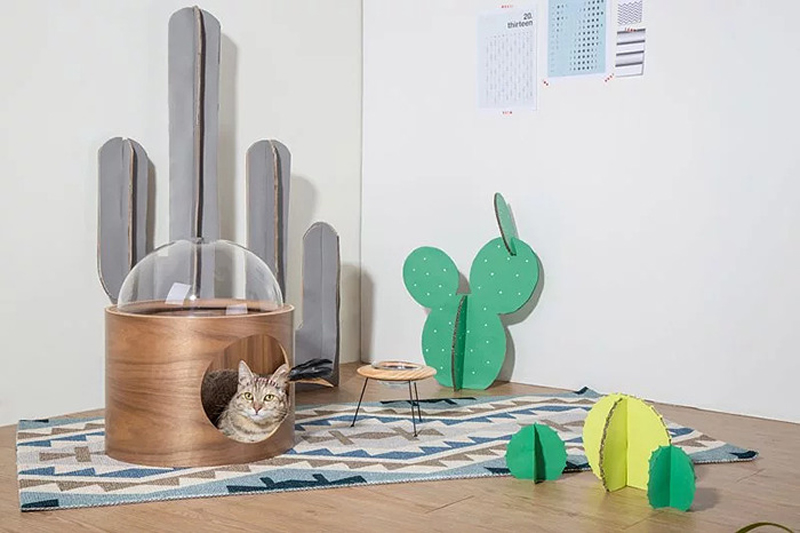
MyZoo Studio is a company that designs and sells creative furniture for our little furry friends. They produce all kinds of well-designed appliance, but it’s their spaceship-like cat bed that really caught my attention. It comes in various formats that can be hung on the wall or laid on the floor.
MyZoo Studio is a company that designs and sells creative furniture for our little furry friends. They produce all kinds of well-designed appliance, but it’s their spaceship-like cat bed that really caught my attention. It comes in various formats that can be hung on the wall or laid on the floor.
.email::before {
  content: attr(data-done) " Email: "; /* This gets inserted before the email address */
}
The property generally takes anything you drop in there. However, there are some invalid values it won’t accept. I heard from someone recently who was confused by this, so I had a little play with it myself and learned a few things.
This works fine:
/* Valid */
::after {
  content: "1";
}
…but this does not:
/* Invalid, not a string */
::after {
  content: 1;
}
I’m not entirely sure why, but I imagine it’s because 1 is a unit-less number (i.e. 1 vs. 1px) and not a string. You can’t trick it either! I tried to be clever like this:
But of course, you’d never use generated content for important information like a price, right?! (Please don’t. It’s not very accessible, nor is the text selectable.)
Even though you can get and display that number, it’s just a string. You can’t really do anything with it.
Heads up! Don’t try concatenating strings like you might in PHP or JavaScript:
/* These will break */
::after {
  content: "1" . "2" . "3";
  content: "1" + "2" + "3";

  /* Use spaces */
  content: "1" "2" "3";
  /* Or nothing */
  content: "1 2 3";
  /* The type of quote (single or double) doesn't matter, but content not coming back from attr() does need to be quoted. */
}
There is a thing in the spec for converting attributes into the actual type rather than treating them all like strings…
<wood length="12" />
wood {
  width: attr(length em); /* or other values like "number", "px", or "url" */
}
…but I’m fairly sure that isn’t working anywhere yet. Plus, it doesn’t help us with pseudo elements anyway, since strings already work and numbers don’t.
The person who reached out to me over email was specifically confused why they were unable to use calc() on content. I’m not sure I can help you do math in this situation, but it’s worth knowing that pseudo elements can be counters, and those counters can do their own limited form of math. For example, here’s a counter that starts at 12 and increments by -2 for each element at that level in the DOM.
The only other thing we haven’t mentioned here is that a pseudo element can be an image. For example:
p:before {
  content: url(image.jpg);
}
…but it’s weirdly limited. You can’t even resize the image. ¯\_(ツ)_/¯
Much more common is using an empty string for the value (content: "";) which can do things like clear floats but also be positioned, sized and have a background of its own.
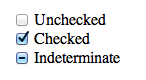
There is a such thing as an indeterminate checkbox value. It’s a checkbox (<input type="checkbox">) that isn’t checked. Nor is it not checked. It’s indeterminate.
We can even select a checkbox in that state and style it with CSS!
Some curious points though:
It’s only possible to set via JavaScript. There is no HTML attribute or value for it.
It doesn’t POST (or GET or whatever else) or have a value. It’s like being unchecked.
And, for whatever reason, you make that checkbox indeterminate:
let veg = document.querySelector(".veg");
veg.indeterminate = true;
If you serialize that form and take a look at what will POST, you’ll get "name=Chris". No value for the checkbox. Conversely, had you checked the checkbox in the HTML and didn’t touch it in JavaScript, you’d get "name=Chris&vegetarian=on".
Apparently, this is by design. Checkboxes are meant to be boolean, and the indeterminate value is just an aesthetic thing meant to indicate that visual „child” checkboxes are in a mixed state (some checked, some not). That’s fine. Can’t change it now without serious breakage of websites.
But say you really need to know on the server if a checkbox is in that indeterminate state. The only way I can think of is to have a buddy hidden input that you keep in sync.
let veg = document.querySelector(".veg");
let veg_value = document.querySelector(".veg-value");
veg.indeterminate = true;
veg_value.value = "indeterminate";
I’ve set the indeterminate value of one input and I’ve set another hidden input value to "indeterminate", which I can POST. Serialized means it looks like "name=Chris&vegetarian-value=indeterminate". Good enough.
There is a such thing as an indeterminate checkbox value. It’s a checkbox (<input type="checkbox">) that isn’t checked. Nor is it not checked. It’s indeterminate.
We can even select a checkbox in that state and style it with CSS!
Some curious points though:
It’s only possible to set via JavaScript. There is no HTML attribute or value for it.
It doesn’t POST (or GET or whatever else) or have a value. It’s like being unchecked.
And, for whatever reason, you make that checkbox indeterminate:
let veg = document.querySelector(".veg");
veg.indeterminate = true;
If you serialize that form and take a look at what will POST, you’ll get "name=Chris". No value for the checkbox. Conversely, had you checked the checkbox in the HTML and didn’t touch it in JavaScript, you’d get "name=Chris&vegetarian=on".
Apparently, this is by design. Checkboxes are meant to be boolean, and the indeterminate value is just an aesthetic thing meant to indicate that visual „child” checkboxes are in a mixed state (some checked, some not). That’s fine. Can’t change it now without serious breakage of websites.
But say you really need to know on the server if a checkbox is in that indeterminate state. The only way I can think of is to have a buddy hidden input that you keep in sync.
let veg = document.querySelector(".veg");
let veg_value = document.querySelector(".veg-value");
veg.indeterminate = true;
veg_value.value = "indeterminate";
I’ve set the indeterminate value of one input and I’ve set another hidden input value to "indeterminate", which I can POST. Serialized means it looks like "name=Chris&vegetarian-value=indeterminate". Good enough.
There’s a ton of very quotable stuff from Rachel Andrew’s latest post all about CSS and how we talk about it in the community:
CSS has been seen as this fragile language that we stumble around, trying things out and seeing what works. In particular for layout, rather than using the system as specified, we have so often exploited things about the language in order to achieve far more complex layouts than it was ever designed for. We had to, or resign ourselves to very simple looking web pages.
Rachel goes on to argue that we probably shouldn’t disparage CSS for being so weird when there are very good reasons for why and how it works — not to mention that it’s getting exponentially more predictable and powerful as time goes by:
There is frequently talk about how developers whose main area of expertise is CSS feel that their skills are underrated. I do not think we help our cause by talking about CSS as this whacky, quirky language. CSS is unlike anything else, because it exists to serve an environment that is unlike anything else. However we can start to understand it as a designed language, with much consistency. It has codified rules and we can develop ways to explain and teach it, just as we can teach our teams to use Bootstrap, or the latest JavaScript framework.
I tend to feel the same way and I’ve been spending a lot of time thinking about how best to reply to folks that argue that “CSS is dumb and weird.” It can sometimes be a demoralizing challenge, attempting to explain why your career and area of expertise is a useful one.
I guess the best way to start doing that is to stand up and say, “No, CSS is not dumb and weird. CSS is awesome!”