Have you got prepared for Halloween 2019? It’s one of the most appealing events of the year. For this reason, website owners try to keep up with the overall festive mood. They decorate their corporate websites, blogs, e-stores, and other online services with different scary Halloween graphics. Thus, websites become interactive, dynamic, and up-to-date. Besides, such a web design approach makes your online presence more distinctive.
Core Features of Catchy Halloween Graphics
There are tons of Halloween images, illustrations, covers, etc. on the web. Many of them are free Halloween products. But are all of them enough catchy to grab visitors’ attention at a glance? Unfortunately, it’s a hard task to make modern users stare. They are a way picky. They want much more than just a background image with the phrase “Trick or Treat” or craved pumpkins. They strive for something special, entrancing, and fun.
That is why web designers can spend hours creating effective Halloween clipart or covers. To gear up this process, it is better to opt for ready-made scary Halloween graphics designed by pros for pros.
Halloween graphics usually include:
Dark colors always help to get into the Halloween spirit. A black and white color palette inspires many web designers. They use his color combination for creating diverse Halloween ghost graphics with a hair-rising illustration.
Traditional attributes such as Jack-o’-lanterns, a black cat, ghosts, tombstones, haunted houses, etc.
Many web designers opt for vintage Halloween graphics. Adding a kind of ‘through the ages’ effect, a website becomes stylish and eye-pleasing.
Spooky elements will delight visitors and show that the design moves with the times. It gives your customers/readers reasons to come back to your website to get more and more about the project.
Holiday-themed typography. This trick helps to emphasize the festive mood. Today many web designers use different typography tricks to make the design more effective and modern. This trend perfectly fits Halloween design ideas as well.
Topic-related animations. They serve as a great chance to make your project look tech-savvy, modern, and festive at the same time.
Don’t waste time recreating the wheel. Take advantage of ready-to-use scary Halloween graphics for your needs. Scroll down and take pleasure in looking through 20 creative ideas.
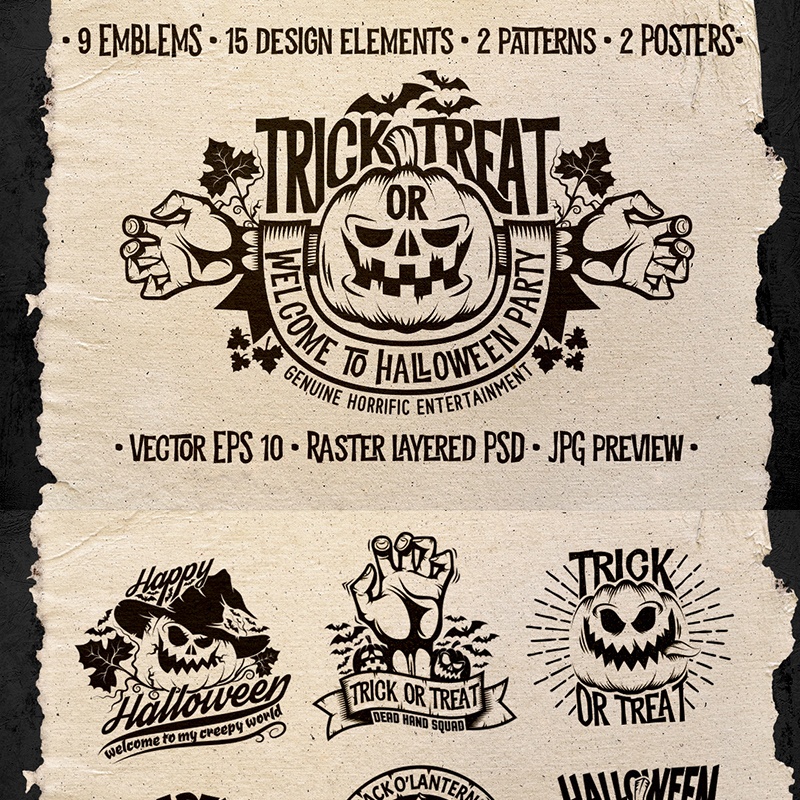
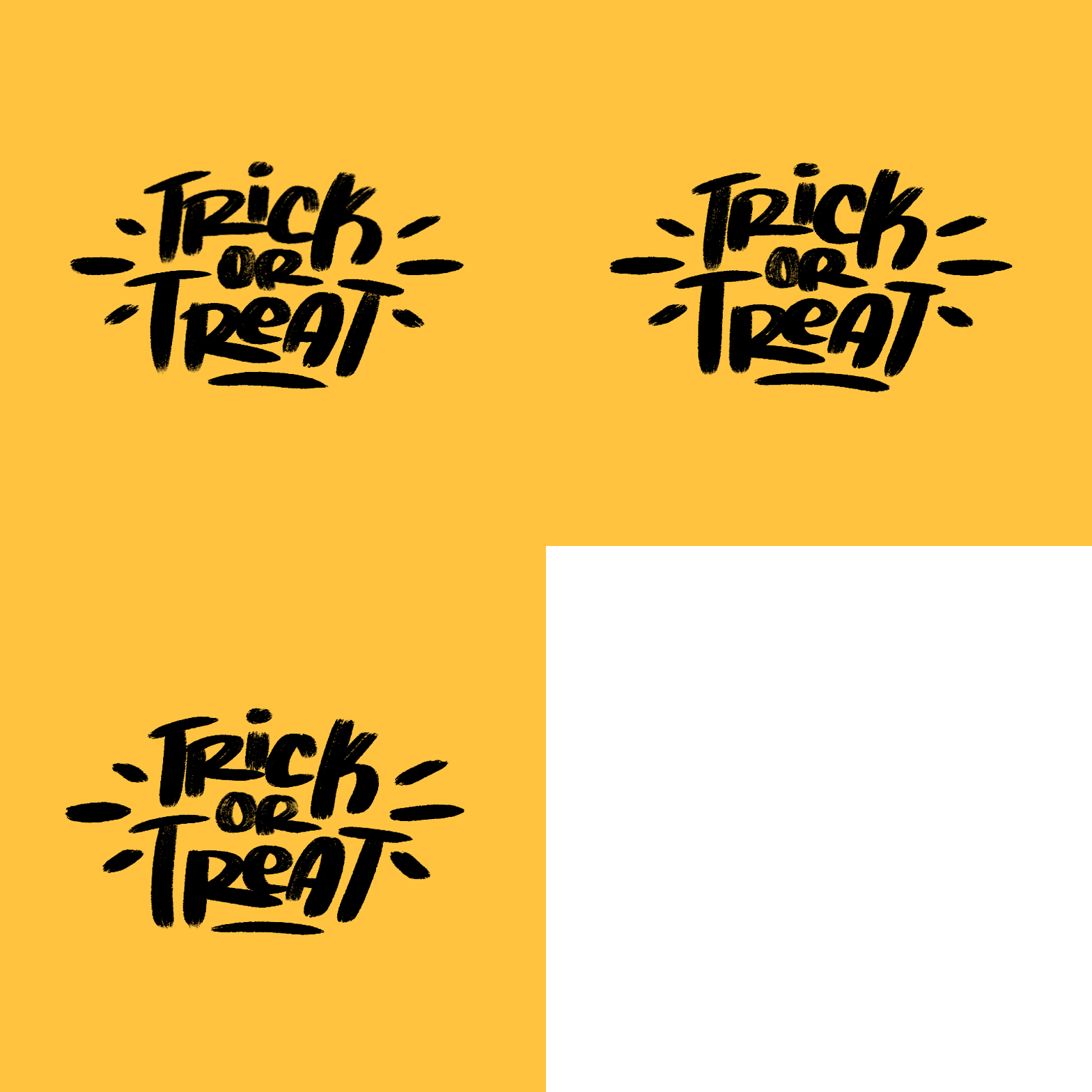
Halloween Stickers Pack: Trick or Treat Illustration
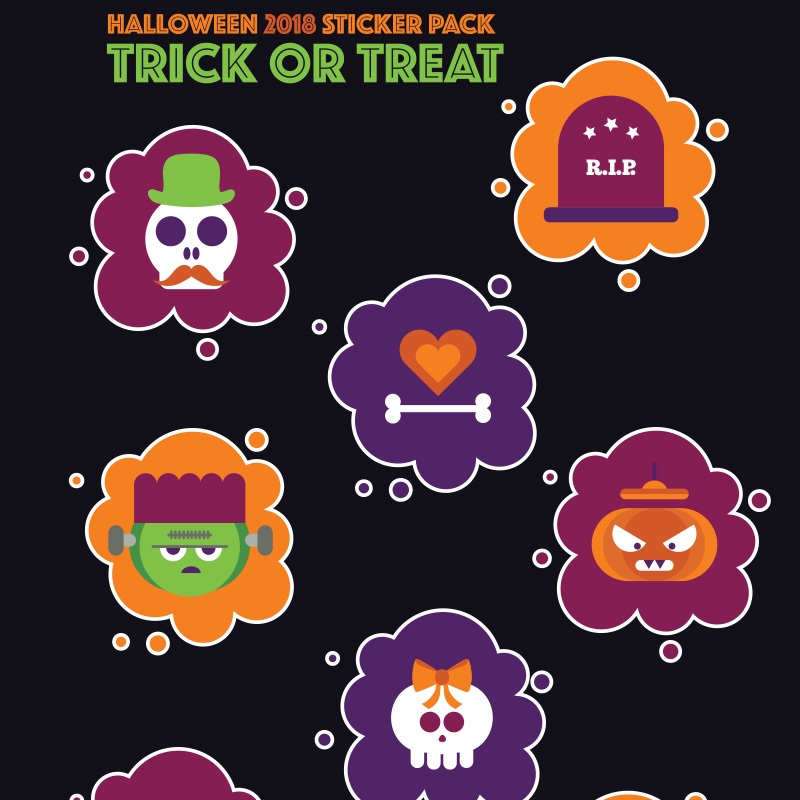
This pack of topic-related illustrations can serve as an alluring pixel-perfect decoration for your laptop or phone or Halloween party. Whatever surface you want to cover with a ‘trick or treat’ illustration, it will look bright, juicy and of course spooky. This sticker pack comes in two scalable vector versions including .eps and .ai. Moreover, it includes dozens of fully editable Halloween images that can be easily printed in A5 format.
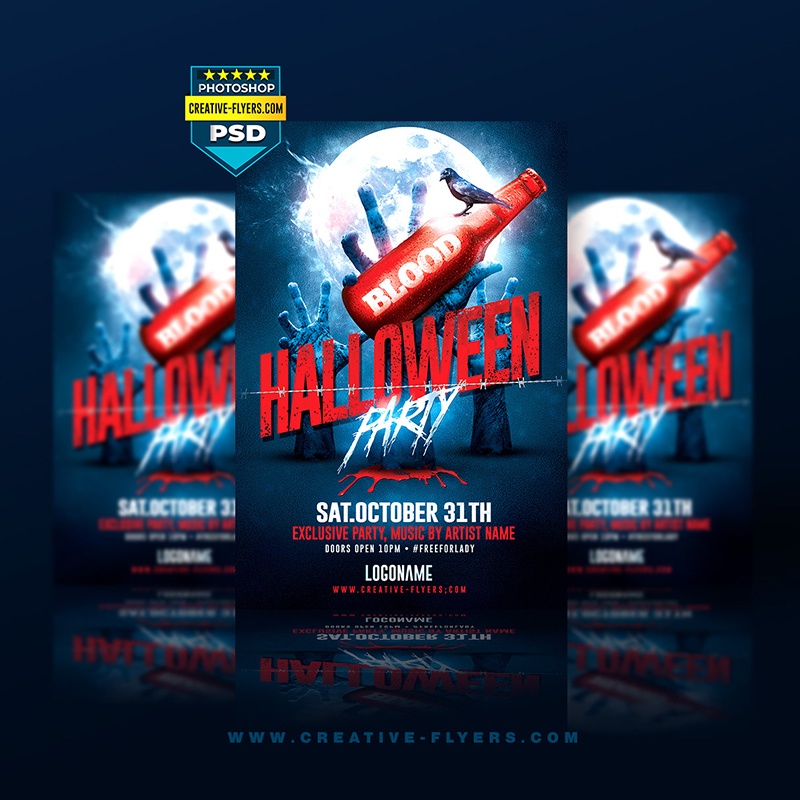
This printable PSD template is an efficient marketing tool. With the help of this product, you can creatively promote a Halloween party. To use this template, you can use Adobe Photoshop. Since it’s print-ready, you can easily turn a virtual flyer to a material promotional tool in A6 format.
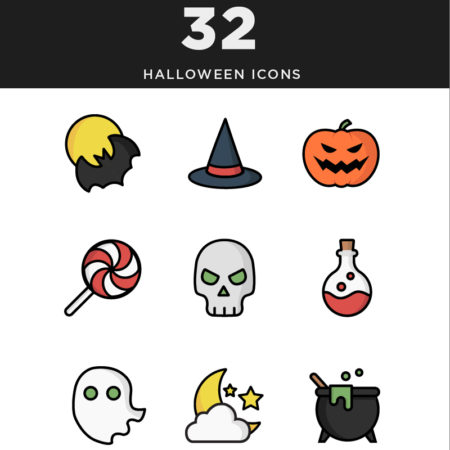
This template will inspire web designers to decorate the dullest interface. It’s packed with 32 Halloween-related icons of all possible colors and forms. These illustrations are vector-based. They are suitable for decorating scary posters, invitations, and stickers. Some of them have Halloween ghost graphics. If you wish to change the color of the illustration, you can do it effortlessly.
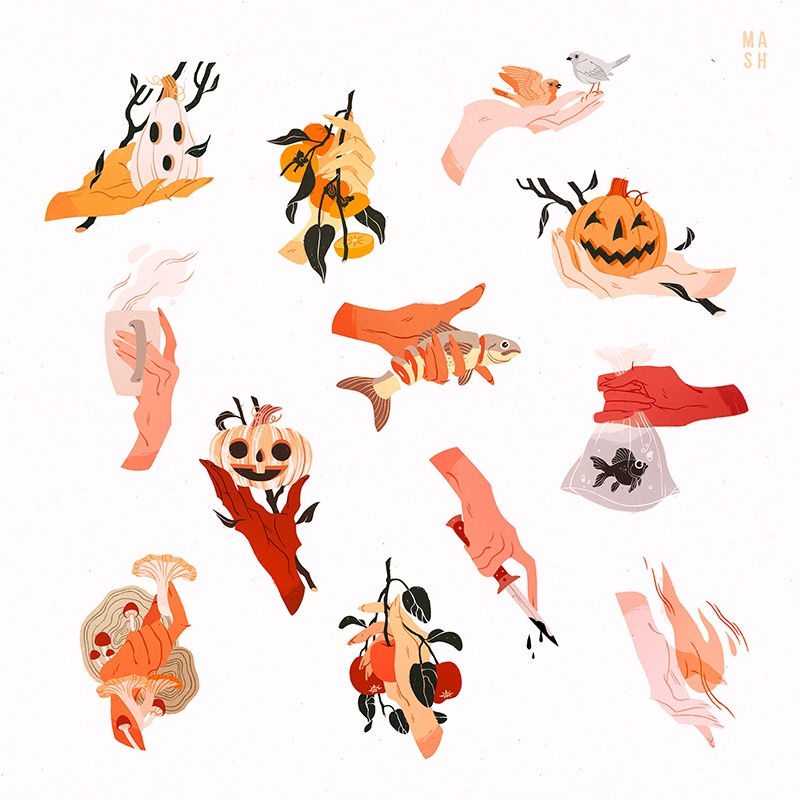
With this creative hand designs, your Halloween project will look the part. This collection includes scary designs made in autumn-related colors: orange, red, yellow, brown, and grey. Each illustration will help web designers make their projects more festive and colorful. Add topic illustrations to cards, web designs, surfaces, etc.
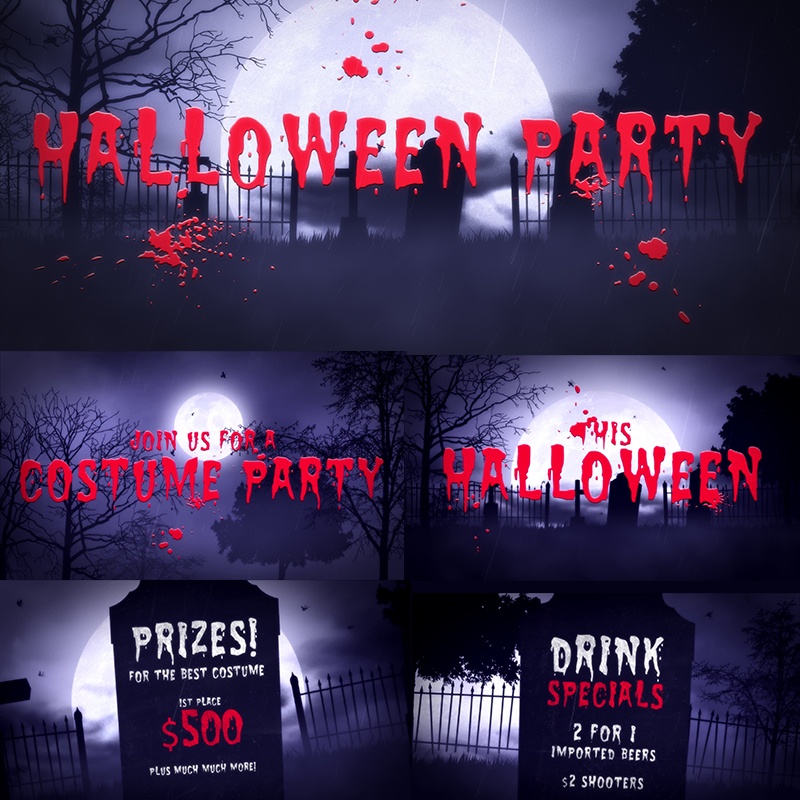
Have no idea how to invite guests for a Halloween party? Take a closer look at this template. This 3D logo animation is fully customizable. It comes with 4 stylized title sets with a sound effect for free. You can change the color of the intro to match your needs. For effortless work with this template, use a PNG or vector logo with a transparent background.
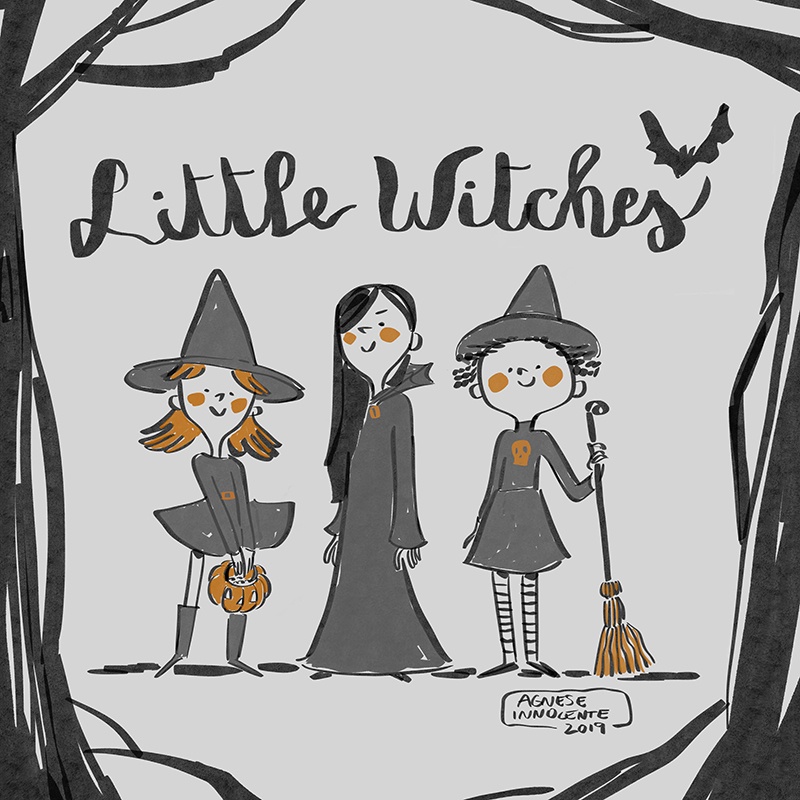
These lovely looking little witches will enrich any Halloween card or invitation or web design. The template is made in the topic-related grey colors. Little Witches illustration will perfectly fit any website for kids: educational or commercial. The template is printable and customizable.
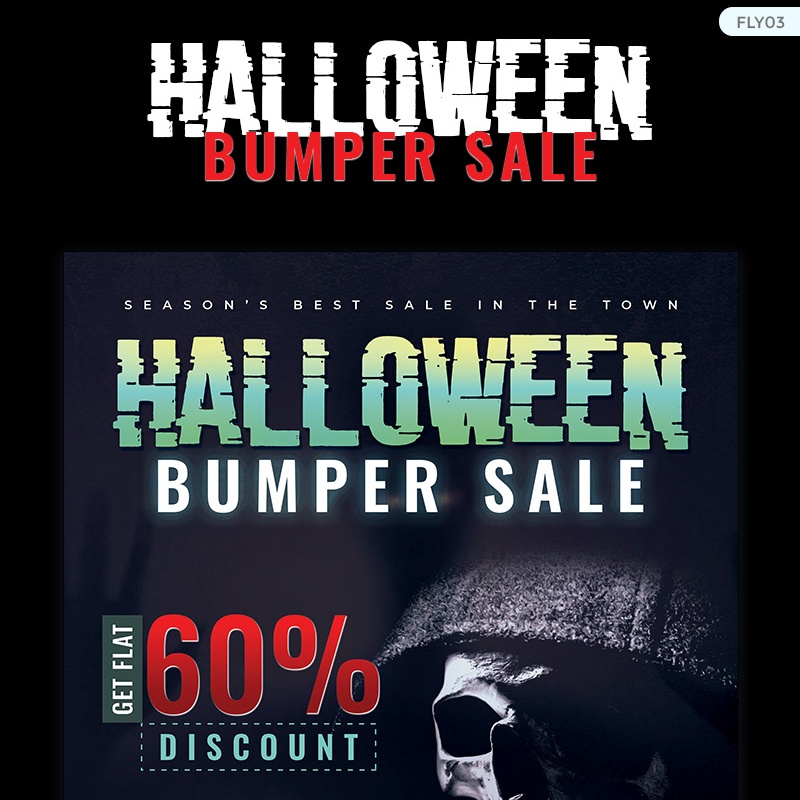
Halloween Bumper Sale Flyer Corporate Identity Template
Crafted by qualified web designers, this template is a way juicy product. It looks catchy, impactful, and theme-related. With this mockup and Adobe Photoshop, you can penetrate to the deep customization process. There is a rich collection of free fonts and images. It won’t be a problem to create catchy Halloween offers and discounts within minutes. The template has a print-ready format.
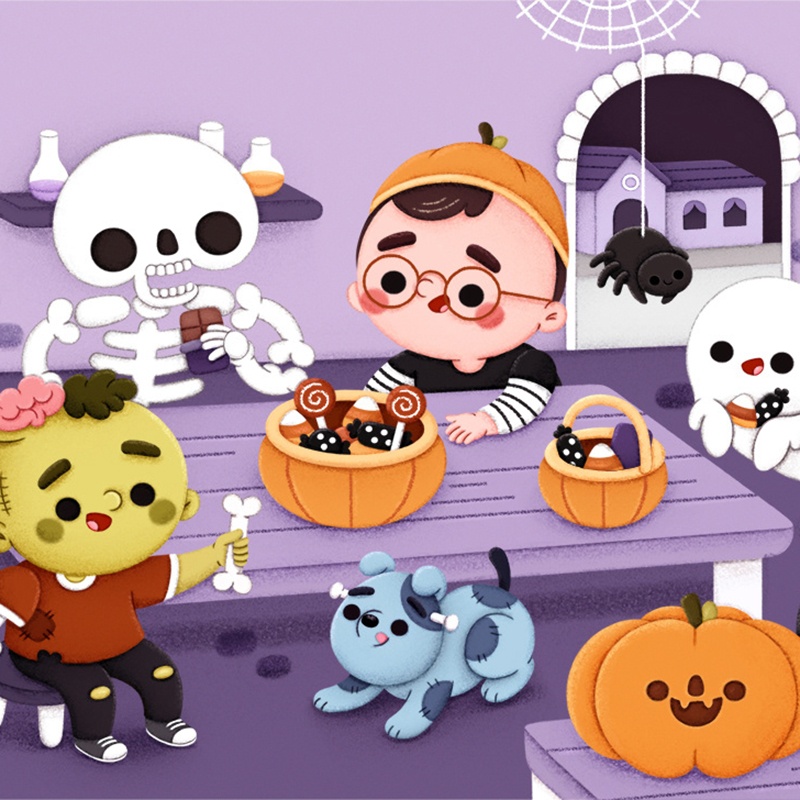
Children are very much looking forward to Halloween. These cartooning illustrations can serve as an excellent decoration for a kid’s party, books, cards, etc. Illustrations are bright, topic-related, and pixel-perfect. The template is free and ready to be downloaded right now.
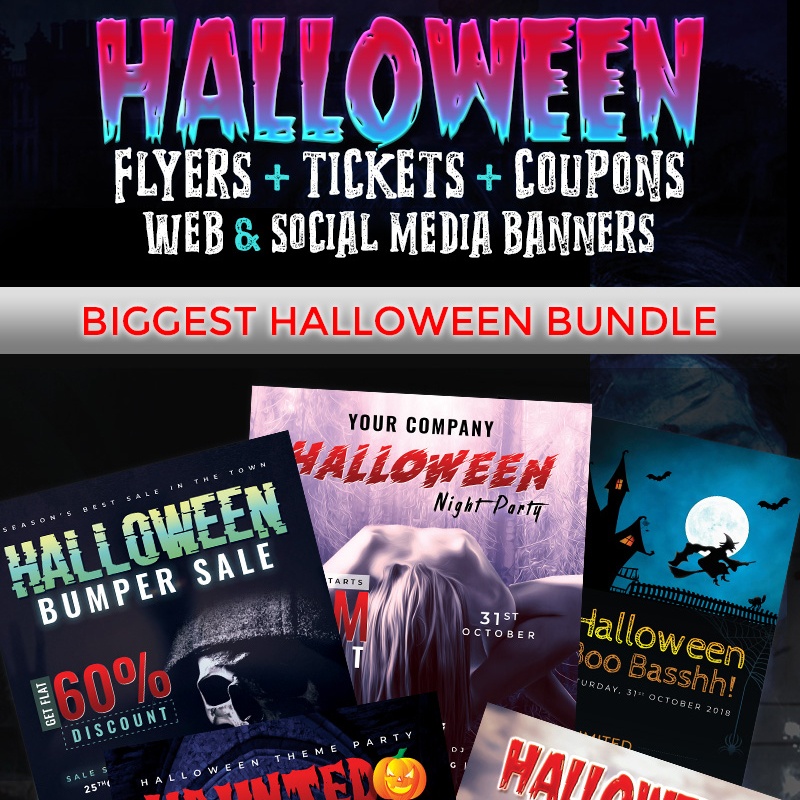
Halloween Big Bundle – Corporate Identity Template
Whatever project you need to shine on this Halloween event, this bundle will fit your needs and budget. This template is made by professionals. Based on the latest wen trends, you can customize the template with Adobe Photoshop. The bundle includes Halloween ghost graphics available in many sizes:
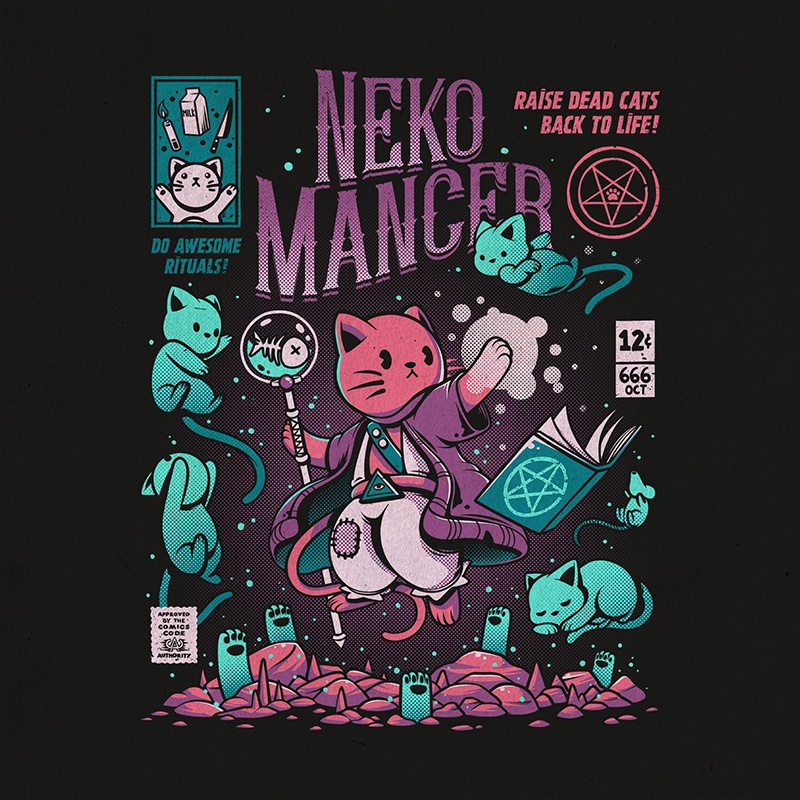
Search for creative and affordable ideas to dress out on Halloween? This Spooky Tees item will come in handy. The bundle of nice yet frightful illustrations looks extra-ordinary. With this template, you can decorate your tee with scary kitties, vicious dolphins, terrific monsters, etc. The product is popular with many users who have appreciated its simplicity and uniqueness.
This exclusive pack of stylish Halloween logo illustrations will make your project spicy. They will help your presentation, website, ad or cover stand out from the crowd. Enjoy its awesome features and high quality. The set of logos is available in different colors to satisfy the needs of many clients. The pack includes:
Using these characters, your Halloween card/ invitation/ card will look peculiar. These unusual characters with masks will help your project shine on the web. You can implement them in your web design within minutes. The characters with creepy forms look universal and creative to suit different needs.
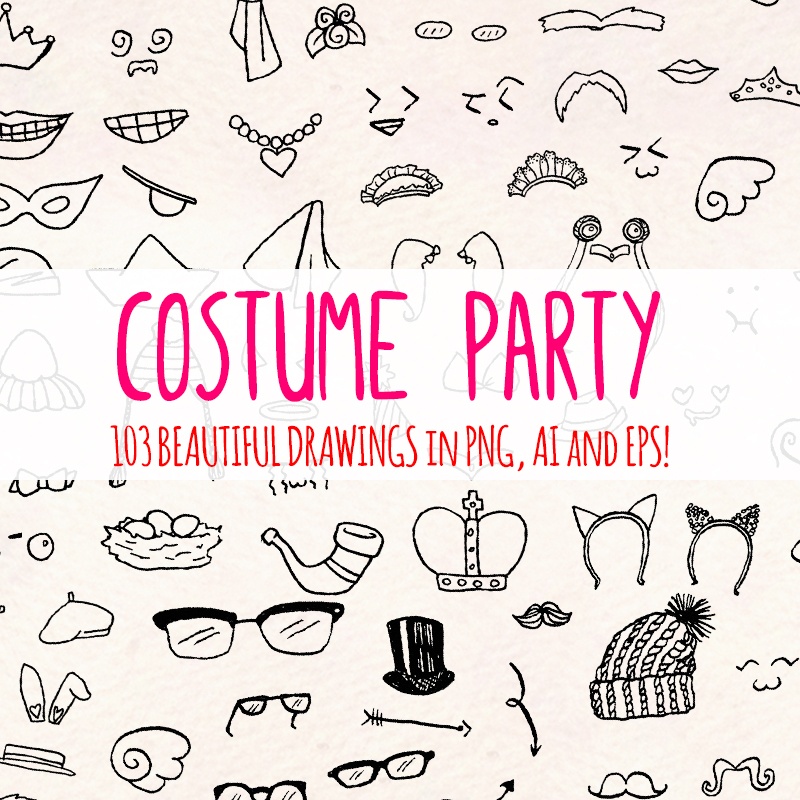
This set of vector illustrations consists of hand-drawn dresses and costumes. There are 103 fancy drawings for all Halloween occasions. Each image comes in EPS, AI and PNG files. The set is convenient to use and implement in any project. It works perfectly for both digital and printable projects.
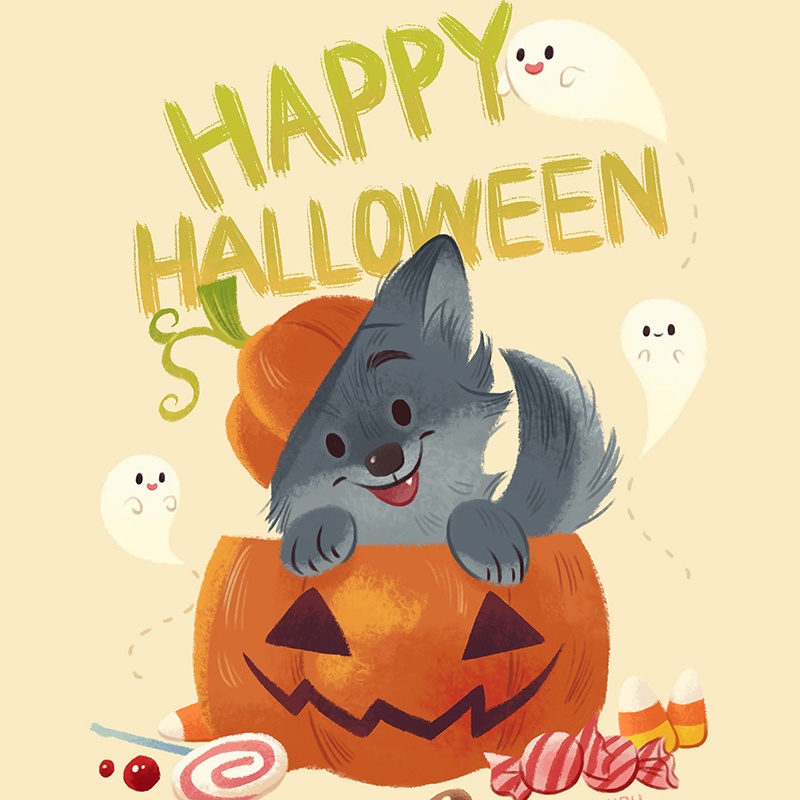
This free Halloween illustration is a nice solution for cards, posters, flyers, invitations, etc. You can use it for kids’ websites or party decoration since it looks topic-related yet eye-pleasing. There are ghosts, pumpkins, candies, and other attributes of this holiday.
This product is stylish, affordable and creative. The set includes 3 logos for both light and dark backgrounds. The illustrations are available in AI and PSD files. It comes with the link to use any font you want. Designed in the cartoon style, these logos will suit kids’ projects as well.
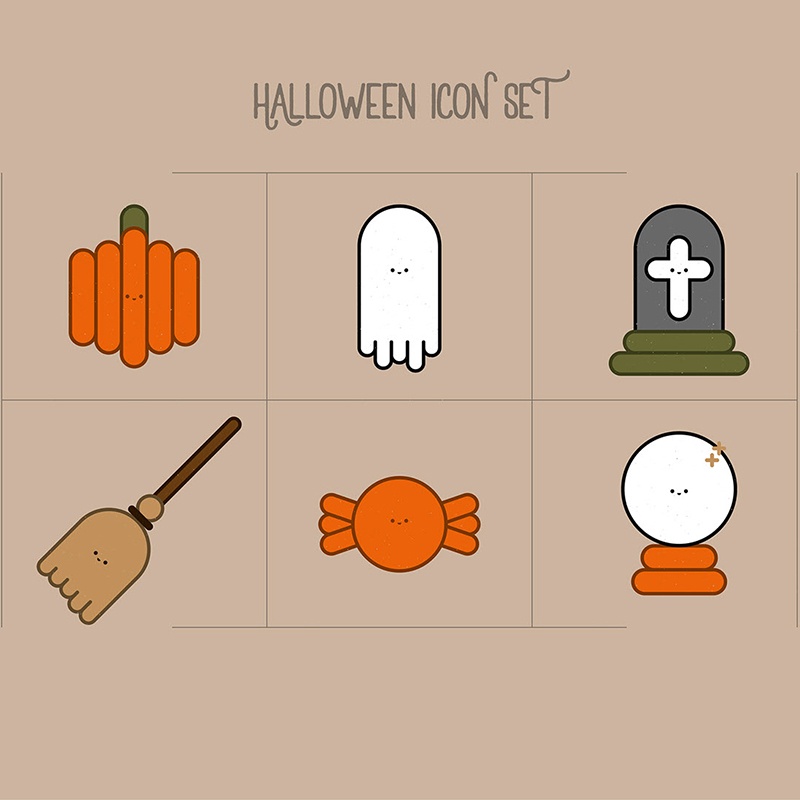
This icon set is one more drawing solution for making your Halloween web page more interesting and up-to-date. It looks eye-pleasing and remarkable. With the help of these icons, it’s possible to grab visitors’ attention and make them stay on your site longer.
Skull Party Print PNG Watercolor Set  Illustration
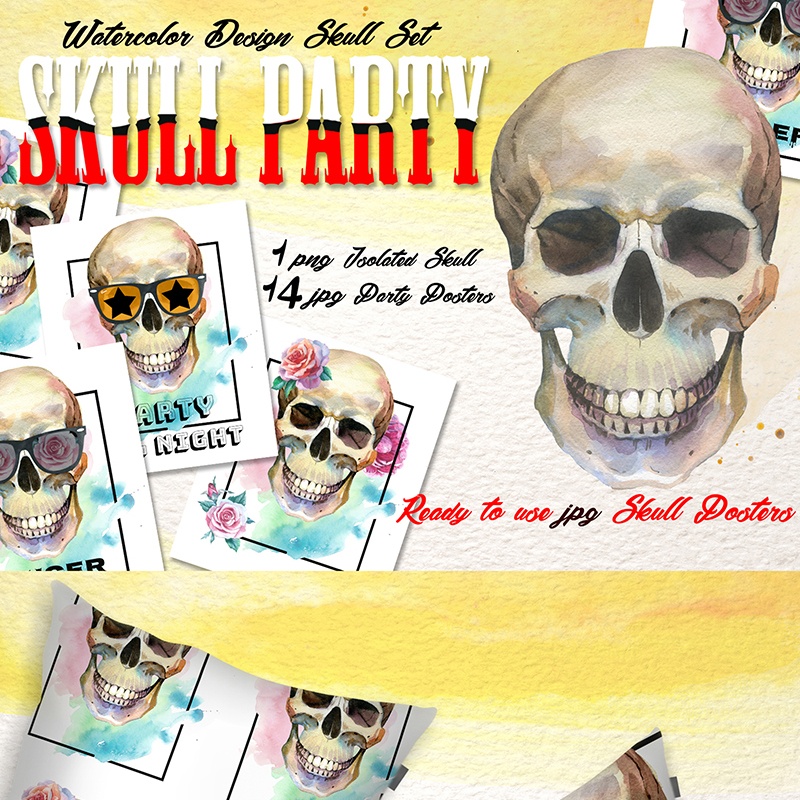
Stop searching for a way to decorate your party or create a spooky invitation. This quality watercolor illustration with 15 files will serve a brilliant solution. The illustration looks detailed, well-structured and memorable. You can adjust this bundle to your needs. There are many editable options like color and size. All the elements are handpainted.
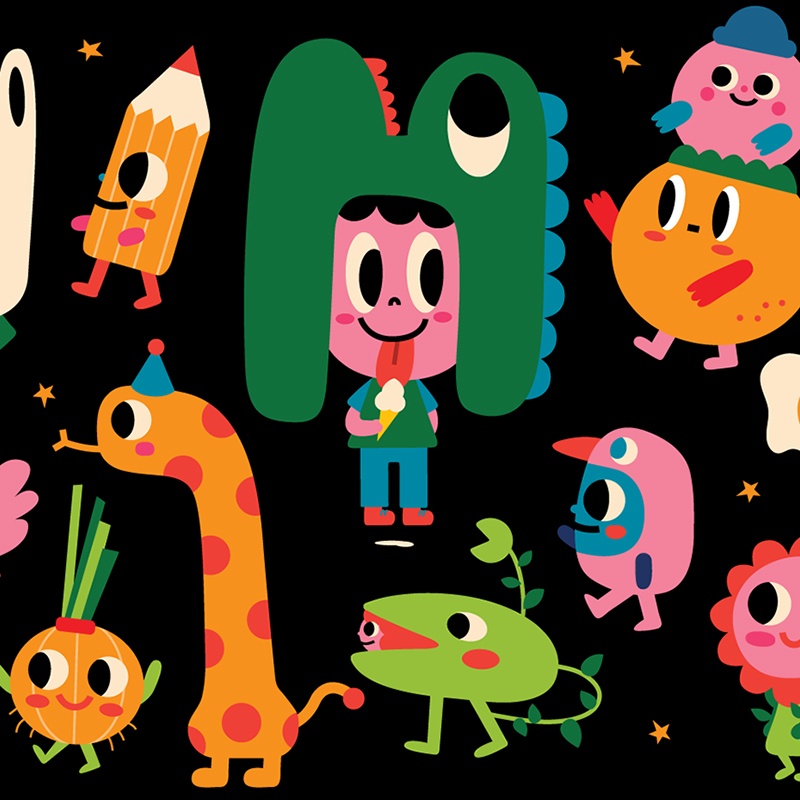
Do you have any plans on Halloween 2019? You have a great chance to map out this holiday in a very creative manner with this template. Halloween Plan illustration set consists of amazing, colorful elements featuring different plants, animals, and other figures. All the elements are bright and vivid.
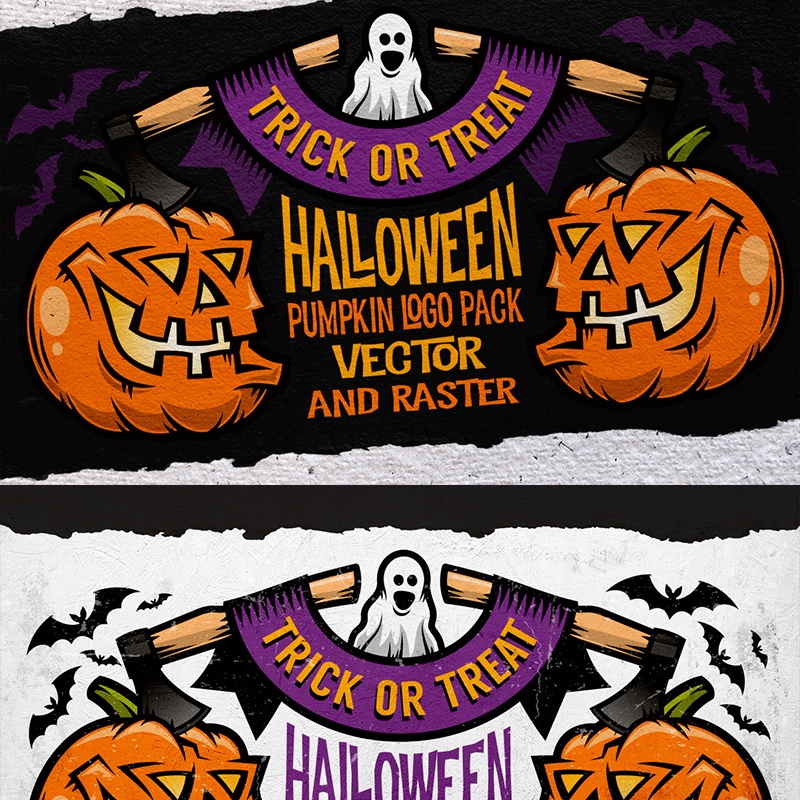
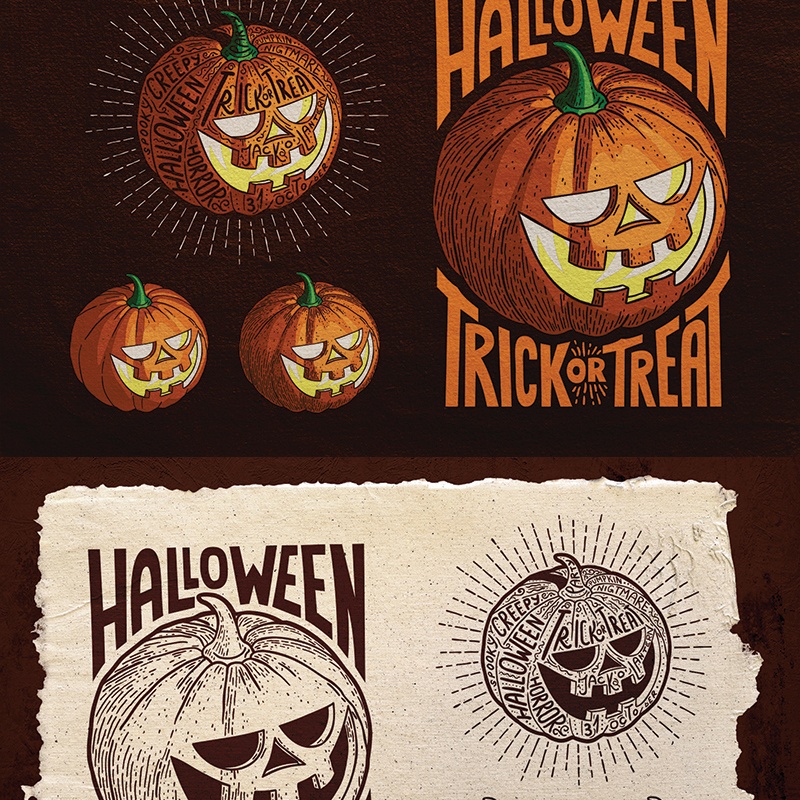
Sometimes it’s hard to create something extraordinary for casual, repeated events such as Halloween holiday. To avoid addling your brain, use premium illustrations designed by pros. This template includes pumpkin vintage images that look remarkable and catchy. The illustrations come with/ without lettering to suit any taste. The product is available in different formats:
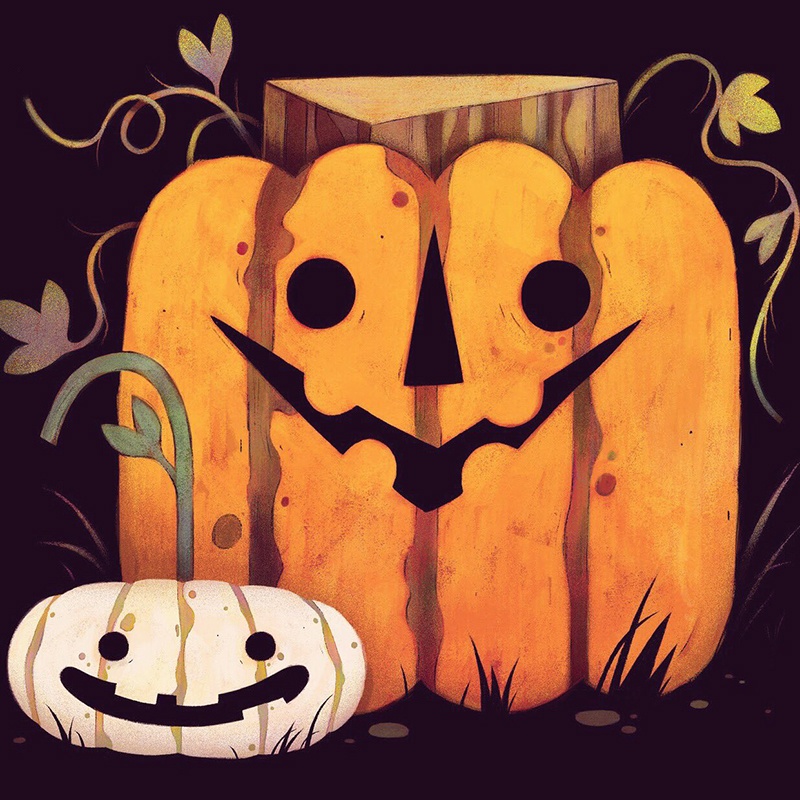
This wonderful illustration is a mixture of minimalism and creativeness. It’s available for free. You can download and customize it within minutes. The product suits many needs – from an invitation to web design decoration.
Wrapping up
Halloween is a colorful holiday that requires solid preparation. If you have an online business or personal blog, it has to be prepared and decorated as well. Don’t stay dull and boring. Using holiday-themed graphics is a trick to keep users coming back! Customers will feel your care for them. It’s a great opportunity to avoid abandoning in the future.
Have you got prepared for Halloween 2019? It’s one of the most appealing events of the year. For this reason, website owners try to keep up with the overall festive mood. They decorate their corporate websites, blogs, e-stores, and other online services with different scary Halloween graphics. Thus, websites become interactive, dynamic, and up-to-date. Besides, such a web design approach makes your online presence more distinctive.
Core Features of Catchy Halloween Graphics
There are tons of Halloween images, illustrations, covers, etc. on the web. Many of them are free Halloween products. But are all of them enough catchy to grab visitors’ attention at a glance? Unfortunately, it’s a hard task to make modern users stare. They are a way picky. They want much more than just a background image with the phrase “Trick or Treat” or craved pumpkins. They strive for something special, entrancing, and fun.
That is why web designers can spend hours creating effective Halloween clipart or covers. To gear up this process, it is better to opt for ready-made scary Halloween graphics designed by pros for pros.
Halloween graphics usually include:
Dark colors always help to get into the Halloween spirit. A black and white color palette inspires many web designers. They use his color combination for creating diverse Halloween ghost graphics with a hair-rising illustration.
Traditional attributes such as Jack-o’-lanterns, a black cat, ghosts, tombstones, haunted houses, etc.
Many web designers opt for vintage Halloween graphics. Adding a kind of ‘through the ages’ effect, a website becomes stylish and eye-pleasing.
Spooky elements will delight visitors and show that the design moves with the times. It gives your customers/readers reasons to come back to your website to get more and more about the project.
Holiday-themed typography. This trick helps to emphasize the festive mood. Today many web designers use different typography tricks to make the design more effective and modern. This trend perfectly fits Halloween design ideas as well.
Topic-related animations. They serve as a great chance to make your project look tech-savvy, modern, and festive at the same time.
Don’t waste time recreating the wheel. Take advantage of ready-to-use scary Halloween graphics for your needs. Scroll down and take pleasure in looking through 20 creative ideas.
Halloween Stickers Pack: Trick or Treat Illustration
This pack of topic-related illustrations can serve as an alluring pixel-perfect decoration for your laptop or phone or Halloween party. Whatever surface you want to cover with a ‘trick or treat’ illustration, it will look bright, juicy and of course spooky. This sticker pack comes in two scalable vector versions including .eps and .ai. Moreover, it includes dozens of fully editable Halloween images that can be easily printed in A5 format.
This printable PSD template is an efficient marketing tool. With the help of this product, you can creatively promote a Halloween party. To use this template, you can use Adobe Photoshop. Since it’s print-ready, you can easily turn a virtual flyer to a material promotional tool in A6 format.
This template will inspire web designers to decorate the dullest interface. It’s packed with 32 Halloween-related icons of all possible colors and forms. These illustrations are vector-based. They are suitable for decorating scary posters, invitations, and stickers. Some of them have Halloween ghost graphics. If you wish to change the color of the illustration, you can do it effortlessly.
With this creative hand designs, your Halloween project will look the part. This collection includes scary designs made in autumn-related colors: orange, red, yellow, brown, and grey. Each illustration will help web designers make their projects more festive and colorful. Add topic illustrations to cards, web designs, surfaces, etc.
Have no idea how to invite guests for a Halloween party? Take a closer look at this template. This 3D logo animation is fully customizable. It comes with 4 stylized title sets with a sound effect for free. You can change the color of the intro to match your needs. For effortless work with this template, use a PNG or vector logo with a transparent background.
These lovely looking little witches will enrich any Halloween card or invitation or web design. The template is made in the topic-related grey colors. Little Witches illustration will perfectly fit any website for kids: educational or commercial. The template is printable and customizable.
Halloween Bumper Sale Flyer Corporate Identity Template
Crafted by qualified web designers, this template is a way juicy product. It looks catchy, impactful, and theme-related. With this mockup and Adobe Photoshop, you can penetrate to the deep customization process. There is a rich collection of free fonts and images. It won’t be a problem to create catchy Halloween offers and discounts within minutes. The template has a print-ready format.
Children are very much looking forward to Halloween. These cartooning illustrations can serve as an excellent decoration for a kid’s party, books, cards, etc. Illustrations are bright, topic-related, and pixel-perfect. The template is free and ready to be downloaded right now.
Halloween Big Bundle – Corporate Identity Template
Whatever project you need to shine on this Halloween event, this bundle will fit your needs and budget. This template is made by professionals. Based on the latest wen trends, you can customize the template with Adobe Photoshop. The bundle includes Halloween ghost graphics available in many sizes:
Search for creative and affordable ideas to dress out on Halloween? This Spooky Tees item will come in handy. The bundle of nice yet frightful illustrations looks extra-ordinary. With this template, you can decorate your tee with scary kitties, vicious dolphins, terrific monsters, etc. The product is popular with many users who have appreciated its simplicity and uniqueness.
This exclusive pack of stylish Halloween logo illustrations will make your project spicy. They will help your presentation, website, ad or cover stand out from the crowd. Enjoy its awesome features and high quality. The set of logos is available in different colors to satisfy the needs of many clients. The pack includes:
Using these characters, your Halloween card/ invitation/ card will look peculiar. These unusual characters with masks will help your project shine on the web. You can implement them in your web design within minutes. The characters with creepy forms look universal and creative to suit different needs.
This set of vector illustrations consists of hand-drawn dresses and costumes. There are 103 fancy drawings for all Halloween occasions. Each image comes in EPS, AI and PNG files. The set is convenient to use and implement in any project. It works perfectly for both digital and printable projects.
This free Halloween illustration is a nice solution for cards, posters, flyers, invitations, etc. You can use it for kids’ websites or party decoration since it looks topic-related yet eye-pleasing. There are ghosts, pumpkins, candies, and other attributes of this holiday.
This product is stylish, affordable and creative. The set includes 3 logos for both light and dark backgrounds. The illustrations are available in AI and PSD files. It comes with the link to use any font you want. Designed in the cartoon style, these logos will suit kids’ projects as well.
This icon set is one more drawing solution for making your Halloween web page more interesting and up-to-date. It looks eye-pleasing and remarkable. With the help of these icons, it’s possible to grab visitors’ attention and make them stay on your site longer.
Skull Party Print PNG Watercolor Set  Illustration
Stop searching for a way to decorate your party or create a spooky invitation. This quality watercolor illustration with 15 files will serve a brilliant solution. The illustration looks detailed, well-structured and memorable. You can adjust this bundle to your needs. There are many editable options like color and size. All the elements are handpainted.
Do you have any plans on Halloween 2019? You have a great chance to map out this holiday in a very creative manner with this template. Halloween Plan illustration set consists of amazing, colorful elements featuring different plants, animals, and other figures. All the elements are bright and vivid.
Sometimes it’s hard to create something extraordinary for casual, repeated events such as Halloween holiday. To avoid addling your brain, use premium illustrations designed by pros. This template includes pumpkin vintage images that look remarkable and catchy. The illustrations come with/ without lettering to suit any taste. The product is available in different formats:
This wonderful illustration is a mixture of minimalism and creativeness. It’s available for free. You can download and customize it within minutes. The product suits many needs – from an invitation to web design decoration.
Wrapping up
Halloween is a colorful holiday that requires solid preparation. If you have an online business or personal blog, it has to be prepared and decorated as well. Don’t stay dull and boring. Using holiday-themed graphics is a trick to keep users coming back! Customers will feel your care for them. It’s a great opportunity to avoid abandoning in the future.
Have you got prepared for Halloween 2019? It’s one of the most appealing events of the year. For this reason, website owners try to keep up with the overall festive mood. They decorate their corporate websites, blogs, e-stores, and other online services with different scary Halloween graphics. Thus, websites become interactive, dynamic, and up-to-date. Besides, such a web design approach makes your online presence more distinctive.
Core Features of Catchy Halloween Graphics
There are tons of Halloween images, illustrations, covers, etc. on the web. Many of them are free Halloween products. But are all of them enough catchy to grab visitors’ attention at a glance? Unfortunately, it’s a hard task to make modern users stare. They are a way picky. They want much more than just a background image with the phrase “Trick or Treat” or craved pumpkins. They strive for something special, entrancing, and fun.
That is why web designers can spend hours creating effective Halloween clipart or covers. To gear up this process, it is better to opt for ready-made scary Halloween graphics designed by pros for pros.
Halloween graphics usually include:
Dark colors always help to get into the Halloween spirit. A black and white color palette inspires many web designers. They use his color combination for creating diverse Halloween ghost graphics with a hair-rising illustration.
Traditional attributes such as Jack-o’-lanterns, a black cat, ghosts, tombstones, haunted houses, etc.
Many web designers opt for vintage Halloween graphics. Adding a kind of ‘through the ages’ effect, a website becomes stylish and eye-pleasing.
Spooky elements will delight visitors and show that the design moves with the times. It gives your customers/readers reasons to come back to your website to get more and more about the project.
Holiday-themed typography. This trick helps to emphasize the festive mood. Today many web designers use different typography tricks to make the design more effective and modern. This trend perfectly fits Halloween design ideas as well.
Topic-related animations. They serve as a great chance to make your project look tech-savvy, modern, and festive at the same time.
Don’t waste time recreating the wheel. Take advantage of ready-to-use scary Halloween graphics for your needs. Scroll down and take pleasure in looking through 20 creative ideas.
Halloween Stickers Pack: Trick or Treat Illustration
This pack of topic-related illustrations can serve as an alluring pixel-perfect decoration for your laptop or phone or Halloween party. Whatever surface you want to cover with a ‘trick or treat’ illustration, it will look bright, juicy and of course spooky. This sticker pack comes in two scalable vector versions including .eps and .ai. Moreover, it includes dozens of fully editable Halloween images that can be easily printed in A5 format.
This printable PSD template is an efficient marketing tool. With the help of this product, you can creatively promote a Halloween party. To use this template, you can use Adobe Photoshop. Since it’s print-ready, you can easily turn a virtual flyer to a material promotional tool in A6 format.
This template will inspire web designers to decorate the dullest interface. It’s packed with 32 Halloween-related icons of all possible colors and forms. These illustrations are vector-based. They are suitable for decorating scary posters, invitations, and stickers. Some of them have Halloween ghost graphics. If you wish to change the color of the illustration, you can do it effortlessly.
With this creative hand designs, your Halloween project will look the part. This collection includes scary designs made in autumn-related colors: orange, red, yellow, brown, and grey. Each illustration will help web designers make their projects more festive and colorful. Add topic illustrations to cards, web designs, surfaces, etc.
Have no idea how to invite guests for a Halloween party? Take a closer look at this template. This 3D logo animation is fully customizable. It comes with 4 stylized title sets with a sound effect for free. You can change the color of the intro to match your needs. For effortless work with this template, use a PNG or vector logo with a transparent background.
These lovely looking little witches will enrich any Halloween card or invitation or web design. The template is made in the topic-related grey colors. Little Witches illustration will perfectly fit any website for kids: educational or commercial. The template is printable and customizable.
Halloween Bumper Sale Flyer Corporate Identity Template
Crafted by qualified web designers, this template is a way juicy product. It looks catchy, impactful, and theme-related. With this mockup and Adobe Photoshop, you can penetrate to the deep customization process. There is a rich collection of free fonts and images. It won’t be a problem to create catchy Halloween offers and discounts within minutes. The template has a print-ready format.
Children are very much looking forward to Halloween. These cartooning illustrations can serve as an excellent decoration for a kid’s party, books, cards, etc. Illustrations are bright, topic-related, and pixel-perfect. The template is free and ready to be downloaded right now.
Halloween Big Bundle – Corporate Identity Template
Whatever project you need to shine on this Halloween event, this bundle will fit your needs and budget. This template is made by professionals. Based on the latest wen trends, you can customize the template with Adobe Photoshop. The bundle includes Halloween ghost graphics available in many sizes:
Search for creative and affordable ideas to dress out on Halloween? This Spooky Tees item will come in handy. The bundle of nice yet frightful illustrations looks extra-ordinary. With this template, you can decorate your tee with scary kitties, vicious dolphins, terrific monsters, etc. The product is popular with many users who have appreciated its simplicity and uniqueness.
This exclusive pack of stylish Halloween logo illustrations will make your project spicy. They will help your presentation, website, ad or cover stand out from the crowd. Enjoy its awesome features and high quality. The set of logos is available in different colors to satisfy the needs of many clients. The pack includes:
Using these characters, your Halloween card/ invitation/ card will look peculiar. These unusual characters with masks will help your project shine on the web. You can implement them in your web design within minutes. The characters with creepy forms look universal and creative to suit different needs.
This set of vector illustrations consists of hand-drawn dresses and costumes. There are 103 fancy drawings for all Halloween occasions. Each image comes in EPS, AI and PNG files. The set is convenient to use and implement in any project. It works perfectly for both digital and printable projects.
This free Halloween illustration is a nice solution for cards, posters, flyers, invitations, etc. You can use it for kids’ websites or party decoration since it looks topic-related yet eye-pleasing. There are ghosts, pumpkins, candies, and other attributes of this holiday.
This product is stylish, affordable and creative. The set includes 3 logos for both light and dark backgrounds. The illustrations are available in AI and PSD files. It comes with the link to use any font you want. Designed in the cartoon style, these logos will suit kids’ projects as well.
This icon set is one more drawing solution for making your Halloween web page more interesting and up-to-date. It looks eye-pleasing and remarkable. With the help of these icons, it’s possible to grab visitors’ attention and make them stay on your site longer.
Skull Party Print PNG Watercolor Set  Illustration
Stop searching for a way to decorate your party or create a spooky invitation. This quality watercolor illustration with 15 files will serve a brilliant solution. The illustration looks detailed, well-structured and memorable. You can adjust this bundle to your needs. There are many editable options like color and size. All the elements are handpainted.
Do you have any plans on Halloween 2019? You have a great chance to map out this holiday in a very creative manner with this template. Halloween Plan illustration set consists of amazing, colorful elements featuring different plants, animals, and other figures. All the elements are bright and vivid.
Sometimes it’s hard to create something extraordinary for casual, repeated events such as Halloween holiday. To avoid addling your brain, use premium illustrations designed by pros. This template includes pumpkin vintage images that look remarkable and catchy. The illustrations come with/ without lettering to suit any taste. The product is available in different formats:
This wonderful illustration is a mixture of minimalism and creativeness. It’s available for free. You can download and customize it within minutes. The product suits many needs – from an invitation to web design decoration.
Wrapping up
Halloween is a colorful holiday that requires solid preparation. If you have an online business or personal blog, it has to be prepared and decorated as well. Don’t stay dull and boring. Using holiday-themed graphics is a trick to keep users coming back! Customers will feel your care for them. It’s a great opportunity to avoid abandoning in the future.
Have you got prepared for Halloween 2019? It’s one of the most appealing events of the year. For this reason, website owners try to keep up with the overall festive mood. They decorate their corporate websites, blogs, e-stores, and other online services with different scary Halloween graphics. Thus, websites become interactive, dynamic, and up-to-date. Besides, such a web design approach makes your online presence more distinctive.
Core Features of Catchy Halloween Graphics
There are tons of Halloween images, illustrations, covers, etc. on the web. Many of them are free Halloween products. But are all of them enough catchy to grab visitors’ attention at a glance? Unfortunately, it’s a hard task to make modern users stare. They are a way picky. They want much more than just a background image with the phrase “Trick or Treat” or craved pumpkins. They strive for something special, entrancing, and fun.
That is why web designers can spend hours creating effective Halloween clipart or covers. To gear up this process, it is better to opt for ready-made scary Halloween graphics designed by pros for pros.
Halloween graphics usually include:
Dark colors always help to get into the Halloween spirit. A black and white color palette inspires many web designers. They use his color combination for creating diverse Halloween ghost graphics with a hair-rising illustration.
Traditional attributes such as Jack-o’-lanterns, a black cat, ghosts, tombstones, haunted houses, etc.
Many web designers opt for vintage Halloween graphics. Adding a kind of ‘through the ages’ effect, a website becomes stylish and eye-pleasing.
Spooky elements will delight visitors and show that the design moves with the times. It gives your customers/readers reasons to come back to your website to get more and more about the project.
Holiday-themed typography. This trick helps to emphasize the festive mood. Today many web designers use different typography tricks to make the design more effective and modern. This trend perfectly fits Halloween design ideas as well.
Topic-related animations. They serve as a great chance to make your project look tech-savvy, modern, and festive at the same time.
Don’t waste time recreating the wheel. Take advantage of ready-to-use scary Halloween graphics for your needs. Scroll down and take pleasure in looking through 20 creative ideas.
Halloween Stickers Pack: Trick or Treat Illustration
This pack of topic-related illustrations can serve as an alluring pixel-perfect decoration for your laptop or phone or Halloween party. Whatever surface you want to cover with a ‘trick or treat’ illustration, it will look bright, juicy and of course spooky. This sticker pack comes in two scalable vector versions including .eps and .ai. Moreover, it includes dozens of fully editable Halloween images that can be easily printed in A5 format.
This printable PSD template is an efficient marketing tool. With the help of this product, you can creatively promote a Halloween party. To use this template, you can use Adobe Photoshop. Since it’s print-ready, you can easily turn a virtual flyer to a material promotional tool in A6 format.
This template will inspire web designers to decorate the dullest interface. It’s packed with 32 Halloween-related icons of all possible colors and forms. These illustrations are vector-based. They are suitable for decorating scary posters, invitations, and stickers. Some of them have Halloween ghost graphics. If you wish to change the color of the illustration, you can do it effortlessly.
With this creative hand designs, your Halloween project will look the part. This collection includes scary designs made in autumn-related colors: orange, red, yellow, brown, and grey. Each illustration will help web designers make their projects more festive and colorful. Add topic illustrations to cards, web designs, surfaces, etc.
Have no idea how to invite guests for a Halloween party? Take a closer look at this template. This 3D logo animation is fully customizable. It comes with 4 stylized title sets with a sound effect for free. You can change the color of the intro to match your needs. For effortless work with this template, use a PNG or vector logo with a transparent background.
These lovely looking little witches will enrich any Halloween card or invitation or web design. The template is made in the topic-related grey colors. Little Witches illustration will perfectly fit any website for kids: educational or commercial. The template is printable and customizable.
Halloween Bumper Sale Flyer Corporate Identity Template
Crafted by qualified web designers, this template is a way juicy product. It looks catchy, impactful, and theme-related. With this mockup and Adobe Photoshop, you can penetrate to the deep customization process. There is a rich collection of free fonts and images. It won’t be a problem to create catchy Halloween offers and discounts within minutes. The template has a print-ready format.
Children are very much looking forward to Halloween. These cartooning illustrations can serve as an excellent decoration for a kid’s party, books, cards, etc. Illustrations are bright, topic-related, and pixel-perfect. The template is free and ready to be downloaded right now.
Halloween Big Bundle – Corporate Identity Template
Whatever project you need to shine on this Halloween event, this bundle will fit your needs and budget. This template is made by professionals. Based on the latest wen trends, you can customize the template with Adobe Photoshop. The bundle includes Halloween ghost graphics available in many sizes:
Search for creative and affordable ideas to dress out on Halloween? This Spooky Tees item will come in handy. The bundle of nice yet frightful illustrations looks extra-ordinary. With this template, you can decorate your tee with scary kitties, vicious dolphins, terrific monsters, etc. The product is popular with many users who have appreciated its simplicity and uniqueness.
This exclusive pack of stylish Halloween logo illustrations will make your project spicy. They will help your presentation, website, ad or cover stand out from the crowd. Enjoy its awesome features and high quality. The set of logos is available in different colors to satisfy the needs of many clients. The pack includes:
Using these characters, your Halloween card/ invitation/ card will look peculiar. These unusual characters with masks will help your project shine on the web. You can implement them in your web design within minutes. The characters with creepy forms look universal and creative to suit different needs.
This set of vector illustrations consists of hand-drawn dresses and costumes. There are 103 fancy drawings for all Halloween occasions. Each image comes in EPS, AI and PNG files. The set is convenient to use and implement in any project. It works perfectly for both digital and printable projects.
This free Halloween illustration is a nice solution for cards, posters, flyers, invitations, etc. You can use it for kids’ websites or party decoration since it looks topic-related yet eye-pleasing. There are ghosts, pumpkins, candies, and other attributes of this holiday.
This product is stylish, affordable and creative. The set includes 3 logos for both light and dark backgrounds. The illustrations are available in AI and PSD files. It comes with the link to use any font you want. Designed in the cartoon style, these logos will suit kids’ projects as well.
This icon set is one more drawing solution for making your Halloween web page more interesting and up-to-date. It looks eye-pleasing and remarkable. With the help of these icons, it’s possible to grab visitors’ attention and make them stay on your site longer.
Skull Party Print PNG Watercolor Set  Illustration
Stop searching for a way to decorate your party or create a spooky invitation. This quality watercolor illustration with 15 files will serve a brilliant solution. The illustration looks detailed, well-structured and memorable. You can adjust this bundle to your needs. There are many editable options like color and size. All the elements are handpainted.
Do you have any plans on Halloween 2019? You have a great chance to map out this holiday in a very creative manner with this template. Halloween Plan illustration set consists of amazing, colorful elements featuring different plants, animals, and other figures. All the elements are bright and vivid.
Sometimes it’s hard to create something extraordinary for casual, repeated events such as Halloween holiday. To avoid addling your brain, use premium illustrations designed by pros. This template includes pumpkin vintage images that look remarkable and catchy. The illustrations come with/ without lettering to suit any taste. The product is available in different formats:
This wonderful illustration is a mixture of minimalism and creativeness. It’s available for free. You can download and customize it within minutes. The product suits many needs – from an invitation to web design decoration.
Wrapping up
Halloween is a colorful holiday that requires solid preparation. If you have an online business or personal blog, it has to be prepared and decorated as well. Don’t stay dull and boring. Using holiday-themed graphics is a trick to keep users coming back! Customers will feel your care for them. It’s a great opportunity to avoid abandoning in the future.
In this week’s roundup, Lighthouse sheds light on third-party scripts, insecure resources will get blocked on secure sites, and many country connection speeds are still trying to catch up to others… literally.
Measure the impact of third-party code during page load
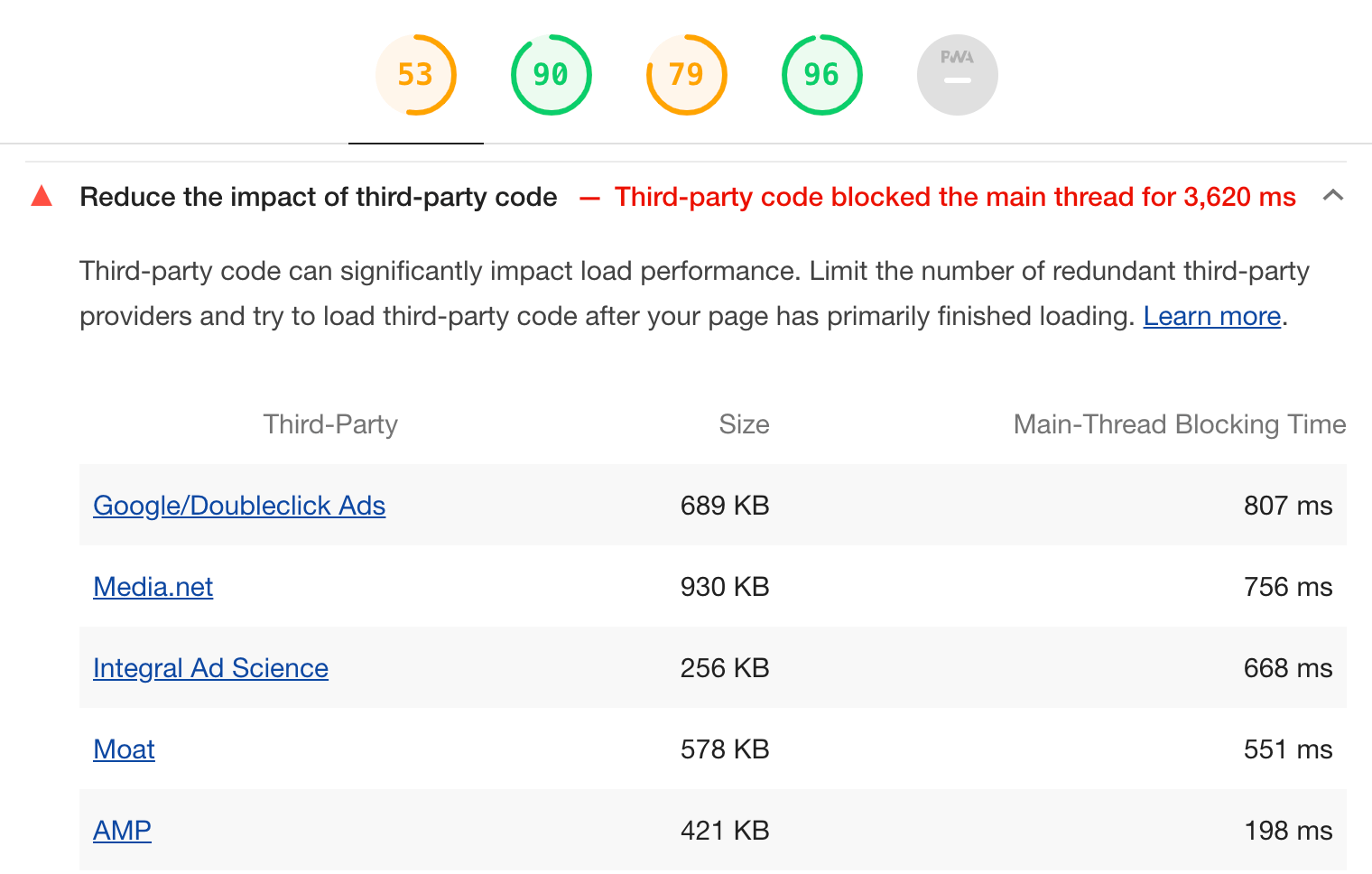
Lighthouse, Chrome’s built-in auditing tool, now shows a warning when the impact of third-party code on page load performance is too high. The pre-existing “Third-party usage” diagnostic audit will now fail if the total main-thread blocking time caused by third-parties is larger than 250ms during page load.
Note: This feature was added in Lighthouse version 5.3.0, which is currently available in Chrome Canary.
Currently, browsers still allow web pages loaded over a secure connection (HTTPS) to load images, videos, and audio over an insecure connection. Such insecurely-loaded resources on securely-loaded pages are known as “passive mixed content,” and they represent a security and privacy risk.
An insecurely-loaded image can allow an attacker to communicate incorrect information to the user (e.g., a fabricated stock chart), mutate client-side state (e.g., set a cookie), or induce the user to take an unintended action (e.g., changing the label on a button).
Starting next February, Chrome will auto-upgrade all passive mixed content to https:, and resources that fail to load over https: will be blocked. According to data from Chrome Beta, auto-upgrade currently fails for about 30% of image loads.
Fast connections are still not common in many countries
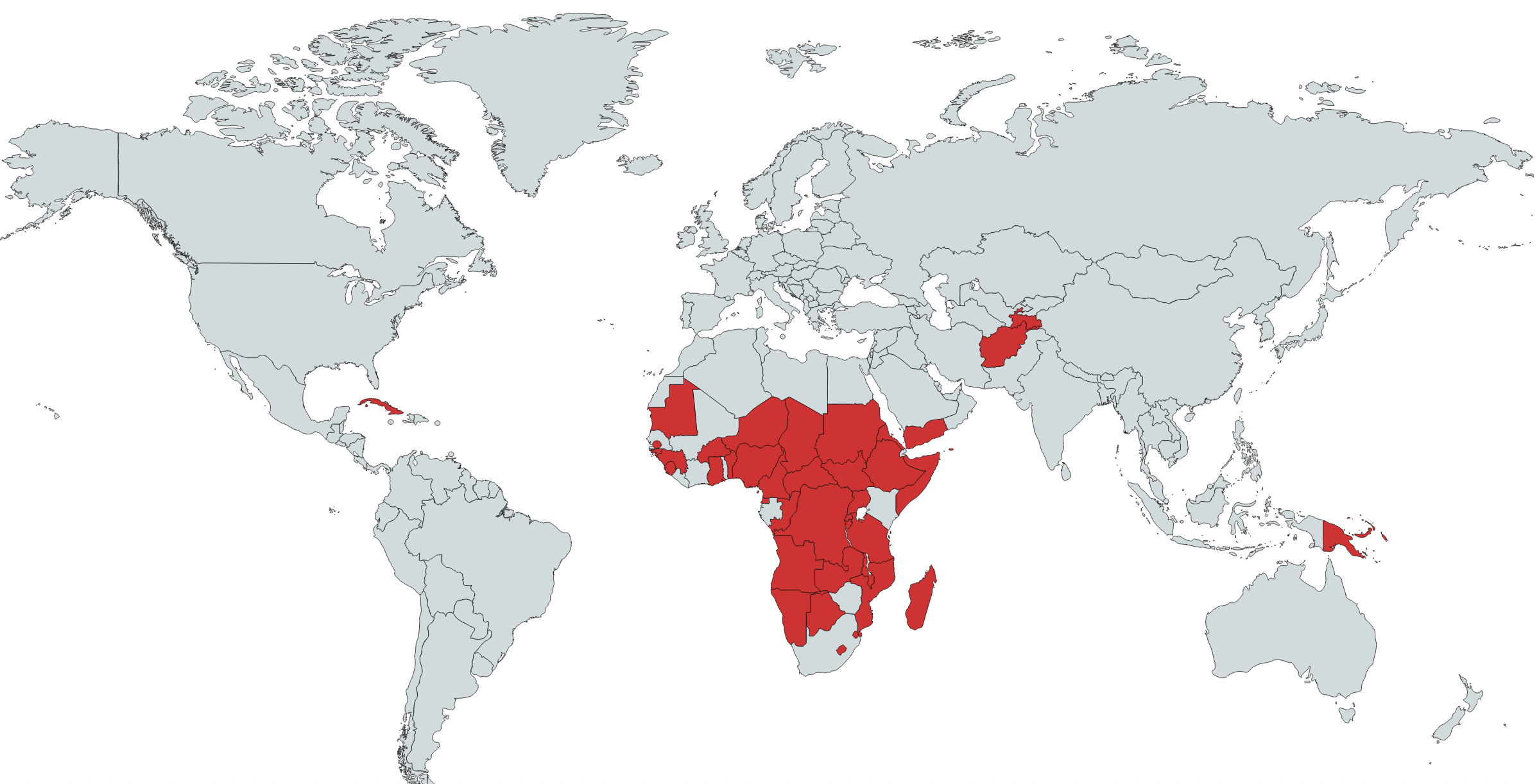
Data from Chrome UX Report shows that there are still many countries and territories in the world where most people access the Internet over a 3G or slower connection. (This includes a number of small island nations that are not visible on this map.)
WebPageTest is an online tool and an Open Source project to help developers audit the performance of their websites. As a Web Performance Evangelist at Theodo, I use it every single day. I am constantly amazed at what it offers to the web development community at large and the web performance folks particularly — for free.
But things can get difficult pretty quickly when dealing with Single Page Applications — usually written with React, Vue, Svelte or any other front-end framework. How can you get through a log in page? How can you test the performance of your users’ flow, when most of it happens client-side and does not have a specific URL to point to?
Throughout this article, we are going to find out how to solve these problems (and many more), and you’ll be ready to test the performance of your Single Page Application with WebPageTest!
Note: This articles requires an intermediate understanding about some of WebPageTest advanced features.
If you are curious about web performance and want a good introduction to WebPageTest, I would highly recommend the following resources:
Single Page Applications (SPAs) radically changed the way websites work. Instead of letting the back end (e.g. Django, Rails and Laravel) do most of the grunt work and delivering „ready-to-use” HTML to the browser, SPAs rely heavily on JavaScript to have the browser compute HTML. Such front-end frameworks include React, Vue, Angular or Svelte.
The simplicity of WebPageTest is what makes part of its appeal to developers: head to http://webpagetest.org/easy, enter your URL, wait a little, and voilà! Your performance audit is ready.
If you are building an SPA and want to measure its performance, you could rely on end-to-end testing tools like Selenium, Cypress or Puppeteer. However, I have found that none of these has the amount of performance-related information and easy-to-use tooling that WebPageTest offers.
But testing SPAs with WebPageTest can be complex.
In many SPAs, most of the site is protected behind a log in form. I often use Netlify for hosting my sites (including my personal blog), and most of the time I spend in the application is on authenticated pages, like the dashboard listing all my websites. As the information on my dashboard is specific to me, any other user trying to access https://app.netlify.com/teams/phacks/sites is not going to see my dashboard, but will instead be redirected to either a login or 404 page.
The same goes for WebPageTest. If I enter my dashboard URL into http://webpagetest.org/easy, the audit will be performed against the login page.
Moreover, testing and monitoring the performance of dynamic interactions in SPAs cannot be achieved with simple WebPageTest audits.
Here’s an example. Nuage is a domain name registrar with fancy animations and a beautiful, dynamic interface. When you search for domain names to buy, an asynchronous call fetches the results of the request and the results are displayed as they are retrieved.
As you might have noticed in the video above, the URL of the page does not change as I type my search terms. As a consequence, it is not possible to test the performance of the search experience using a simple WebPageTest audit as we do not have a proper URL to point to the action of searching something — only to an empty search page.
Some other problems can arise from the SPA paradigm shift when using WebPageTest:
Clicking around to navigate a webpage is usually harder than merely heading to a new URL, but it is sometimes the only option in SPAs.
Authentication in SPAs is usually implemented using JSON Web Tokens instead of good ol’ cookies, which rules out the option of setting authentication cookies directly in WebPageTest (as described here).
Using React and Redux (or other application state management libraries) for your SPA can mean that forms are harder to fill out programmatically, since using .innerText() or .value() to set a field’s value may not forward it to the application store.
As API calls are often asynchronous and various loaders can be used to indicate a loading state, those can „trick” WebPageTest into believing the page has actually finished loading when it has, in fact, not. I have seen it happen with longer-than-usual API calls (5+ seconds).
As I have faced these problems on several projects, I have come up with a range of tips and techniques to counter them.
The many ways of selecting an element
Selecting DOM elements is a key part of doing all sorts of automated testing, be it for end-to-end testing with Selenium or Cypress or for performance testing with WebPageTest. Selecting DOM elements allows us to click on links and buttons, fill in forms and more generally interact with the application.
There are several ways of selecting a particular DOM elements using native browser APIs, that range from the straightforward document.getElementsByClassName to the thorny but really powerful XPath selectors. In this section, we will see three different possibilities, ordered by increasing complexity.
Get an element by id, className or tagName
If the element you want to select (say, an „Empty Cart” button) has a specific and unique id (e.g. #empty-cart), class name, or is the only button on the page, you can click on it using the getElementsBy methods:
const emptyCartButton = document.getElementsById("empty-cart")[0];
// or document.getElementsByClassName(".empty-cart-button")[0]
// or document.getElementsByTagName("button")[0]
emptyCartButton.click();
If you have several buttons on the same page, you can filter the resulting list before interacting with the element:
Sometimes, the particular element you want to interact with does not present an interesting unicity property in either its ID, class or tag.
One way to circumvent this issue is to add this unicity manually, for testing purposes only. Adding #perf-test-empty-cart-button to a specific button is innocuous for your website markup and can dramatically simplify your testing setup.
However, this solution can sometimes be out of reach: you may not have access to the source code of the application, or may not be able to deploy new versions quickly. In those situations, it is useful to know about document.querySelector (and its variant document.querySelectorAll) and using complex CSS selectors.
Here are a few examples of what can be achieved with document.querySelector:
// Select the first input with the `name="username"` property
document.querySelector("input[name='username']");
// Select all number inputs
document.querySelectorAll("input[type='number']");

// Select the first h1 inside the <section>
document.querySelector("section h1");

// Select the first direct descendent of a <nav> which is of type <img>
document.querySelector("nav > img");
What’s interesting here is you have the full power of CSS selectors at hand. I encourage you to have a look at the always-useful MDN’s reference table of selectors!
Going nuclear: XPath selectors
XML Path Language (XPath), albeit really powerful, is harder to grasp and maintain than the CSS solutions above. I rarely have to use it, but it is definitively useful to know that it exists.
One such instance is when you want to select a node by its text value, and can’t resort to CSS selectors. Here’s a handy snippet to use in those cases:
// Returns the  that has the exact content 'Sep 16, 2015'
document.evaluate(
  "//span[text()='Sep 16, 2015']",
  document,
  null,
  XPathResult.FIRST_ORDERED_NODE_TYPE,
  null
).singleNodeValue;
I will not go into details on how to use it as it would have me wander away from the goal of this article. To be fair, I don’t even know what many of the parameters above even mean. However, I can definitely recommend the MDN documentation should you want to read on the topic.
Recipes for common use cases
In the following section, we will see how to test the performance in common use cases of Single Page Applications. I call these my testing recipes.
In order to illustrate those recipes, I will use the React Admin demo website as an example. React Admin is an open source project aimed at building admin applications and back offices.
It is a typical example of a SPA because it uses React (as the name suggests), calls remote APIs, has a login interface, many forms and relies on client-side routing. I encourage you to go take a quick look at the website (the demo account is demo/demo ) in order to have an idea of what we will be trying to achieve.
Authentication and forms
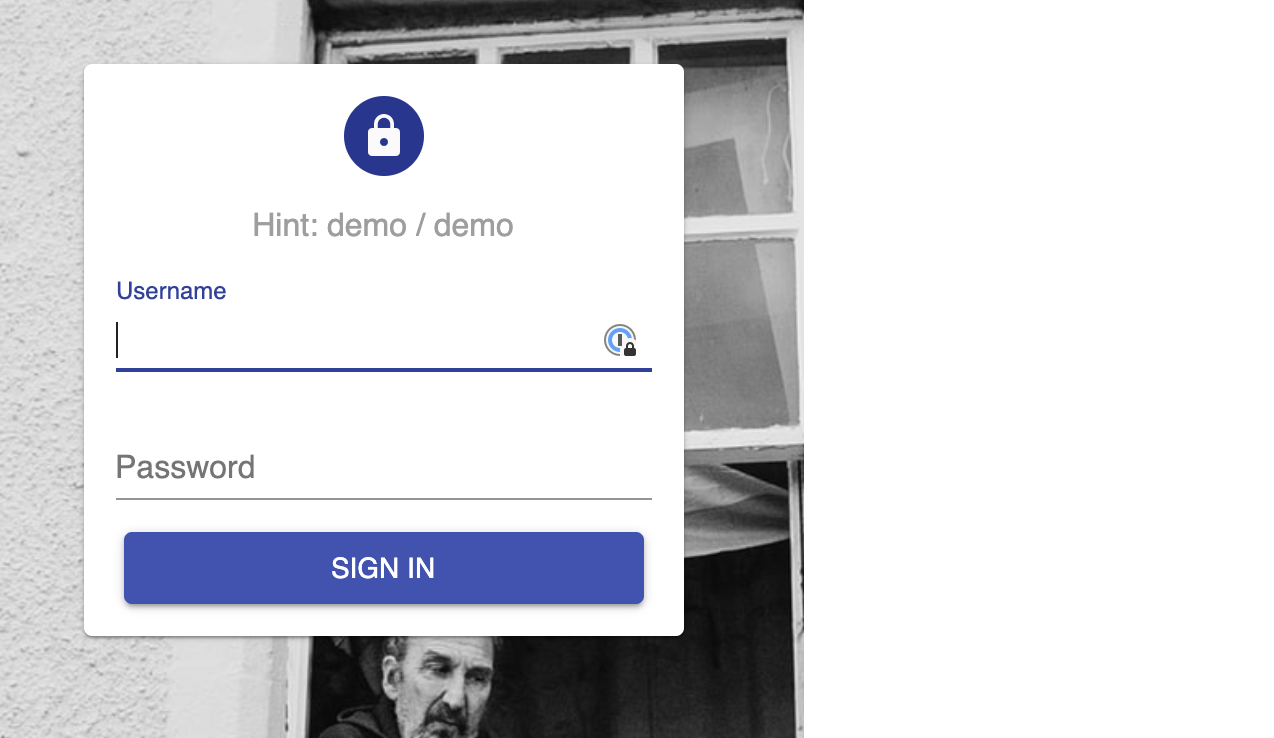
The authentication page of React Admin requires the user to input a username and a password:
The authentication screen of React Admin
Intuitively, one could take the following approach to filling in the form and submit:
const [usernameInput, passwordInput] = document.getElementsByTagName("input");
usernameInput.value = "demo"; // innerText could also be used here
passwordInput.value = "demo";
document.getElementsByTagName("button")[0].click();
If you run these commands sequentially in a DevTools console on the login page, you will see that all fields are reset and the login request fails upon submitting by clicking the button. The problem comes from the fact that the new values we set with .value() (or .innerText()) are not kicked back to the Redux store, and thus not „processed” by the application.
What we need to do then is explicitly tell React that the value has changed so that it will update internal bookkeeping accordingly. This can be achieved using the Event interface.
const updateInputValue = (input, newValue) => {
  let lastValue = input.value;
  input.value = newValue;
  let event = new Event("input", { bubbles: true });
  let tracker = input._valueTracker;
  if (tracker) {
    tracker.setValue(lastValue);
  }
  input.dispatchEvent(event);
};
setEventName    Go to Login

navigate    https://marmelab.com/react-admin-demo/

setEventName    Login

exec    const updateInputValue = (input, newValue) => {  let lastValue = input.value;  input.value = newValue;  let event = new Event("input", { bubbles: true });  let tracker = input._valueTracker;  if (tracker) {  tracker.setValue(lastValue);  }  input.dispatchEvent(event);};

exec    const [usernameInput, passwordInput] = document.getElementsByTagName("input")

exec    updateInputValue(usernameInput, "demo")
exec    updateInputValue(passwordInput, "demo")

execAndWait document.getElementsByTagName("button")[0].click()
Note that clicking on the submit button leads us to a new page and triggers API calls, which means we need to use the execAndWait command.
You can see the full results of the test at this address. (Note: the results may have been archived by WebPageTest — you can, however, run the test again yourself!)
Here is a short video (captured by WebPageTest) in which you can see that we indeed passed the authentication step:
Navigating between pages
For traditional Server Rendered pages, navigating from one URL to the next in WebPageTest scripting is done via the navigate <url> command.
However, for SPAs, this does not reflect the experience of the user, as client-side routing means that the server has no role in navigation. Thus, hitting a URL directly would significantly slow down the measured performance (because of the time it takes for the JavaScript framework to be compiled, parsed and executed), a slowdown that the user does not experience when changing pages. As it is crucial to simulate the user flow the best we can, we need to handle the navigation on the client as well.
Hopefully, this is a lot simpler to do than filling up forms. We only need to select the link (or button) that will take us to the new page, and .click() on it! Let’s follow through our previous example, although now we want to test the performance of the Reviews list, and of a single Review page.
A user would typically click on the Reviews item on the left-hand navigation menu, then on any item in the list. Inspecting the elements in DevTools may lead us to a selection strategy as follows:
document.querySelector("a[href='#reviews']"); // select the Reviews link in the menu
document.querySelector("table tr"); // select the first item in the Reviews list
As both clicks lead to page transition and API calls (to fetch the reviews), we need to use the execAndWait keyword for the script:
setEventName    Go to Login

navigate    https://marmelab.com/react-admin-demo/

setEventName    Login

exec    const updateInputValue = (input, newValue) => {  let lastValue = input.value;  input.value = newValue;  let event = new Event("input", { bubbles: true });  let tracker = input._valueTracker;  if (tracker) {    tracker.setValue(lastValue);  }  input.dispatchEvent(event);};

exec    const [usernameInput, passwordInput] = document.getElementsByTagName("input")

exec    updateInputValue(usernameInput, "demo")
exec    updateInputValue(passwordInput, "demo")

execAndWait document.getElementsByTagName("button")[0].click()

setEventName    Go to Reviews

execAndWait document.querySelector("a[href='#/reviews']").click()

setEventName    Open a single Review

execAndWait document.querySelector("table tbody tr").click()
Here’s the video of the complete script running on WebPageTest:
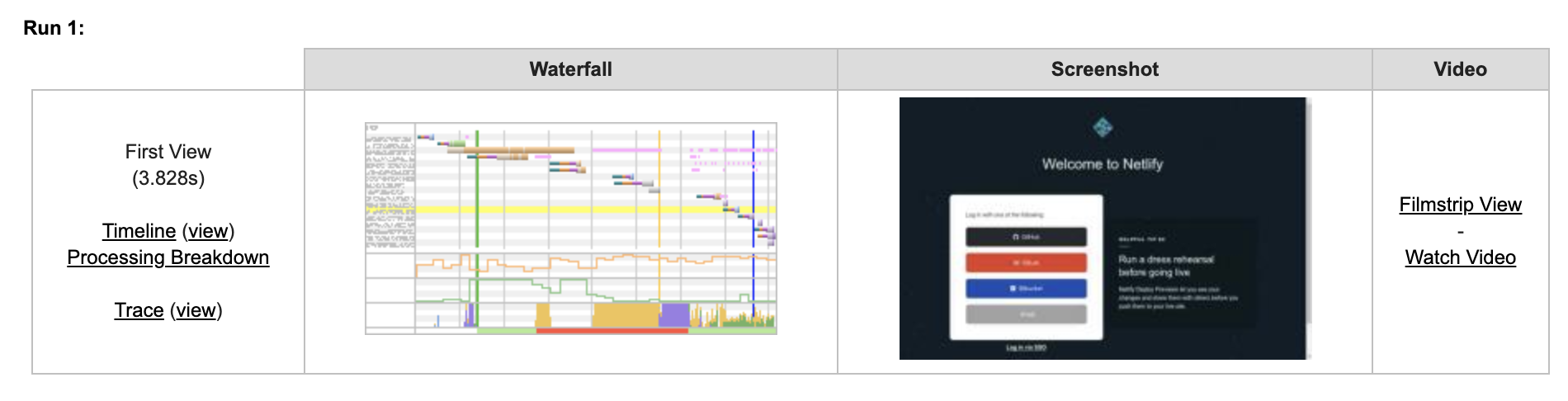
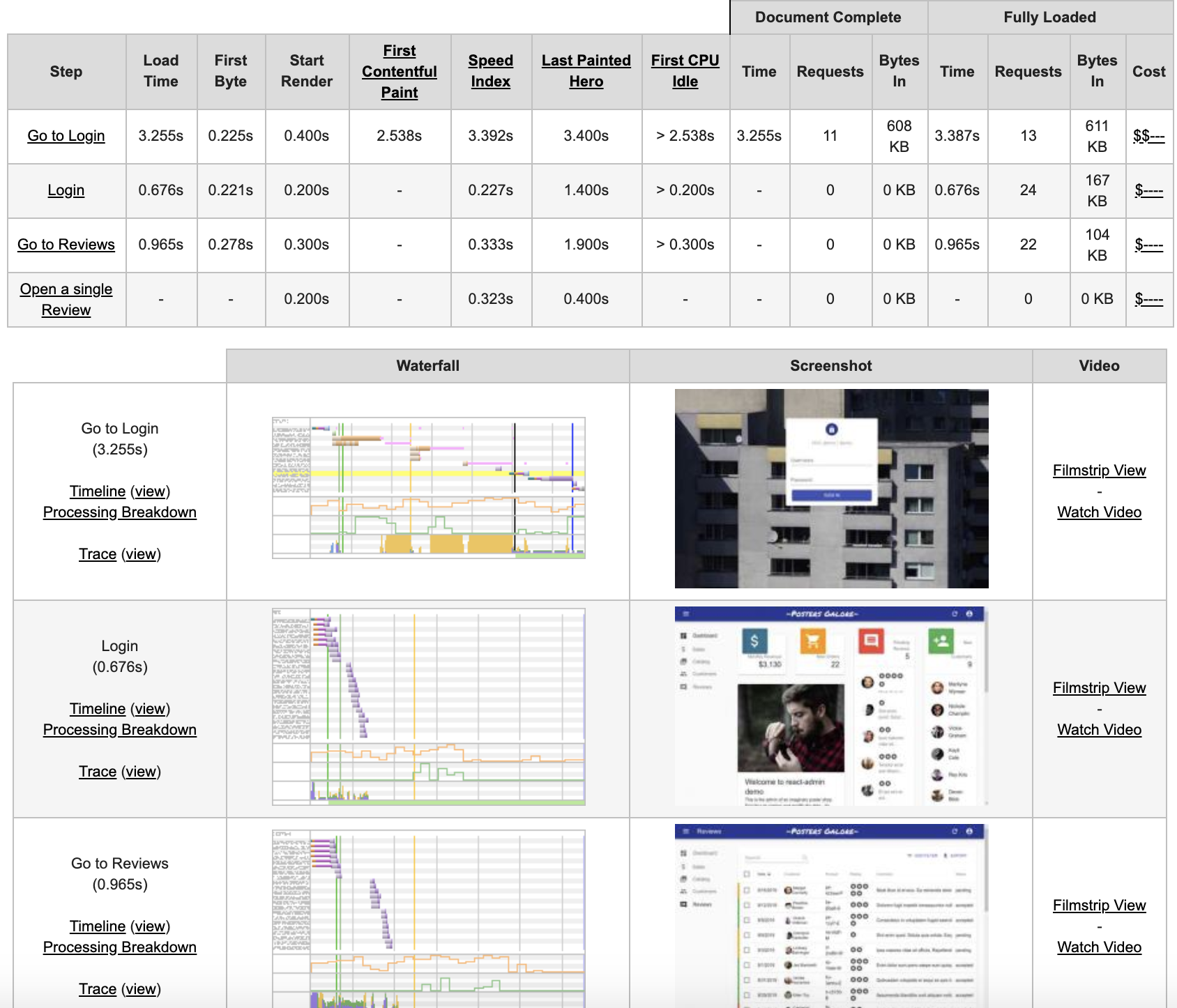
The audit result from WebPageTest shows the performance metrics and waterfall graphs for each step of the script, allowing us to monitor the performance of each API call and interaction:
What about Internet Explorer 11 compatibility?
WebPageTest allows us to select which location, browser and network conditions the test will use. Internet Explorer 11 (IE11) is among the available browser options, and if you try the previous scripts on IE11, they will fail.
The ES6 syntax problem can be overcome by translating our scripts to ES5 syntax (no arrow functions, no let and const, no array destructuring), which might look like this:
setEventName    Go to Login

navigate    https://marmelab.com/react-admin-demo/

setEventName    Login

exec    var updateInputValue = function(input, newValue) {  var lastValue = input.value;  input.value = newValue;  var event = new Event("input", { bubbles: true });  var tracker = input._valueTracker;  if (tracker) {    tracker.setValue(lastValue);  }  input.dispatchEvent(event);};

exec    var usernameInput = document.getElementsByTagName("input")[0]
exec    var passwordInput = document.getElementsByTagName("input")[1]

exec    updateInputValue(usernameInput, "demo")
exec    updateInputValue(passwordInput, "demo")

execAndWait document.getElementsByTagName("button")[0].click()

setEventName    Go to Reviews

execAndWait document.querySelector("a[href='#/reviews']").click()

setEventName    Open a single Review

execAndWait document.querySelector("table tbody tr").click()
In order to bypass the absence of CustomEvent support, we can turn to polyfills and add one manually at the top of the script. This polyfill is available on MDN:
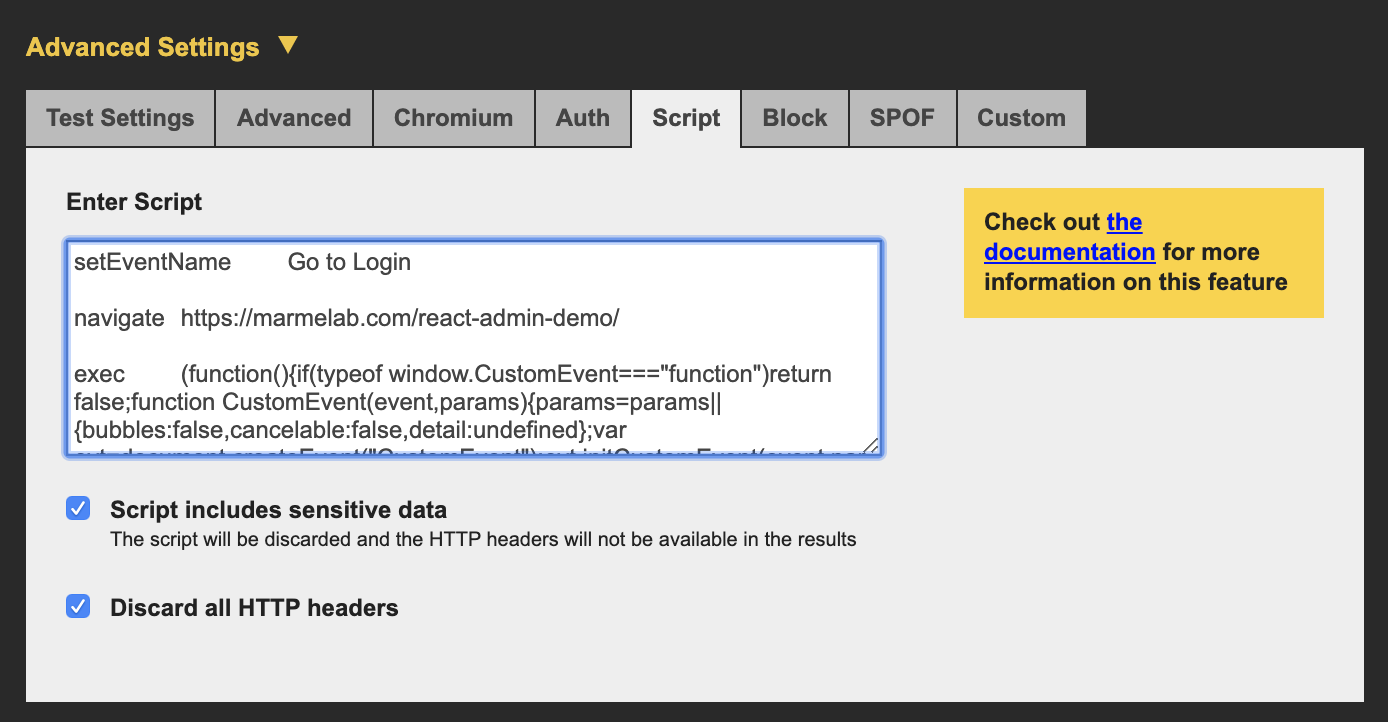
We can then replace all mentions of Event by CustomEvent, set the polyfill to fit on a single line and we are good to go!
setEventName    Go to Login

navigate    https://marmelab.com/react-admin-demo/

exec    (function(){if(typeof window.CustomEvent==="function")return false;function CustomEvent(event,params){params=params||{bubbles:false,cancelable:false,detail:undefined};var evt=document.createEvent("CustomEvent");evt.initCustomEvent(event,params.bubbles,params.cancelable,params.detail);return evt}CustomEvent.prototype=window.Event.prototype;window.CustomEvent=CustomEvent})();

setEventName    Login

exec    var updateInputValue = function(input, newValue) {  var lastValue = input.value;  input.value = newValue;  var event = new CustomEvent("input", { bubbles: true });  var tracker = input._valueTracker;  if (tracker) {    tracker.setValue(lastValue);  }  input.dispatchEvent(event);};

exec    var usernameInput = document.getElementsByTagName("input")[0]
exec    var passwordInput = document.getElementsByTagName("input")[1]

exec    updateInputValue(usernameInput, "demo")
exec    updateInputValue(passwordInput, "demo")

execAndWait document.getElementsByTagName("button")[0].click()

setEventName    Go to Reviews

execAndWait document.querySelector("a[href='#/reviews']").click()

setEventName    Open a single Review

execAndWait document.querySelector("table tbody tr").click()
Et voilà!
General tips and tricks for WebPageTest scripting
One last thing I want to do is provide a few tips and tricks that make writing WebPageTest scripts easier. Feel free to DM me on Twitter if you have any suggestions!
Security first!
Remember to tick both privacy checkboxes if your script includes senstitive data, like credentials!
WebPageTest security controls
Browse the docs
The WebPageTest Scripting docs are full of features that I didn’t cover in this article, ranging from DNS Overriding to iPhone Spoofing and even if/else conditionals.
When you plan on writing a new script, I recommend to have a look at the available parameters first and see if any can help make your scripting easier or more robust.
Long loading states
Sometimes, a remote API call (say, for fetching the reviews) will take a long time. A loading indicator, such as a spinner, can be used to tell the user to wait a bit as something is happening.
WebPageTest tries to detect when a page has finished loading by figuring out if things are changing on the screen. If your loading indicator lasts a long time, WebPageTest might mistake it for an integral part of your page design and cut the audit before the API call returns — thus truncating your measures.
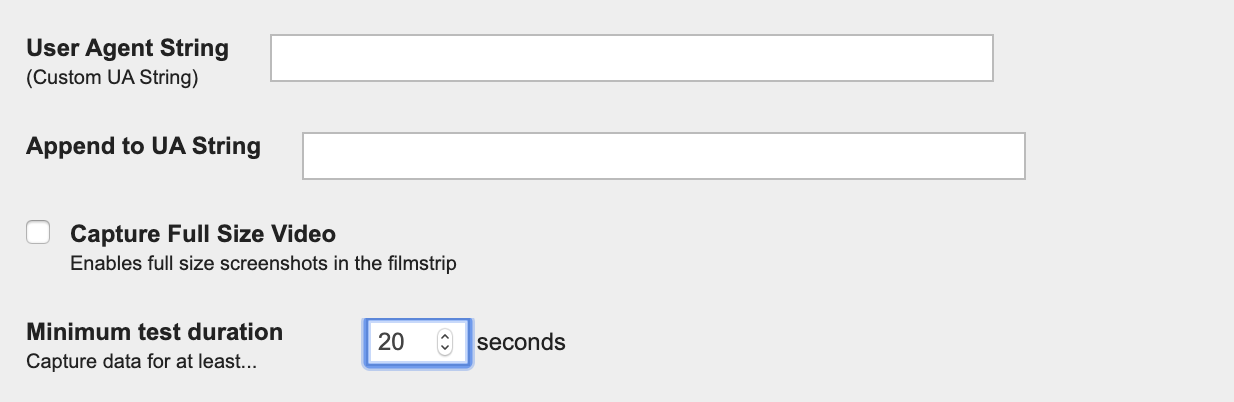
A way to circumvent this issue is to tell WebPageTest to wait at least a certain duration before stopping the test. This is a parameter available under the Advanced tab:
WebPageTest minimum test duration
Keeping your script (and results) human-readable
Use blank lines and comments (//) generously because single-line JavaScript commands can sometimes be hard to grasp.
Keep a multi-line version somewhere as your reference, and single-line everything as you are about to test. This helps readability. Like, a lot.
Use setEventName to name your different „steps.” This makes for more readable tests as it explicits the sequence of pages the audit goes through, and also appears in the WebPageTest results.
Iterating on your scripts
First, make sure that your script works in the browser. To do so, strip the WebPageTest keywords (the first word of every line of your script), then copy and paste each line in the browser console to verify that everything is working as expected at every step of the way.
Once you are ready to submit your test to WebPageTest, do it first with very light settings: only one run, a fast browser (cough — not IE11 — cough), no network throttling, no repeat view, a well-dimensioned instance (Dulles, VA, usually has good response times). This will help you detect and correct errors way faster.
Automating your scripts
Your test script is running smoothly, and you start getting performance reports of your Single Page App. As you ship new features, it is important that you monitor its performance regularly to catch regressions at the earliest.
To address this problem, I am currently working on Falco, a soon-to-be-open-sourced WebPageTest test runner. Falco takes care of automating your audits, then presents the results in an easy-to-read interface while letting you read the full reports when you need it. You can follow me on Twitter to know when it goes open source, and learn more about web performance and WebPageTest!
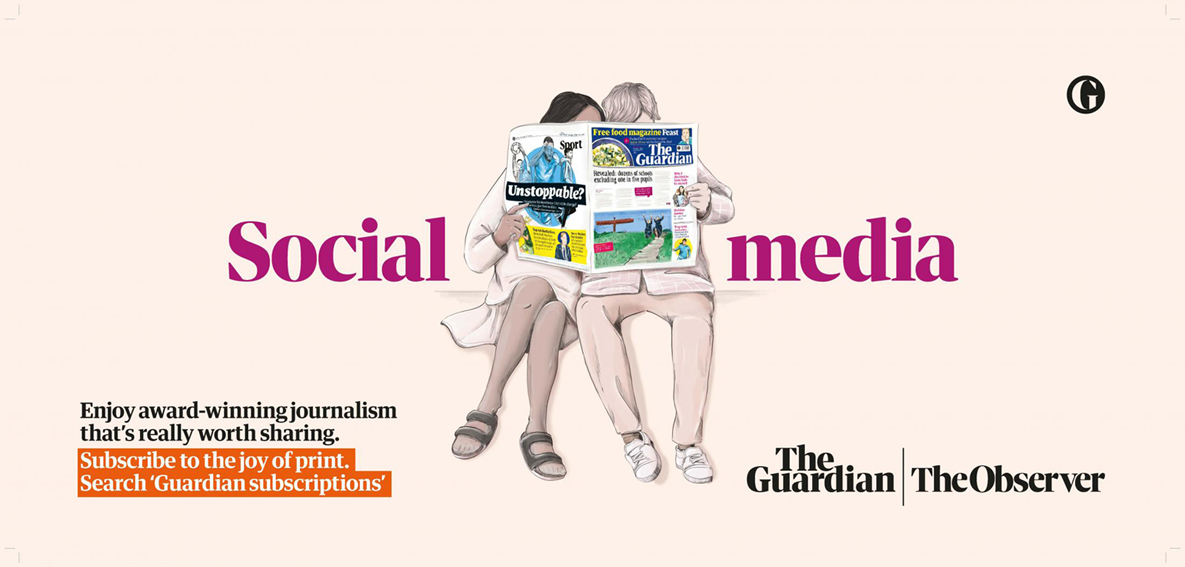
Looking at the current scenario when people are always on social media, this ad reminds you of so many things that you miss out. There is so much that you lose on social media; sometimes your life as well.
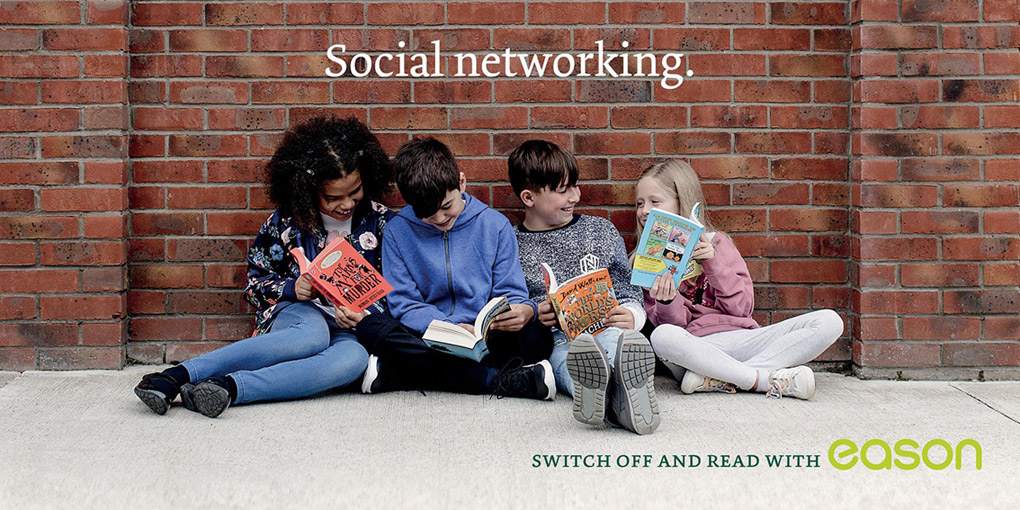
Looking at the current scenario when people are always on social media, this ad reminds you of so many things that you miss out. There is so much that you lose on social media; sometimes your life as well.
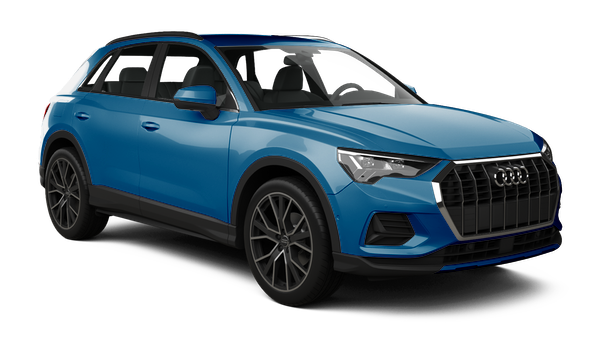
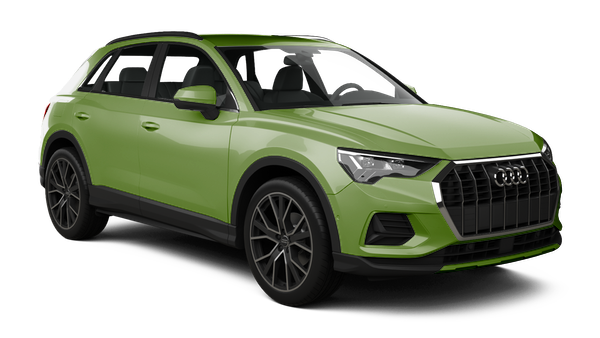
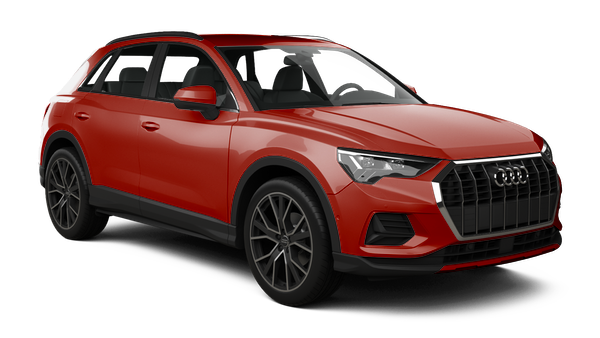
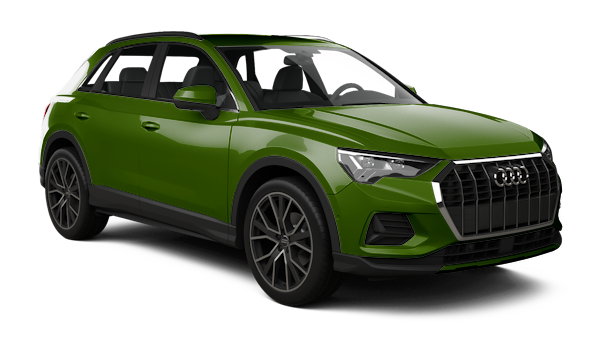
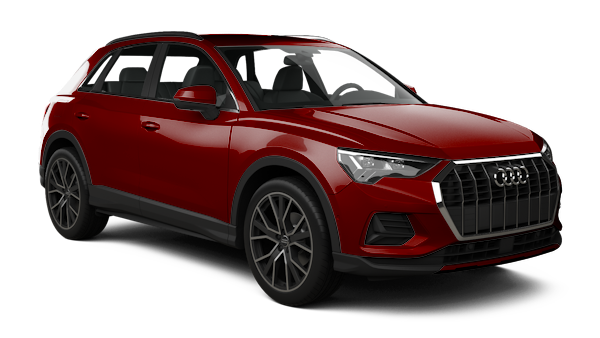
I recently found a solution to dynamically update the color of any product image. So with just one <img> of a product, we can colorize it in different ways to show different color options. We don’t even need any fancy SVG or CSS to get it done!
We’ll be using an image editor (e.g. Photoshop or Sketch) and the image transformation service imgix. (This isn’t a sponsored post and there is no affiliation here — it’s just a technique I want to share.)
I work with a travel software company called CarTrawler on the engineering team, and I recently undertook a project a revamp our car images library that we use to display car rental search results. I wanted to take this opportunity to introduce dynamically colored cars.
We may sometimes load up to 200 different cars at the same time, so speed and performance are key requirements. We also have five different products throughout unique code bases, so avoiding over-engineering is vital to success.
I wanted to be able to dynamically change the color of each of these cars without needing additional front-end changes to the code.
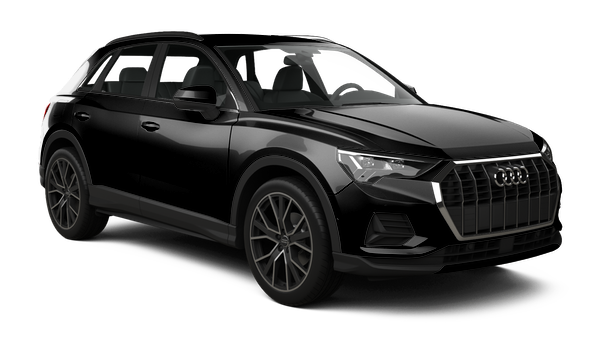
Step 1: The Base Layer
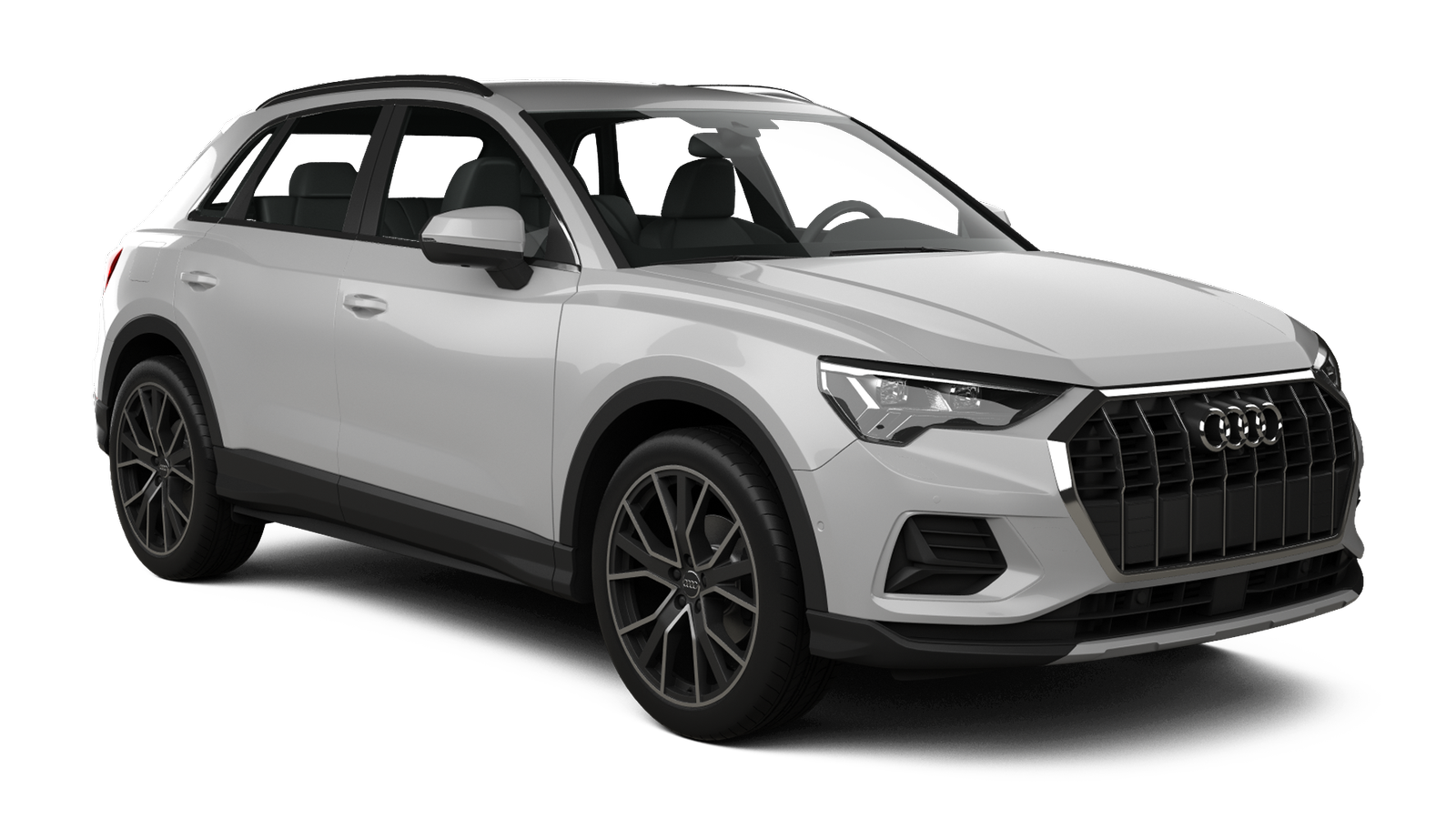
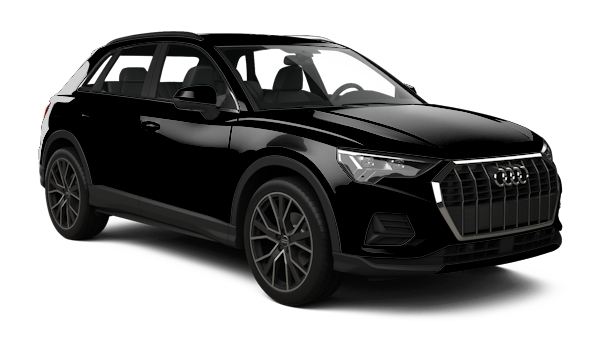
I’m using car photos here, but this technique could be applied to any product. First we need a base layer. This is the default layer we would display without any color and it should look good on its own.
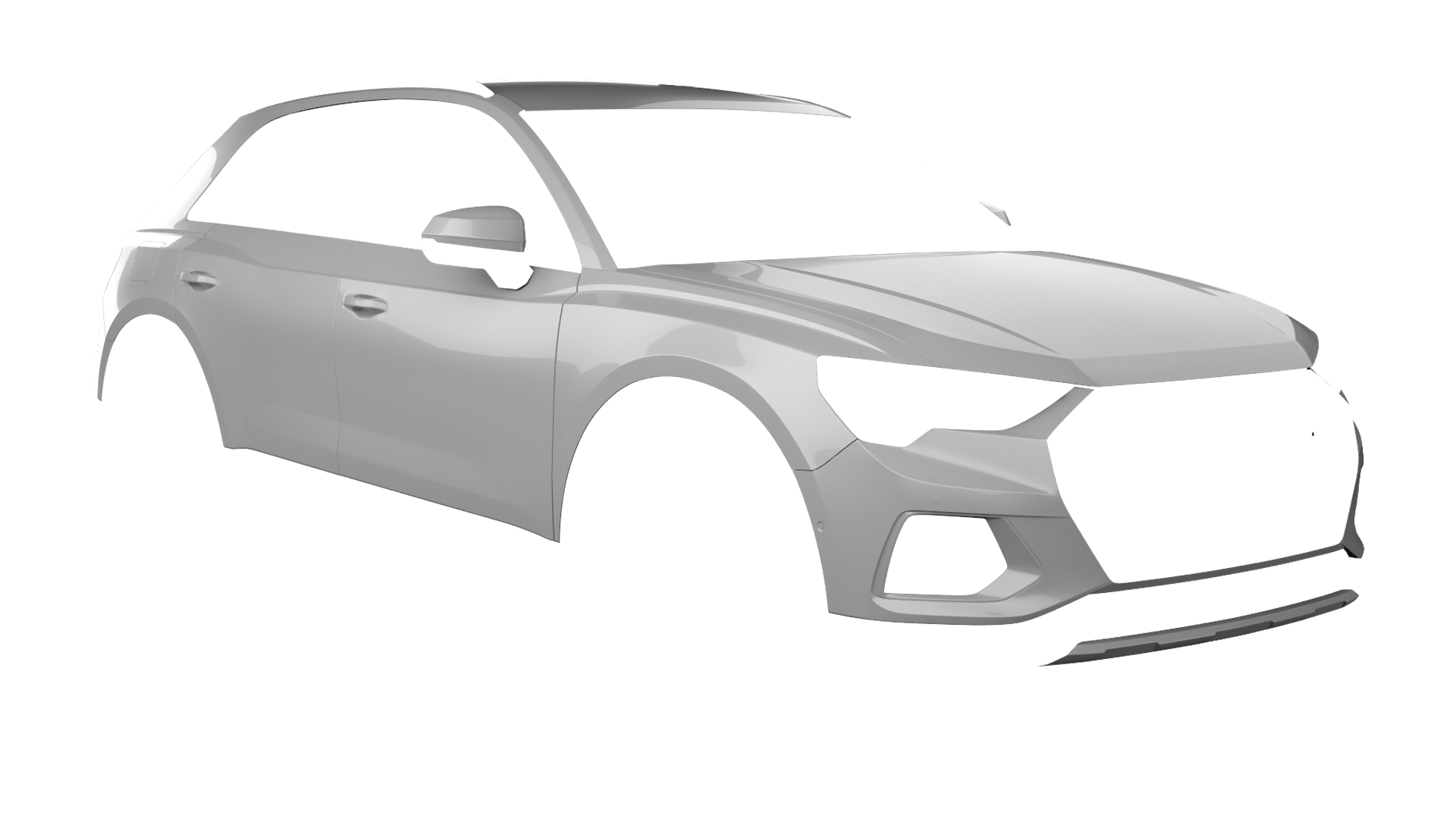
Step 2: The Paint Layer
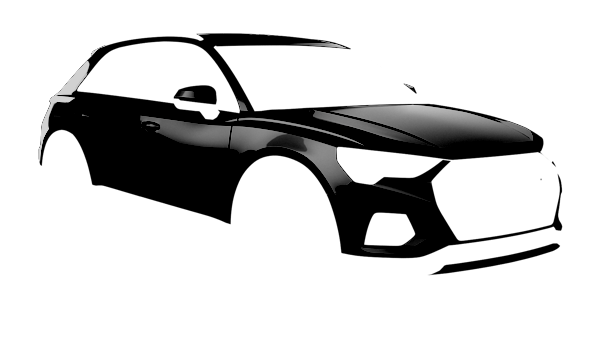
Next we create a paint layer that is the same dimensions as the base layer, but only contains the areas where the colors should change dynamically.
A light color is key for the paint layer. Using white or a light shade of gray gives us a great advantage because we are ultimately “blending” this image with color. Anything darker or in a different hue would make it hard to mix this base color with other colors.
Step 3: Using the imgix API
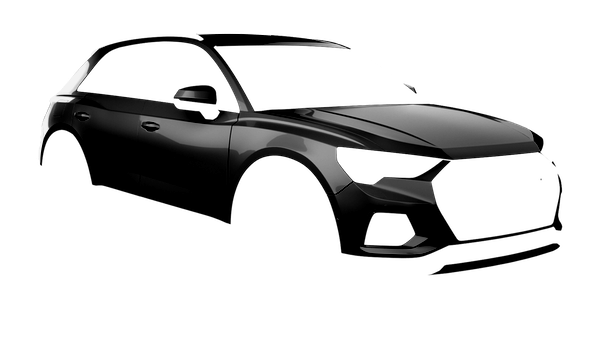
This is where things get interesting. I’m going to leverage multiple parameters from the imgixAPI. Let’s apply a black to our paint layer.
If you noticed the URL of the image above, you might be wondering: What the heck are all those parameters? The imgix API docs have a lot of great information, so no need to go into greater detail here. But I will explain the parameters I used.
w. The width I want the image to be
bri. Adjusts the brightness level
con. Adjusts the amount of contrast
monochrome. The dynamic hex color
Because we are going to stack our layers via imgix we will need to encode our paint layer. That means replacing some of the characters in the URL with encoded values — like we’d do if we were using inline SVG as a background image in CSS.
That’s it! There are certainly other ways to accomplish the same thing, but this seems so straightforward that it’s worth sharing. There was no need code a bunch of additional functionality. No complex libraries to manage or wrangle. All we need is a couple of images that an online tool will stack and blend for us. Seems like a pretty reasonable solution!